
The 12 Best AI Video Creation Tools for 2025: A Complete Guide
The landscape of video creation is undergoing a seismic shift. Gone are the days when high-quality video production was the exclusive domain of studios with massive budgets and complex software. Today, a new wave of AI video creation tools is democratizing the process, allowing anyone from solo creators to enterprise marketing teams to turn simple text prompts, ideas, or even still images into compelling, cinematic video content in minutes.
This new accessibility has been accelerated by the development of more advanced open-source models. For instance, technical users exploring self-hosted options are experimenting with models like Wan2.2 GGUF for powerful AI video generation to gain granular control over their outputs. However, with a rapidly expanding market of user-friendly platforms, choosing the right tool for your specific needs can feel overwhelming.
This guide cuts through the noise. We provide a detailed, hands-on review of the 12 best AI video tools available, breaking down their specific strengths, practical use cases, pricing models, and honest limitations. Each profile includes screenshots and direct links to help you evaluate your options quickly. Whether you're a YouTuber creating content, a marketer producing ads, or an artist animating your work, this resource is designed to help you find the perfect AI partner for your workflow. We'll show you exactly what each platform can do, so you can move from concept to finished video faster than ever before.
1. Auralume AI
Best For: Creators who need maximum creative flexibility and speed in one unified platform.
Auralume AI positions itself as a powerful, all-in-one studio for a reason. Instead of locking users into a single proprietary model, it functions as a strategic aggregator, providing access to a curated marketplace of leading AI video and image engines like Google’s Veo, OpenAI's Sora, Pika, and more. This multi-model approach is a significant advantage, allowing creators to select the ideal engine for a specific aesthetic or technical need, from photorealistic scenes to stylized animation, all within one interface.
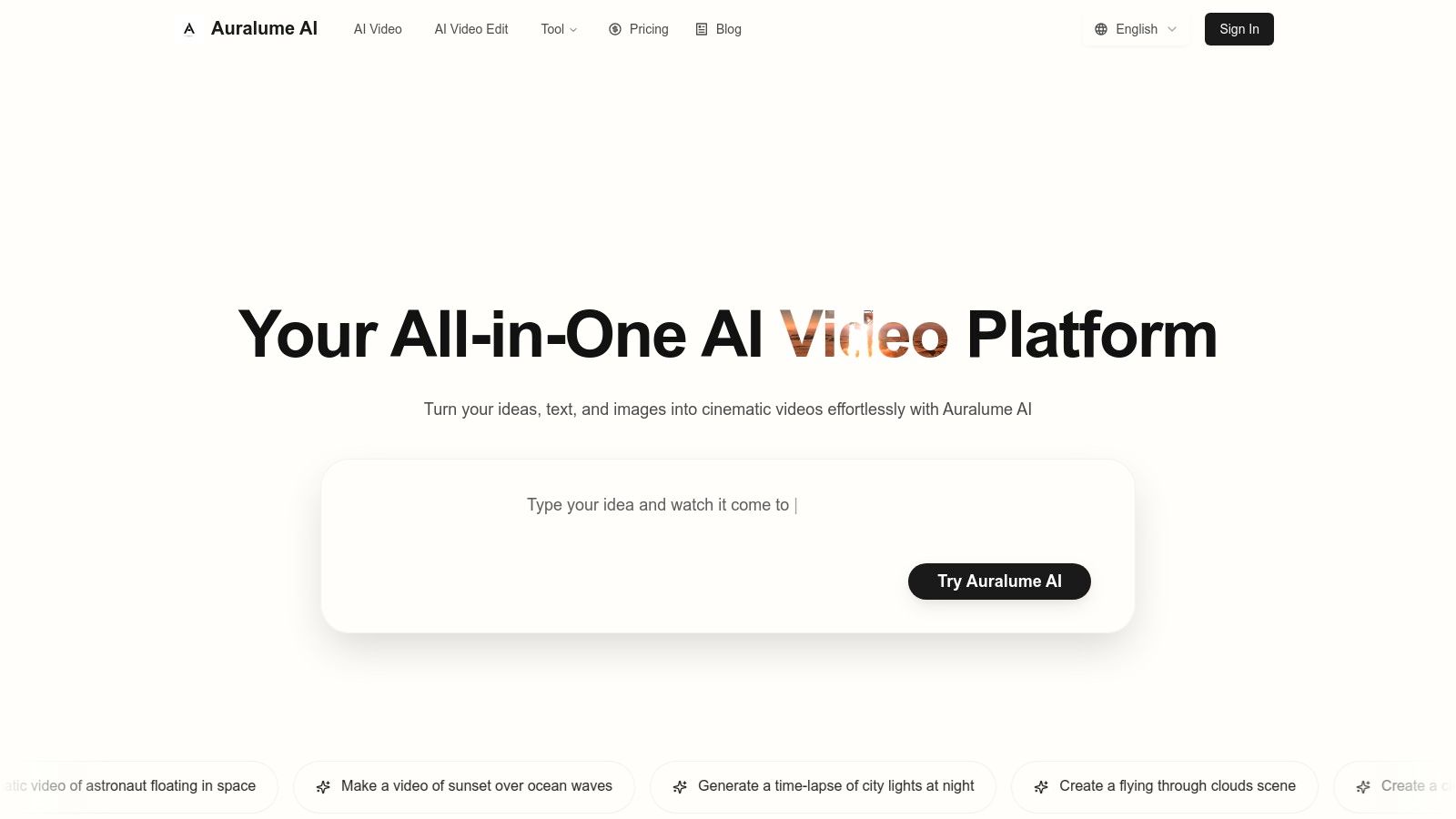
The platform excels at streamlining the entire generation workflow. Its built-in Prompt Wizard is a standout feature, automatically optimizing and coaching user inputs to achieve professional-grade results without a steep learning curve. This makes it one of the most accessible yet potent ai video creation tools for both novices and experts. Users can generate video from text, animate still images with cinematic effects, and then enhance the output’s quality using integrated image and video upscalers.
Key Features and Pricing
- Model Marketplace: Access top-tier AI models (Google Veo, Sora, Pika) to match any project's stylistic requirements.
- Prompt Wizard: An intelligent assistant that helps refine prompts for superior output, removing technical barriers.
- Integrated Upscalers: Improve the fidelity of both generated images and video clips directly within the platform.
- Flexible Pricing: Auralume offers pay-as-you-go credits that never expire ($10 for 500 credits) and subscription plans. The Starter plan is about $31.20/month (billed yearly) for 2,300 credits, while the Pro plan is about $79.20/month (billed yearly) for 6,600 credits and adds a "Stealth Mode" to keep creations private.
Practical Use Cases
This tool is exceptionally well-suited for marketers prototyping ad concepts, social media managers animating static brand assets, and filmmakers quickly visualizing storyboards. For example, a designer can upload a product illustration and use the image-to-video function to generate a dynamic, eye-catching promotional clip in seconds.
Pros:
- Unmatched flexibility with access to multiple best-in-class AI models.
- Beginner-friendly interface with pro-level output thanks to prompt assistance.
- Comprehensive workflow from generation to upscaling in one place.
- Transparent pricing with both subscription and non-expiring credit options.
Cons:
- Generations are public by default on lower tiers; privacy requires a Pro subscription.
- Not a full replacement for traditional video editors for complex, multi-layered projects.
Website: https://auralumeai.com
2. Runway
Runway stands out as a sophisticated, browser-based suite for creators who demand high-fidelity output and granular control. It's a leader in the text-to-video space, known for its cutting-edge models like Gen-3 Alpha, which produce some of the most coherent and aesthetically pleasing AI-generated clips available. This platform is more than just a generator; it’s an integrated ecosystem combining generative AI with a powerful video editor, making it one of the most comprehensive ai video creation tools for professionals.
Unlike simpler tools, Runway offers advanced features that appeal to filmmakers and creative agencies. The platform’s Motion Brush tool, for instance, allows you to "paint" motion onto specific areas of a still image, providing a unique level of artistic direction. This makes it ideal for animating concept art, bringing product photos to life, or creating dynamic visual effects for promotional content.
Key Features & Considerations
- Standout Models: Access to Gen-3 Alpha for state-of-the-art text-to-video and image-to-video generation.
- Advanced Editing: A multi-track editor with AI-powered tools like Inpainting (removing objects) and Frame Interpolation (creating slow-motion effects).
- Pricing Model: Runway uses a credit-based system. The free tier provides initial credits, but consistent use requires a subscription (starting at $12/user/month for more credits). Video generation consumes credits based on duration, which can be complex to manage initially.
- Best For: Creative professionals, artists, and marketing teams needing high-quality generative video with fine-tuned control and integrated editing capabilities.
Runway is positioned for users who are serious about incorporating AI into their creative workflow, from initial concepting to final edits.
Website: https://runwayml.com
3. Luma AI (Dream Machine)
Luma AI has rapidly gained attention with its Dream Machine model, a powerful generator focused on creating highly realistic and fluid video clips. It excels at understanding physical interactions and producing natural motion, making it a strong contender for creators who prioritize lifelike output over stylized effects. As one of the more accessible ai video creation tools, it offers a streamlined experience through both its web interface and a dedicated iOS app, appealing to users who need quality results on the go.
The platform's strength lies in generating short, high-fidelity scenes that feel cohesive and dynamic. While it lacks the integrated multi-track editing suites of more complex platforms, its core text-to-video engine is impressive. This makes it ideal for producing quick, cinematic shots for social media, prototyping visual concepts, or creating b-roll footage where realism is key. The simplicity of its interface allows users to generate clips quickly without a steep learning curve.
Key Features & Considerations
- Realistic Motion: Specializes in generating video with a strong grasp of physics, object interaction, and fluid character movement.
- Multi-Platform Access: Available on both a web browser and a native iOS app, providing flexibility for different creative workflows.
- Pricing Model: Operates on a credit system with a free tier offering a generous number of initial generations per month. Paid plans (starting at $29.99/month) provide more credits, faster generation times, up-res capabilities up to 4K, and commercial usage rights.
- Best For: Social media marketers, concept artists, and filmmakers who need to generate short, photorealistic clips quickly and efficiently without extensive editing requirements.
Luma AI’s Dream Machine is an excellent choice for users focused purely on high-quality video generation, especially for clips under five seconds.
Website: https://lumalabs.ai
4. Synthesia
Synthesia carves out its niche as an enterprise-focused platform designed for creating professional, avatar-driven videos with ease. Instead of open-ended video generation, it excels at turning scripts into polished presentations for corporate training, sales enablement, and instructional content. It empowers business teams to produce consistent, high-quality videos without needing cameras, actors, or complex editing skills, positioning it as a powerful communication tool among ai video creation tools.
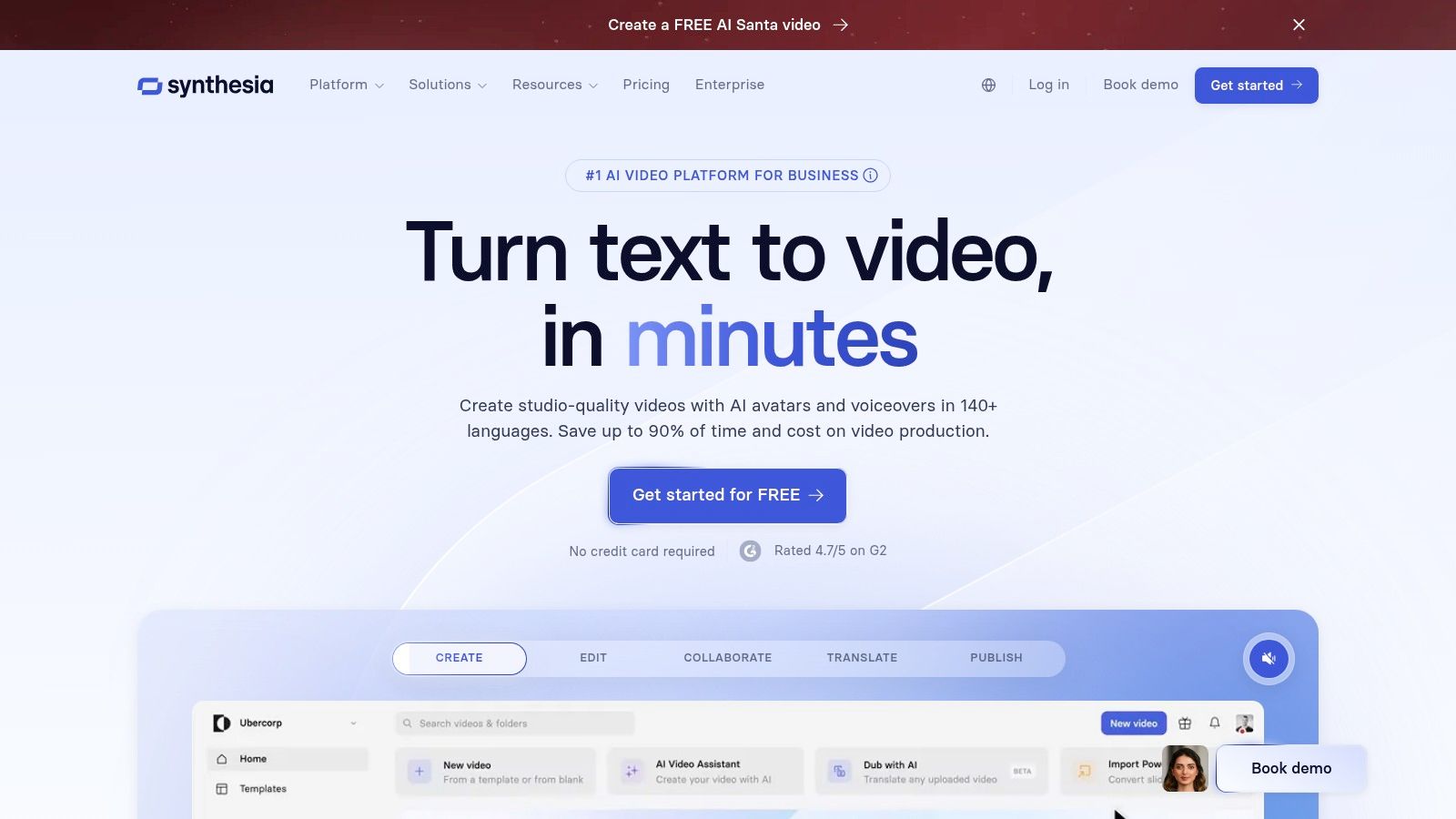
The platform’s core strength lies in its extensive library of high-quality AI avatars and a web-based editor built for scripted workflows. Users simply choose an avatar, paste their text, and the AI generates a spoken-word video. With features for multi-language dubbing and team collaboration, it’s built for scale, allowing organizations to localize content and maintain brand consistency across all video communications. If you want to dive deeper into how this platform is used, you can explore more about Synthesia's capabilities.
Key Features & Considerations
- AI Avatars & Presenters: Access to over 150 diverse, photorealistic AI avatars to serve as on-screen presenters for your video scripts.
- Multi-Language Support: Automatically translate and generate video scripts in over 120 languages and accents, making content localization seamless.
- Template-Based Workflow: An intuitive, slide-based editor with pre-designed templates simplifies the video creation process for non-editors.
- Pricing Model: Geared towards business use, with plans starting at $22/month (billed annually) for individuals and custom pricing for enterprise teams.
- Best For: Corporate training departments, L&D professionals, and marketing teams needing to efficiently create scalable, script-based video content like how-tos and internal communications.
Synthesia is the go-to solution for businesses prioritizing efficiency and consistency in their instructional and corporate video production.
Website: https://www.synthesia.io
5. HeyGen
HeyGen specializes in generating polished, AI-driven avatar videos with remarkable speed and efficiency. Instead of focusing on cinematic scene generation, its strength lies in creating professional-looking talking-head videos for corporate training, marketing, and sales outreach. This makes it one of the most practical ai video creation tools for businesses needing to produce scalable, personalized video content without the overhead of cameras, crews, or studios.
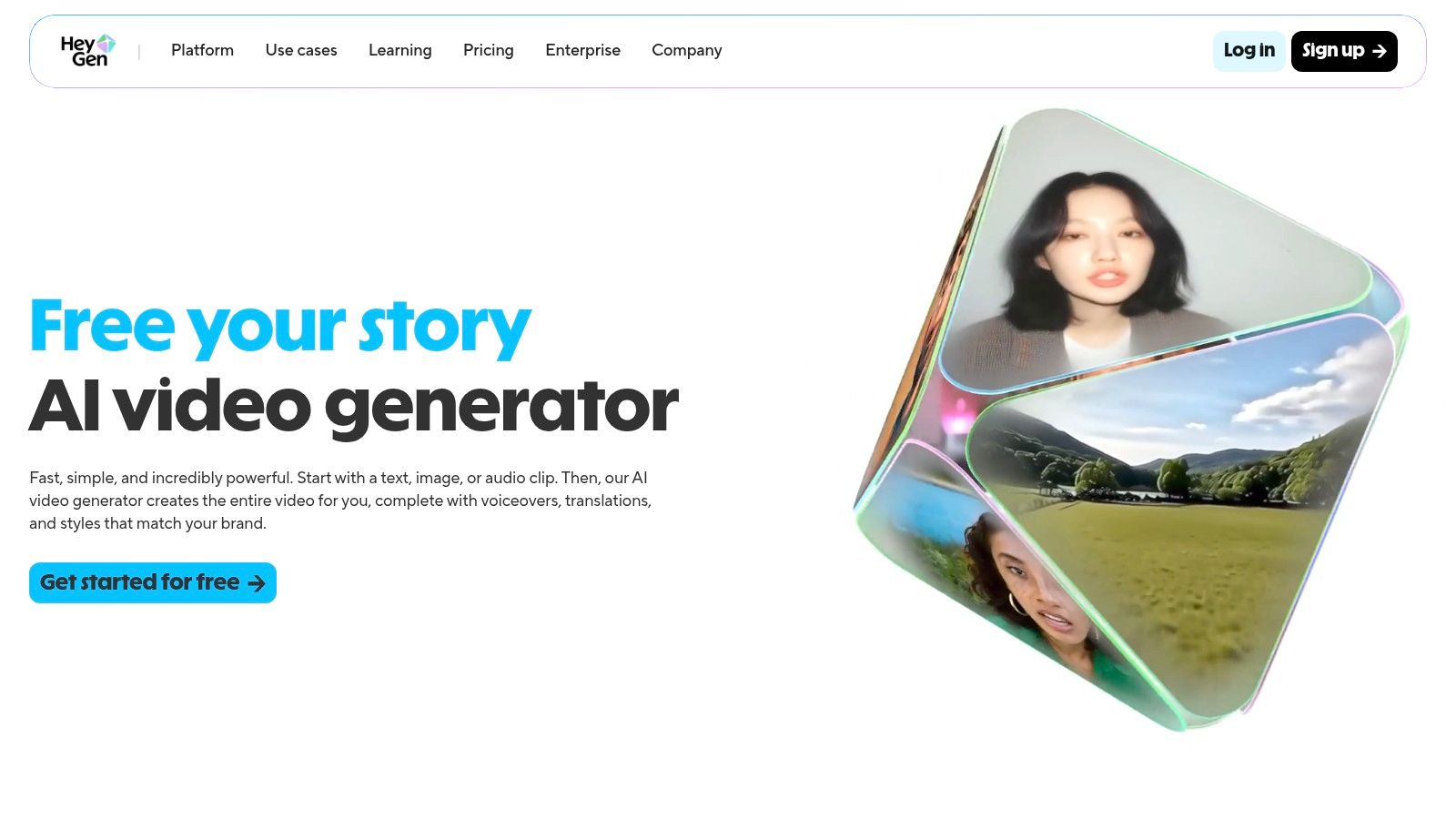
The platform shines with its powerful localization features, including highly accurate voice cloning and video translation into over 175 languages. This allows creators to take a single video and adapt it for global audiences while maintaining the original speaker's voice and natural lip movements. Features like its interactive Video Agent and API access further empower businesses to integrate automated video creation into their workflows.
Key Features & Considerations
- AI Avatars & Voice Cloning: Choose from hundreds of stock avatars or create a custom one. The voice cloning feature lets you upload a sample and generate speech in any language with your own voice.
- Localization & Dubbing: A standout feature for translating video content quickly, making it ideal for international marketing and e-learning modules.
- Pricing Model: Offers a free trial with one credit. Paid plans start at $24/month (billed annually) for 180 credits per year. Credit usage is clearly defined, with features like 4K export and premium voices consuming more credits.
- Best For: Marketing teams, corporate trainers, and sales professionals who need to produce high-quality, scalable talking-head and explainer videos for diverse audiences.
HeyGen is the go-to solution for anyone prioritizing speed and scalability in avatar-based video production over complex, artistic scene generation.
Website: https://www.heygen.com
6. Descript
Descript revolutionizes video editing by treating it like a word document. This AI-powered platform is designed for creators who prioritize narrative and efficiency, allowing you to edit complex video and audio by simply editing the auto-generated transcript. It merges a traditional editor timeline with text-based controls, making it one of the most intuitive ai video creation tools for content repurposing and dialogue-heavy projects like podcasts, interviews, and tutorials.
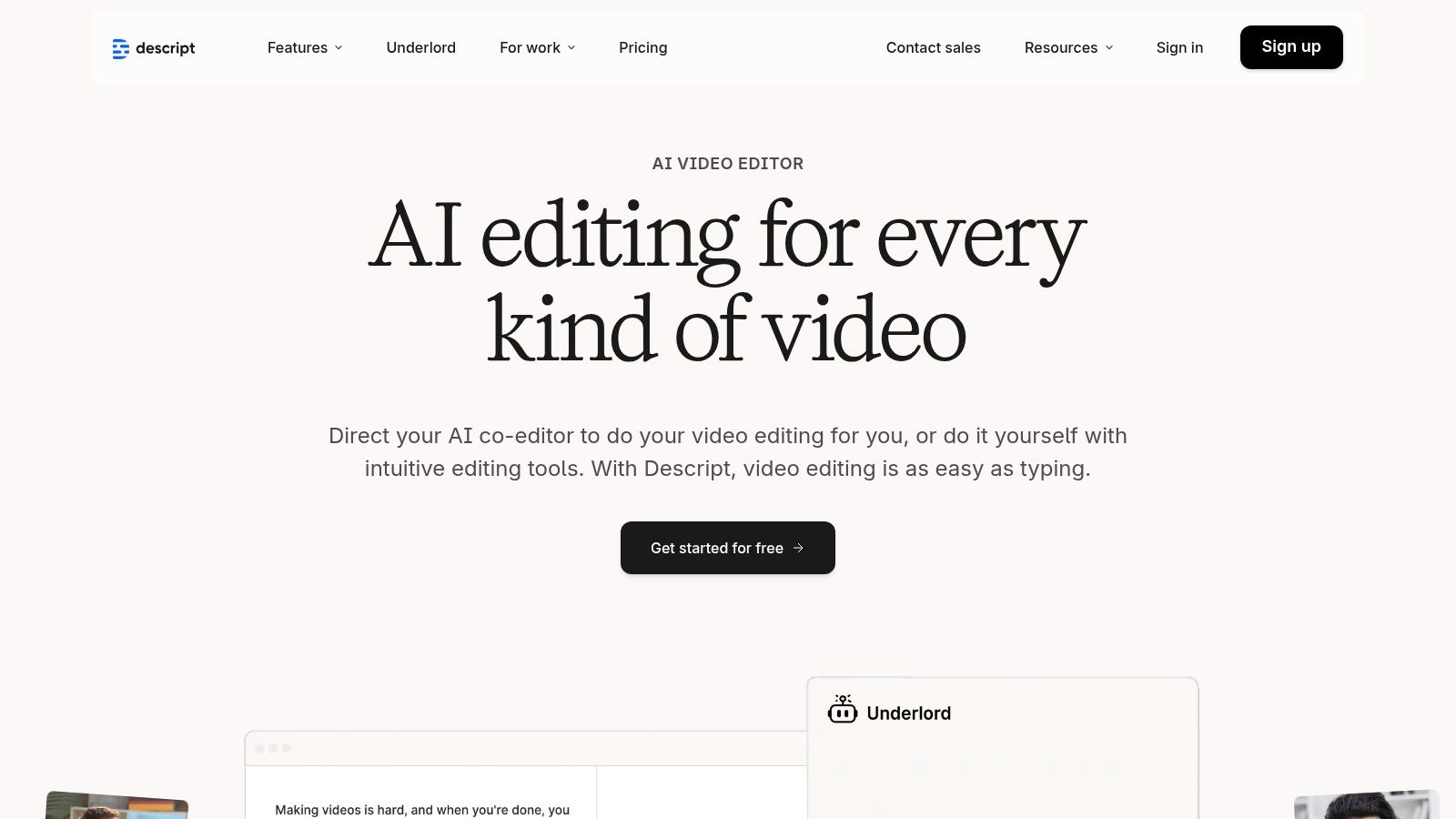
The platform excels at turning long-form content into engaging short-form clips. Its AI co-editor, "Underlord," can automatically identify key moments, suggest edits, and generate social media-ready videos in various aspect ratios. This workflow-centric approach, combined with features like AI voice cloning for correcting audio mistakes and automatic eye-contact correction, makes Descript an indispensable tool for YouTubers and marketing teams. As a versatile editor, Descript integrates well into various production pipelines, including those enhanced by specialized services like Auralume AI for cinematic finishing.
Key Features & Considerations
- Text-Based Editing: Edit video by cutting, pasting, and deleting text in the transcript; the video timeline updates automatically.
- AI Co-Editor & Repurposing: "Underlord" AI assists with editing tasks and automatically creates short clips from longer videos.
- AI Voice & Vision Tools: Features include Overdub for voice cloning, Studio Sound for audio enhancement, and Eye Contact correction to fix wandering gazes.
- Pricing Model: Offers a free plan with limited transcription. Paid plans start at $12/editor/month, with recent changes to credit systems and feature access causing some concern among long-time users.
- Best For: Podcasters, YouTubers, and marketing teams who need to efficiently edit and repurpose dialogue-driven content for multiple platforms.
Descript is the go-to solution for creators looking to streamline their post-production workflow and maximize their content's reach.
Website: https://www.descript.com
7. Canva
Canva has evolved from a graphic design powerhouse into a comprehensive, all-in-one platform with increasingly powerful AI video features. While not a dedicated generator like some rivals, its strength lies in integrating AI video creation directly into a familiar design workflow. For millions of users already using the platform for social media graphics and presentations, this makes it one of the most accessible ai video creation tools available for producing quick, on-brand video content without a steep learning curve.
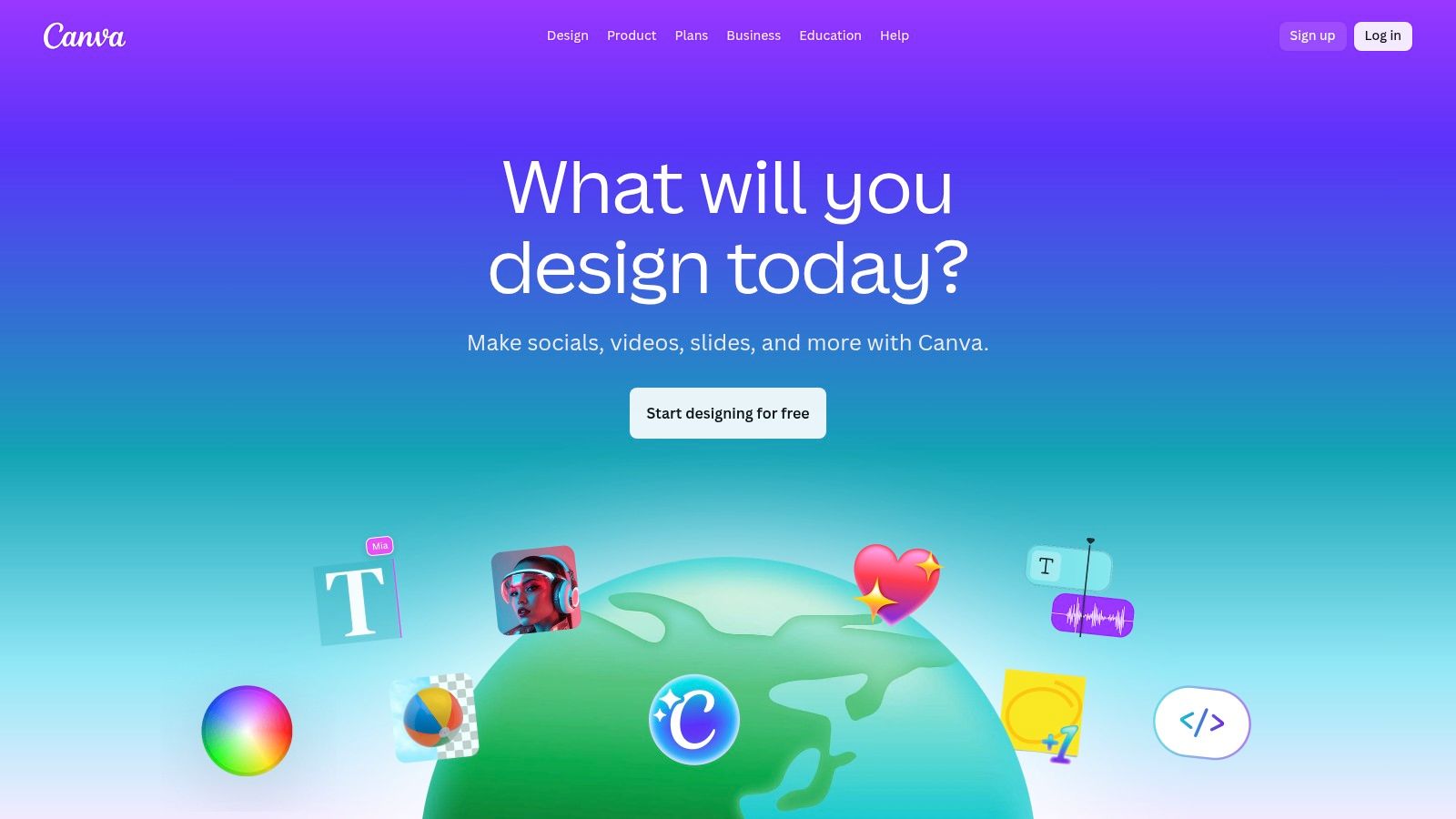
The platform's Magic Media tool allows for text-to-video generation, and its recent integration with Google's Veo 3 model adds a higher-fidelity option for creating short, impressive clips. Where Canva truly shines is its ecosystem. You can generate a clip and immediately drop it into a pre-made template, add text animations, apply your brand kit's colors and fonts, and pull from a massive library of stock assets. This seamless process is perfect for social media managers and marketers who need to produce consistent content quickly. For those exploring similar all-in-one solutions, you can learn more about AI-driven creative platforms like Auralume AI.
Key Features & Considerations
- Integrated Workflow: Generate AI video clips and edit them within the same project, using a massive library of templates, audio, and graphic elements.
- Veo 3 Integration: The "Create a Video Clip" feature leverages Google's advanced model for producing higher-quality, more coherent short videos.
- Pricing Model: Many AI features are available on the free plan with limits. Canva Pro (starting at $14.99/user/month) offers significantly higher monthly generation credits and access to premium features like Brand Kits and Magic Resize.
- Best For: Social media marketers, small businesses, and non-expert creators who need an easy-to-use, all-in-one tool for creating polished marketing and social videos quickly.
Canva is the ideal choice for users who prioritize speed, ease of use, and brand consistency over the advanced, granular control offered by specialized AI video generators.
Website: https://www.canva.com
8. Kapwing
Kapwing positions itself as an accessible, browser-based video editor supercharged with a practical suite of AI tools. It excels at streamlining content creation, especially for social media teams and individual creators who need to work quickly. Rather than focusing solely on high-end generative art, Kapwing integrates AI to solve common editing bottlenecks, making it one of the most user-friendly ai video creation tools for day-to-day video production and repurposing.
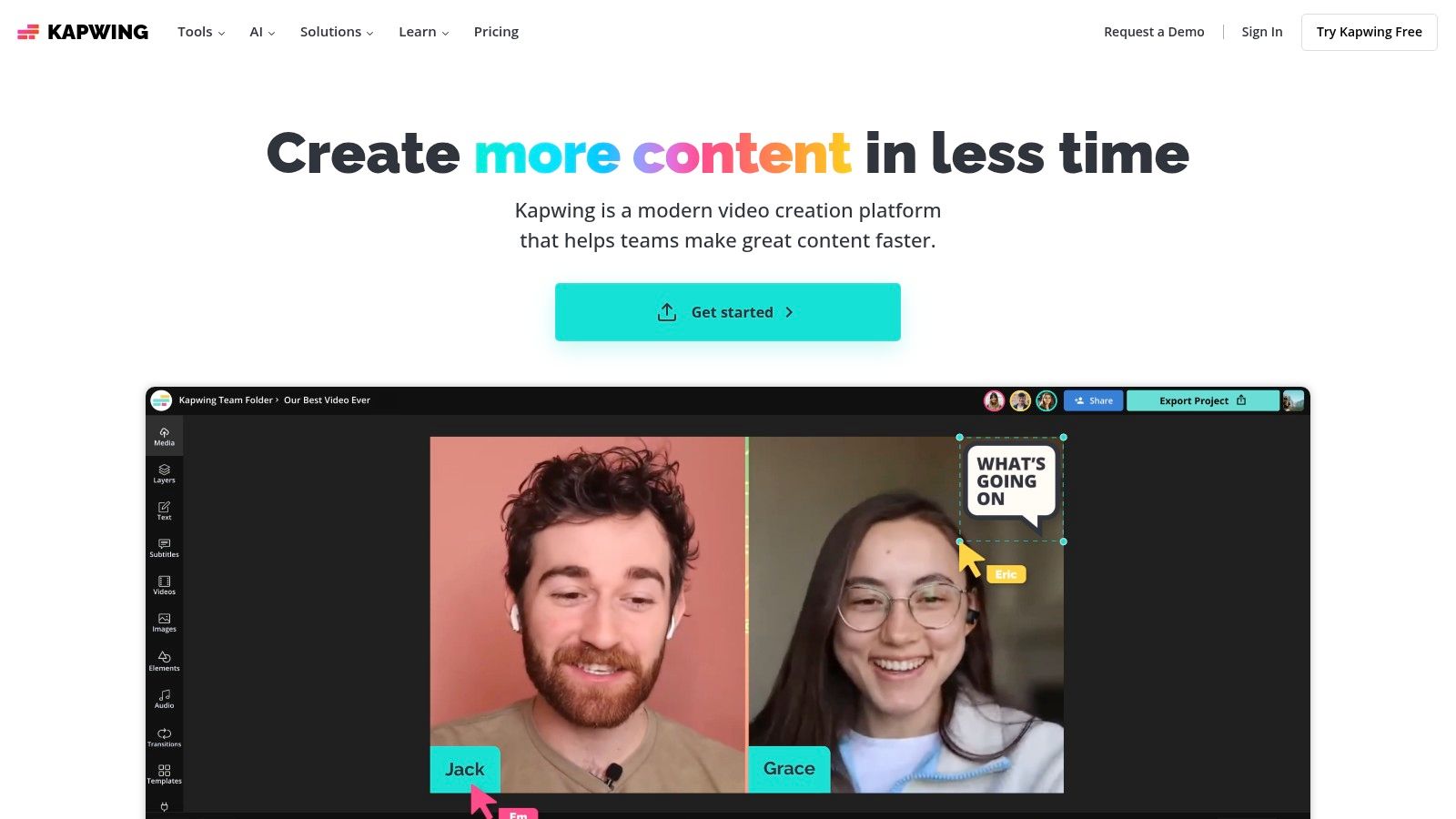
Its strength lies in combining a traditional, timeline-based editor with modern AI workflows. Features like the AI Clip Maker, which automatically generates short-form videos from longer footage, and text-based editing allow users to manipulate their video timeline just by editing a transcript. This approach dramatically speeds up the process of creating engaging clips for platforms like TikTok, Instagram Reels, and YouTube Shorts.
Key Features & Considerations
- Workflow-Integrated AI: Tools include text-based editing, an AI video generator for creating new clips from prompts, and an AI B-roll generator to find relevant stock footage.
- Repurposing Tools: The AI Clip Maker is a standout for transforming podcasts, webinars, and long videos into viral-ready short clips with auto-generated subtitles.
- Pricing Model: Kapwing offers a generous free tier that is perfect for testing core features, though it includes watermarks and has export limitations. Paid plans (starting at $16/user/month, billed annually) remove watermarks and provide access to premium features and more AI credits.
- Best For: Social media managers, content creators, and marketing teams who need to quickly edit, subtitle, and repurpose video content with the help of assistive AI features.
Kapwing is the ideal choice for users who prioritize speed, collaboration, and practical AI assistance over complex, cinematic-grade video generation.
Website: https://www.kapwing.com
9. VEED
VEED positions itself as an all-in-one online video suite that has aggressively integrated a broad range of AI functionalities. More than just a simple generator, it combines a traditional timeline editor with a powerful set of AI tools, including text-to-video, realistic AI avatars, and automated translations. This makes it one of the most versatile ai video creation tools for creators and small teams who need a single platform to handle their entire production workflow, from generation to final publishing.
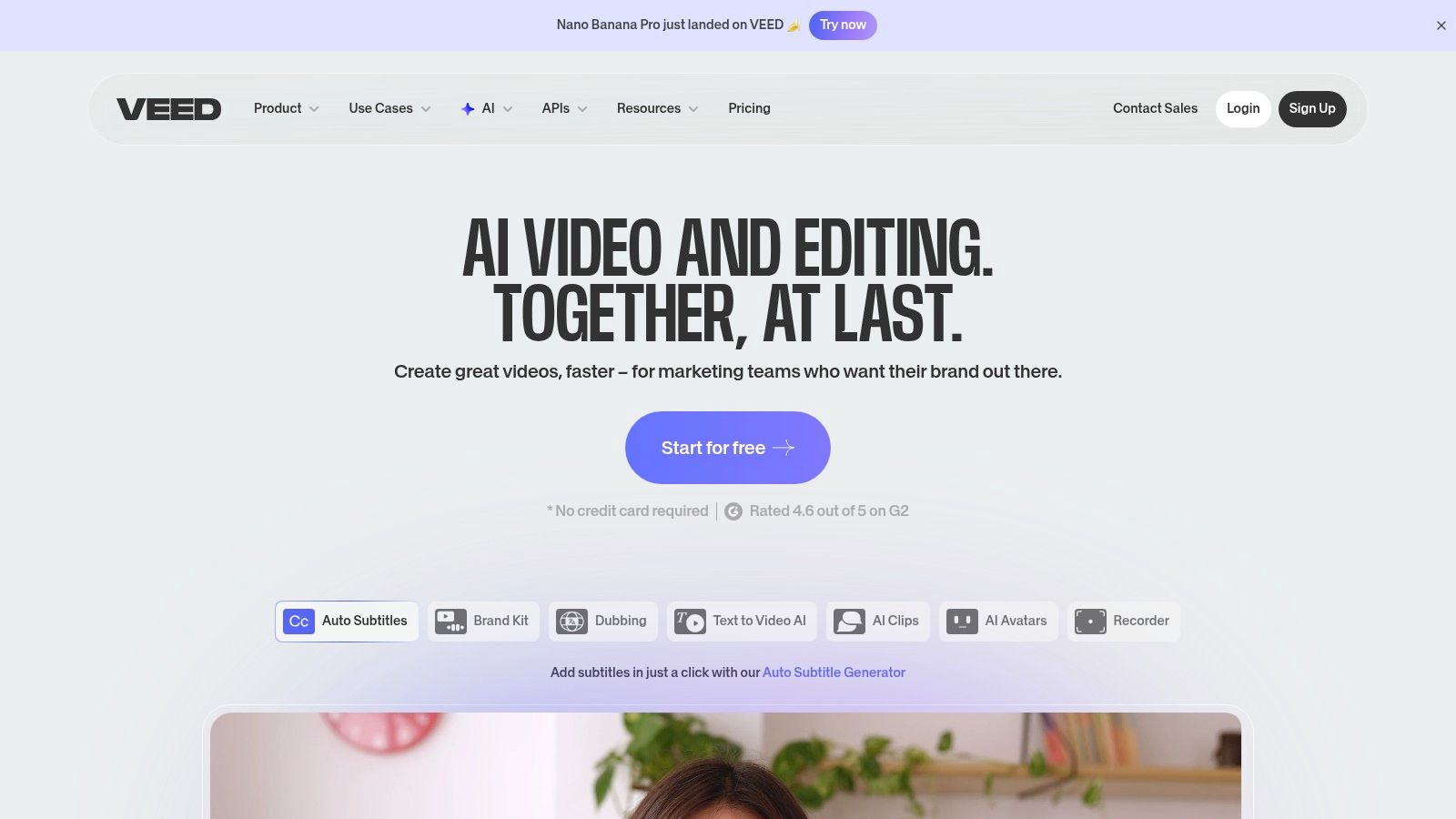
What makes VEED unique is its role as a multi-model aggregator, offering a "playground" that integrates external models like Google's Veo and Luma AI's Dream Machine alongside its native tools. This approach gives users access to cutting-edge generation technology without leaving the platform. Combined with its robust hosting, player, and publishing utilities, VEED is built for content creators who want to streamline the process of creating, refining, and distributing AI-enhanced video content efficiently.
Key Features & Considerations
- All-in-One Suite: A comprehensive platform that includes a video editor, screen recorder, AI avatars, text-to-speech, and automatic subtitles.
- Multi-Model Playground: Provides access to various leading text-to-video models, allowing users to experiment with different generative styles.
- Pricing Model: VEED offers a free tier with watermarked exports and limited features. Paid plans (starting around $25/user/month) unlock more features and credits, but the credit system and its usage can be complex and are subject to frequent changes.
- Best For: Content creators, social media managers, and small businesses looking for a single, browser-based tool to handle diverse video tasks, from generating clips with AI avatars to editing and hosting final videos.
VEED is an excellent choice for users who value a wide feature set and convenience over the specialized, high-fidelity output of more focused generative platforms.
Website: https://www.veed.io
10. InVideo AI
InVideo AI is engineered for speed and efficiency, transforming detailed text prompts or scripts into complete, publish-ready videos with remarkable automation. It excels at interpreting context to generate scenes, select relevant stock footage from its integrated library, add voiceovers, and apply background music. This streamlined workflow makes it one of the most practical ai video creation tools for marketers, educators, and YouTubers who need to produce content at scale without a steep learning curve.
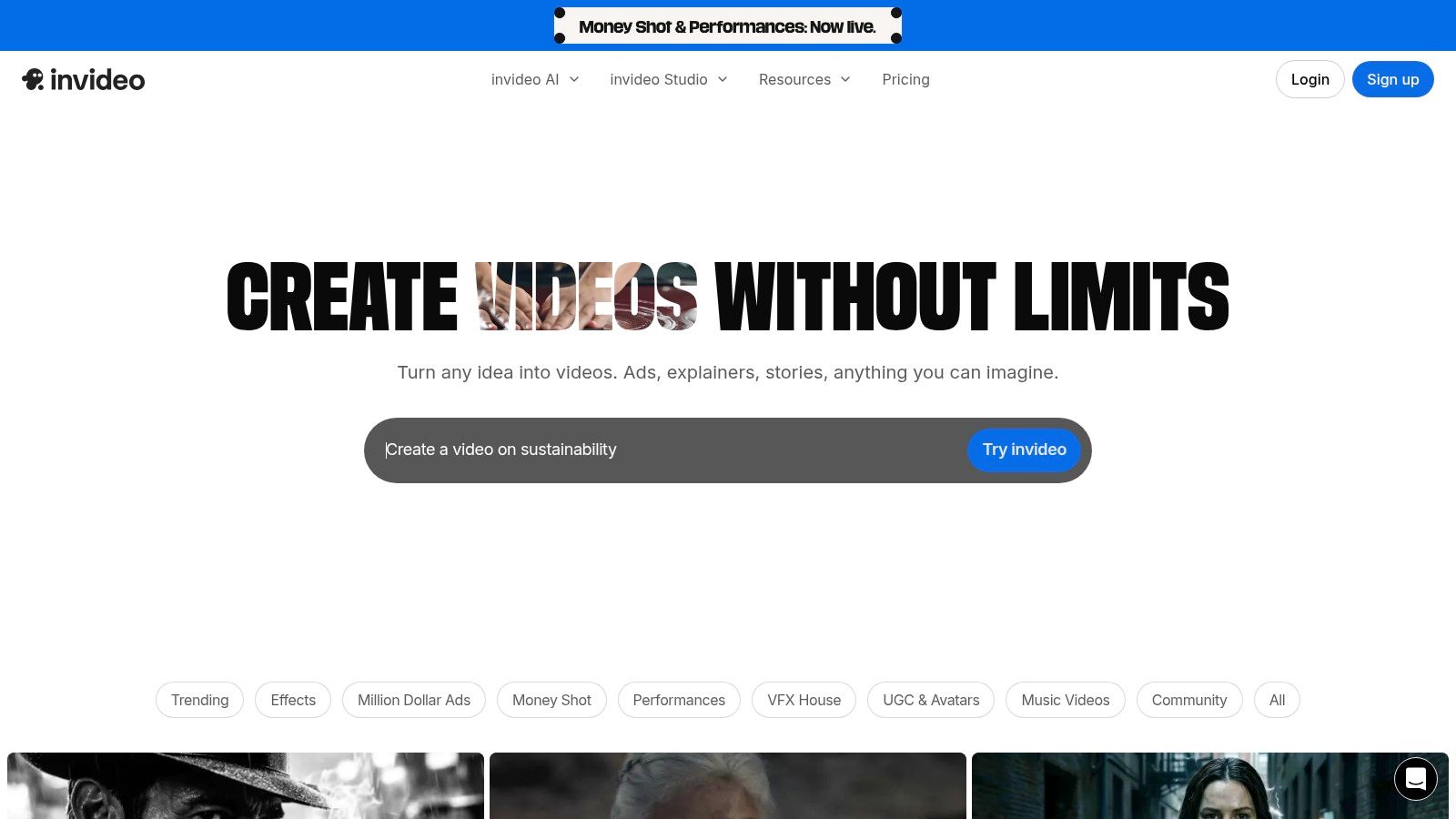
The platform is designed around a simple, command-based editing process. Instead of manually adjusting timelines or searching for assets, users can type instructions like "change the voiceover to a female British accent" or "make this scene more futuristic," and the AI executes the changes. This approach significantly lowers the barrier to entry for video creation, making it accessible to those without traditional editing experience.
Key Features & Considerations
- Automated Workflow: Excels at script-to-video generation, automatically creating scenes, finding B-roll from a massive stock library (including iStock on paid plans), and syncing voiceovers.
- Generative AI Credits: The platform uses a credit system for AI-generated video minutes. The free plan offers a trial but without generative features, requiring a subscription for full AI capabilities.
- Pricing Model: Paid plans (starting at $20/month billed annually) provide AI generation minutes, iStock credits, and remove watermarks. The credit system requires some planning to manage usage effectively for multiple projects.
- Best For: Content creators, marketing teams, and small businesses needing to quickly produce explainer videos, social media content, and YouTube videos from existing scripts or articles.
InVideo AI is the ideal choice for users prioritizing speed and a hands-off creation process, turning raw text into a polished video in minutes.
Website: https://invideo.io
11. Adobe Express
Adobe Express brings the power of a trusted creative ecosystem into a streamlined, accessible package. It serves as an all-in-one design and video tool for social media teams and content creators who want access to high-quality Adobe assets without the steep learning curve of professional software like Premiere Pro. By integrating generative AI features and a vast template library, Express has become one of the most practical ai video creation tools for producing branded content quickly and efficiently.
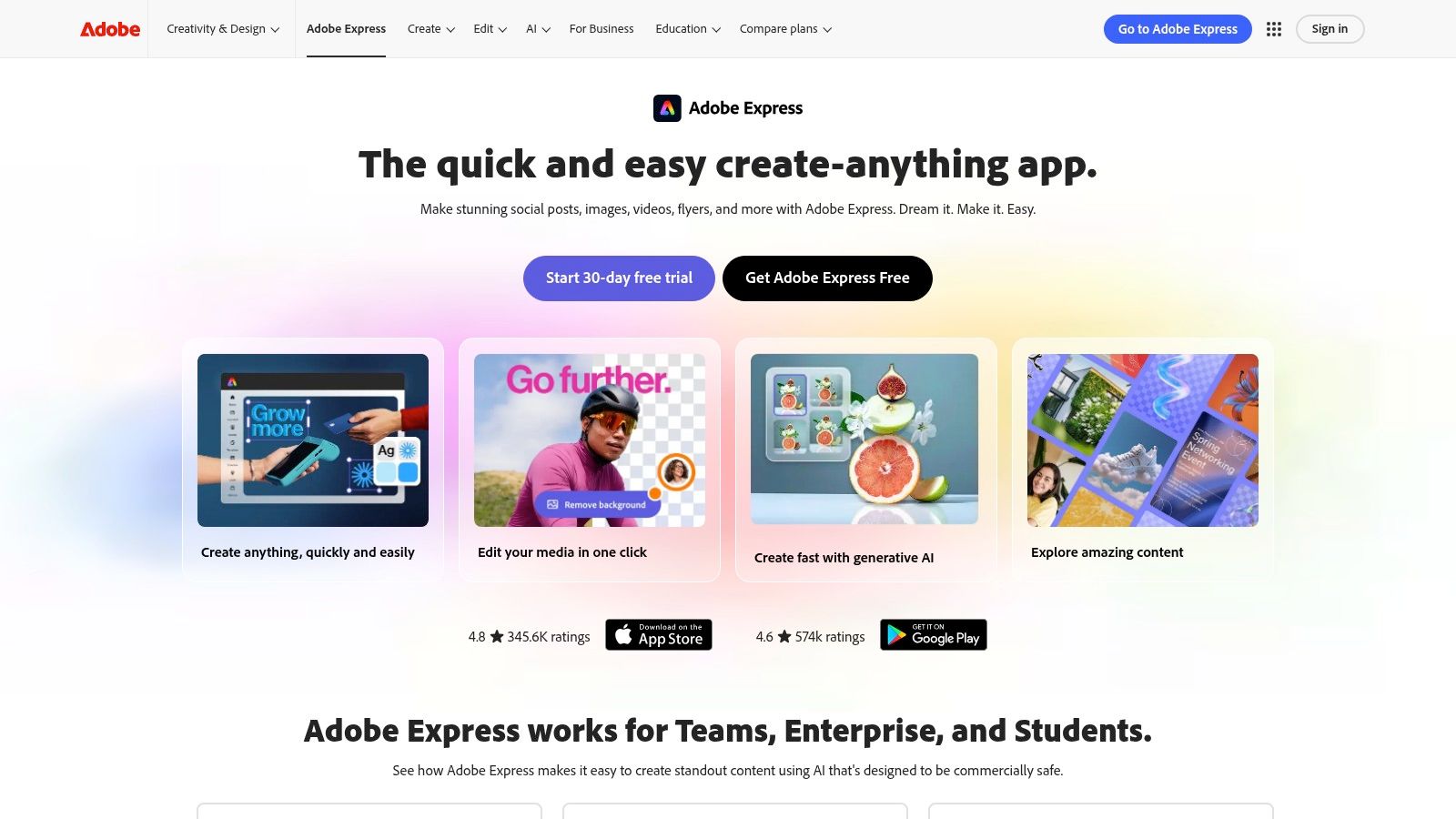
The platform shines in its ability to combine traditional template-based video editing with new AI-driven capabilities. Users can leverage AI to animate text, auto-caption videos, or remove backgrounds with a single click, all within a user-friendly, drag-and-drop interface. Its deep integration with Adobe Stock and Adobe Fonts provides a massive library of professional assets, making it a go-to choice for maintaining brand consistency across various social channels.
Key Features & Considerations
- AI-Powered Editing: Features include "Animate from Audio," video background removal, and AI-driven animation presets to simplify motion design.
- Vast Asset Library: Direct access to Adobe Stock photos, video clips, music, and Adobe Fonts, which is a significant advantage for producing polished content.
- Pricing Model: Offers a generous free plan with basic features. The Premium plan (starting at $9.99/month) provides more generative credits, premium templates, and access to the full asset library. Credits are used for generative AI features and may be a limitation for power users.
- Best For: Social media managers, small businesses, and content creators who need a reliable, integrated tool for creating professional-looking social videos and graphics without complex software.
Adobe Express is the ideal solution for users already invested in the Adobe ecosystem or those seeking a robust, yet straightforward, tool for daily content creation tasks.
Website: https://www.adobe.com/express
12. Colossyan
Colossyan is an AI video platform specifically engineered for workplace learning, corporate training, and instructional content. It streamlines the creation of professional-looking videos by using AI avatars to present information, eliminating the need for cameras, actors, or complex recording setups. This focus on practical business applications makes it one of the most efficient ai video creation tools for corporate communication and L&D teams who need to produce scalable, high-quality training materials quickly.
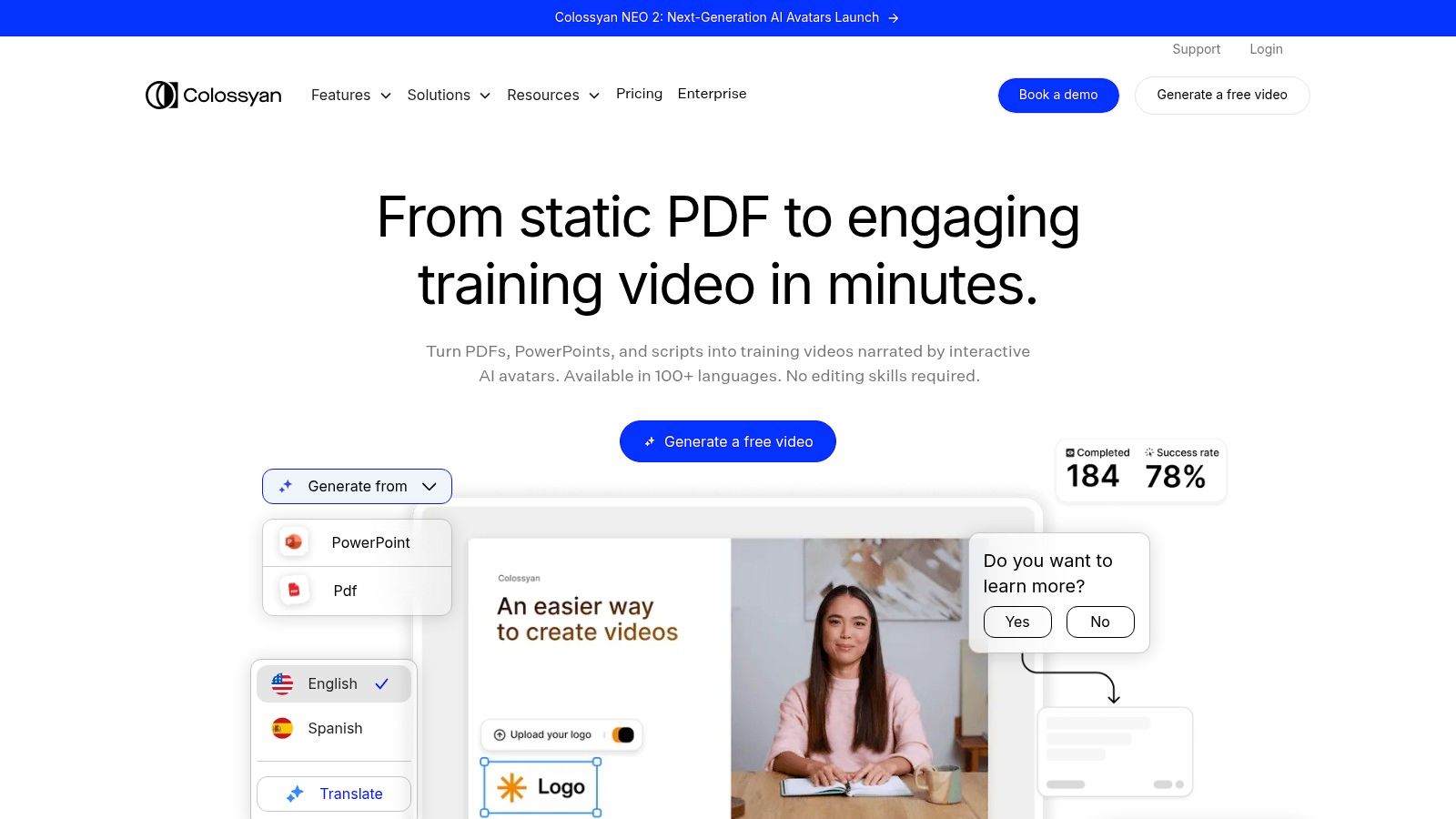
The platform’s strength lies in its workflow-oriented features. Users can convert PowerPoint presentations or PDFs directly into video projects, add a customizable AI presenter, and automatically generate subtitles in multiple languages. This approach is less about open-ended cinematic generation and more about creating clear, consistent, and accessible instructional videos for internal or external audiences. Its enterprise-level collaboration tools further enhance its utility in a corporate environment.
Key Features & Considerations
- AI Presenter Avatars: A diverse library of stock and custom avatars with realistic lip-syncing in over 70 languages.
- Workflow Integration: Import directly from PowerPoints and PDFs, record your screen, and access stock media libraries to build comprehensive training modules.
- Pricing Model: Offers a free trial to create a few minutes of video. Paid plans start at $28/month (billed annually) for the Starter plan, with more advanced features and collaboration on higher tiers.
- Best For: L&D professionals, corporate trainers, HR departments, and marketing teams creating explainer videos, onboarding materials, or product demos.
Colossyan is the go-to solution for organizations aiming to standardize and automate the production of their educational video content.
Website: https://www.colossyan.com
Top 12 AI Video Creation Tools — Features Comparison
| Product | Core features | UX / Quality | Value & Pricing | Target audience | Unique selling points |
|---|---|---|---|---|---|
| Auralume AI 🏆 | Multi-model text/image-to-video, Prompt Wizard, Image & Video Upscalers | ★★★★★ | 💰 Pay-as-you-go credits (never expire) + Starter / Pro subs | 👥 Creators, marketers, agencies, designers, educators | ✨ Model marketplace + auto-prompt coaching; fast pro-level renders |
| Runway | Gen-4 / Gen-4 Turbo T2V, AI editor, performance capture | ★★★★★ | 💰 Credit-based (per-second model costs) | 👥 Creators & teams needing controllable generative video | ✨ Integrated editor + cutting-edge models |
| Luma AI (Dream Machine) | Text-to-video with up-res/HDR, iOS & web access, 4K up-res | ★★★★☆ | 💰 Credit system; Plus/Unlimited tiers for commercial rights | 👥 Creators seeking highly realistic short clips | ✨ High realism & physics-driven motion |
| Synthesia | 100+ avatars, multi-language dubbing, templates, team tools | ★★★★☆ | 💰 Enterprise/subscription pricing | 👥 Businesses: training, sales, localization teams | ✨ Large avatar library + enterprise workflows |
| HeyGen | 500–700+ stock avatars, voice cloning, 175+ languages, API | ★★★★☆ | 💰 Clear tiers + API credit costs; 4K on Team plan | 👥 Marketers & localization teams producing talking-head videos | ✨ Fast polished talking-heads + strong localization |
| Descript | Edit-by-transcript, AI co-editor, voice cloning, auto-subtitles | ★★★★★ | 💰 Subscription + credit features (recent changes) | 👥 Podcasters, YouTubers, creators repurposing long-form | ✨ Text-based editing & repurposing workflows |
| Canva | Text-to-video + Veo 3 integration, templates, brand kits | ★★★★☆ | 💰 Freemium + Pro (generation limits on some plans) | 👥 Non-experts, social teams, SMBs | ✨ All-in-one design + massive template/asset library |
| Kapwing | AI Video Generator, edit-by-text, auto-clips, collaboration | ★★★★ | 💰 Free tier (watermark/limits); paid credits for heavy use | 👥 Social creators & small teams | ✨ Fast short-form workflows & easy collaboration |
| VEED | AI avatars, multi-model playground (Veo/Luma), hosting tools | ★★★★ | 💰 Subscription + credits (pricing can change) | 👥 Creators & small teams needing publishing + AI tools | ✨ Broad AI toolkit + hosting/player integration |
| InVideo AI | Script-to-video, scene & voiceover automation, stock access | ★★★★ | 💰 Credit/minute system; enterprise options | 👥 Marketers, YouTubers, SMBs | ✨ Automated script→video workflows with stock assets |
| Adobe Express | Generative AI credits, templates, Adobe Stock, brand kits | ★★★★ | 💰 Subscription; generative AI credits included (limited) | 👥 Social teams and Adobe users | ✨ Adobe assets + brand kits without full Creative Cloud |
| Colossyan | Presenter avatars, templates, subtitles, hosting & PPT import | ★★★★ | 💰 Enterprise-focused plans with hosting & templates | 👥 L&D teams, training & enterprise comms | ✨ Training-oriented workflows, screen recording & hosting |
Choosing Your Creative Copilot: Making the Right AI Video Choice
Navigating the expansive landscape of AI video creation tools can feel overwhelming, but as we've explored, the key to success lies in matching the tool to the task. The perfect "copilot" for your creative journey is not about finding a single platform that does everything, but rather understanding which one best aligns with your specific goals, workflow, and vision. This decision is the critical final step in transforming AI from a novel technology into a powerful, practical part of your creative arsenal.
We've seen a clear spectrum of capabilities. On one end, you have highly accessible, template-driven platforms like Canva, InVideo AI, and Adobe Express. These are fantastic for marketers and small business owners who need to produce polished, brand-aligned social media content quickly and without a steep learning curve. Their strength is in structure and speed, making them ideal for high-volume content production.
In a more specialized niche, tools like Synthesia, HeyGen, and Colossyan have revolutionized corporate training and communication. Their sophisticated AI avatar technology provides a scalable solution for creating consistent, professional-quality explainer videos and learning modules, saving immense time and resources compared to traditional video shoots. Similarly, Descript, VEED, and Kapwing have carved out their space by integrating AI into the editing process, streamlining tasks like transcription, subtitle generation, and clip creation for podcasters, YouTubers, and content repurposing teams.
From Editing to Pure Creation
The most exciting frontier, however, is in pure generative AI. Tools like Runway and Luma AI's Dream Machine represent the cutting edge, offering filmmakers, artists, and advertisers the ability to conjure cinematic scenes from simple text prompts. These platforms are less about editing existing footage and more about creating entirely new visual realities. They are the digital clay for the modern storyteller, pushing the boundaries of what's visually possible.
This is where the choice becomes nuanced. While these specialized tools are powerful, they often operate in silos. A creator might need Runway for a specific generative shot, Descript for editing the audio, and Canva for adding final graphics. This fragmented workflow can introduce friction and complexity.
The Power of a Unified Platform
This is precisely the gap that a multi-model platform like Auralume AI is designed to fill. Instead of forcing you to choose one engine, it provides access to a curated selection of the best-in-class models for different tasks, all within a single, cohesive interface. This approach offers unparalleled flexibility. You can leverage one model for its prowess in animating still images and another for its ability to generate hyper-realistic b-roll, all without leaving the platform.
Ultimately, your choice depends on a clear-eyed assessment of your needs. Consider these final factors:
- Primary Use Case: Are you creating quick social ads, in-depth training videos, or cinematic art? Your primary output will dictate the best starting point.
- Technical Comfort: How much time are you willing to invest in learning a new system? Some tools offer immediate results, while others require more experimentation to master.
- Budget and Scalability: Evaluate the pricing models. A subscription that seems affordable for a single user might become costly as your team grows. Look for plans that align with your projected usage.
- Creative Control vs. Speed: Do you need pixel-perfect control over every frame, or is your priority to produce content as efficiently as possible? Your answer will guide you toward either a generative powerhouse or a template-based editor.
The era of AI-powered video is here, and it's democratizing creativity in unprecedented ways. The tools we've discussed are not here to replace your vision; they are here to amplify it. By experimenting with free trials, understanding the unique strengths of each platform, and making an informed decision, you can select a creative partner that will not just automate your workflow, but unlock new levels of storytelling potential.
Ready to experience the flexibility of a multi-model approach? Auralume AI consolidates the power of leading AI video models into one intuitive platform, giving you the best tool for every creative challenge. Stop jumping between apps and start creating smarter by signing up for early access at Auralume AI today.