
The 7 Best AI Video Editor Tools of 2026 (Ranked)
Video creation used to be a complex, time-consuming process demanding technical skill and expensive software. Today, a new wave of AI-powered tools is changing the game entirely. The best AI video editor doesn't just add fancy effects; it fundamentally restructures your entire workflow. These platforms can turn simple text prompts into cinematic scenes, automate tedious tasks like cutting silent moments, and empower creators to produce high-quality content faster than ever before.
This shift means you spend less time on repetitive edits and more time on creative storytelling. Many of these tools also integrate powerful transcription features. To fully leverage this power, creators should explore how the best video to text converter tools are revolutionizing editing workflows by making content searchable and repurposable. Whether you're a marketer needing quick social ads, a YouTuber streamlining production, or a filmmaker visualizing a scene, the right AI tool is a massive force multiplier.
But with the market exploding with options, from generative video models to AI-assisted professional suites, how do you choose? This guide cuts through the noise. We've rigorously tested and ranked the top AI video editors, breaking down their unique strengths, standout features, ideal use cases, and pricing. Each review includes screenshots and direct links, helping you find the perfect fit for your creative vision and workflow without the guesswork. Let's find the tool that will transform your production process.
1. Auralume AI
Best For: Creators and marketers who want access to the world's top video models in a single, user-friendly platform.
Auralume AI secures its top spot by acting as a powerful, all-in-one AI video studio. It distinguishes itself not by developing a single proprietary model, but by aggregating the industry's leading text-to-video and image-to-video technologies into one streamlined interface. This platform-level approach makes it an exceptionally versatile and future-proof contender for the title of best AI video editor, ideal for users who prioritize flexibility, quality, and creative control without a steep learning curve.
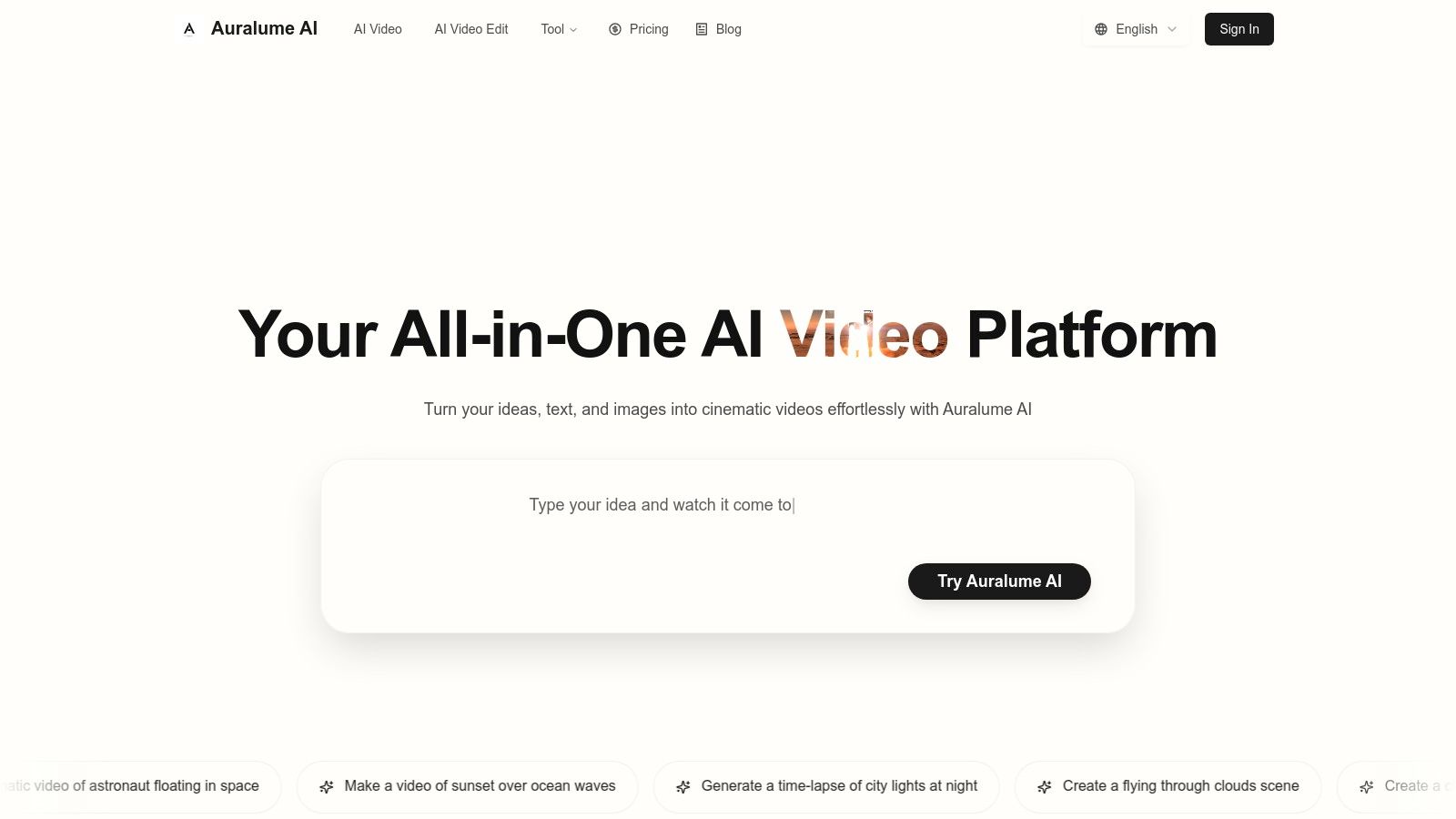
The core strength of Auralume AI is its multi-model access. Instead of being locked into one provider's aesthetic or motion style, you can choose the best engine for each specific project. Whether you need the cinematic realism of Google Veo or Sora, the artistic flair of Pika, or the rapid generation speeds of other emerging models, Auralume gives you the power to select the right tool for the job. This is a game-changer for producing varied content, from social media ads to cinematic prototypes, ensuring you're never limited by a single model's capabilities.
Standout AI Features & Capabilities
Auralume is packed with intelligent tools designed to simplify the creative process and elevate the final output.
- Multi-Model Video Generation: This is the platform's crown jewel. Gain access to a curated roster of premier video models, including Google Veo, Sora, Pika, Kling, and more. This lets you experiment with different visual styles and motion fidelity to find the perfect match for your vision.
- AI Prompt Wizard: For those new to prompting, the built-in Prompt Wizard is an invaluable assistant. It analyzes your simple text ideas and automatically optimizes them with details that produce more professional, coherent, and visually stunning results, effectively coaching you toward better outputs.
- Image-to-Video & Upscalers: Breathe life into static visuals by animating still images with natural motion. Once your clip is generated, you can enhance its clarity and resolution using the integrated Image and Video Upscalers, ensuring your final product is crisp and ready for high-definition displays.
- Pro-Tier Workflow Features: For professional teams and agencies, the Pro plan offers essential features like Stealth Mode, which prevents your creations from appearing in the public gallery, and priority processing for faster generation times.
Use Cases and Practical Applications
- Social Media Marketing: Quickly generate dozens of high-impact video ads and promotional clips from a single text prompt, A/B testing different visual styles by switching between models.
- Art and Design: Illustrators and designers can animate their static artwork, turning portfolio pieces into captivating motion graphics for websites or social feeds.
- Content Creation: YouTubers and influencers can create dynamic B-roll footage, animated intros, or explainer video segments in seconds without needing stock footage.
Pricing Structure
Auralume offers a notably flexible pricing model that caters to both casual users and high-volume professionals.
| Plan/Package | Price | Key Features |
|---|---|---|
| Pay-As-You-Go | $10 for 500 credits | Credits never expire, access to all features. |
| Starter | $31.20/month (billed yearly) | 2,300 credits per month, standard response time. |
| Pro | $79.20/month (billed yearly) | 6,600 credits per month, faster responses, Stealth Mode. |
This dual approach of non-expiring credits and monthly subscriptions provides an accessible entry point for everyone.
Pros and Cons
- Pros:
- Aggregates leading video models in one place for unmatched versatility.
- Prompt Wizard helps users of all skill levels achieve professional-quality results.
- Built-in upscalers improve final video quality for a polished look.
- Flexible pricing with both non-expiring credits and subscriptions.
- Cons:
- Output quality can vary depending on the model chosen and the prompt's complexity.
- Creations are public by default unless you subscribe to the Pro plan's Stealth Mode.
Website: https://auralumeai.com
2. Adobe Premiere Pro (Creative Cloud)
For professionals who need a full-featured, industry-standard editing suite augmented by powerful AI, Adobe Premiere Pro is in a class of its own. Rather than being a simple text-to-video generator, Premiere Pro integrates its Sensei and Firefly AI engines directly into a non-linear editing (NLE) timeline that is trusted by filmmakers, broadcasters, and top-tier content creators. This makes it the best AI video editor for users who want to speed up a traditional workflow, not replace it entirely.
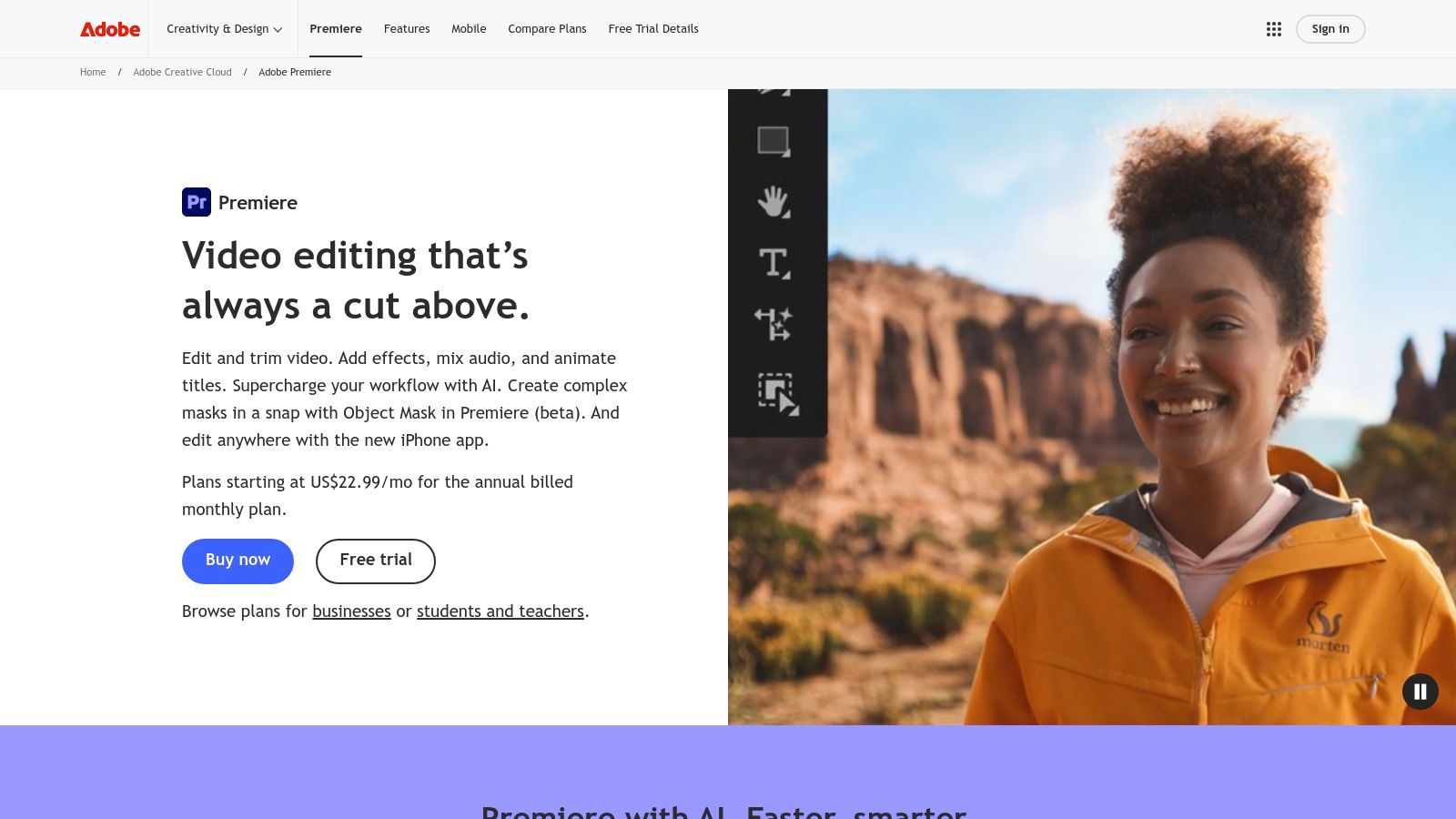
The platform’s standout AI features are designed to solve common, time-consuming editing challenges. For instance, Text-Based Editing allows you to edit video by simply cutting, copying, and pasting text from an automatically generated transcript. This completely changes how you assemble rough cuts, turning a tedious task into a quick document edit. The new Firefly-powered Generative Extend lets you seamlessly add frames to the beginning or end of a clip, which is perfect for fixing pacing issues or creating smoother transitions.
Key AI Features & Capabilities
- Text-Based Editing: Automatically transcribes source media, allowing you to create a video sequence by highlighting and arranging text. It’s a game-changer for documentary and interview-heavy projects.
- Generative Extend: Need a shot to be just a few seconds longer? This Firefly-powered tool intelligently adds new frames to your clips, seamlessly extending them without noticeable loops or artifacts.
- Enhance Speech: A one-click solution that uses AI to remove background noise and dramatically improve the clarity of dialogue, saving hours of manual audio mixing in Adobe Audition.
- Auto Reframe: Intelligently identifies the action in your frame and automatically reformats your video for different aspect ratios (e.g., from 16:9 to 9:16 for social media), keeping the subject perfectly centered.
- Automatic Captioning & Translation: Generates highly accurate, timed captions from your audio and can translate them into multiple languages, making content globally accessible.
Pricing, Pros & Cons
Premiere Pro is available through a Creative Cloud subscription.
| Plan | Price (Monthly) | Key Inclusions |
|---|---|---|
| Premiere Pro Single App | $22.99/month | Premiere Pro, Frame.io, 100GB cloud storage |
| Creative Cloud All Apps | $59.99/month | Premiere Pro, After Effects, Audition, Photoshop, & 20+ more apps |
-
Pros:
- Professional-grade toolset with unmatched control over every aspect of the edit.
- Seamless integration with other Adobe apps like After Effects for motion graphics and Audition for audio post-production.
- Frequent and meaningful AI feature updates are included with the subscription.
- Included access to Frame.io streamlines client review and feedback.
-
Cons:
- The subscription model is a recurring cost that can be higher than other tools.
- Presents a steep learning curve for beginners compared to template-driven AI editors.
Verdict
Adobe Premiere Pro is the ultimate choice for serious video editors and creative professionals who want to leverage AI to enhance, not replace, their craft. If your goal is to speed up a high-quality, hands-on editing process with intelligent automation, the power and ecosystem of Premiere Pro are unmatched.
Visit Website: https://www.adobe.com/products/premiere.html
3. Runway
Runway is a groundbreaking, browser-based video creation suite that blurs the line between a generative tool and a full-fledged editor. It excels at turning text prompts and images into dynamic video clips using its own state-of-the-art models like Gen-3 Alpha. This powerful combination makes it the best AI video editor for creators who want an all-in-one platform to generate, edit, and finalize AI-native content without ever leaving their web browser.
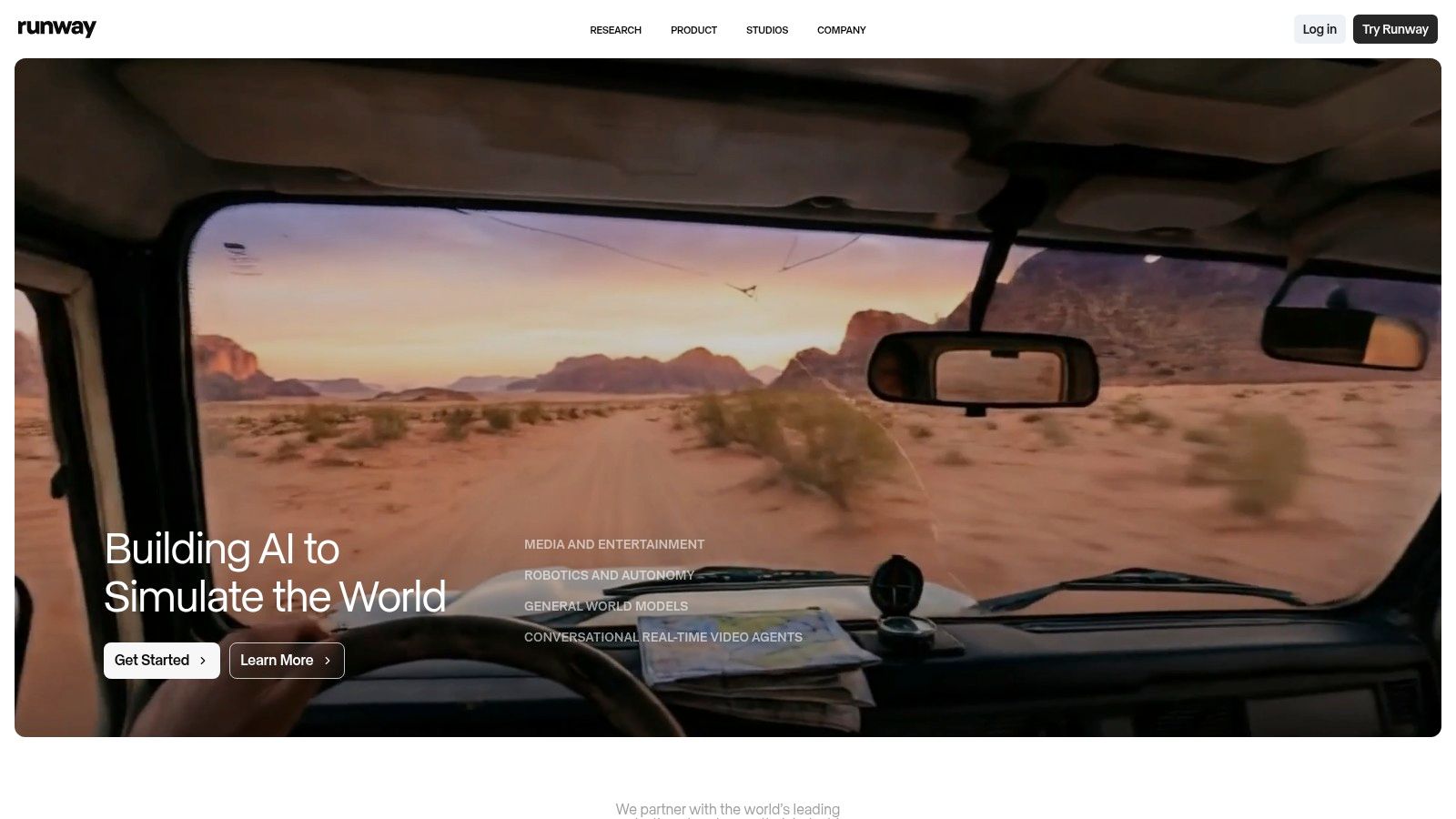
Unlike traditional editors that add AI features, Runway is built from the ground up with AI at its core. Its workflow is designed for rapid experimentation and iteration. Users can generate short clips from prompts, stitch them together in the built-in timeline editor, add effects, and upscale the final product to 4K. The platform’s unique credit system allows for flexible usage, and an "Unlimited Explore" mode lets users generate lower-resolution drafts freely, which is perfect for ideation and prototyping creative concepts.
Key AI Features & Capabilities
- Text-to-Video & Image-to-Video: At the heart of Runway are its generative models (like Gen-3 Alpha) that create high-quality video clips from simple text descriptions or by animating static images.
- Video-to-Video Transformation: Apply a completely different style or aesthetic to an existing video clip by guiding the AI with a text prompt or reference image.
- AI Magic Tools: A suite of powerful editing features including Inpainting (remove objects from video), Super-Slow Motion (generate new frames), and Frame Interpolation for ultra-smooth playback.
- Motion Brush: A revolutionary tool that allows you to "paint" motion onto specific areas of a static image, bringing it to life with precise, controllable animation.
- Integrated Multi-Track Editor: Once you generate your clips, you can immediately assemble, trim, and enhance them in a familiar timeline-based editor, complete with audio tracks and effects.
Pricing, Pros & Cons
Runway operates on a subscription and credit-based model. Credits are used for generations, upscaling, and other AI tasks.
| Plan | Price (Monthly) | Key Inclusions |
|---|---|---|
| Basic | Free | 125 credits (one-time), 720p exports, limited features |
| Standard | $15/month | 625 credits/month, 1080p exports, access to more AI tools |
| Pro | $35/month | 2,250 credits/month, 4K exports, all AI tools, Unlimited mode |
| Unlimited | $95/month | 2,250 credits/month, full features, unlimited video generations in Relaxed mode |
-
Pros:
- Leading-edge text-to-video generation capabilities in a user-friendly interface.
- All-in-one platform for generating, editing, and finishing content.
- Fast iteration with Turbo models and an unlimited low-res generation mode for prototyping.
- Transparent and frequently updated pricing tiers for different user needs.
-
Cons:
- The credit system can be confusing for new users trying to estimate project costs.
- Generating long, high-resolution videos can quickly consume credits and take significant processing time.
Verdict
Runway is the ideal platform for creative pioneers, artists, and marketers who want to be at the forefront of generative video. It provides an end-to-end solution for producing visually stunning, AI-driven content from concept to final cut. If your goal is to create videos that are born from AI rather than just enhanced by it, Runway offers an unparalleled creative playground.
Visit Website: https://runwayml.com/
4. CapCut (Bytedance)
For creators who need to produce high-quality social media content quickly, CapCut has become an indispensable tool. Originally a mobile-first app, it has expanded into a powerful cross-platform solution available on desktop and web, blending a user-friendly, template-driven editor with a growing suite of impressive AI features. This combination makes it the best AI video editor for social media managers, influencers, and anyone who needs to create polished, trend-worthy videos without a steep learning curve or high budget.
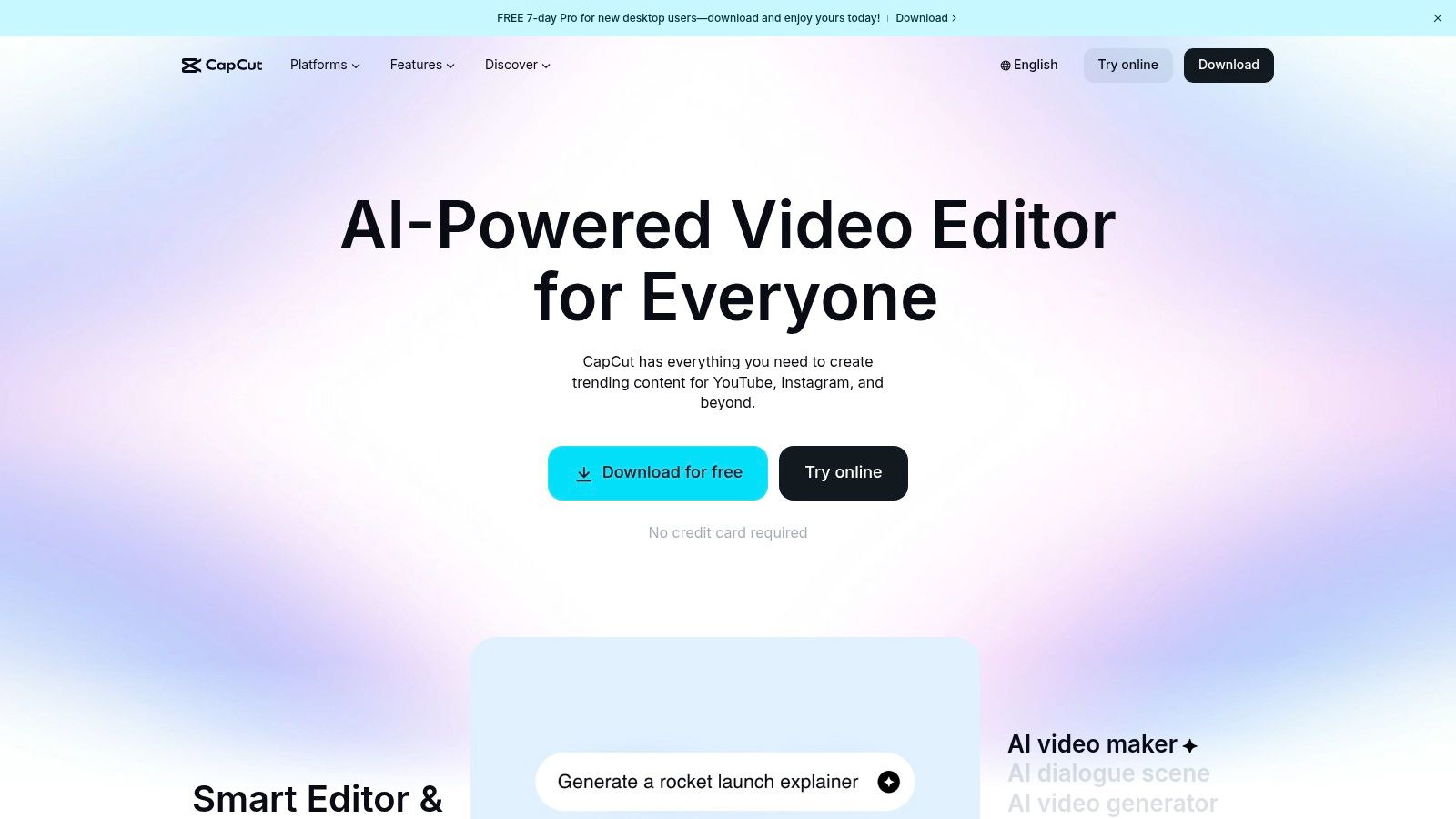
CapCut's strength lies in its ability to automate the most common and tedious video editing tasks for short-form content. Its one-click tools for generating captions, removing backgrounds, and adding dynamic effects are remarkably effective and fast. The platform’s seamless integration across mobile, desktop, and web means you can start a project on your phone during a commute and finish it on your computer at home, a workflow perfectly suited for the modern, on-the-go creator.
Key AI Features & Capabilities
- Auto Captions: With a single tap, CapCut transcribes the audio in your video and generates animated, stylizable captions that are perfectly synced. This is a massive time-saver for creating accessible content for TikTok, Instagram Reels, and YouTube Shorts.
- AI Background Removal: Instantly remove the background from any video clip without a green screen. The tool is surprisingly accurate, allowing you to place subjects in new environments or create clean cutouts for product promotions.
- AI Effects & Filters: Go beyond basic color correction with a vast library of AI-powered effects, from advanced beauty filters that retouch skin to creative filters that can transform your video into an anime or cartoon style.
- Video Upscaler: Enhance the quality of lower-resolution footage. The AI algorithm intelligently sharpens details and increases the resolution, which is great for salvaging grainy clips or preparing content for larger screens.
- Auto Reframe: Similar to more advanced editors, CapCut can automatically adjust your video's framing for different aspect ratios, keeping the main subject in view when converting a landscape video for a vertical platform.
Pricing, Pros & Cons
CapCut offers a generous free tier with Pro plans available for more advanced features.
| Plan | Price (Monthly) | Key Inclusions |
|---|---|---|
| Free | $0 | Basic editing tools, limited cloud storage, watermarked templates |
| CapCut Pro | ~$7.99/month | No watermarks, 100GB cloud storage, 4K exports, access to all Pro effects & templates |
| CapCut Business | Starts at ~$9.99/month | Team collaboration features, brand kits, and ad-creation tools |
-
Pros:
- Extremely fast and intuitive, especially for creators focused on social media.
- Affordable pricing with a highly capable free version.
- Seamless project syncing and editing across mobile, desktop, and web apps.
- Massive library of trendy templates, effects, and royalty-free music.
-
Cons:
- Pricing and plan features can vary slightly depending on the platform (iOS, Android, Desktop).
- Not designed for complex, long-form projects like professional NLEs.
Verdict
CapCut is the go-to AI video editor for speed, convenience, and social media flair. If your primary goal is to produce engaging TikToks, Reels, or Shorts with minimal effort, its powerful AI automation, cross-platform syncing, and rich content library are simply unmatched. It perfectly democratizes video creation, giving everyone the tools to make content that looks professionally produced.
Visit Website: https://www.capcut.com/
5. Descript
For content creators who live and breathe narration-driven content like podcasts, tutorials, and interviews, Descript offers a revolutionary, text-first approach to video editing. It transforms the editing process from a complex timeline manipulation into a simple word document edit. By automatically transcribing your audio and video, Descript allows you to cut, rearrange, and polish your content by editing text, making it the best AI video editor for creators who prioritize speed and script-based workflows.
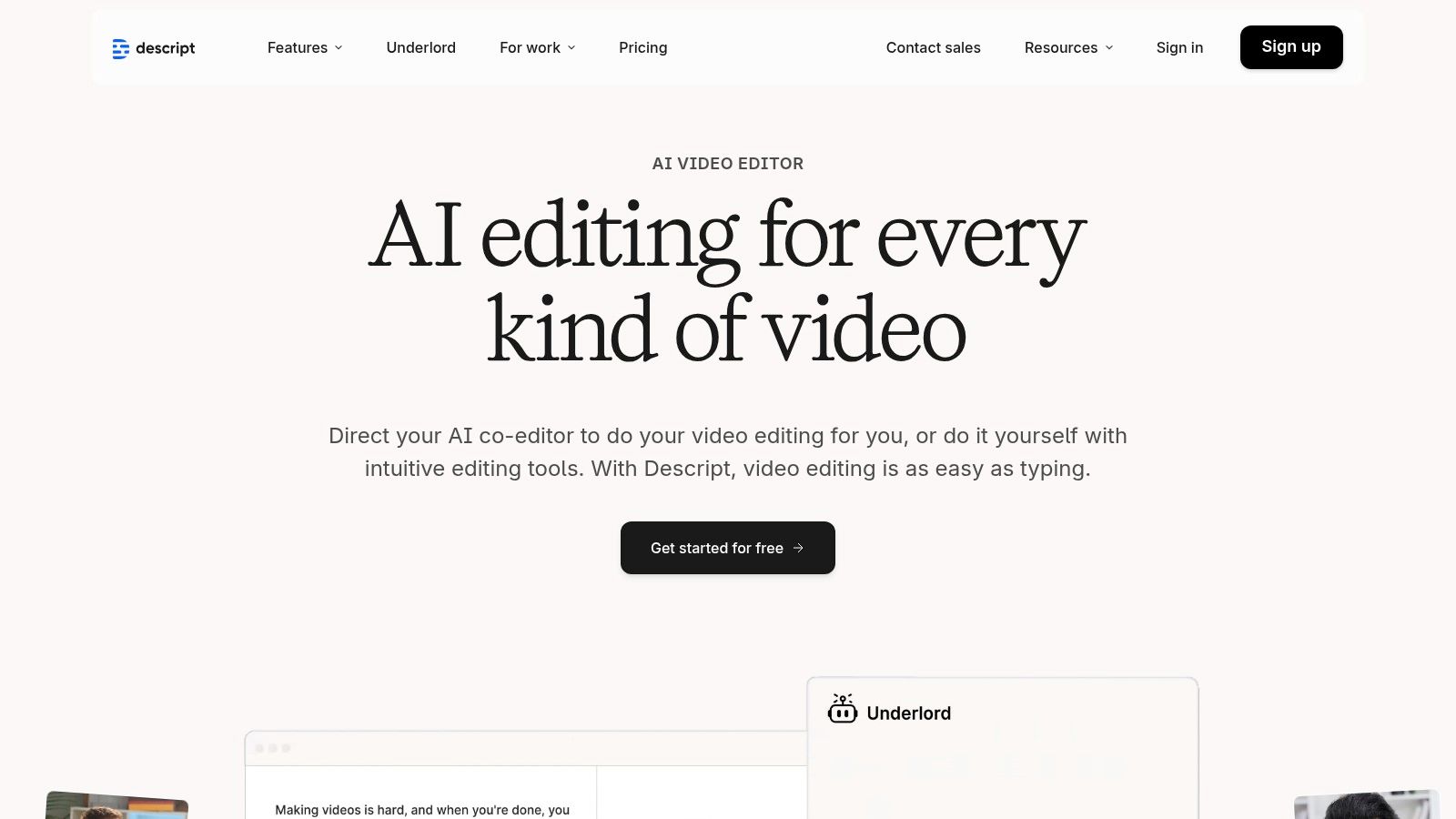
The platform is built around solving the most tedious parts of producing spoken-word content. Its standout feature is the ability to remove filler words ("ums," "ahs") with a single click across an entire project. Beyond that, its AI-powered Studio Sound feature can make amateur recordings sound professionally mixed, while the Eye Contact tool can correct a wandering gaze to create a more direct connection with the audience. The "Underlord" AI assistant can even help structure clips, find highlights, and repurpose content for different platforms.
Key AI Features & Capabilities
- Text-Based Video Editing: The core of Descript. Edit your video by simply cutting, pasting, and deleting text in the automatically generated transcript. Removing a sentence from the text instantly removes the corresponding video and audio clip.
- One-Click Filler Word Removal: Scan your entire transcript for filler words like "uh," "um," "you know," and "like," then delete all instances with a single command, saving hours of manual searching.
- Studio Sound: A powerful AI audio enhancement tool that isolates the speaker's voice, removes background noise, and EQs the audio to give it a rich, studio-quality sound.
- Eye Contact Correction: Intelligently adjusts the speaker's eyes in the video to make it appear as though they are looking directly at the camera, even when they are reading from a script.
- Underlord AI Assistant: A generative AI tool that can summarize long recordings, pull out key highlights, write show notes, create social media posts, and even restructure your content based on simple prompts.
Pricing, Pros & Cons
Descript offers a free plan and several paid tiers based on usage.
| Plan | Price (Monthly) | Key Inclusions |
|---|---|---|
| Free | $0 | 1 hour transcription/month, 1 watermark-free export |
| Creator | $15/month | 10 hours transcription/month, unlimited exports |
| Pro | $30/month | 30 hours transcription/month, AI features like Eye Contact |
| Enterprise | Custom | Custom limits, dedicated support, SSO |
-
Pros:
- Extremely fast and intuitive workflow for any content based on dialogue or narration.
- Powerful AI features like Studio Sound and filler word removal save immense amounts of time.
- Excellent built-in transcription accuracy and multilingual support.
- Includes SquadCast for high-quality remote recording, integrated directly into the workflow.
-
Cons:
- Lacks the depth of traditional timeline controls and advanced visual effects found in NLEs like Premiere Pro.
- Best suited for scripted or interview-based content; less ideal for highly cinematic or action-based videos.
Verdict
Descript is a game-changer for podcasters, course creators, YouTubers, and anyone who builds videos around a script or dialogue. If your primary goal is to produce high-quality, narration-heavy content as efficiently as possible, Descript's unique text-based editing and powerful audio AI tools make it an unparalleled choice that will fundamentally change how you create.
Visit Website: https://www.descript.com/
6. VEED
For marketers, social media managers, and small teams who need an all-in-one, browser-based solution, VEED is a powerful and accessible choice. It combines a user-friendly video editor with a robust suite of AI tools designed to streamline the entire content creation workflow, from initial concept to final distribution. This makes it the best AI video editor for creators who prioritize speed, collaboration, and social media optimization without needing to install complex software.
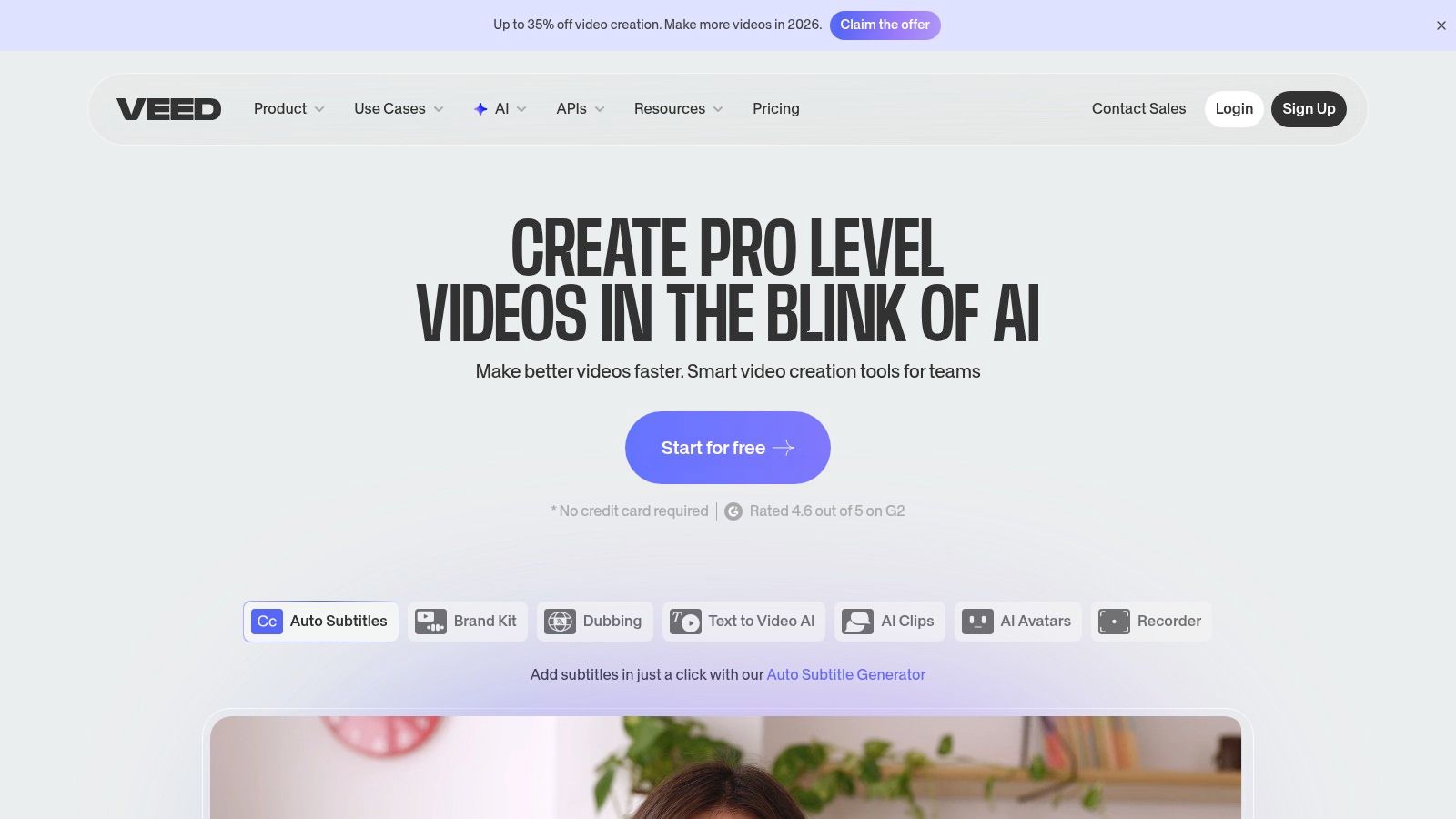
VEED excels at simplifying tedious tasks that often bottleneck content production. Its standout feature is its highly accurate, one-click subtitling and translation, which makes content instantly accessible to a global audience. The platform also includes practical AI utilities like eye-contact correction to fix wandering gazes in talking-head videos and an AI voice generator with realistic avatars for creating faceless content or corporate training materials. With built-in brand kits, templates, and cloud-based hosting, VEED empowers teams to produce professional, on-brand videos quickly.
Key AI Features & Capabilities
- Text-to-Video: Generate a video from a simple text prompt, complete with stock footage, music, and subtitles, providing a strong starting point for edits.
- Automatic Subtitles & Translation: Generate exceptionally accurate subtitles with a single click and translate them into dozens of languages to maximize your content's reach.
- AI Avatars & Voice Generation: Choose from a library of realistic AI avatars and text-to-speech voices to create polished explainer videos or tutorials without appearing on camera.
- Eye Contact Correction: A unique AI tool that subtly adjusts the presenter's gaze to maintain direct eye contact with the camera, perfect for improving engagement in corporate or educational videos.
- Magic Cut & Background Removal: Automatically removes awkward pauses, silences, and filler words ("ums," "ahs") from your recordings. You can also instantly remove and replace video backgrounds.
Pricing, Pros & Cons
VEED offers several plans, including a free tier for short projects.
| Plan | Price (Billed Annually) | Key Inclusions |
|---|---|---|
| Free | $0/month | 10-min videos, 720p export, 2GB storage |
| Basic | $12/month | 25-min videos, 1080p export, no watermark |
| Pro | $24/month | 2-hour videos, 4K export, AI features, translation |
| Business | $59/month | 2-hour+ videos, brand kit, analytics, collaboration |
-
Pros:
- Completely web-based, requiring no software installation and enabling easy cloud collaboration.
- Best-in-class automatic subtitling and translation tools are a huge time-saver.
- Intuitive interface is perfect for non-technical users, marketers, and creators.
- Built-in hosting, review links, and analytics simplify the distribution process.
-
Cons:
- Lacks the timeline depth and advanced effects found in professional NLEs like Premiere Pro.
- Some users report confusion regarding the AI credit system and what is included in each plan.
Verdict
VEED is the ideal solution for teams and individuals focused on creating social media and marketing content efficiently. If your workflow involves a high volume of subtitled videos, quick turnarounds, and collaborative reviews, VEED's streamlined, AI-powered toolkit provides immense value. It's less for a filmmaker and more for the modern-day marketer or content creator.
Visit Website: https://www.veed.io/
7. DaVinci Resolve Studio (Blackmagic Design)
For filmmakers and colorists who demand professional-grade tools and prefer a one-time purchase over a subscription, DaVinci Resolve Studio is an unparalleled powerhouse. Far more than just an editor, it’s an all-in-one post-production suite for editing, color grading, visual effects (Fusion), and audio post (Fairlight). The DaVinci Neural Engine infuses this entire workflow with potent AI, making it the best AI video editor for professionals seeking a complete end-to-end solution without recurring fees.
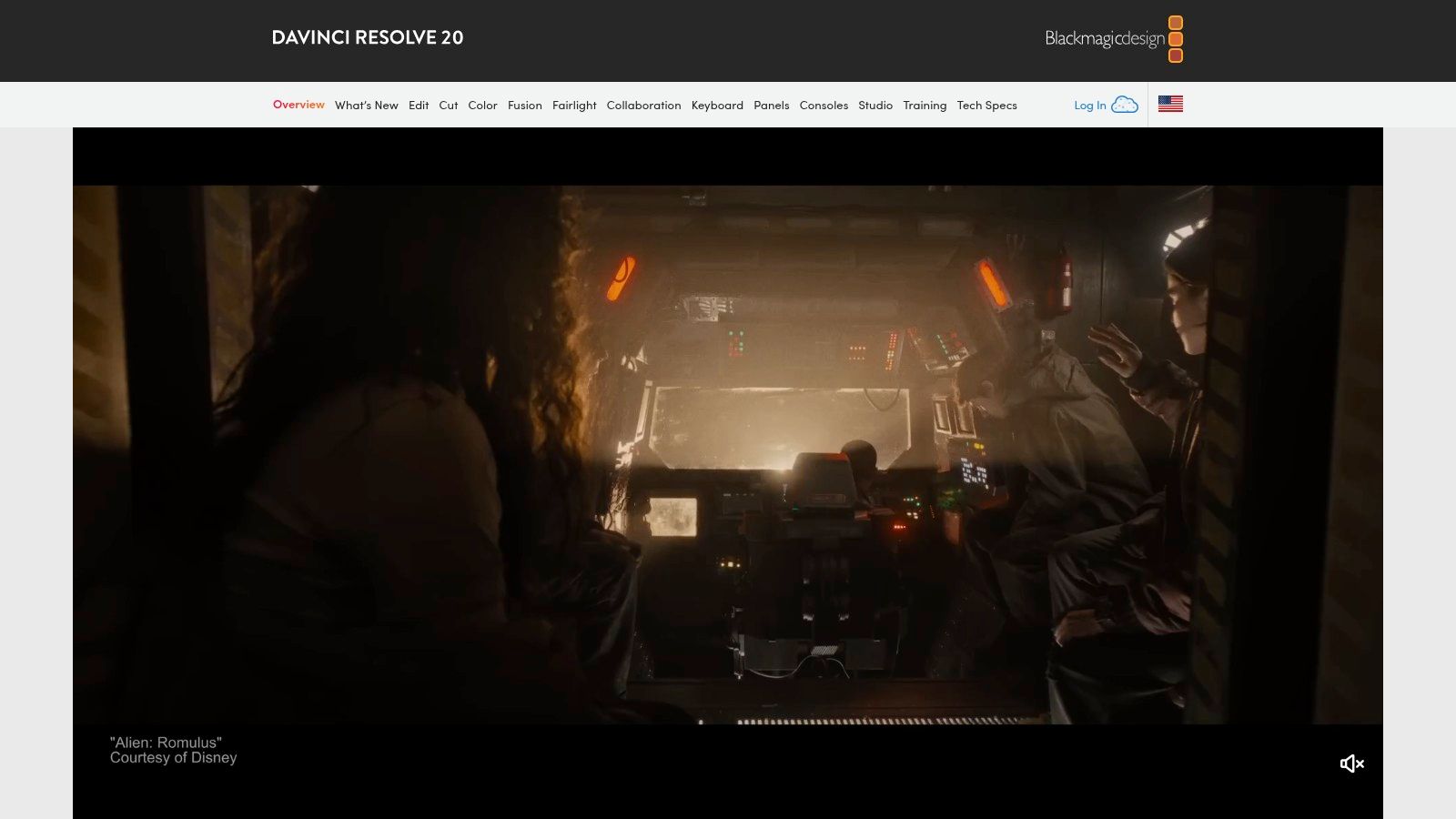
Resolve's AI tools are deeply integrated to accelerate complex and repetitive tasks. The Magic Mask, for example, uses the Neural Engine to automatically isolate and track people or objects with a single click, saving hours of manual rotoscoping. Similar to its competitors, it now offers robust text-based editing, allowing users to generate transcripts and assemble a timeline by manipulating text. This holistic approach means AI enhancements are available at every stage, from initial cut to final color and mix.
Key AI Features & Capabilities
- DaVinci Neural Engine: This is the core AI technology powering dozens of features, including Magic Mask for automated object isolation, Smart Reframe for social media outputs, and Depth Map for creating 3D-like depth in 2D footage.
- Speech-to-Text & Text-Based Editing: Automatically transcribes video clips and allows you to add or remove footage from your timeline simply by editing the generated text document, dramatically speeding up interview and dialogue edits.
- Voice Isolation & Dialogue Leveler: One-click Fairlight tools that use AI to remove loud, undesirable background noise from dialogue or automatically balance audio levels for consistent, professional-sounding results.
- Object Tracking & Surface Tracking: Powerful, AI-assisted trackers in the Color and Fusion pages allow you to precisely apply effects, grades, or graphics to moving subjects or surfaces within your shot.
- Automatic Subtitle Generation: Creates subtitles directly from the audio on your timeline, with AI helping to accurately time the captions to the corresponding dialogue.
Pricing, Pros & Cons
DaVinci Resolve has a unique pricing model with a robust free version and a one-time payment for the Studio version.
| Version | Price | Key Inclusions |
|---|---|---|
| DaVinci Resolve | Free | A surprisingly capable version with editing, color, Fusion, and Fairlight tools. |
| DaVinci Resolve Studio | $295 (One-Time) | All free features plus the DaVinci Neural Engine, advanced HDR grading, noise reduction, and more. |
-
Pros:
- Incredible value with a one-time license that includes all future updates.
- Industry-leading color grading tools trusted by Hollywood professionals.
- A true all-in-one application, eliminating the need to switch between different software for VFX or audio.
- The free version is extremely powerful and sufficient for many users.
-
Cons:
- Steep learning curve, especially for users new to professional node-based workflows.
- AI and advanced features require powerful hardware, particularly a strong GPU.
Verdict
DaVinci Resolve Studio is the top choice for serious editors, colorists, and small studios who want a complete, high-end post-production suite without being tied to a monthly subscription. If you prioritize world-class color tools and an integrated workflow, and you have the hardware to support it, Resolve's one-time purchase is arguably the best value in professional video editing today.
Visit Website: https://www.blackmagicdesign.com/products/davinciresolve/
Top 7 AI Video Editors — Feature Comparison
| Tool | 🔄 Implementation complexity | ⚡ Resource requirements | ⭐ Expected outcomes | 📊 Key advantages | 💡 Ideal use cases |
|---|---|---|---|---|---|
| Auralume AI | Low — browser-based with Prompt Wizard | Cloud service; credit system (pay‑as‑you‑go or subs) | ⭐⭐⭐⭐ — cinematic, social‑ready (varies by model/prompt) | Aggregates top models; prompt coaching; upscalers | Fast text/image→video for creators, marketers, agencies |
| Adobe Premiere Pro (Creative Cloud) | High — full professional NLE, steeper learning curve | Desktop workstation; Creative Cloud subscription; integrates with After Effects/Audition | ⭐⭐⭐⭐⭐ — pro‑grade finishing with AI assist | Deep cross‑app workflows; frequent AI feature updates | Studio workflows, long‑form edits, agency/post houses |
| Runway | Medium — browser gen + editor, moderate learning | Cloud credits or Unlimited mode; high‑res outputs cost more | ⭐⭐⭐⭐ — strong generative + edit-in-one results | Fast iteration, native models + 3rd‑party access, upscaling | Rapid prototyping, creators who generate then refine |
| CapCut (Bytedance) | Low — template‑driven, mobile/web focused | Lightweight on device; Pro tiers for 4K/cloud features | ⭐⭐⭐ — fast social outputs, limited pro depth | Rich templates/effects, cross‑device sync, affordable | Short‑form social, influencer content, quick ads |
| Descript | Low–Medium — transcript‑first editor, different paradigm | Media minutes + AI credits model; cloud processing | ⭐⭐⭐⭐ — excellent for talking‑head/podcast workflows | Transcript editing, Studio Sound, Underlord assistant | Podcasts, tutorials, interviews, scripted web videos |
| VEED | Low — web editor with templates and collaboration | Browser based; plan tiers and optional AI credit add‑ons | ⭐⭐⭐ — reliable social/marketing outputs with easy subtitling | Auto‑subtitles/translation, brand kits, hosting/review | Marketers, small teams, subtitled promos and social posts |
| DaVinci Resolve Studio | High — comprehensive suite, steep learning curve | High HW demands (GPU/Apple Silicon); one‑time Studio license | ⭐⭐⭐⭐⭐ — industry‑leading color, VFX, finishing quality | End‑to‑end finishing; Neural Engine AI; Fusion & Fairlight | Film, color grading, high‑end finishing and broadcast projects |
Choosing Your Creative Co-Pilot: Final Thoughts on the Best AI Video Editor
The journey through the landscape of AI-powered video editing reveals a clear and exciting truth: the creator's toolkit has fundamentally evolved. We are no longer just editors; we are conductors of intelligent systems, orchestrating complex creative tasks with unprecedented speed and precision. The manual, often tedious, aspects of video production that once consumed hours are now being automated, freeing up invaluable time for what truly matters: storytelling, creativity, and strategic vision.
The tools we've explored, from the generative magic of Auralume AI and Runway to the integrated intelligence within industry giants like Adobe Premiere Pro and DaVinci Resolve, represent more than just software. They are creative partners. This shift means the definition of the best AI video editor is no longer about a single, one-size-fits-all solution. Instead, it's about finding the right co-pilot for your specific creative mission.
Recapping Your Options: A Quick Guide to Making Your Choice
Your ideal tool hinges entirely on your primary workflow, project type, and creative goals. Let’s distill the decision-making process down to its core:
- For the Generative Pioneer & Prototyper: If your goal is to create entirely new video content from scratch using text prompts or animate still images, Runway and Auralume AI are your go-to platforms. Auralume AI stands out for its unique aggregator model, giving you access to multiple AI engines in one place, which is perfect for maximizing creative options and future-proofing your workflow against the rapid evolution of AI models.
- For the Traditional Editor Seeking Enhancement: If you're already comfortable in a professional NLE (Non-Linear Editor) and want to supercharge your existing process, Adobe Premiere Pro and DaVinci Resolve Studio are the clear winners. Their AI features, like Scene Edit Detection, Text-Based Editing, and Magic Mask, are seamlessly integrated, designed to augment rather than replace your skills.
- For the Social Media & Content Marketing Guru: Speed, captions, and engagement are your currency. CapCut and VEED are built for this world. Their templates, auto-captioning, and one-click resizing tools make them incredibly efficient for producing high volumes of content for platforms like TikTok, Instagram Reels, and YouTube Shorts.
- For the Narrative & Podcast Creator: If your video is driven by spoken word, Descript offers a revolutionary, transcript-first approach. The ability to edit video by simply editing a text document is a game-changer for interviews, podcasts, tutorials, and corporate communications, making it perhaps the most intuitive editor on the market for dialogue-heavy projects.
Implementing Your New AI Co-Pilot
Once you've narrowed down your choices, the next step is implementation. Don't just watch tutorials; dive in with a real project. Take a recent video you created and try to replicate or improve it using a free trial of your chosen AI tool. This hands-on experience is the only way to truly understand how a tool fits your natural creative process.
Pay close attention to how much time you save on specific tasks. Did AI-powered color correction get you 80% of the way there in seconds? Did auto-podcasting remove filler words flawlessly? These tangible benefits are what will ultimately justify integrating a new tool into your workflow. For those looking for even more options, you can explore these top AI video editing tools for faster editing to see how a wider range of platforms are tackling common creative bottlenecks.
The future of video creation is a symbiotic relationship between human ingenuity and artificial intelligence. The best AI video editor for you is the one that removes friction, sparks new ideas, and empowers you to tell your stories more effectively and efficiently than ever before. The revolution is here; the only question is which tool you will choose to lead your creative charge.
Ready to move beyond traditional editing and start creating stunning cinematic visuals from simple ideas? Auralume AI provides a unified, powerful platform that brings together the best generative AI models, giving you the ultimate flexibility to bring any concept to life. Stop waiting for the perfect shot and start generating it today.
Explore Auralume AI and begin your generative video journey.