
The 12 Best AI Video Maker Tools for 2025 (Expert Tested)
From simple text prompts to animating still images, the rise of AI video generators has fundamentally changed how we produce visual content. These powerful tools democratize video creation, allowing creators, marketers, and businesses to produce high-quality, engaging videos in minutes, not days. The challenge is no longer if you can create video with AI, but which tool is the right fit for your specific project and budget. This guide is designed to cut through the noise and help you find the best AI video maker for your needs.
We've analyzed the top platforms, from text-to-video pioneers like Runway and Luma AI to integrated content suites like Adobe Express and Canva. Whether you're a social media manager crafting viral ads, a YouTuber prototyping cinematic sequences, or an artist bringing illustrations to life, this resource provides a direct comparison of features, pricing, and ideal use cases. For those looking to understand the broader technological shift, it helps to see how these tools fit into the larger production ecosystem. To further understand the revolutionary impact of this technology and how it's changing marketing, consult this ultimate guide to AI powered video creation.
This article will help you:
- Compare core features like generation models, video quality, and prompt tools.
- Identify the ideal platform for specific tasks, such as animating images or generating corporate training videos.
- Understand the pros, cons, and limitations of each service before you commit.
Each entry includes a concise summary, practical insights, and direct links to get you started immediately. Let’s dive in and find the perfect AI video tool to transform your ideas into compelling motion.
1. Auralume AI
Auralume AI positions itself as the best AI video maker for creators who demand flexibility and power, functioning as an all-in-one studio that aggregates the market's leading generation models. This unique approach allows users to select the ideal engine for any project, whether they need the cinematic polish of models like Google Veo and Sora or the rapid experimental output of Pika and Seedream. By integrating a diverse toolkit on a single platform, Auralume eliminates the need to subscribe to multiple services, offering a streamlined and cost-effective workflow.
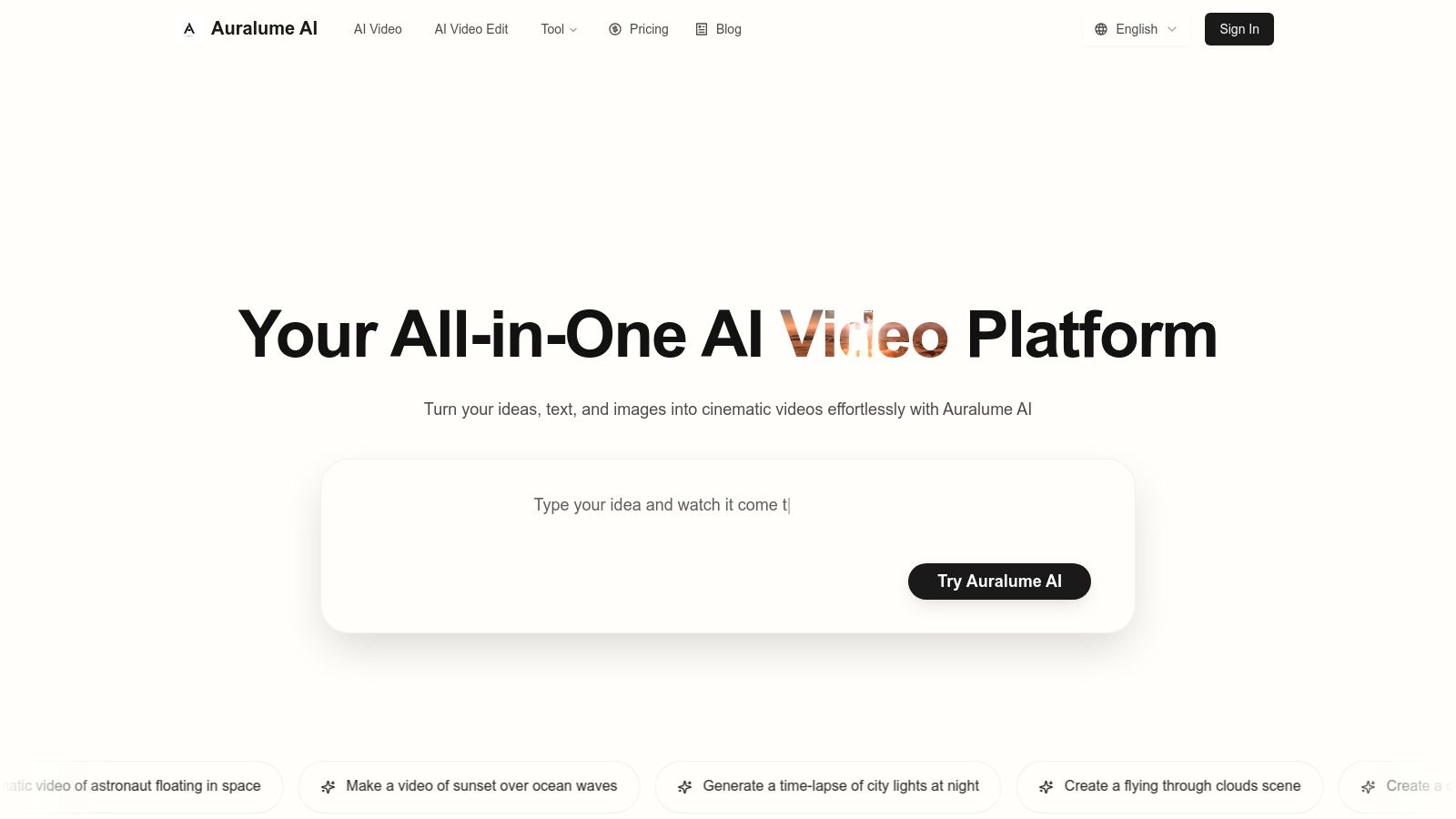
The platform’s standout feature is its intelligent Prompt Wizard, an invaluable tool for both novices and experts. It automatically optimizes user inputs and provides coaching to help craft prompts that yield professional-grade results, significantly lowering the barrier to entry for high-quality AI video creation. This focus on user empowerment makes complex video generation accessible without requiring a background in visual effects.
Key Features and Pricing
Auralume enhances the creative pipeline with built-in tools like Image and Video Upscalers to boost final quality, alongside a proprietary AI image generator. This integrated suite supports everything from text-to-video and image-to-video to detailed scene construction.
Pricing is designed for flexibility, catering to various user needs. A pay-as-you-go option offers 500 credits for $10 that never expire, perfect for occasional use. For more consistent creators, the Starter plan provides 2,300 credits monthly for $31.20/month (billed annually), while the Pro plan at $79.20/month (billed annually) includes 6,600 credits, priority generation speeds, and a critical Stealth Mode for private commercial projects.
Best For: Creators and marketers seeking a versatile, multi-model platform to produce everything from rapid prototypes to polished social media content.
Pros:
- Access to multiple top-tier video generation models in a single interface.
- Prompt Wizard simplifies complex prompting, making pro-level results accessible to all.
- Flexible pricing with non-expiring credits and scalable subscription tiers.
- Integrated upscalers and image generators create a comprehensive creative studio.
Cons:
- Output quality is model-dependent and may require experimentation.
- Creations are public by default; privacy requires the pricier Pro plan’s Stealth Mode.
For a deeper dive into its features, explore Auralume AI's platform.
2. Adobe Express (Generate Video by Firefly)
Adobe Express leverages the power of its Firefly AI model to integrate text-to-video generation directly into a user-friendly, template-driven content creation platform. It stands out by making AI video generation a seamless part of a larger marketing or social media workflow, rather than an isolated tool. This makes it an excellent choice for creators and marketers already invested in the Adobe ecosystem or those needing an all-in-one solution for creating polished social content quickly.
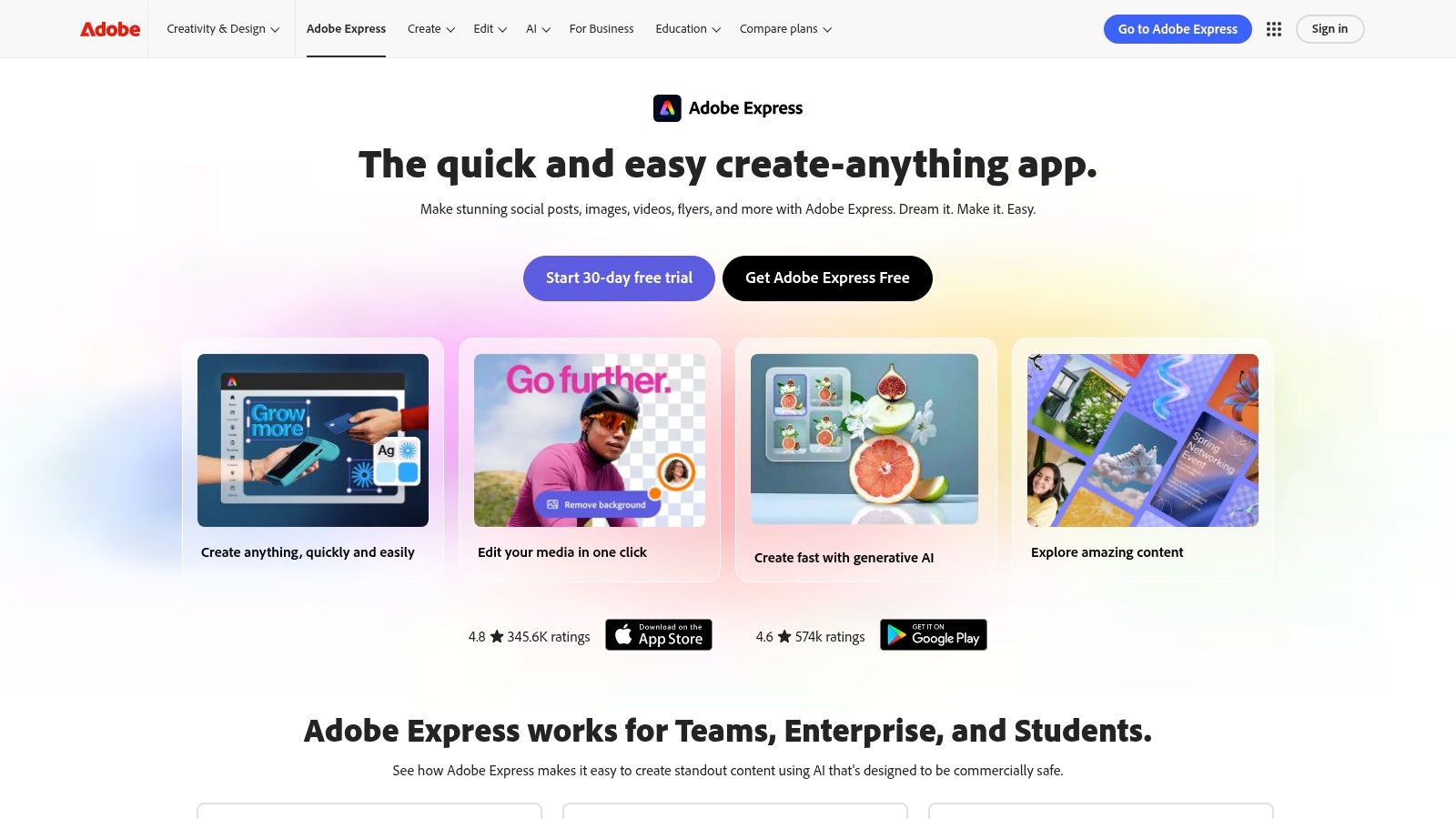
The platform’s key advantage is its integration. You can generate a short AI clip and immediately add text overlays, brand assets from your Creative Cloud Libraries, and music from the Adobe Stock library without leaving the app. For professionals, the workflow can continue into Adobe Premiere Pro for more advanced editing, making Express a powerful starting point for complex projects.
Key Features & Analysis
- Generation Model: Powered by Adobe Firefly, trained on licensed content to be commercially safe. This provides a strong legal and ethical foundation for brand use.
- Core AI Tools: Includes text-to-video (currently in public beta), AI-powered background removal, and Adobe's renowned one-click Speech Enhancement tool.
- Workflow Integration: Offers a tight handoff to Creative Cloud apps like Premiere Pro and Photoshop. Brand kits, libraries, and templates sync across the ecosystem.
- Pricing: A free plan offers limited access. The Premium plan ($9.99/month) includes more monthly "Generative Credits," which are consumed for AI generations.
Our Take: Adobe Express is the best AI video maker for brand-conscious marketers and creators who need a commercially safe, integrated tool. While its text-to-video feature is still developing and has short clip length limits, its strength lies in the combination of AI generation with a robust suite of established design and editing tools.
- Website: https://www.adobe.com/express/
3. Runway
Runway is a comprehensive AI-first video platform that appeals to creators who demand granular control over the generative process. It offers a suite of advanced models, including the latest Gen-3 Alpha, alongside a full-featured online video editor. This combination makes Runway a powerful sandbox for artists, filmmakers, and creative agencies looking to push the boundaries of AI-generated content beyond simple text prompts, making it a top contender for the best AI video maker available.
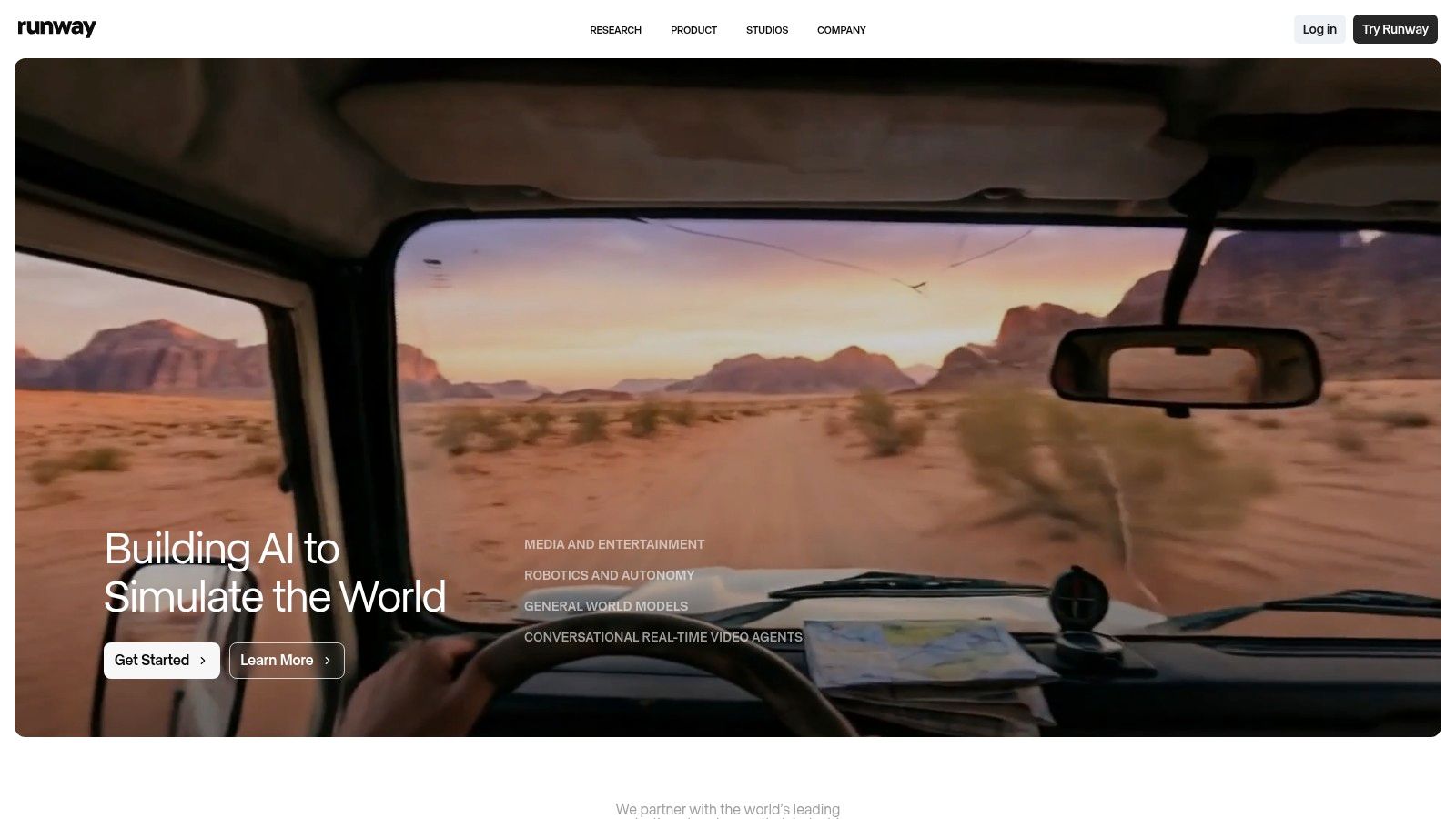
The platform’s key advantage is its suite of generative tools and controls. Users can generate from text, images, or even existing video clips, and then refine their creations with tools like Motion Brush, Camera Controls, and Director Mode. The transparent, per-second credit system provides clear cost expectations, while extensive learning resources via Runway Academy help users master its advanced features for professional-level output.
Key Features & Analysis
- Generation Model: Access to multiple models, including the cutting-edge Gen-3 Alpha for highly detailed and coherent video, plus Gen-2 for different styles.
- Core AI Tools: Includes text-to-video, image-to-video, and video-to-video generation. Advanced features include 4K upscaling, keyframe controls for motion, and AI training for custom styles on higher-tier plans.
- Workflow Integration: Features a built-in multi-track video editor, allowing users to assemble, edit, and export their generated clips without leaving the platform.
- Pricing: A free plan offers limited credits. Paid plans start with the Standard plan ($12/user/month) providing more credits, with Pro and Unlimited tiers offering advanced features and larger credit pools.
Our Take: Runway is the best AI video maker for creative professionals and artists who want maximum control over the generative process. Its combination of multiple advanced models, director-level controls, and an integrated editor creates a robust end-to-end workflow for producing cinematic and artistic AI video.
- Website: https://runwayml.com/
4. Luma AI – Dream Machine
Luma AI’s Dream Machine has rapidly emerged as a powerful text-to-video and image-to-video generator, gaining attention for its ability to produce clips with remarkably realistic motion and fluid character consistency. It excels at turning static ideas into dynamic, short-form video content, making it a strong contender for creators focused on high-quality b-roll, conceptual animations, or surreal visual storytelling without complex post-production.
The platform is accessible via web and iOS, prioritizing speed and output quality over an extensive suite of in-app editing tools. Dream Machine is particularly effective for generating a high volume of short, 5-second clips for ideation or for artists and designers who want to animate their still images with cinematic flair. Paid tiers unlock commercial rights and higher resolution outputs, positioning it as a viable tool for professional workflows.
Key Features & Analysis
- Generation Model: Powered by Luma's proprietary Ray series models, which are trained for high-fidelity motion and object physics.
- Core AI Tools: Includes text-to-video and image-to-video generation. Paid plans offer features like HDR output and 4K up-resolution for professional-grade quality.
- Workflow Integration: Functions as a standalone generation tool. The primary workflow involves generating clips and downloading them for use in external video editing software.
- Pricing: A free plan provides 30 monthly generations with watermarks and for non-commercial use. Paid plans start at $29.99/month, offering more credits, commercial rights, and higher quality outputs.
Our Take: Luma AI’s Dream Machine is the best AI video maker for users who prioritize realistic motion and rapid generation of short, high-quality clips. While its short duration and lack of integrated editing tools limit its use for long-form content, its model quality and speed make it an exceptional choice for creating b-roll, animating still images, and prototyping visual concepts quickly.
- Website: https://lumalabs.ai/dream-machine
5. Synthesia
Synthesia is a leading AI video creation platform focused on generating professional, avatar-led videos for corporate training, internal communications, and product explainers. Instead of text-to-video scene generation, its strength lies in converting scripts into polished presentations delivered by photorealistic AI avatars. This makes it an ideal solution for businesses looking to scale video production for learning and development or marketing without the costs of filming.
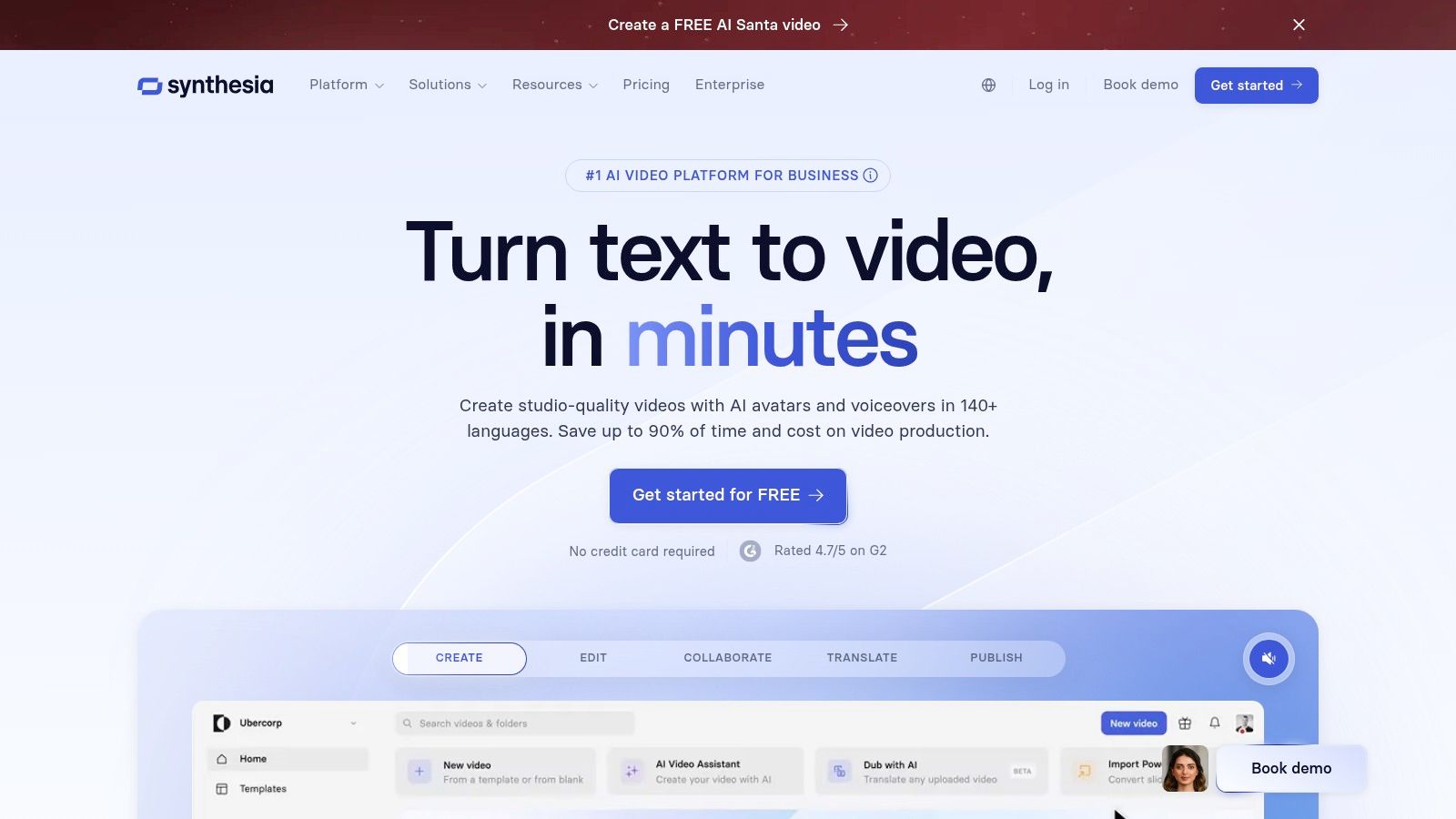
The platform is purpose-built for enterprise and team workflows, offering features like SCORM export for Learning Management Systems (LMS), API access, and robust collaboration tools. Its AI-powered dubbing and translation features are a significant advantage for global companies, allowing one video to be localized into dozens of languages with just a few clicks, ensuring consistent messaging across different regions.
Key Features & Analysis
- Generation Model: Utilizes a proprietary model for creating realistic AI avatars and synthesizing human-like speech from text. It does not generate video scenes from prompts.
- Core AI Tools: Features over 200 stock AI avatars, custom avatar creation, AI script generation, and powerful text-to-speech with AI-powered translation and voice cloning into over 130 languages.
- Workflow Integration: Designed for business use with features like SCORM export, API access, and integrations with tools like PowerPoint and various content management systems.
- Pricing: The Personal plan starts at $22/month for 10 minutes of video. The Creator and Enterprise plans offer more minutes, custom avatars, and advanced business features, with custom pricing for enterprise needs.
Our Take: Synthesia is the best AI video maker for corporate training and multilingual business communications. While its avatar-centric approach may not suit creative or cinematic projects, its efficiency, scalability, and localization features are unparalleled for creating consistent, on-brand instructional and informational content at scale.
- Website: https://www.synthesia.io/
6. InVideo AI
InVideo AI excels at transforming scripts into polished videos in minutes, making it a go-to tool for marketers and creators focused on speed and efficiency. Instead of focusing on text-to-video clip generation, its AI streamlines the entire production workflow. You provide a script or a topic, and the AI assembles a complete video with relevant stock footage, voiceovers, text overlays, and transitions, which can then be fine-tuned in a traditional timeline editor.
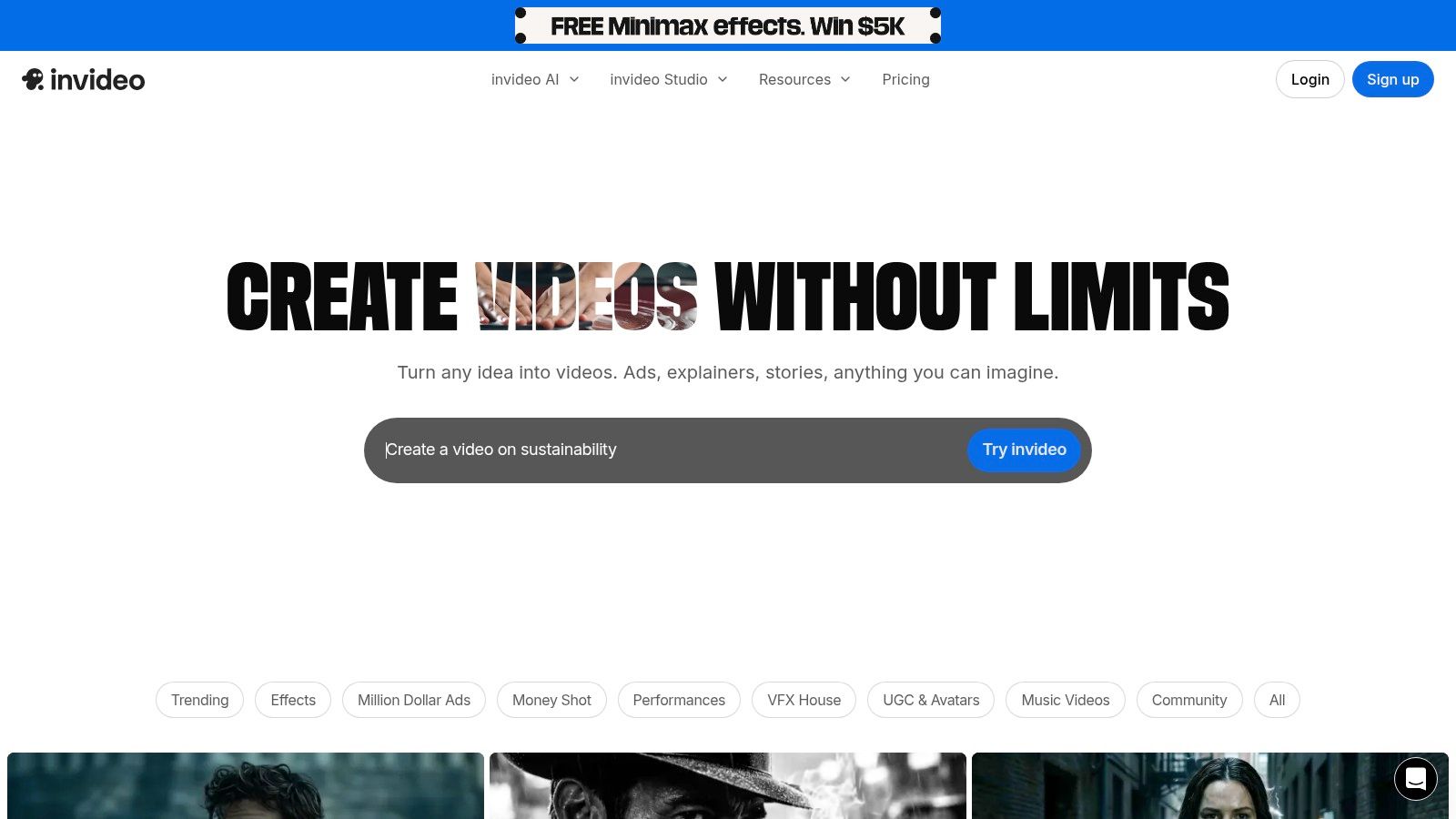
This workflow-based approach makes it ideal for producing content like social media ads, explainer videos, and YouTube listicles at scale. While it may lack the advanced generative capabilities of other platforms, its strength lies in leveraging AI to intelligently assemble existing assets into a coherent and professional-looking final product with minimal manual effort.
Key Features & Analysis
- Generation Model: Utilizes AI for script-to-video assembly, not direct video generation. It intelligently selects clips from a vast library of stock media to match the script's content.
- Core AI Tools: Includes AI script generation, automated scene creation, realistic text-to-speech voiceovers in multiple languages, and smart asset selection.
- Workflow Integration: Offers a self-contained, browser-based editor with a massive template library. It’s designed for a quick start-to-finish process for social media formats.
- Pricing: A generous free plan allows users to export videos with an InVideo watermark. Paid plans start at $20/month (billed annually) for watermark-free exports and premium stock media access.
Our Take: InVideo AI is the best AI video maker for creators and marketers who prioritize workflow automation and speed over generative novelty. It's an exceptionally fast tool for turning scripts into engaging social media content, listicles, and promotional videos using high-quality stock assets.
- Website: https://invideo.io/
7. Descript
Descript takes a unique, transcript-first approach to video production, positioning itself as an AI-powered audio and video editor rather than a generative tool. It shines by letting you edit complex video and audio projects simply by editing a text document. This makes it an incredibly efficient tool for creators focused on dialogue-heavy content like podcasts, online courses, product demos, and corporate training materials.
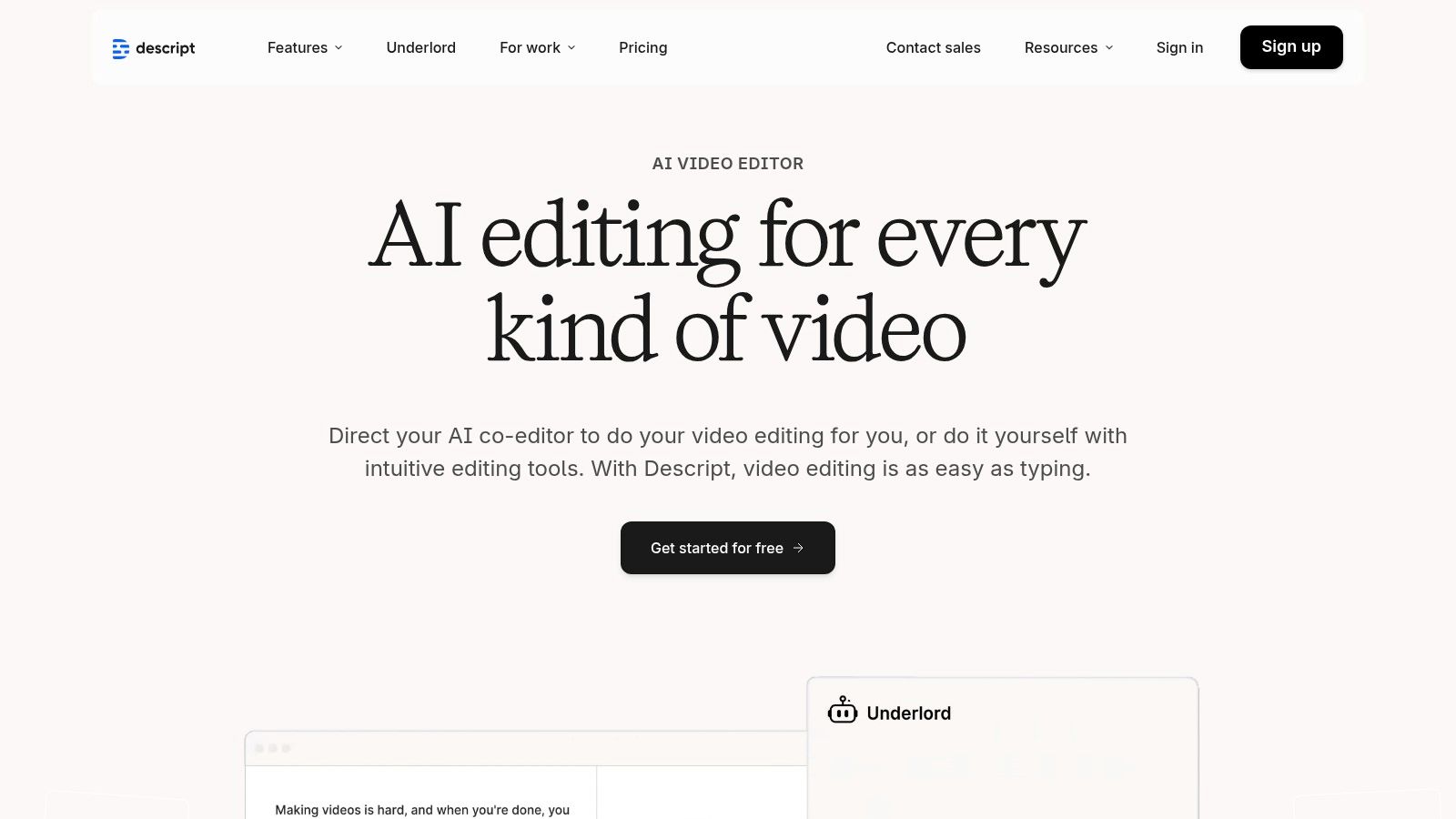
The platform’s core strength is its powerful AI assistant, "Underlord," which automates tedious editing tasks. You can remove filler words ("um," "uh") with a single click, automatically generate accurate subtitles, and even clone your own voice using the "Overdub" feature to correct mistakes without re-recording. This workflow-centric design drastically cuts down editing time for talk-first video content.
Key Features & Analysis
- Generation Model: Utilizes a suite of proprietary AI models focused on workflow enhancement, not cinematic generation. This includes transcription, voice cloning (Overdub), and automated editing tasks.
- Core AI Tools: Features transcript-based video editing, Overdub (text-to-speech voice cloning), automatic filler word removal, studio-quality sound enhancement, and an AI co-editor for summarizing and finding highlights.
- Workflow Integration: Offers robust team collaboration features, screen recording, and integrations with other platforms. It's built as an end-to-end production tool for spoken-word content.
- Pricing: Provides a free plan with basic features. Paid plans start with the Creator tier ($12/month) and Pro tier ($24/month), offering more transcription hours, 4K export, and advanced AI features.
Our Take: Descript is the best AI video maker for podcasters, educators, and marketers creating dialogue-driven content. Its genius lies in transforming the tedious process of video editing into a simple word-processing task. While it's not a text-to-video generator for creating cinematic scenes, its AI-powered workflow tools are revolutionary for anyone who works with spoken audio and video.
- Website: https://www.descript.com/
8. Canva
Canva integrates AI video tools directly into its world-renowned, all-in-one design platform, making it a go-to for teams that need to produce branded content at scale. Rather than being a standalone generator, Canva's "Magic Media" feature allows users to create short AI video clips from text prompts within its familiar drag-and-drop editor. This approach is ideal for small businesses, social media managers, and marketing teams who prioritize speed, brand consistency, and access to a massive library of templates and stock assets.
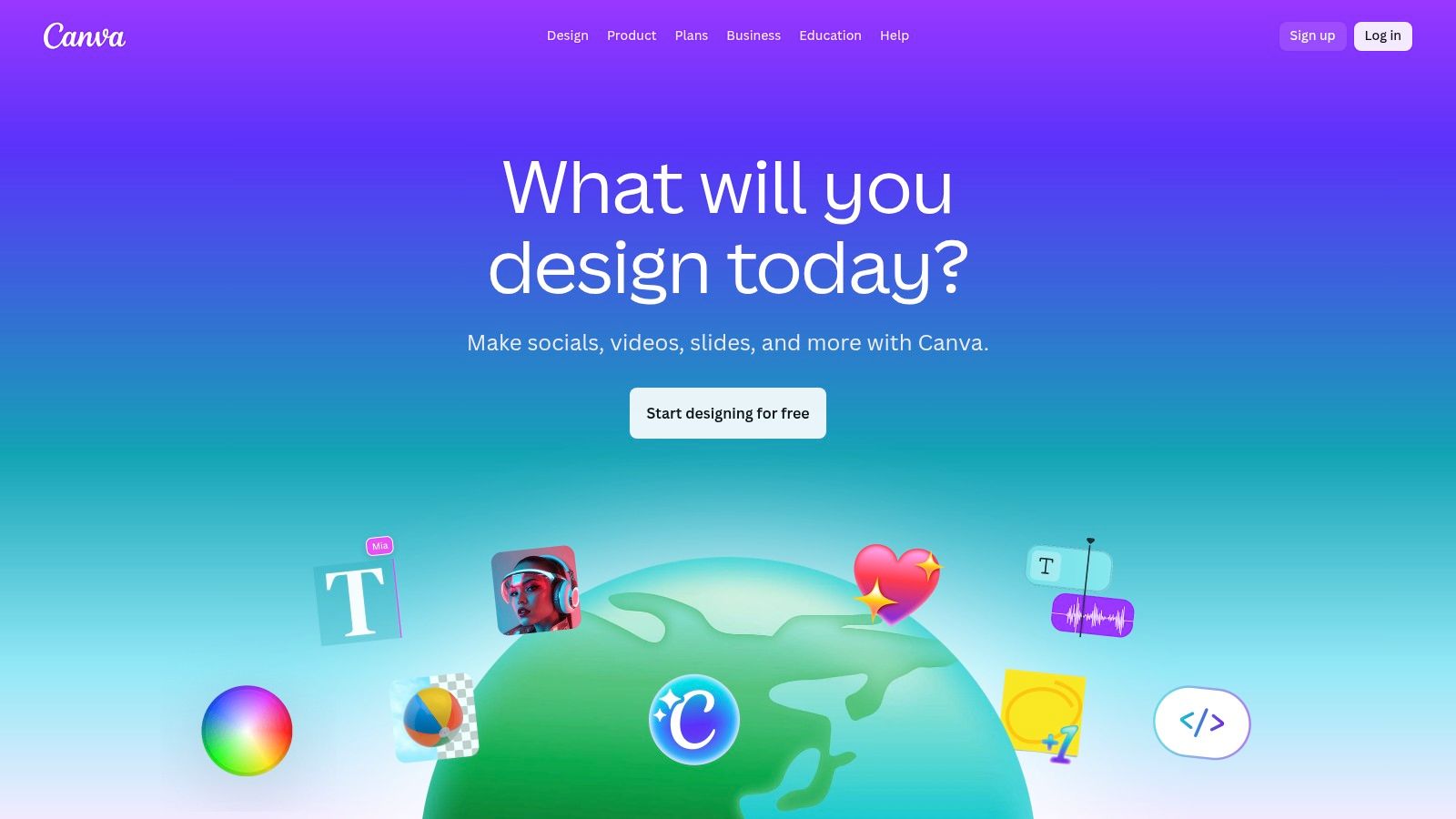
The platform’s core strength is its unified workflow. A user can generate an AI clip, add it to a social media template, apply brand colors and fonts from their Brand Kit, add animated text, and resize the entire project for different platforms in just a few clicks. This seamless process eliminates the need to jump between multiple applications, streamlining content creation for fast-paced environments.
Key Features & Analysis
- Generation Model: Canva's "Magic Media" feature includes a text-to-video generator. Its model is designed for ease of use and integration rather than photorealistic, cinematic output.
- Core AI Tools: Includes text-to-video clip generation, Magic Edit for objects, Magic Design for automated template creation, and AI-powered background removal.
- Workflow Integration: Features a comprehensive suite of design tools, including a massive template library, stock photos/videos, brand kits, and powerful team collaboration features.
- Pricing: A free plan offers limited AI generations. Paid plans (Pro from $14.99/month, Teams from $29.99/month for 5 people) provide more "credits" for AI features. Discounts are often available for nonprofits and educational institutions.
Our Take: Canva is the best AI video maker for marketing teams and non-designers who need an incredibly approachable, all-in-one solution. While its AI-generated clips are basic compared to dedicated models, their integration into Canva's powerful design ecosystem makes creating polished, on-brand social media content faster than almost any other tool.
- Website: https://www.canva.com/
9. Microsoft Clipchamp
Microsoft Clipchamp positions itself as a user-friendly, accessible video editor deeply integrated into the Windows and Microsoft 365 ecosystem. While not a dedicated text-to-video generator like some rivals, it uses AI to simplify the editing process through features like auto-composition and text-to-speech. This makes it an excellent choice for beginners, students, and business users needing to quickly assemble polished videos for presentations, social media, or internal communications without a steep learning curve.
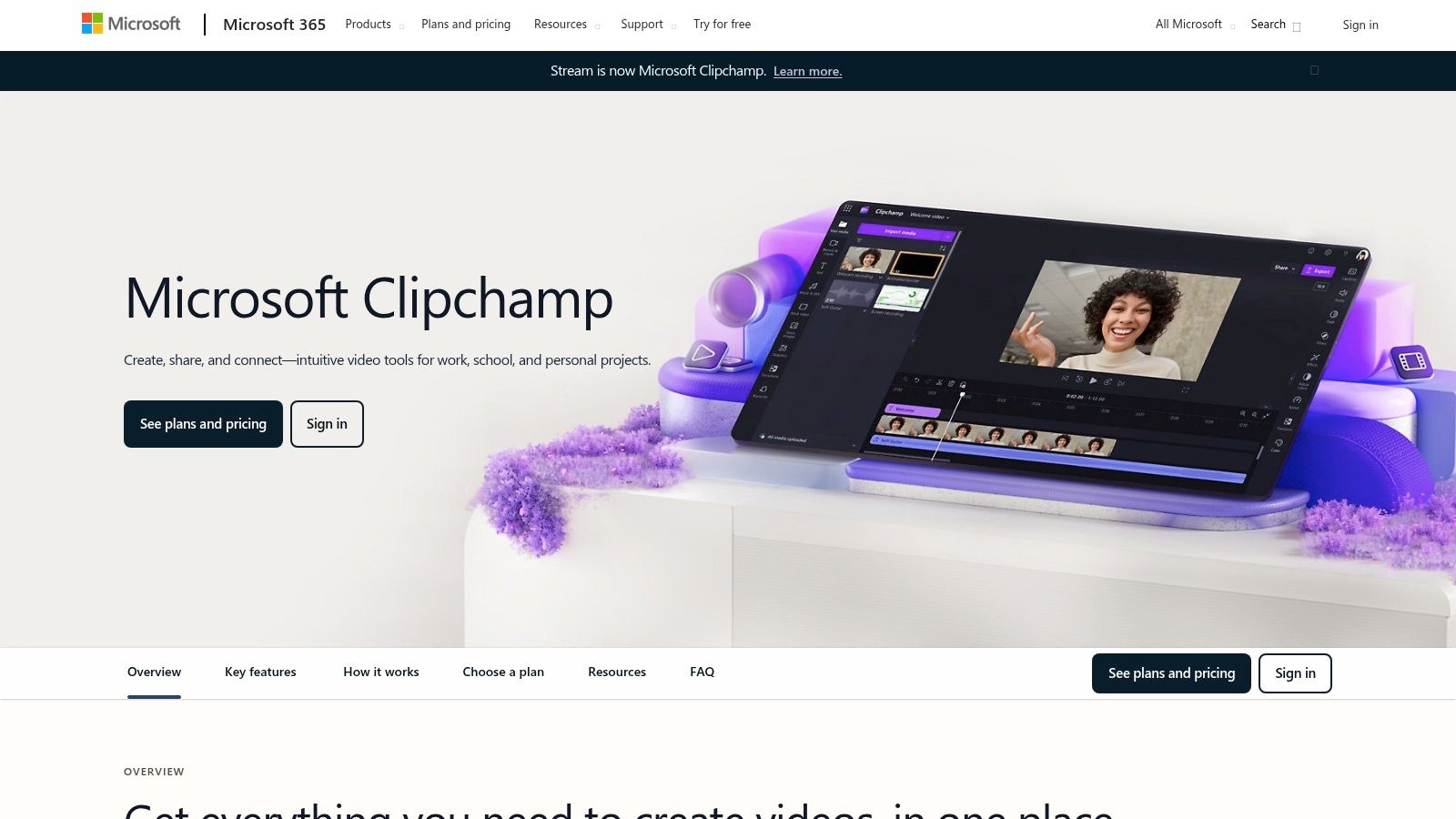
The platform's main advantage is its convenience, especially for Windows 11 users where it comes pre-installed. Its generous free tier, which includes watermark-free exports up to 1080p, is a significant draw. Rather than focusing on generating novel clips from text, Clipchamp uses AI to assist traditional editing workflows, making it a practical tool for everyday video creation tasks.
Key Features & Analysis
- Generation Model: Utilizes AI for assistive features rather than generative video. This includes auto-composition, which analyzes your clips and suggests edits, and AI-powered text-to-speech with various voice options.
- Core AI Tools: Key features are the auto-compose tool, text-to-speech narration, and an automatic subtitle generator. It also offers a simple background remover for green screen effects.
- Workflow Integration: Seamlessly integrated with Windows 11 and Microsoft 365. You can easily import files from OneDrive, and the editor is available as a web app and a desktop application.
- Pricing: A robust free plan offers 1080p exports without watermarks. The Premium plan (part of Microsoft 365 subscriptions) unlocks premium stock assets, brand kits, and content backup.
Our Take: Clipchamp is the best AI video maker for Windows users and beginners who need a simple, free, and effective tool for basic video editing. Its AI features are designed to speed up the process rather than create from scratch, making it a highly practical choice for quick projects, school assignments, or corporate videos.
10. CapCut (official app listings)
CapCut has dominated the social media video landscape by offering a powerful, mobile-first editing suite packed with AI features. It’s the go-to tool for creating content for TikTok, Reels, and Shorts, merging a traditional timeline editor with a vast library of AI-driven effects, templates, and one-click tools. Its strength lies in its speed and accessibility, allowing creators to produce trending, high-engagement videos directly from their phones or desktops with minimal effort.
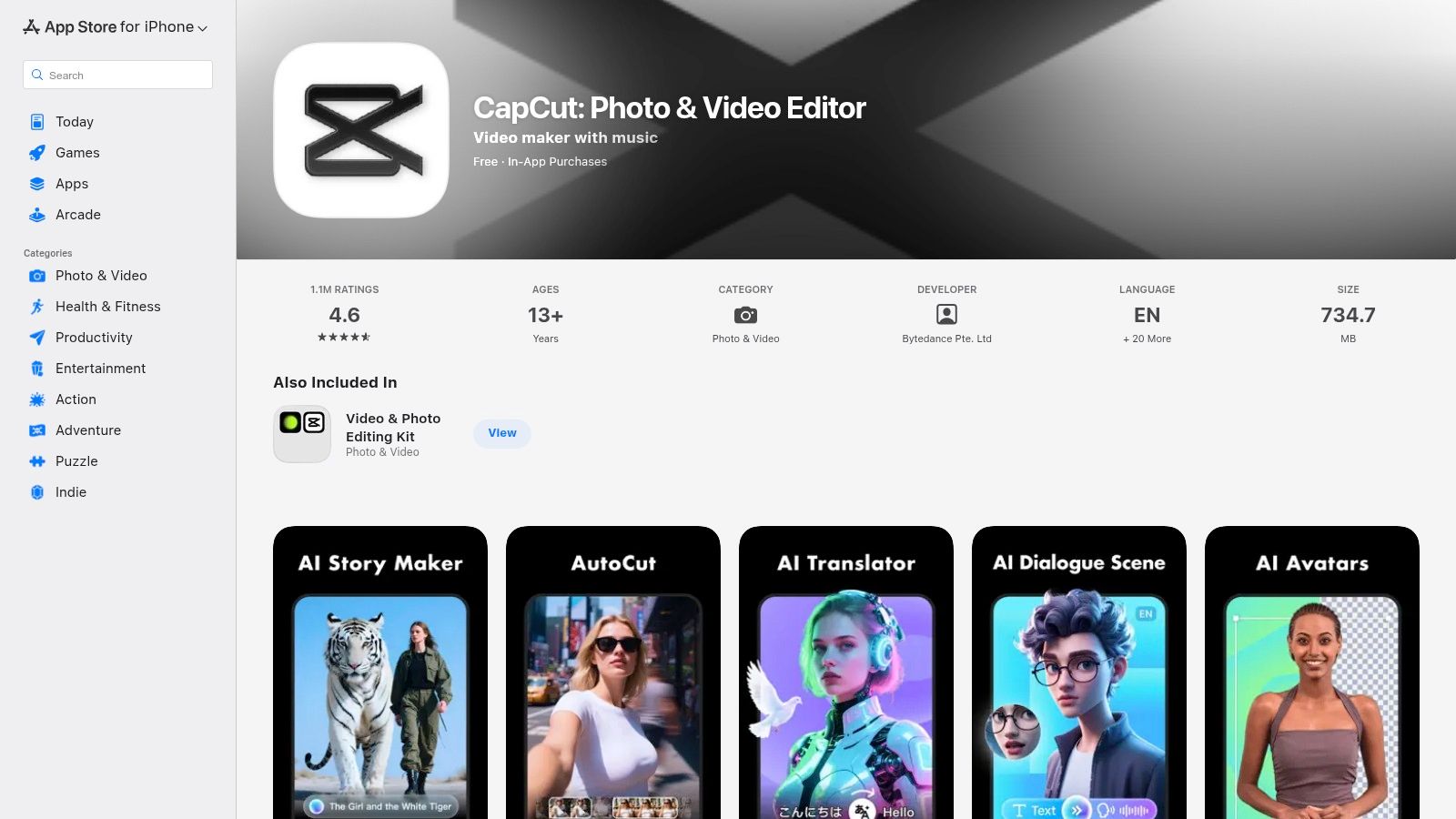
Unlike dedicated text-to-video generators, CapCut positions its AI tools as enhancements within a full-featured editor. This includes AI-powered auto-captions, background removal, script-to-video generators, and AI characters. The massive template ecosystem allows users to replicate popular video styles instantly, making it an indispensable resource for social media managers and influencers who need to stay on top of trends.
Key Features & Analysis
- Core AI Tools: Includes a versatile script-to-video maker, AI-generated auto-captions, smart background removal, and a growing suite of generative AI effects and filters.
- Workflow Integration: Seamlessly syncs projects between mobile and desktop apps via the cloud. Its primary integration is with TikTok, simplifying the process of creating and publishing content.
- Template Ecosystem: Offers a massive, user-generated library of templates for every conceivable social media trend, allowing for rapid content creation.
- Pricing: A very robust free version is available. A Pro subscription unlocks premium AI features, effects, and cloud storage, with pricing that can vary by region and platform. Note: Availability in US app stores has fluctuated and should be confirmed directly.
Our Take: CapCut is the best AI video maker for creators focused exclusively on short-form social media content. Its combination of a powerful free editor, a trend-driven template library, and integrated AI tools provides an unmatched workflow for producing viral-style videos quickly and efficiently.
11. Kapwing
Kapwing is a collaborative, browser-based video editing suite supercharged with AI tools designed for modern content creators and marketing teams. It excels at repurposing and localization workflows, offering a comprehensive toolkit that goes beyond simple generation. Instead of focusing solely on text-to-video, Kapwing positions itself as a central hub for creating, subtitling, translating, and reformatting video content for multiple platforms efficiently.
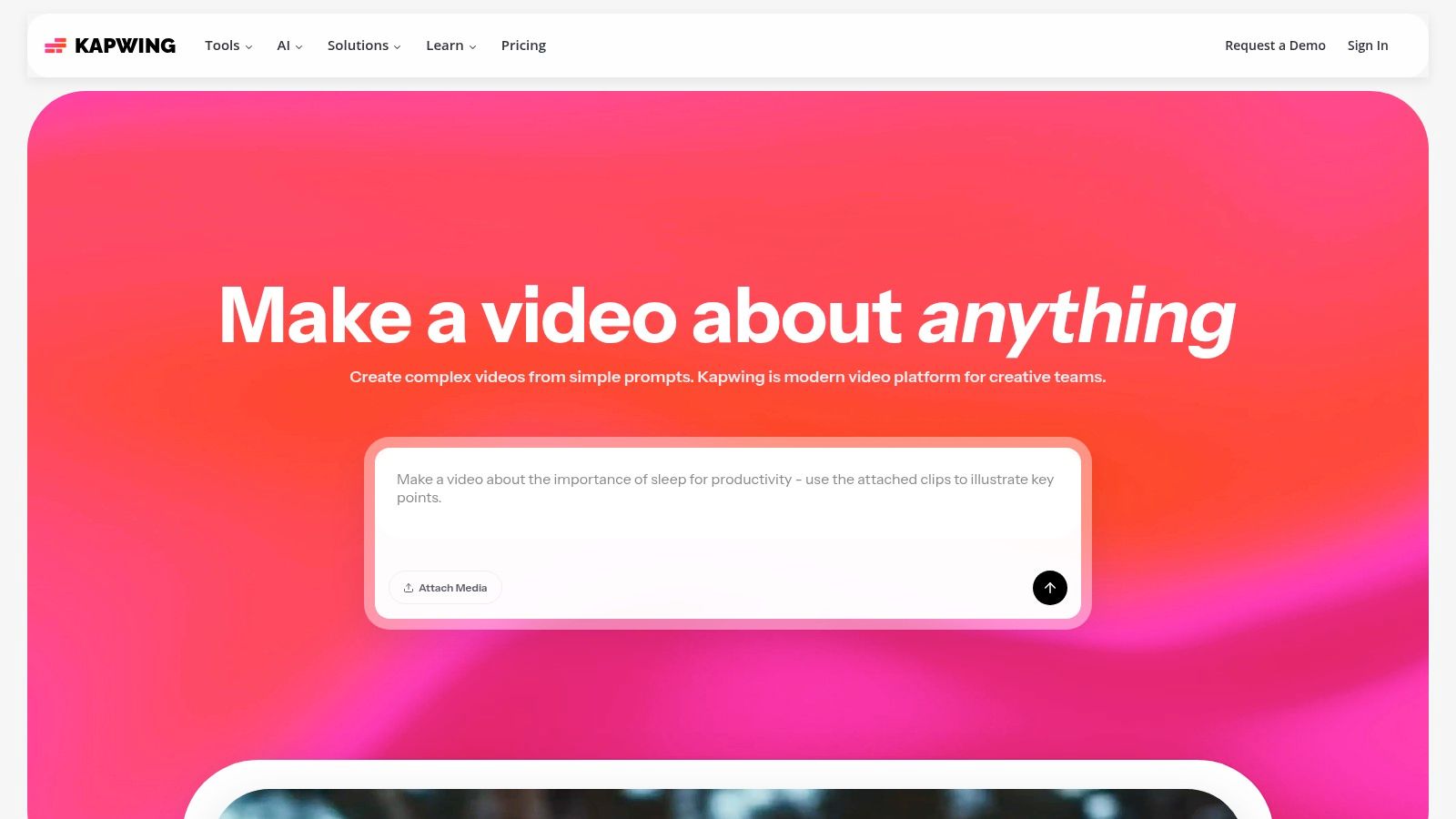
The platform’s strength lies in its team-oriented features and content-repurposing tools. A team can upload a long-form video, and Kapwing's AI can automatically find the most engaging clips, generate accurate subtitles, translate them into multiple languages, and reformat the video for TikTok, Reels, or YouTube Shorts. This makes it an invaluable tool for brands aiming to maximize their content's reach across different regions and platforms.
Key Features & Analysis
- Core AI Tools: Features include an AI clip maker, script-to-video, AI-powered dubbing and translation, and "Smart Cut," which automatically removes silences. The auto-subtitling tool is exceptionally accurate.
- Workflow Integration: As a browser-based platform, it emphasizes collaboration through shared workspaces, comments, and brand kits, allowing teams to maintain consistency without installing software.
- Content Repurposing: The Repurpose Studio is a standout feature, enabling one-click resizing and reframing of videos for various social media aspect ratios.
- Pricing: Offers a free plan with watermarked exports capped at 720p. The Pro plan ($16/month billed annually) removes watermarks, adds 4K export, and provides more AI credits.
Our Take: Kapwing is the best AI video maker for teams focused on content repurposing and localization. Its powerful subtitling, translation, and smart editing tools streamline the process of adapting a single video for a global, multi-platform audience. While heavy AI use can deplete credits on lower tiers, its collaborative suite is a major productivity booster.
- Website: https://www.kapwing.com/
12. G2 – AI Video Generators Category
Rather than a single tool, G2 is a comprehensive software marketplace that aggregates user reviews, ratings, and comparisons for over 100 AI video generator vendors. It serves as a crucial research hub for anyone looking to vet options before committing. Instead of relying solely on marketing claims, G2 provides a real-world perspective from verified users, making it an invaluable resource for shortlisting platforms and cross-checking a vendor's reputation.
The platform’s strength lies in its structured data and filtering capabilities. You can quickly compare the best AI video maker tools based on customer satisfaction scores, market presence, and specific features. This allows businesses and creators to narrow down the vast market to a handful of candidates that truly fit their specific needs, whether it's for enterprise-level video production or a simple social media tool.
Key Features & Analysis
- Aggregated User Reviews: Gathers a high volume of authentic user feedback, providing insights into the pros and cons of each platform from a user's perspective.
- Comparative Grid & Reports: Features a proprietary "G2 Grid" that plots vendors into categories like Leaders, High Performers, and Niche players based on user satisfaction and market presence.
- Advanced Filtering: Allows users to sort and filter vendors by company size, specific AI features (e.g., text-to-video, avatar generation), and pricing models to find the perfect fit.
- Pricing: Free to browse reviews and basic comparisons. Access to more in-depth reports and market intelligence may require a sign-in or a G2 buyer account.
Our Take: G2 is an essential first stop for due diligence. While it isn't an AI video maker itself, it provides the market context and social proof needed to make an informed purchasing decision. It’s perfect for comparing top contenders and discovering new or niche tools you might have otherwise missed.
Top 12 AI Video Makers — Feature & Pricing Comparison
| Product | Core features | Quality (★) | Price / Value (💰) | Target audience (👥) | Unique selling point (✨) |
|---|---|---|---|---|---|
| Auralume AI 🏆 | Aggregates top video models, Prompt Wizard, image→video, upscalers | ★★★★☆ | 💰 PAYG + Starter/Pro; non-expiring credits | 👥 Creators & teams needing model choice & pro polish | ✨ Model aggregator + Prompt Wizard + built-in upscaling |
| Adobe Express (Generate Video by Firefly) | Firefly text/image→video, stock & brand kits, CC handoff | ★★★★☆ | 💰 Included in Adobe plans; AI generations credit‑metered | 👥 Marketers, brands & Creative Cloud users | ✨ Commercial-safe Firefly models + Premiere Pro workflow |
| Runway | Gen-4/3/Alpha models, editor, 4K upscaling, per-second credits | ★★★★☆ | 💰 Transparent per-second credit tiers | 👥 Creators & teams seeking fine generative control | ✨ Advanced model options + 4K upscaling |
| Luma AI – Dream Machine | Short realistic motion clips (Ray models), HDR/up-res | ★★★★☆ | 💰 Competitive entry; paid tiers for HDR/4K | 👥 Ideation, b-roll & high-quality short clips | ✨ Realistic motion & rapid model improvements |
| Synthesia | 125+ avatars, avatar personalization, dubbing & SCORM export | ★★★★☆ | 💰 Enterprise pricing; minute/credit caps on lower plans | 👥 L&D, training & localization teams | ✨ Rich avatar library + enterprise L&D features |
| InVideo AI | Script→video, templates, timeline editor, stock assets | ★★★★☆ | 💰 Generous free tier (watermarked exports) | 👥 Social marketers & small businesses | ✨ Fast template-driven social/video workflow |
| Descript | Transcript-first editing, Overdub TTS, filler removal | ★★★★☆ | 💰 Tiered plans with hour/AI-credit caps | 👥 Podcasters, course creators & talk-first video | ✨ Text-based video editing + Overdub voice cloning |
| Canva | Drag-and-drop editor, Magic Media AI clips, vast templates | ★★★★☆ | 💰 Freemium; metered AI on paid plans | 👥 Social teams, SMBs & non-designers | ✨ Huge asset library + auto-resize for platforms |
| Microsoft Clipchamp | Templates, stock media, background removal, free 1080p | ★★★☆☆ | 💰 Strong free tier; some features require MS365 | 👥 Beginners, education & internal comms | ✨ Windows / Microsoft 365 integration |
| CapCut (official app) | AI video maker, effects, captions, large template community | ★★★★☆ | 💰 Mostly free; Pro/VIP varies by region | 👥 Short-form social creators (TikTok/Reels) | ✨ Massive template ecosystem for short-form content |
| Kapwing | Script/clip maker, dubbing, auto-subtitles, repurpose studio | ★★★☆☆ | 💰 Freemium; credits for heavier AI use | 👥 Creators repurposing content & teams | ✨ Strong captioning, translation & repurpose tools |
| G2 – AI Video Generators Category | Aggregated reviews, leaderboards, filters & vendor links | ★★★★☆ | 💰 Free browsing; some reports require sign‑in | 👥 Buyers, evaluators & procurement teams | ✨ Market overview + user reviews to shortlist vendors |
The Future is Generated: Final Thoughts on Choosing Your Creative Partner
Navigating the landscape of AI video generation can feel like exploring a new frontier. We've journeyed through a comprehensive list of contenders, from the cinematic prowess of Runway and Luma AI’s Dream Machine to the all-in-one content suites of Canva and Adobe Express. Each platform offers a unique blend of power, accessibility, and creative focus, confirming that the single best AI video maker is not a one-size-fits-all answer. Instead, the right choice is a deeply personal one, tethered directly to your specific goals, budget, and creative workflow.
The key takeaway is that the AI video space is rapidly segmenting. Tools are no longer just "AI video generators"; they are specialized partners. Some excel at pure text-to-video magic, while others focus on animating your existing artwork or streamlining the entire editing and post-production process. The most powerful realization is that you no longer need a Hollywood budget or a decade of editing experience to bring professional-grade motion to your ideas.
Key Insights Summarized
Reflecting on our analysis, several core themes emerge. First, the gap between high-end, specialized tools and user-friendly integrated platforms is closing. Tools like Runway and Luma AI are pushing the boundaries of cinematic quality, offering granular controls that appeal to filmmakers and artists. Simultaneously, platforms like InVideo AI and Canva are democratizing video creation, making it a simple, text-prompt-driven process for marketers and creators who need speed and efficiency above all else.
Second, the definition of "video creation" itself is expanding. It now includes everything from generating entirely new scenes from a prompt to animating a static product photo for a social media ad or creating a realistic AI avatar for a corporate training video with Synthesia. Your ideal tool depends on which of these tasks is most central to your work.
Your Actionable Path Forward
So, how do you choose? Don't get paralyzed by the sheer number of options. Instead, follow a strategic approach to find your perfect creative co-pilot.
- Define Your Primary Use Case: Be brutally honest about your needs. Are you a social media manager needing to churn out 10 short-form ads this week? A tool like CapCut or InVideo AI might be your best bet. Are you an artist looking to bring a surrealist digital painting to life? Runway or Auralume AI would be better suited for that artistic control.
- Assess Your Technical Comfort Level: Do you thrive on complex timelines, keyframes, and motion brushes, or do you prefer a simple text box and a "generate" button? Your answer will immediately filter the list, pushing you toward either advanced tools or simplified, template-driven platforms.
- Run Small-Scale Experiments: Nearly every tool on this list offers a free trial or a freemium plan. Dedicate a few hours to testing your top two or three contenders. Use the same prompt or the same source image across each platform to create a true side-by-side comparison of their output, speed, and user interface. This hands-on experience is more valuable than any review.
- Consider Your Entire Content Ecosystem: The best AI video maker for you is one that integrates smoothly into your existing workflow. If you're already heavily invested in the Adobe Creative Cloud, exploring Firefly within Express is a no-brainer. If your team lives and breathes in Canva, its AI video features are the path of least resistance.
Choosing an AI video generator is less about finding a tool and more about forming a partnership. This technology is your collaborator, your assistant editor, and your conceptual artist all rolled into one. The platform you select will shape your creative potential, accelerate your production schedule, and ultimately, change the way you tell stories. The future of video is not just automated; it is a dynamic, imaginative, and accessible collaboration between human vision and artificial intelligence. Embrace the experimentation, find the tool that speaks your creative language, and start generating the future.
Ready to move beyond basic generation and unlock true artistic control over your AI videos? Auralume AI is designed specifically for creators who want to transform their still images into captivating, cinematic animations with unparalleled precision. Explore how our advanced motion tools can elevate your content at Auralume AI.