
The 12 Best Animation Software for Beginners in 2026
Diving into the world of animation can feel like a monumental leap. With countless tools promising professional results, how do you find the right one without facing a steep learning curve or a hefty price tag? This guide is designed to cut through that complexity and provide clear, actionable recommendations. We've curated a comprehensive list of the best animation software for beginners, evaluating each tool to help you make an informed decision.
This isn't just a simple list. We’ll break down the key features, honest pros and cons, and specific use cases for each option, from traditional 2D drawing programs to innovative AI video generators that turn text into motion. Our goal is to help you choose the perfect software to bring your creative ideas to life, regardless of your current skill level or budget. Each entry includes screenshots and direct links to get you started immediately.
Whether you're a YouTuber aiming to produce cinematic videos, a marketer creating promotional clips, or an artist wanting to animate still images, this roundup has a solution for you. We cover everything from simple frame-by-frame techniques to more advanced methods. As you explore different animation techniques, you might be interested in learning about specialized methods such as creating rotoscoped animations with dedicated tools.
Our analysis will help you understand which platform is best for creating classic cartoons, which excels at slick marketing content, and which is the fastest way to animate your first character. Your journey from a blank canvas to a finished animation starts right here.
1. Auralume AI
Best Overall AI Video Generator for Beginners
Auralume AI secures its position as the best animation software for beginners by removing the steep technical learning curve traditionally associated with motion content. Instead of complex timelines and keyframes, it leverages a powerful suite of top-tier AI models to transform simple text prompts and still images into cinematic video clips. This approach empowers creators to produce high-quality animations without any prior VFX or animation experience.
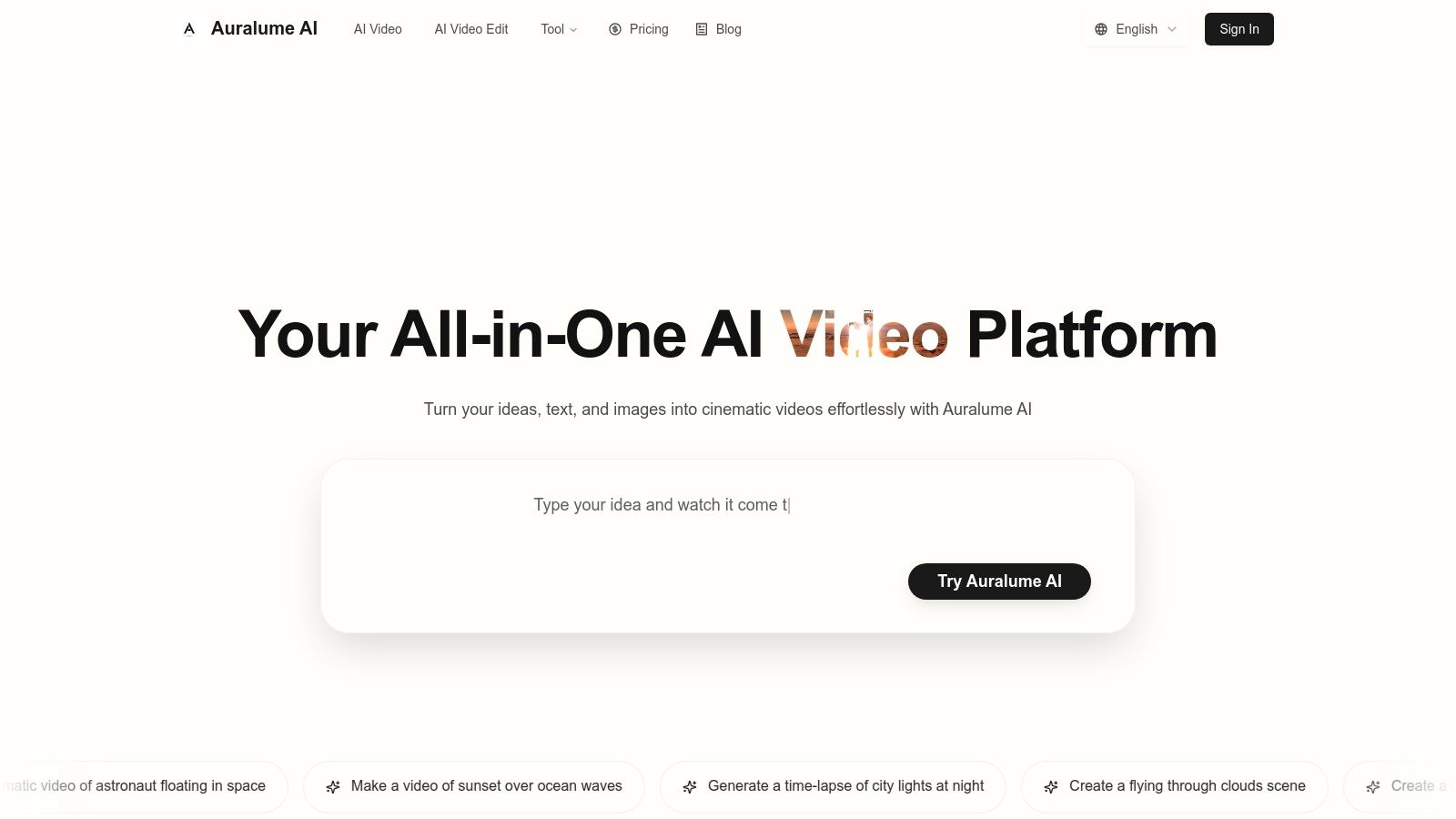
What sets Auralume AI apart is its unique role as an aggregator. Rather than locking you into a single engine, it provides access to leading models like Google’s Veo, OpenAI’s Sora, Pika, and Kling, all within one unified interface. This allows you to select the best technology for any given task, whether you need the cinematic polish of Veo or the high-motion physics of Kling.
For those interested in the broader landscape of how artificial intelligence assists in creative endeavors, you might also find value in understanding AI-powered content creation. The principles behind it are exactly what makes tools like Auralume so accessible and effective for newcomers.
Standout Features and User Experience
A key advantage for beginners is the built-in Prompt Wizard, which coaches you toward professional-level inputs by automatically optimizing your text descriptions. This feature dramatically lowers the barrier to entry, ensuring your first creations look polished and intentional. The workflow is seamless, allowing you to generate an idea, upscale the video quality, and even create accompanying images without ever leaving the platform.
Pricing and Accessibility
Auralume offers a flexible pricing structure designed for various needs. You can start with a pay-as-you-go option ($10 for 500 credits that never expire), making it low-risk to experiment. For more consistent use, the Starter plan offers 2,300 credits/month (around $31.20/month billed annually), while the Pro tier provides 6,600 credits/month and adds a "Stealth Mode" for private generations.
- Pros:
- Access to multiple top-tier AI video models in one place.
- Prompt Wizard dramatically simplifies the creation process for novices.
- Flexible pay-as-you-go and subscription pricing.
- Integrated upscaling tools to enhance final output quality.
- Cons:
- Generations are public by default on lower tiers; privacy requires the Pro plan.
- Results can vary between models, requiring some experimentation to find the perfect style.
For a deeper dive into its capabilities, you can learn more about Auralume AI on their official website.
2. Adobe Animate
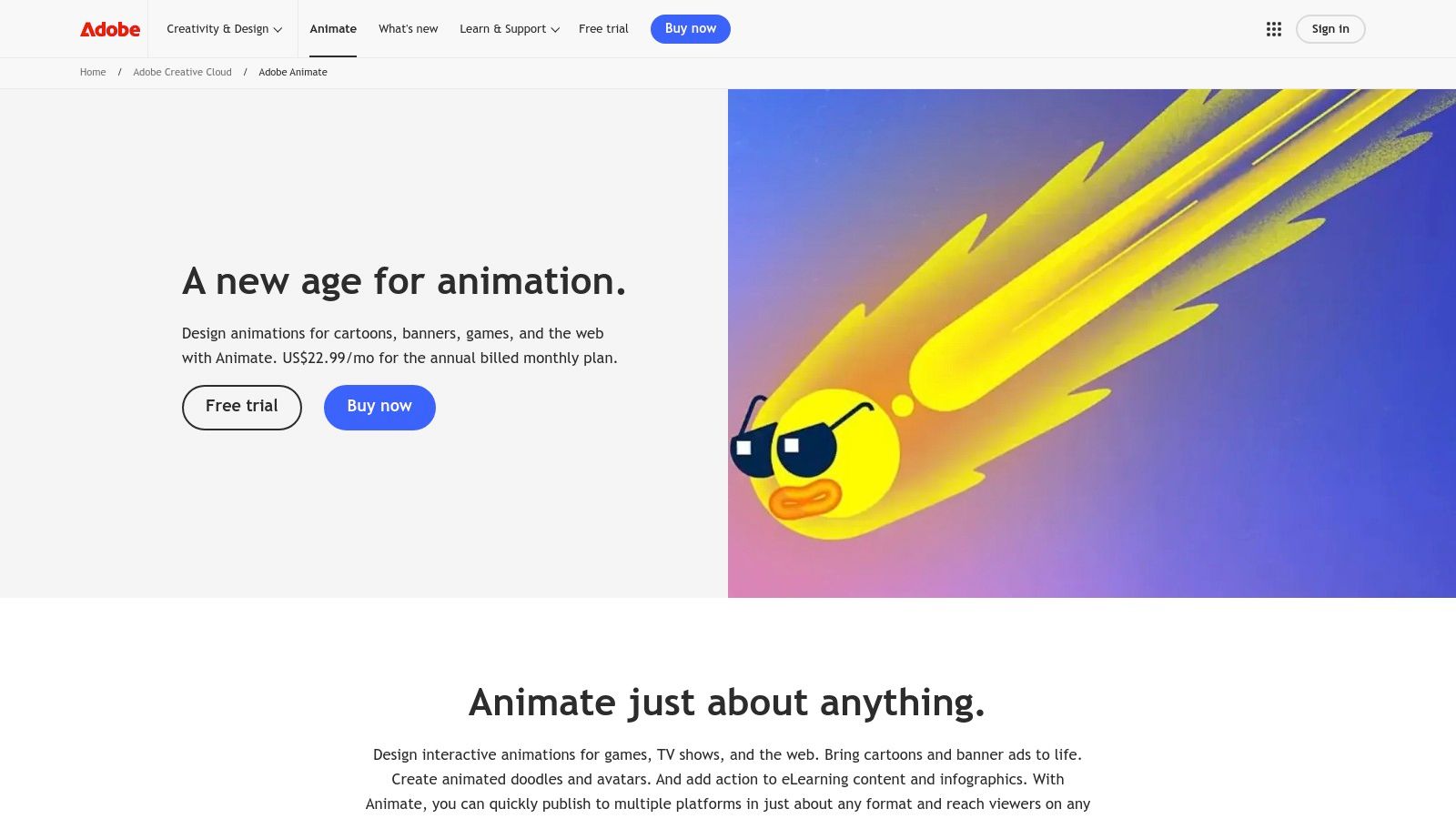
Adobe Animate is a powerful and versatile 2D animation software that serves as an excellent gateway into professional-grade creative workflows. As the modern successor to Adobe Flash, it focuses on creating vector-based animations for websites, digital ads, games, and social media content. For those aspiring to work within the creative industry, learning Animate provides a direct path to mastering other tools in the Adobe Creative Cloud suite.
The software shines in its ability to produce high-quality vector graphics that are scalable to any size without losing clarity. Its timeline and rigging capabilities, while robust, are presented in a way that beginners can grasp with the help of extensive tutorials. This combination of powerful features and strong educational support makes it one of the best animation software for beginners who are serious about developing their skills.
Key Features and User Experience
Adobe Animate offers a familiar interface for anyone who has used other Adobe products, with a customizable workspace that you can tailor to your needs. The drawing tools, particularly the vector brushes, feel intuitive and allow for fluid, expressive character creation.
- Seamless Asset Integration: Sync assets like characters, backgrounds, and audio clips across projects and other Adobe apps using Creative Cloud Libraries.
- Advanced Rigging: The "Asset Warp" tool allows for creating natural-looking mesh deformations on vector and raster graphics, making character movements more lifelike.
- Versatile Export Options: Easily export your finished animations as animated GIFs, HTML5 Canvas for interactive web content, high-quality video, or sprite sheets for game development.
Access is available via a subscription, either as a standalone app ($22.99/month) or as part of the full Creative Cloud All Apps plan.
Our Take: Adobe Animate is the ideal starting point for beginners with professional ambitions. Its integration with the Adobe ecosystem is its biggest strength, providing a smooth transition from basic animations to complex projects involving Photoshop, Illustrator, and After Effects.
3. Toon Boom Harmony
Toon Boom Harmony is the industry-standard software for 2D animation, used in major film and television productions. While its professional reputation might seem intimidating, its tiered subscription model offers an accessible entry point for beginners who aim to work in a studio environment. The "Essentials" version provides core tools for drawing, rigging, and animation, allowing newcomers to learn the fundamental workflows used by professionals.
The software is renowned for its powerful combination of traditional frame-by-frame (paperless) animation and advanced cut-out animation techniques. This versatility makes it an excellent learning platform, as it equips aspiring animators with skills directly applicable to the industry. For those serious about a career in animation, mastering Harmony is a valuable investment, making it one of the best animation software for beginners with professional aspirations.
Key Features and User Experience
Toon Boom Harmony’s interface is dense with professional tools, which presents a steeper learning curve than simpler apps but is incredibly powerful once understood. The software excels at creating smooth, efficient character rigs and offers sophisticated drawing tools that handle both vector and bitmap graphics with precision.
- Professional Production Pipeline: Learn both traditional and cut-out animation workflows, giving you a comprehensive skill set for any project type.
- Advanced Rigging and Deformers: Create complex character rigs with deformers that allow for expressive and fluid movement, a key feature in professional animation.
- Powerful Compositing and Effects: The built-in compositing tools allow you to add special effects, camera angles, and lighting directly within the software, streamlining the production process.
Harmony is available via subscription, with Harmony Essentials starting at $27/month. Higher tiers (Advanced and Premium) unlock more advanced features for professional productions.
Our Take: Toon Boom Harmony is the top choice for beginners who are certain they want a career in the 2D animation industry. While it requires more dedication to learn, the skills you gain are directly transferable to studio jobs, making it a powerful long-term investment in your professional development.
Website: https://shop.toonboom.com/en
4. Blender
Blender is a powerhouse in the creative world, offering a complete 3D production suite entirely for free. While known for complex 3D modeling and visual effects, its "Grease Pencil" feature has transformed it into a formidable 2D animation tool, allowing artists to draw directly in a 3D space. This hybrid workflow opens up unique creative possibilities not found in traditional 2D software.
While its vast feature set can seem intimidating, the immense community support and endless free tutorials make it a surprisingly accessible option. For a dedicated learner, Blender is arguably the best animation software for beginners who want a tool that can grow with them from simple 2D shorts to professional 3D feature films, all without ever hitting a paywall.
Key Features and User Experience
Blender's interface is highly customizable but has a steeper learning curve than many paid alternatives due to its sheer number of functions. However, once you grasp the fundamentals, the workflow is incredibly efficient. Its standout feature for animators is the seamless integration of 2D and 3D pipelines.
- Grease Pencil: A revolutionary tool that allows you to draw 2D animation within a full 3D environment, combining the charm of hand-drawn art with the power of 3D camera moves and lighting.
- Full 3D Pipeline: Go beyond 2D with modeling, sculpting, rigging, rendering, and even video editing capabilities all in one application.
- Massive Community & Add-ons: Access a huge ecosystem of free tutorials, forums, and community-developed add-ons that can extend Blender's functionality to suit any workflow.
Blender is completely free and open-source, available for download with no registration or fees.
Our Take: Blender is the ultimate free lunch. Its learning curve is a real commitment, but the reward is a toolset powerful enough for a professional studio. It's the perfect choice for patient beginners on a budget who dream big and want to learn skills applicable across the entire animation industry.
Website: https://www.blender.org/download/
5. OpenToonz
OpenToonz is a powerful, open-source 2D animation software with a rich professional history. It's the free version of Toonz, the software famously used by Studio Ghibli for films like Spirited Away, making professional-grade tools accessible to everyone. This heritage makes it a fantastic choice for those who want to learn traditional, hand-drawn animation techniques without any financial investment.
Because it's built on a professional framework, OpenToonz offers deep feature sets, including advanced scanning and cleanup tools for paper-based animation. While the interface can feel less modern than some paid alternatives, its robust capabilities make it one of the best animation software for beginners who are serious about learning the fundamentals of frame-by-frame animation.
Key Features and User Experience
The user experience in OpenToonz is geared towards a traditional production pipeline. Its interface is centered around the "Xsheet," a classic animation tool that helps organize complex scenes with many layers and frames. New users should expect a learning curve but will be rewarded with a high degree of control.
- GTS Scanning Tool: A specialized tool designed for scanning and cleaning up hand-drawn animation sequences, preserving line detail and simplifying the digital inking process.
- Nodal Effects Tree: Create and customize complex special effects, like lighting and blurs, by connecting different nodes in a visual flowchart.
- Vector and Raster Drawing: The software supports both vector and raster drawing tools, giving you flexibility in how you create and color your artwork.
As open-source software, OpenToonz is completely free to download and use, with development supported by an active community.
Our Take: OpenToonz is the undisputed champion for beginners who want a completely free, professional-level tool for traditional 2D animation. Its connection to Studio Ghibli isn't just a fun fact; it's a testament to the power and reliability of its core features for hand-drawn workflows.
Website: https://opentoonz.github.io/e/
6. Krita
Krita is a free, open-source digital painting powerhouse that has evolved to include a surprisingly robust animation workspace. While primarily known as a top-tier drawing application, its frame-by-frame animation tools make it an incredible entry point for artists who want to bring their illustrations to life. It excels in traditional, hand-drawn animation techniques, offering a workflow that feels natural to anyone comfortable with a sketchbook.
Because it combines an elite-level brush engine with a straightforward animation timeline, Krita stands out as one of the best animation software for beginners who come from an illustration or fine arts background. It removes the barrier to entry by being completely free, allowing aspiring animators to experiment without any financial commitment.
Key Features and User Experience
Krita’s user interface is clean and highly customizable, with a dedicated animation workspace that neatly organizes the timeline, onion skinning controls, and playback tools. The drawing experience is its strongest asset, with powerful brush customization and stabilizers that help create smooth, confident lines.
- Intuitive Frame-by-Frame Workflow: Features a simple, dockable timeline that operates like a digital flipbook, complete with customizable onion skinning to see previous and future frames.
- First-Class Drawing Tools: Access hundreds of professional-quality brushes, layer management, vector tools, and filters to create artwork directly within your animation project.
- Versatile Import/Export: Import audio tracks to sync with your animation and export your final work as an image sequence, GIF, or video file like MP4.
Best of all, Krita is 100% free to download and use on Windows, macOS, and Linux.
Our Take: Krita is the ultimate choice for artists who prioritize the drawing process in their animations. While it lacks the advanced rigging and vector tweening of dedicated animation suites, its unbeatable price and exceptional painting tools make it perfect for creating beautiful, hand-drawn animated shorts and learning the fundamentals.
Website: https://krita.org/
7. Pencil2D
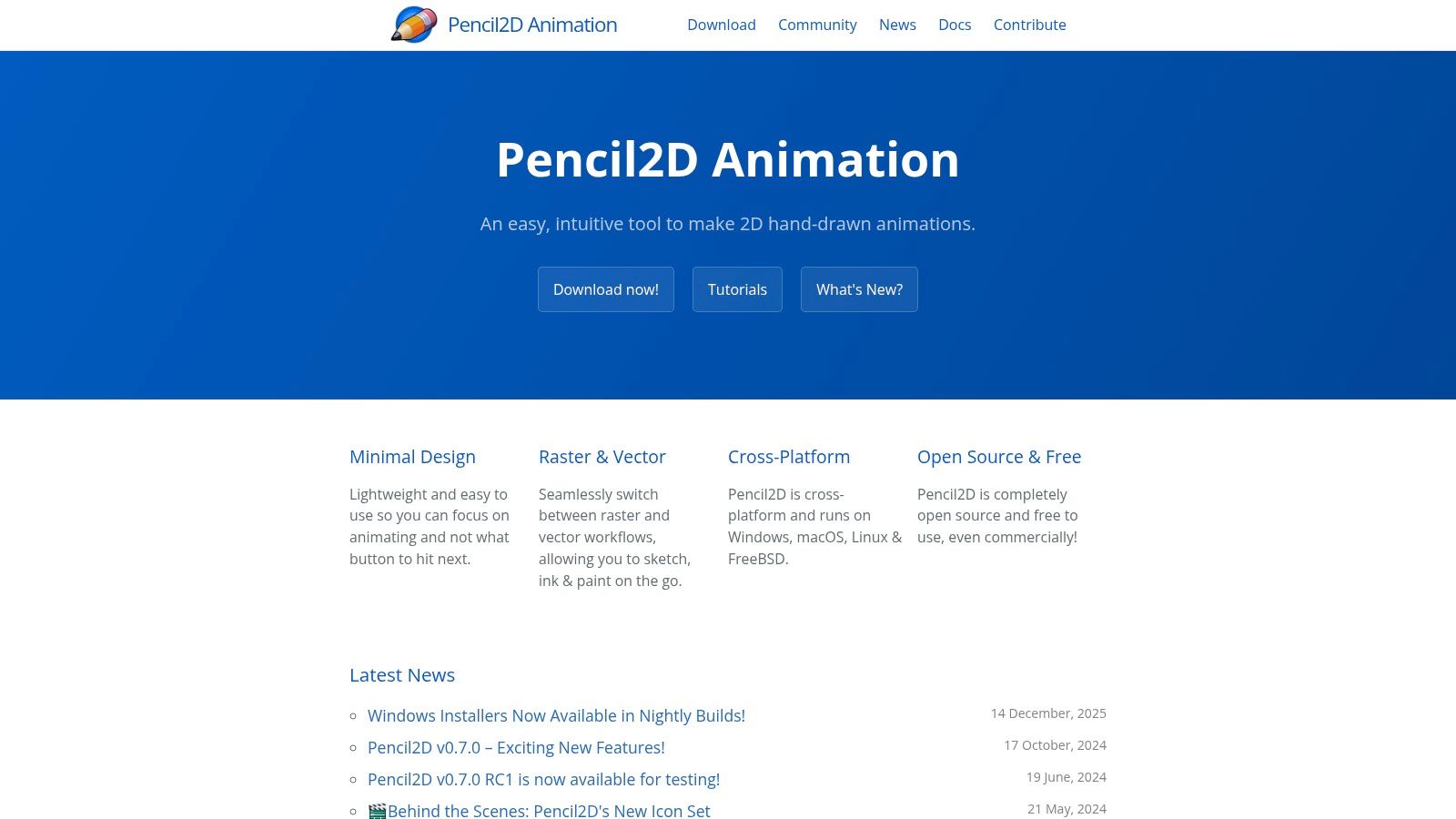
Pencil2D is a free, open-source 2D animation software that champions simplicity and accessibility. It's designed to replicate the traditional hand-drawn, frame-by-frame animation workflow, making it an exceptional tool for learning the fundamental principles of animation like timing, spacing, and squash and stretch. Its minimalist interface avoids the overwhelming complexity of professional-grade software, allowing newcomers to focus purely on the art of bringing drawings to life.
By stripping away advanced features in favor of a clean, intuitive workspace, Pencil2D stands out as one of the best animation software for beginners who want a no-cost entry point into traditional animation. It's lightweight, cross-platform, and perfect for creating simple, charming animations without a steep learning curve.
Key Features and User Experience
The user experience in Pencil2D is refreshingly straightforward. The interface is dominated by a canvas, a timeline, and a basic tool panel, which makes it incredibly easy to start drawing your first frame. The software runs smoothly even on older hardware, ensuring a frustration-free creative process for anyone.
- Seamless Raster & Vector Workflow: Users can freely switch between bitmap and vector layers, allowing for sketching initial ideas and refining them with clean, scalable lines.
- Core Animation Tools: Essential features like onion skinning (to see previous and next frames), a simple color palette, and pressure sensitivity for drawing tablets are included.
- Cross-Platform Compatibility: Pencil2D is available for Windows, macOS, Linux, and FreeBSD, making it accessible to a wide range of users regardless of their operating system.
As an open-source project, Pencil2D is completely free to download and use without any subscriptions or fees.
Our Take: Pencil2D is the digital equivalent of a flipbook, and that's its greatest strength. It’s the perfect software for absolute beginners, students, or hobbyists looking to grasp the core concepts of animation before moving on to more complex tools. Its focus on fundamentals makes it an invaluable educational resource.
Website: https://www.pencil2d.org/
8. Synfig Studio
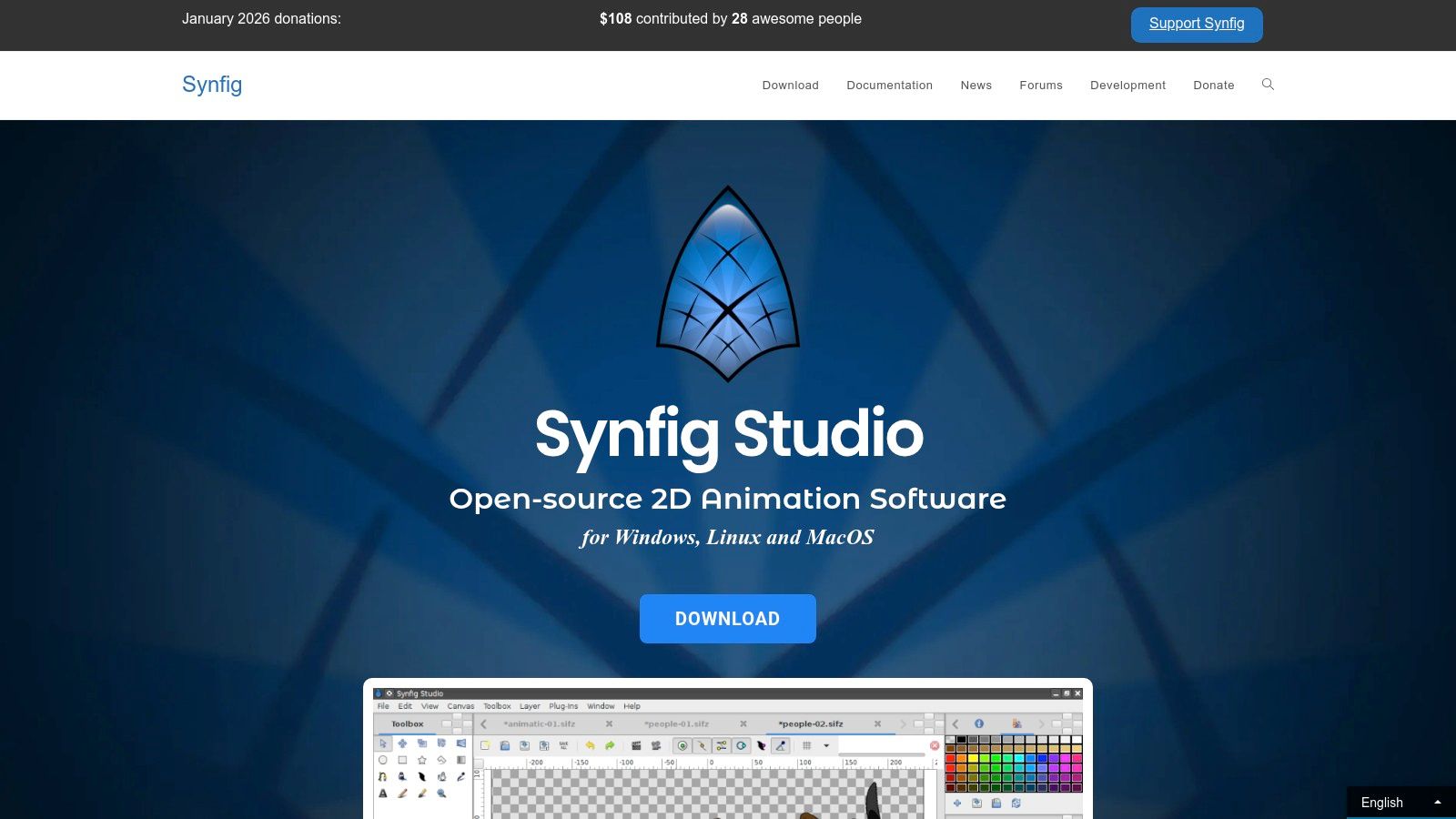
Synfig Studio is a free, open-source 2D animation software that champions a workflow built around vector tweening rather than manual frame-by-frame drawing. It empowers beginners to create fluid motion graphics and cut-out style animations by manipulating shapes, parameters, and skeletal structures over time, significantly reducing the labor of traditional animation. This makes it a fantastic tool for those interested in creating dynamic animations without drawing every single pose.
By focusing on rigs and tweening, Synfig helps newcomers understand core animation principles like timing and spacing in a more technical, less artistically demanding way. This approach makes it one of the best animation software for beginners who want to experiment with motion graphics or character animation with a smaller initial learning curve.
Key Features and User Experience
While its user interface can feel less polished than commercial alternatives, Synfig Studio is incredibly powerful for a free tool. It is built around a layer-based system, offering over 50 different layer types to create complex scenes and effects without destructive editing.
- Vector Tweening: Automatically generates the frames between key poses, allowing for smooth motion without manual in-betweening.
- Advanced Bone System: Create sophisticated cut-out characters using a bone system for realistic joint movement and mesh distortions.
- Parameter Linking: Link parameters of various layers, so a single control point can manage multiple aspects of an object or character, creating smart and efficient rigs.
As open-source software, Synfig Studio is completely free to download and use on Windows, macOS, and Linux.
Our Take: Synfig Studio is the perfect choice for beginners who are more technically minded and want to explore the power of rigs and procedural animation without any financial investment. Its ability to automate movement makes it an excellent gateway to understanding complex character animation and motion graphics.
Website: https://www.synfig.org/
9. Moho (Lost Marble)
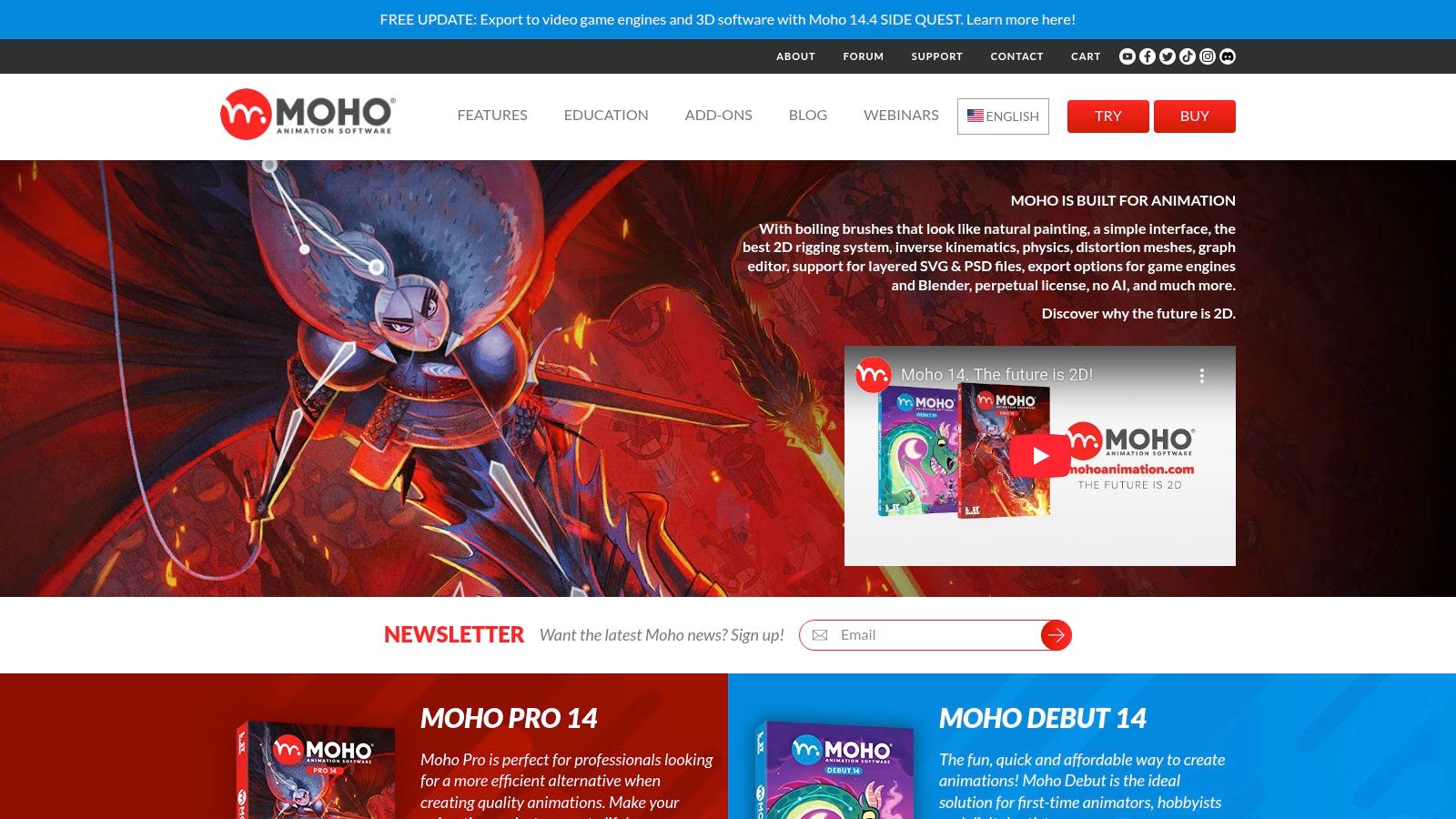
Moho is a specialized 2D animation software renowned for its powerful rigging system, making it a fantastic choice for aspiring character animators. It uniquely offers two distinct versions: Moho Debut for absolute beginners and Moho Pro for advanced users, creating a clear and affordable upgrade path. This approach allows newcomers to learn core concepts without being overwhelmed by professional-grade features from the start.
The software excels at creating reusable rigged characters that can be animated quickly and efficiently. Moho’s focus on bone rigging and inverse kinematics (IK) means you can achieve complex, fluid movements with minimal effort, making it one of the best animation software for beginners interested specifically in character-driven storytelling.
Key Features and User Experience
Moho’s interface is less conventional than its Adobe or Toon Boom counterparts but is highly optimized for its rigging workflow. Once grasped, the system allows for incredible control over character movement and deformation. The vector tools are specifically designed to work well with its bone system, preventing awkward-looking bends.
- Powerful 2D Rigging: Its bone system and Smart Bones feature give you precise control over character expressions and body turns, automating much of the tedious frame-by-frame work.
- Vector Tools Optimized for Animation: Create characters with clean, scalable lines that deform consistently without breaking during complex movements.
- Game Engine Integration: Directly export rigged characters and animations to popular game engines like Unity, Unreal, and Godot.
Moho Debut is available for a one-time purchase of $59.99, with Moho Pro costing $399.99. This perpetual license model is a significant advantage over subscription-only software.
Our Take: Moho is the perfect entry point for beginners who dream of becoming character animators. The Debut version offers a low-cost, low-risk way to learn the fundamentals of rigging, a core skill in the animation industry, before committing to a professional-level tool.
Website: https://moho.lostmarble.com/
10. Clip Studio Paint
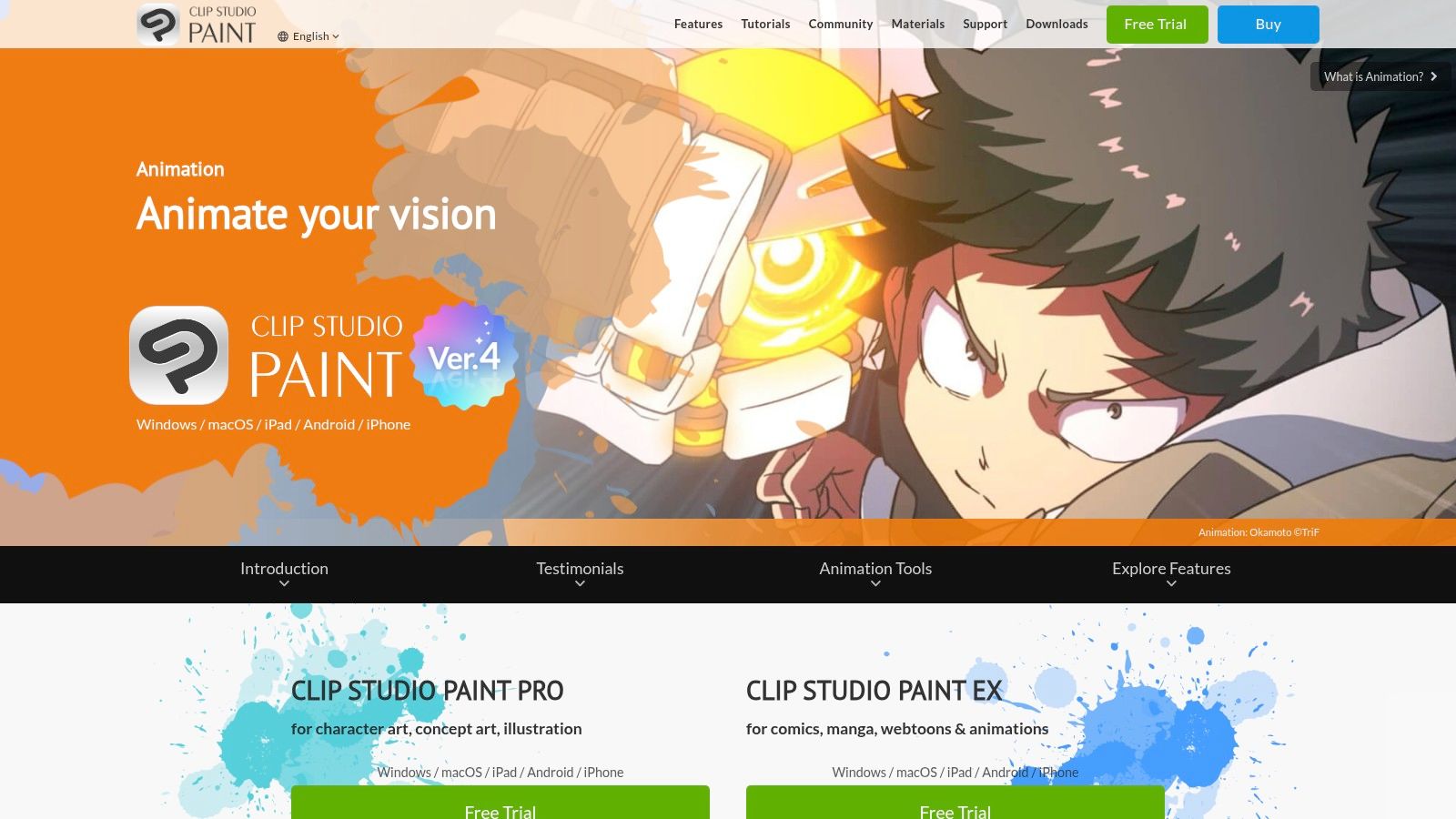
Clip Studio Paint is primarily known as an elite-tier software for digital illustration and comic creation, but it also contains a surprisingly robust set of 2D animation tools. It has become a favorite among artists who primarily draw on tablets, offering a natural and responsive drawing experience that translates beautifully to frame-by-frame animation. For illustrators looking to bring their characters to life, this software provides a seamless transition from static art to moving pictures.
The software is particularly well-suited for traditional, hand-drawn animation techniques. Its onion skinning feature and customizable timeline are intuitive enough for newcomers to grasp quickly. This makes it one of the best animation software for beginners who come from an illustration background and want to animate their own drawings without learning a completely new, complex interface.
Key Features and User Experience
Clip Studio Paint’s interface is centered around its legendary brush engine, giving animators access to thousands of brushes for creating unique textures and line art. The workflow feels less like technical animation and more like digital painting in motion.
- Powerful Brush Engine: Experience unparalleled control and a natural drawing feel with advanced brush stabilization and extensive customization options.
- Frame-by-Frame Workflow: Features essential tools like onion skinning, a light table, and a timeline editor that supports audio import for lip-syncing.
- Multi-Platform Availability: Create on the go with versions available for Windows, macOS, iPad, Android tablets, and even iPhones.
The PRO version ($54.00 perpetual license) is excellent for short animations like GIFs, supporting up to 24 frames. For longer projects, the EX version ($229.00 perpetual license) is required to unlock the unlimited timeline. Affordable monthly plans are also available.
Our Take: Clip Studio Paint is the perfect choice for artists and illustrators who want to start animating without leaving their favorite drawing environment. Its strength is in its world-class drawing tools, making it ideal for creating expressive, hand-drawn animations.
11. Procreate Dreams
Procreate Dreams is a revolutionary 2D animation and video app designed exclusively for the iPad, making it an incredibly accessible entry point for artists and illustrators. Building on the massive success of the Procreate drawing app, it combines a familiar, intuitive interface with powerful animation tools. It excels at creating hand-drawn, frame-by-frame animations, motion graphics, and expressive social media clips directly on a tablet.
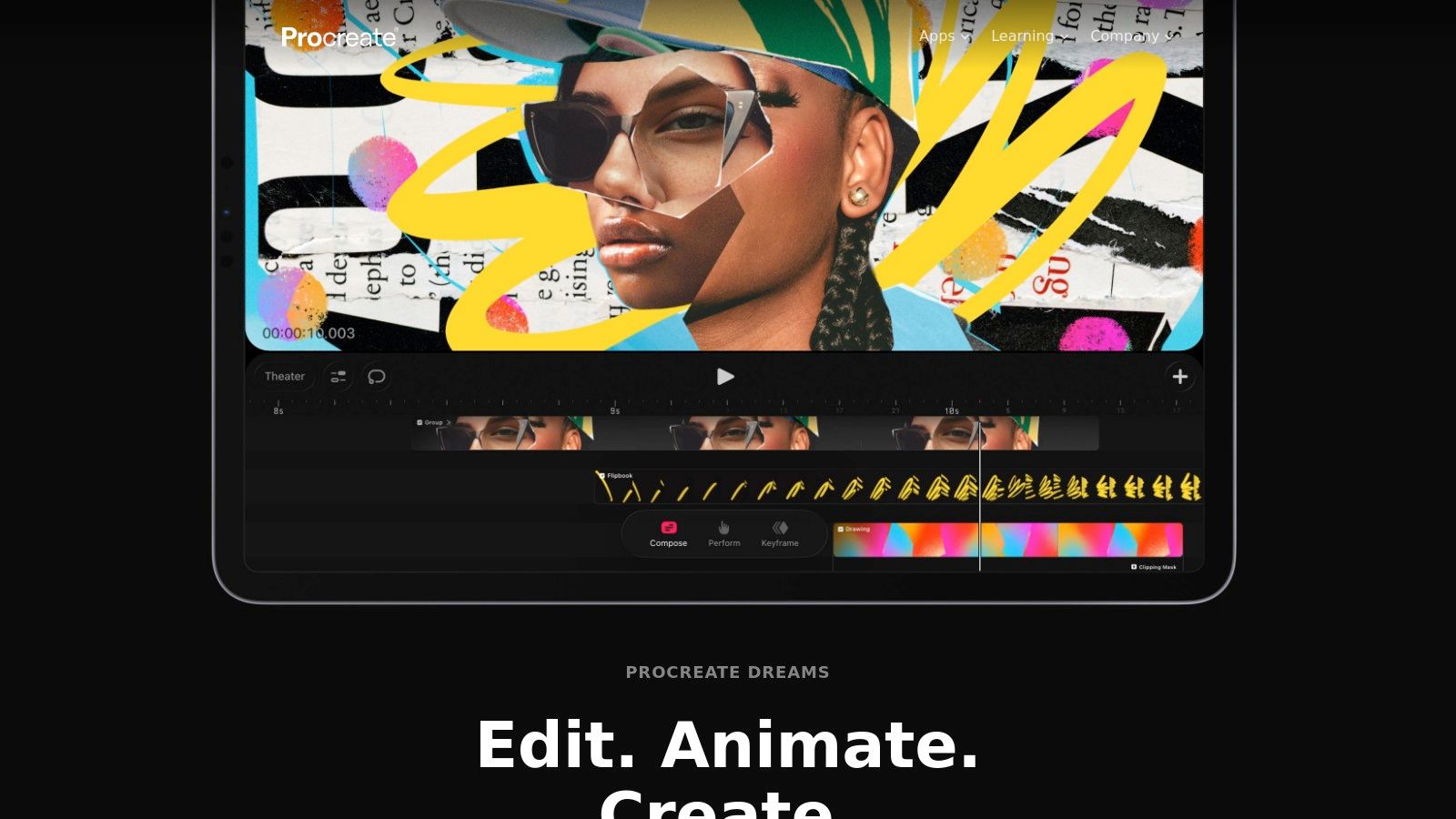
Its multitouch timeline is a standout feature, allowing users to navigate and edit their projects with natural gestures, which feels far more intuitive than traditional mouse-and-keyboard setups. This hands-on approach makes Procreate Dreams one of the best animation software for beginners who come from a drawing background and prefer a tactile creative process.
Key Features and User Experience
Procreate Dreams offers a clean, non-intimidating workspace that encourages experimentation. Artists can immediately start drawing with over 300 of Procreate's beloved brushes, while the Flipbook feature provides a simple, classic way to create frame-by-frame animation with onion skinning.
- Multitouch Timeline: Animate with fluid gestures. Pinch to zoom, drag to arrange clips, and tap to edit without ever needing to navigate complex menus.
- Seamless Procreate Integration: Instantly bring your illustrations, brushes, and color palettes from the original Procreate app into your animation projects.
- Powerful Performance: Designed to handle 4K video workflows, the app offers real-time playback so you can see your changes instantly without waiting for rendering.
- Keyframing and Motion Tools: Go beyond drawing by adding motion, scale, and filter keyframes to animate layers, text, or imported video.
The app is available as an affordable one-time purchase of $19.99 from the Apple App Store, with no subscriptions.
Our Take: Procreate Dreams is the perfect choice for artists who want to bring their illustrations to life without a steep learning curve. Its iPad-only nature is its biggest limitation, but for tablet-based creators, its speed, simplicity, and low cost are unmatched for producing beautiful hand-drawn animations.
Website: https://procreate.com/dreams
12. Canva
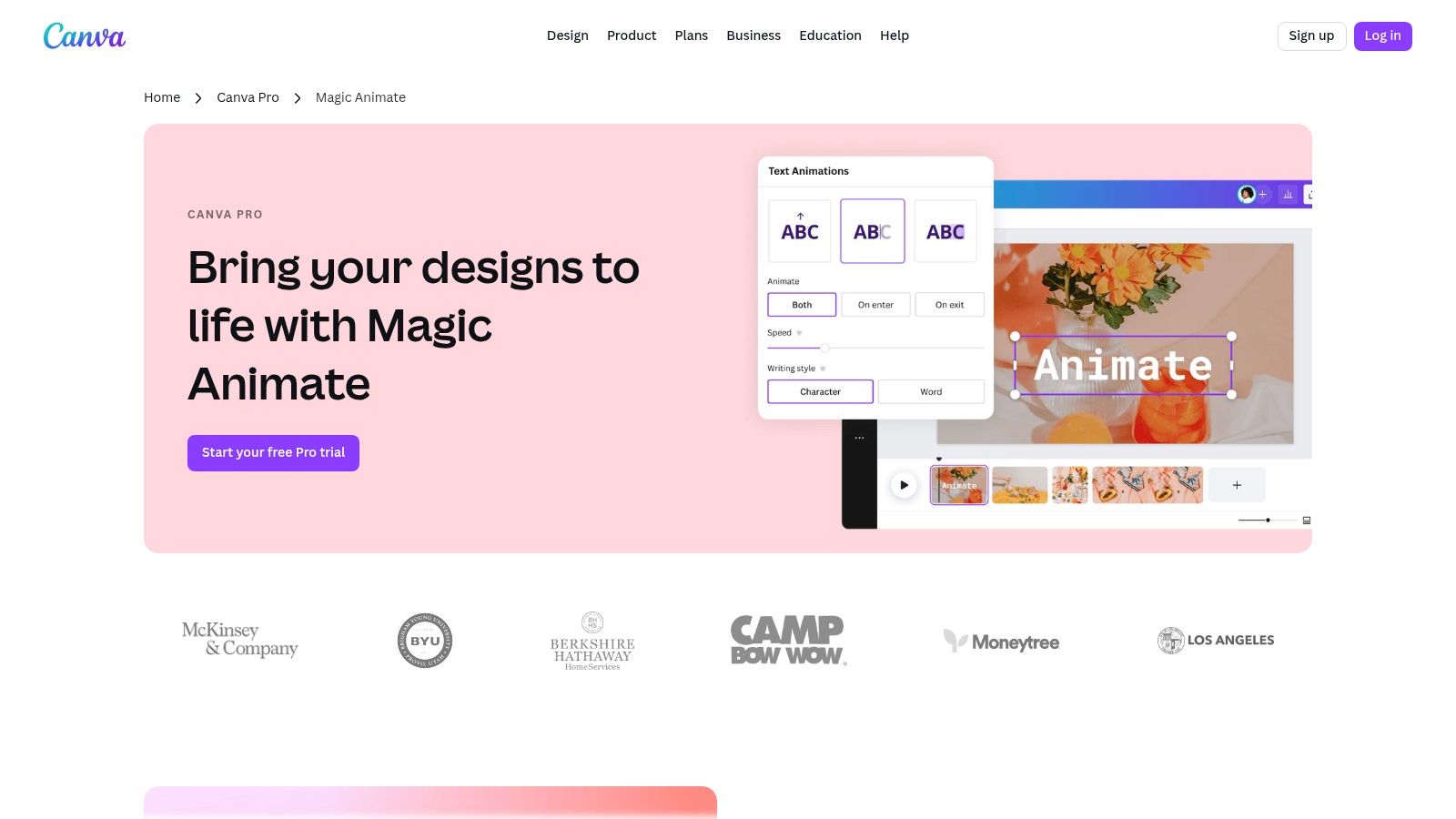
Canva has become a go-to platform for graphic design, but its simple animation features make it a powerhouse for beginners needing quick, professional-looking motion graphics. It’s a web-based suite designed for users who need to produce social media videos, animated presentations, and marketing assets without a steep learning curve. The platform excels at transforming static designs into dynamic content with just a few clicks.
For those who find traditional animation software intimidating, Canva offers an accessible entry point. Its template-driven workflow and AI-assisted features mean you can create compelling animated visuals in minutes, not hours. This focus on speed and simplicity makes it one of the best animation software for beginners aiming to produce content for social media and digital marketing.
Key Features and User Experience
Canva’s interface is famously intuitive, operating on a drag-and-drop principle that requires no prior experience. The platform streamlines the animation process, allowing you to focus on the message and design rather than technical complexities.
- Magic Animate: Apply dynamic animations and transitions to your entire design with a single click, instantly bringing your creation to life.
- Vast Asset Library: Access an enormous collection of templates, stock videos, graphics, and audio tracks to build your projects quickly.
- Browser-Based Collaboration: As an online editor, it requires no software installation and includes robust features for team collaboration and direct social media scheduling.
Canva offers a generous free plan, with premium features available through Canva Pro (starting at $12.99/month) and Canva for Teams subscriptions.
Our Take: Canva is the ideal tool for marketers, content creators, and small business owners who need to create animated content fast. While it lacks the granular control of a dedicated animation studio, its speed, ease of use, and massive template library are unmatched for producing engaging social media posts and simple marketing videos.
Website: https://www.canva.com/pro/animator/
Top 12 Animation Software for Beginners — Quick Comparison
| Product | Key features ✨ | Quality ★ | Price & value 💰 | Target audience 👥 |
|---|---|---|---|---|
| Auralume AI 🏆 | ✨ Aggregates top text→video models; Prompt Wizard; image→motion; upscalers | ★★★★★ | 💰 Pay-as-you-go (500cr/$10); Starter ~ $31/mo (yr); Pro ~ $79/mo (yr) | 👥 Creators, marketers, agencies, educators |
| Adobe Animate | ✨ Vector timeline, rigging, HTML5/GIF/video export, CC sync | ★★★★ | 💰 Subscription (Creative Cloud) | 👥 Web designers, animators, social creators |
| Toon Boom Harmony | ✨ Cut-out & frame-by-frame pipelines; studio rigging/compositing | ★★★★★ | 💰 Tiered subscription (Essentials→Premium) | 👥 Studios, professional animators, students |
| Blender | ✨ Full 3D pipeline + Grease Pencil (2D/3D hybrid) | ★★★★★ | 💰 Free, open-source | 👥 3D artists, indie studios, learners |
| OpenToonz | ✨ Studio-grade xsheet, scan/paint, plugin effects (Toonz lineage) | ★★★★ | 💰 Free, open-source | 👥 Hand-drawn animators, budget studios, students |
| Krita | ✨ Powerful brush engine + flipbook timeline and audio support | ★★★★ | 💰 Free / donations | 👥 Illustrators, storyboard artists, 2D animators |
| Pencil2D | ✨ Minimal flipbook workflow; raster & vector layers, onion skinning | ★★★ | 💰 Free, open-source | 👥 Absolute beginners, educators |
| Synfig Studio | ✨ Vector tweening, bone rigs & parameter linking for motion graphics | ★★★ | 💰 Free, open-source | 👥 Motion-graphics creators, cut-out animators |
| Moho (Lost Marble) | ✨ Industry 2D bone rigging, IK, physics, export to game engines | ★★★★ | 💰 Perpetual license (Debut inexpensive, Pro paid) | 👥 Character animators, indie studios |
| Clip Studio Paint | ✨ Best-in-class brushes + frame-by-frame; EX unlocks long timelines | ★★★★ | 💰 Perpetual or low-cost plans (PRO/EX) | 👥 Tablet artists, comic creators, animators |
| Procreate Dreams | ✨ iPad multitouch timeline, flipbook, 300+ brushes, 4K support | ★★★★ | 💰 One-time iPad purchase | 👥 iPad artists, social creators, quick animators |
| Canva | ✨ Templates, Magic Animate, stock assets & team collaboration (web) | ★★★ | 💰 Free + Pro subscription tiers | 👥 Marketers, social teams, non-designers |
Choosing Your Creative Path and Pressing 'Play'
Navigating the landscape of the best animation software for beginners can feel overwhelming, but the journey you've just taken through this guide should illuminate one core truth: there is no single "perfect" tool, only the right tool for your specific creative goals. We've explored a wide spectrum, from the powerful, industry-standard workflows of Toon Boom Harmony and Adobe Animate to the wonderfully accessible and free ecosystems of Blender, OpenToonz, and Krita.
The key takeaway is that your choice should be a direct reflection of your intended destination. Are you a social media marketer needing to produce eye-catching promotional content at lightning speed? A tool like Canva or the AI-powered Auralume AI will be your greatest asset. Are you an artist with a tablet, dreaming of bringing your illustrations to life with a hand-drawn, frame-by-frame aesthetic? Procreate Dreams or Clip Studio Paint offer a seamless transition from static art to motion.
How to Make Your Final Decision
Your path forward isn't about finding the software with the most features; it's about identifying the one that removes the most friction between your idea and the final, animated product. To crystallize your choice, ask yourself these critical questions:
- What is my primary goal? Is it to learn the fundamentals of traditional animation, create quick marketing videos, prototype a film concept, or simply experiment with motion? Your answer will immediately narrow the field. For instance, learning fundamentals points toward Krita or Pencil2D, while rapid video creation leans toward Auralume AI.
- How much time can I invest in learning? Be realistic. If you have limited hours, a steep learning curve like Blender's might lead to frustration. A more intuitive, specialized tool like Moho for rigging or Procreate Dreams for its touch-first interface could yield faster, more rewarding results.
- What is my budget? This is a simple but powerful filter. If your budget is zero, the open-source community has provided incredible options like Blender, Krita, and Synfig Studio that are more than capable of producing professional-grade work. Don't let a price tag be the barrier to entry.
- What kind of hardware am I working with? A powerful 3D suite like Blender requires a robust computer, while lighter 2D applications like Pencil2D or cloud-based tools can run on more modest setups. Ensure your chosen software aligns with your current technical capabilities.
Your First Project is the Real Teacher
Ultimately, the most important step is the one you take after closing this article. Reading and researching is valuable, but animation is a craft learned by doing. The true "best animation software for beginners" is the one you actually install and use.
Don't get trapped in "analysis paralysis." Pick the option that resonates most with you right now, find a "hello world" style beginner tutorial on YouTube, and commit to creating something simple. Animate a bouncing ball. Make a character blink. Your first project doesn’t need to be a masterpiece; its purpose is to be a vehicle for learning. It's through this process of trial, error, and small victories that you will truly discover your unique creative voice and workflow. The digital canvas is waiting. It's time to press 'play' on your animation journey.
Ready to skip the steep learning curve and create stunning, cinematic animations in minutes? Auralume AI leverages the power of artificial intelligence to transform your ideas and still images into dynamic video, making it a perfect starting point for creators who value speed and professional quality. Explore what's possible and begin animating today at Auralume AI.