
What Is Prompt Engineering A Guide to Crafting Perfect AI Prompts
So, what exactly is prompt engineering? Think of it less like coding and more like being a film director for an AI. It's the craft of writing incredibly clear instructions—or prompts—to guide an AI model to produce exactly what you have in your head.
It’s all about swapping vague ideas for detailed, actionable commands and turning a fuzzy concept into a tangible result.
The Art Of Instructing Creative AI
At its heart, prompt engineering is a communication skill. Just as a director coaches an actor through a scene, a prompt engineer steers an AI toward a specific creative vision.
Give an AI a lazy command like "create a video of a car," and you’re leaving almost everything up to chance. You might get a cartoon, a boring modern sedan, or a sci-fi vehicle. None of these are likely what you wanted. Good prompting is how you close that gap between your original idea and what the AI actually generates. It’s all about adding the right details, in the right way, to leave no room for misinterpretation.
By mastering how to "talk" to an AI, you stop being a passive user and become an active creator. You're the one shaping the output to match your creative intent, and that control is the difference between a generic, forgettable clip and a masterpiece.
Why Your Words Matter So Much
Generative AI models, especially the ones that create video, don't "understand" things the way we do. They're built on staggering amounts of data, and they operate on patterns and probability. A well-written prompt acts like a set of GPS coordinates, pointing the model to the exact creative neighborhood you want it to work in.
This means getting specific with several key ingredients:
- Specificity: Don't just ask for "a car." Ask for "a vintage 1960s red convertible."
- Context: Give it a world to live in. Add context like "driving along a coastal highway at sunset." This tells the AI about the setting and the mood.
- Style: Define the look and feel. Instructions like "cinematic, realistic lighting, 4K resolution" dictate the aesthetic quality of the final video.
The table below breaks down just how different a basic prompt is from one that's been properly engineered.
Anatomy Of An Effective AI Video Prompt
This comparison shows the shift from a vague request to a detailed set of instructions. Notice how the engineered prompt leaves very little to the AI's imagination, ensuring the final output is much closer to the creator's vision.
| Prompt Element | Poor Prompt Example | Engineered Prompt Example |
|---|---|---|
| Subject | A dog | A golden retriever puppy with floppy ears |
| Action | Playing | Chasing a bright red ball across a lush green lawn |
| Setting | In a park | In a sun-drenched suburban park, with a white picket fence in the background |
| Style & Mood | Happy video | Joyful and energetic, cinematic slow-motion, warm natural lighting, 4K |
| Camera | A video of it | Close-up shot, eye-level with the puppy, tracking its movement smoothly |
A poorly constructed prompt gets you a random, often unusable result. A well-engineered prompt, on the other hand, gives you creative control and repeatable, high-quality outcomes.
From Simple Questions To Complex Scenes
The discipline of what is prompt engineering has come a long way from its early days of simple text commands. What started with basic questions has blossomed into a sophisticated practice.
Today, creators are building multi-layered prompts that read more like a script for the AI to follow. These can detail everything from camera angles and character emotions to highly specific visual effects. This skill is quickly becoming a must-have for anyone who wants to produce professional-grade content with AI tools. When you learn to structure your requests with this level of clarity, you truly unlock the full power of these tools and can bring even your most ambitious ideas to life.
A Quick Look Back: How We Learned to Talk to Machines
It's easy to think that talking to AI is a brand-new thing, but the reality is we’ve been trying to give machines instructions for decades. It just used to look a lot different. The journey began with rigid, unforgiving lines of code and even punch cards—a far cry from the conversational AI we have today.
Back then, interacting with a computer was less of a conversation and more like performing a high-stakes calculation. One misplaced comma or semicolon, and the whole thing would grind to a halt. Programmers had to think exactly like the machine, using languages like LISP or Prolog. There was zero room for error or ambiguity. It was a foundational, if clunky, start to figuring out how to get computers to do what we wanted.
From Strict Code to Creative Concepts
The real turning point came when researchers started focusing on natural language processing (NLP). The big idea was to get AI to understand language the way people do, with all its quirks, context, and nuance. Early models could handle basic questions, but they couldn't truly grasp the meaning behind the words.
Then, in 2017, a groundbreaking research paper titled "Attention Is All You Need" completely changed the game. It introduced something called the Transformer architecture, which gave AI a revolutionary new way to understand context. Instead of just looking at words one by one in a sentence, it could weigh the importance of all the words at once. Suddenly, AI could grasp relationships and meaning on a much deeper level.
This single development opened the door for the large language models (LLMs) that make today's generative AI possible. It was the leap that made sophisticated prompt engineering not just possible, but necessary.
You can see just how far we've come in a short time. Our prompts have evolved from simple questions into detailed, creative briefs.
This timeline really drives home the shift from throwing vague queries at a model and hoping for the best, to carefully engineering prompts that can produce incredible, consistent results.
The Art of Guiding the AI's "Thought" Process
Once the models could understand our language, a new challenge appeared: how do we guide their reasoning? This is where clever techniques like chain-of-thought prompting came into play. Instead of just asking for a final answer, people started telling the AI to "think step-by-step."
By prompting the AI to show its work, it could suddenly tackle much more complex problems and arrive at far more accurate conclusions. This proved that how you ask is often just as important as what you ask.
This history isn't just trivia; it's the foundation that modern creative tools are built on. Every time you write a prompt for a video, you're tapping into decades of research. Tools like the Auralume AI Prompt Wizard are the direct result of this evolution, translating all that complex history into a simple, intuitive interface. It lets you build on these core principles without needing a Ph.D. in computer science, turning your ideas into the precise instructions needed to generate stunning video.
Why Prompting Is a Superpower for Video Creators
Learning how to write a great prompt isn't just another technical skill to add to your list. For anyone creating video, it’s a game-changer. Think of it as a creative superpower that moves you from simply using AI to actually directing it.
This skill is the bridge between the ambitious vision in your head and the final cut you see on screen. Instead of just taking what the AI gives you, you can guide it to build scenes with the precision of a seasoned filmmaker—all without the massive budget or crew.
Gain Absolute Creative Control
Your prompt is basically the script, storyboard, and director’s notes all rolled into one. A vague prompt like "a car driving" is a total crapshoot. You have no idea what you'll get. But a well-crafted prompt gives you the power to dictate every single detail that matters.
This kind of control means you spend less time fighting with the AI and more time bringing your real ideas to life. You're no longer limited by your budget; you’re only limited by how well you can describe what you want to see.
A better prompt directly translates to a better video. It’s the single most effective way to elevate the quality of your AI-generated content and ensure it aligns perfectly with your creative intent.
With just a few carefully chosen words, you can get the AI to pull off complex cinematic techniques that used to require a professional crew and expensive gear.
- Specify Camera Angles: Instead of a generic shot, you can ask for a "dramatic dolly zoom on the character’s face" or a "sweeping drone shot over a mountain range."
- Dictate Camera Movement: Tell the AI to perform a "smooth tracking shot following a runner" or use a "handheld shaky-cam view for a sense of urgency."
- Control Lighting and Mood: Nail a specific feeling with phrases like "golden hour glow casting long shadows" or the "harsh neon lights of a cyberpunk city."
This precision turns the AI from a simple generator into your own digital cinematographer, ready to execute your commands.
Achieve Unbreakable Scene Consistency
One of the biggest headaches in AI video is keeping things consistent from one shot to the next. A character's face might change slightly, or the lighting might shift for no reason. This is where a solid grasp of prompt engineering really pays off.
By developing a detailed "master prompt" or a core set of descriptors for your project, you create a consistent visual language. This makes sure every element—from the character's appearance to the mood of the environment—stays coherent.
For instance, your prompt could specify: A 30-year-old female detective with short brown hair, wearing a brown trench coat, in a rainy, dimly lit alleyway. By reusing these key details in later prompts, you're telling the AI to lock in that character and setting, which creates a seamless, professional-looking story.
From Frustration to Fast Production
At the end of the day, great prompting is all about working smarter, not harder. That little bit of time you invest up front to learn how to write precise prompts will save you hours of trial-and-error frustration down the road. It’s no surprise that the generative AI market is projected to hit $1.3 trillion over the next decade—the efficiency gains are enormous.
For video creators, this translates to workflows that take minutes instead of days. You can mock up concepts, create animated storyboards, and generate final footage faster than ever. This speed gives you more room to experiment and take creative risks, letting you focus on the story instead of getting bogged down in the technical weeds. It’s a skill that truly puts high-end video production within anyone's reach.
Core Prompting Techniques You Can Use Today
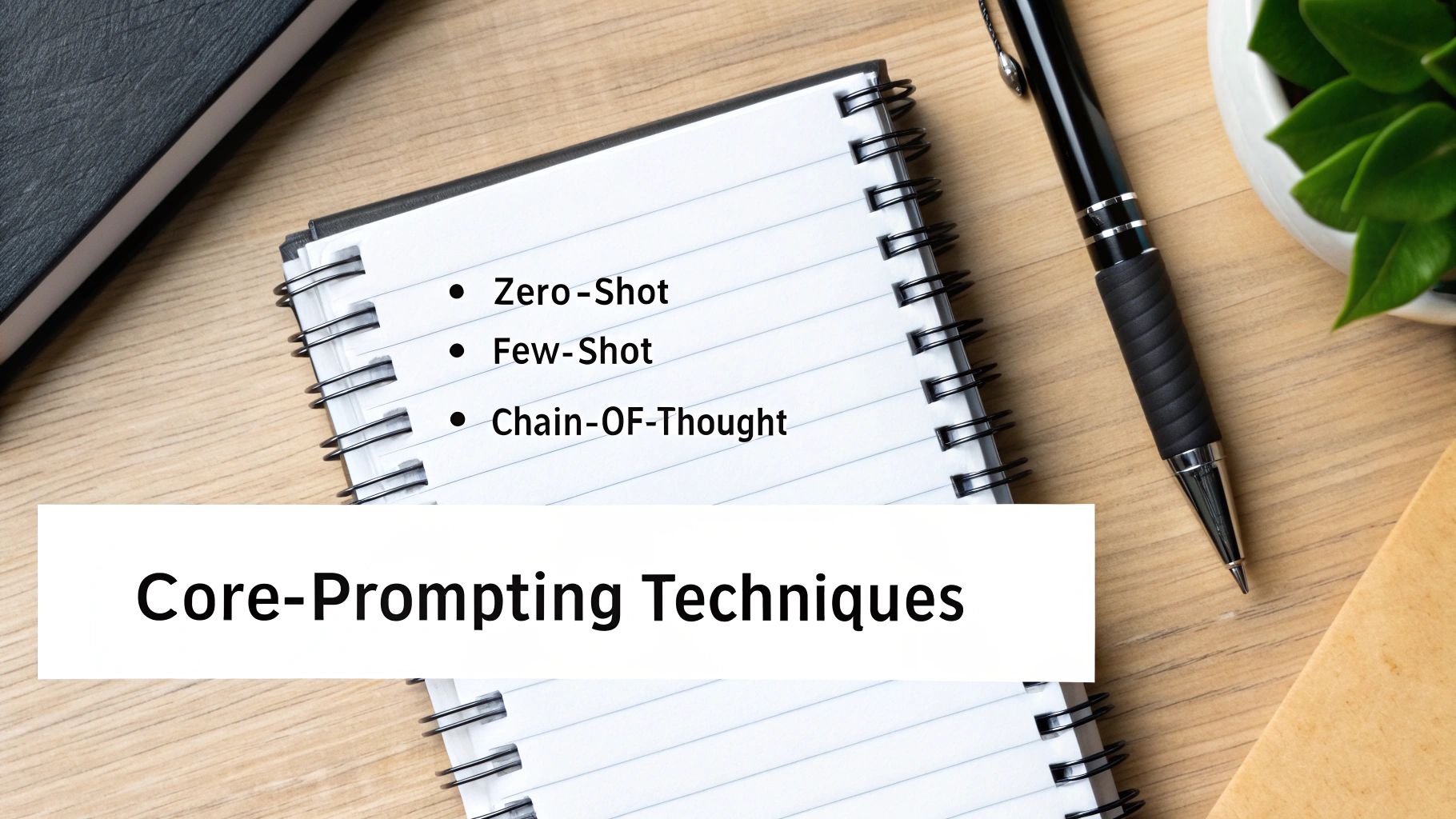
Alright, now that we've covered why prompt engineering is so important, let's roll up our sleeves and get practical. You don't need a degree in computer science to start using powerful prompting methods. These techniques are surprisingly intuitive and can make a night-and-day difference in the quality of your AI videos.
Think of these as different tools in your director's toolkit. Each one has a specific job, whether it's for a quick, straightforward command or for guiding the AI through a complex, multi-shot sequence. Getting comfortable with them is your ticket to creating consistently impressive work.
Zero-Shot Prompting: The Direct Command
Zero-Shot Prompting is the most basic technique, and you've probably already used it without realizing it. It's simply the art of giving a direct command without providing any examples. You just describe what you want, and the AI taps into its massive library of training data to figure it out.
This method is perfect for simple, well-defined scenes where the concept is common and easy for the AI to grasp. It's your go-to for generating a quick shot or a single, uncomplicated video clip.
For instance, a classic zero-shot prompt for a video would be:
A cinematic, slow-motion video of raindrops hitting a puddle on a city street at night, reflecting neon lights.
The AI has "seen" countless images and videos of rain, cities, and neon signs, so it can assemble this scene without needing any extra hand-holding.
Few-Shot Prompting: Showing Is Better Than Telling
Sometimes, a direct command just won't cut it, especially when you're aiming for a very specific style or character. That’s where Few-Shot Prompting shines. With this approach, you give the AI a couple of examples of what you want before you make your final request.
This "primes" the model, essentially showing it the pattern you want it to follow. For video creation, this is a game-changer for maintaining a consistent look and feel or character design across multiple clips.
By giving the AI a clear example of the desired output, you drastically reduce ambiguity and guide it toward your specific vision. This technique is a cornerstone of effective prompt engineering for more complex projects.
Let's say you want to create a series of clips with a unique, painterly art style. You could structure your prompt like this:
- Example 1:
Style: A vibrant, impressionistic oil painting. Scene: A cat sleeping on a windowsill. - Example 2:
Style: A vibrant, impressionistic oil painting. Scene: A bustling market square. - Your Request:
Style: A vibrant, impressionistic oil painting. Scene: A lone sailboat on a stormy sea.
By providing the first two examples, you've effectively taught the AI the exact visual style you're after.
Chain-of-Thought Prompting: Guiding the AI Step-by-Step
When you're dealing with more complex scenes or short stories, you need to guide the AI's "reasoning" process. Chain-of-Thought (CoT) Prompting is all about breaking down a bigger request into a series of smaller, logical steps. Instead of asking for the final video all at once, you walk the AI through the sequence.
This is a powerful method for planning multi-shot scenes or making sure a sequence of events unfolds logically. It helps the model build a more coherent and well-structured video. For more ideas on how to structure these, the extensive ChatGPT Prompts Database is a fantastic place to find inspiration.
Here’s how you could use it to map out a short video sequence:
- Step 1: First, generate a wide shot of a futuristic city with flying cars.
- Step 2: Next, zoom in on a single skyscraper with a glowing spire.
- Step 3: Finally, show a close-up of a character looking out from a window at the top of that spire.
This step-by-step guidance stops the AI from getting overwhelmed and ensures each part of your video connects smoothly to the next.
Negative Prompts: What to Leave Out Is Just as Important
Finally, one of the most useful tools in your arsenal is the negative prompt. This is where you explicitly tell the AI what you don’t want to see in the final video. AI models can sometimes get creative in weird ways, adding strange artifacts, extra limbs, or visual elements you never asked for.
Negative prompts act like a filter, helping you clean up the output by steering the model away from common mistakes or styles you want to avoid. Most modern AI video tools, including our own Prompt Wizard, have a dedicated field for negative prompts.
- Main Prompt:
A photorealistic portrait of an astronaut in a modern helmet. - Negative Prompt:
Blurry, cartoon, text, watermark, extra fingers, distorted face.
By mastering these four core techniques—Zero-Shot, Few-Shot, Chain-of-Thought, and Negative Prompts—you'll move beyond simple commands and start directing the AI with real creative precision.
To make it even clearer, here’s a quick summary of how each technique applies directly to video generation.
Prompting Techniques For Better AI Videos
| Technique | Best For Video Generation | Example Snippet |
|---|---|---|
| Zero-Shot | Generating simple, single-clip scenes with common concepts. | An overhead drone shot of a car driving on a coastal road at sunset. |
| Few-Shot | Maintaining a consistent style, character, or mood across multiple shots. | Example 1: a man with a red scarf in a snowy forest. Example 2: a man with a red scarf drinking coffee. Request: a man with a red scarf looking at a map. |
| Chain-of-Thought | Creating a logical sequence of shots that tell a micro-story. | 1. Show a close-up of a key turning in a lock. 2. Pan out to reveal an old wooden door opening. 3. Show the room inside is dark and dusty. |
| Negative Prompt | Removing unwanted elements like watermarks, bad anatomy, or a cartoonish feel. | --no blurry, grainy, low-quality, text, signature |
Using these methods as a foundation will give you far more control and help you translate the vision in your head into a stunning AI-generated video.
Beyond the Basics with Prompt Patterns
Learning individual prompting techniques is a great start, but the real magic happens when you start working smarter, not just harder. That’s where prompt patterns enter the picture. A pattern isn't just a single prompt; it's a reusable, structured template built for a specific kind of video, whether that's a quick product demo or a splashy social media ad.
Think of it like a chef's recipe for a signature dish. Instead of guessing the ingredients every time, they follow a proven formula. Similarly, a creator can build a pattern for a "30-second explainer video" that serves as a reliable starting point, saving you from reinventing the wheel on every project. This gives you a framework to adapt, ensuring your videos are consistent and high-quality while seriously speeding up your workflow.
Building Your First Prompt Pattern
A solid pattern is much more than a jumble of keywords. It's a logical blueprint that breaks a video down into its core pieces. When you develop these templates, you're not just making one video; you're building a consistent visual language that can carry through an entire campaign.
Here’s a versatile pattern you can tweak for almost any kind of project. It’s designed to make you think through the most critical elements of a scene before the AI even gets to work.
A General-Purpose Video Prompt Pattern
[Shot Type] of [Subject] performing [Action].
Setting: [Location details] with [Key background elements].
Style: [Aesthetic description, e.g., cinematic, hyperrealistic, anime], with [Lighting description, e.g., golden hour, neon glow] and [Color palette].
Camera: [Camera angle, e.g., low-angle shot] with [Camera movement, e.g., smooth dolly zoom], [Lens type, e.g., 35mm lens].
Quality: [Resolution, e.g., 4K, photorealistic].
Using a template like this makes it nearly impossible to forget a crucial detail. It turns the fuzzy idea of "coming up with a prompt" into a straightforward, fill-in-the-blanks process, which is how you consistently get professional-looking results.
Why Iteration and Quality Control Matter
Even with the world's best pattern, your first output probably won't be perfect. This is totally normal, and it's why the creative loop is so important. Prompt engineering is a constant cycle of prompting, reviewing, and refining. Every generation gives you instant feedback on what’s working and what isn’t.
Maybe the "dramatic lighting" you asked for was a bit too harsh, or the "wide-angle shot" made your subject feel too distant. No problem. You just tweak that specific part of your pattern and try again. This back-and-forth refinement is how you zero in on the exact vision in your head.
But getting the look right is only part of the job. You also need to keep a close eye on quality and a few other critical factors:
- Visual Consistency: Does your character look the same from one scene to the next? Reusing specific descriptors from your pattern (like "woman with short blonde hair, wearing a red leather jacket") is the key to maintaining continuity.
- Ethical Practices: Are you creating content that is respectful and avoids leaning on lazy or harmful stereotypes? Always give your final videos a once-over to make sure they align with ethical standards and don't misrepresent people or situations.
- Logical Flow: If you're stringing shots together, do they make sense in sequence? Planning your shots with patterns ahead of time helps ensure you're telling a coherent story, not just generating a random collection of clips.
At the end of the day, these skills aren't just about "talking to an AI." They are fundamental parts of a modern, professional creative workflow. When you combine structured prompt patterns with a thoughtful approach to quality and ethics, you'll be able to create truly standout content.
Frequently Asked Questions About Prompt Engineering
As you dive into prompt engineering, you’re bound to have some questions. It’s a new skill, after all. Here are some straightforward answers to the questions we hear most often from creators who are just getting started with generative AI.
Is Prompt Engineering a Form of Coding?
Not in the traditional sense, no. While you are giving instructions to a computer, prompt engineering relies on natural, everyday language—not a strict programming language like Python or Java. Think of it less like coding and more like being a great communicator or a clear thinker.
You're essentially playing the role of a director describing a scene to a film crew. Your words are the blueprint for the visual you want to create.
The core skill here isn't technical syntax; it's creative clarity. If you can clearly articulate what's in your head, you're already on your way to becoming a great prompt engineer.
How Do I Know If My Prompt Is Good?
Simple: the proof is in the output. A good prompt is one that gets you incredibly close to your original vision, time and time again, without needing endless tweaks or re-rolls.
You’ll know you're hitting the mark when:
- The AI consistently nails your main subject and action.
- The style, lighting, and camera work align with what you asked for.
- You find yourself spending less time generating new options and more time refining a few great ones.
What Should I Do When the AI Misunderstands My Prompt?
When an AI delivers something completely off the wall, don't get frustrated—it's a learning moment. The first thing to do is scan your prompt for any ambiguity. Words can have double meanings, so specificity is your best friend. For instance, instead of just "a big cat," try clarifying with "a majestic lion with a flowing mane" or "a sleek black panther."
If that doesn't work, try breaking your request down. Use the chain-of-thought technique to guide the AI step-by-step, as this can often clear up any confusion. Finally, don't forget the power of negative prompts. If unwanted elements keep creeping into your results, explicitly tell the AI what not to include. It's a fantastic way to get things back on track.
Can I Use the Same Prompts Across Different AI Models?
You can, but you'll likely need to make some adjustments. The core principles of a solid prompt—clarity, detail, structure—are universal. However, different AI models (like Google's Veo or OpenAI's Sora) are trained on unique datasets and have their own quirks when it comes to interpreting language. A prompt that works flawlessly in one model might need a little finessing to get the same results in another.
The best approach is to start with your base prompt and then tweak it for the specific platform you're using. This is where tools that bring multiple models under one roof, like those at Auralume AI, really shine. You can experiment and see how different engines react to the same creative brief. For anyone looking to streamline this process, you can explore our platform's features and see how to manage multiple AI models from a single interface.
Ready to stop guessing and start creating? The Auralume AI Prompt Wizard guides you through crafting the perfect instructions, turning your simple ideas into stunning, cinematic video clips. Try it now and see the difference a well-engineered prompt makes. https://auralumeai.com