
12 Best AI Tools for Filmmakers to Watch in 2025
The integration of artificial intelligence into filmmaking is no longer a futuristic concept; it's a practical reality reshaping every stage of production. From generating storyboards in pre-production to automating complex VFX in post, a new generation of AI tools for filmmakers is unlocking unprecedented creative possibilities and streamlining once-tedious workflows. This guide is designed to cut through the noise, offering a comprehensive, hands-on resource for creators at every level, from social media marketers to independent film crews.
We’ve curated a list of the most impactful AI-driven platforms and plugins available today. Instead of just listing features, we provide a detailed breakdown for each tool, including its core function, ideal use cases, standout capabilities, and transparent pricing information. You'll find practical insights, honest pros and cons, and even sample prompts to help you hit the ground running. Our goal is to help you quickly identify which solutions will best serve your specific project needs, whether you're animating still images, prototyping a complex sequence, or generating high-quality dialogue.
For those focused specifically on video creation from scratch, a great starting point is understanding the broader ecosystem of generative models. For a comprehensive overview of AI-powered video creation tools that can significantly streamline your production process, explore the 12 Best AI Video Generators for Creative Teams in 2025. This article will build on that foundation, diving deeper into specialized applications that integrate directly into a professional filmmaker's toolkit. Let's explore the tools that will define the future of visual storytelling.
1. Auralume AI
Auralume AI positions itself as a powerful, all-in-one video generation suite, making it one of the most versatile AI tools for filmmakers available today. Instead of developing a single proprietary model, Auralume functions as an aggregator, providing access to an elite roster of the industry’s top-tier video engines like Google Veo, Sora, Pika, and Kling. This unique approach allows creators to select the ideal model for each specific task, whether they need high-fidelity cinematic visuals, photorealistic animations, or rapid prototypes for storyboarding.
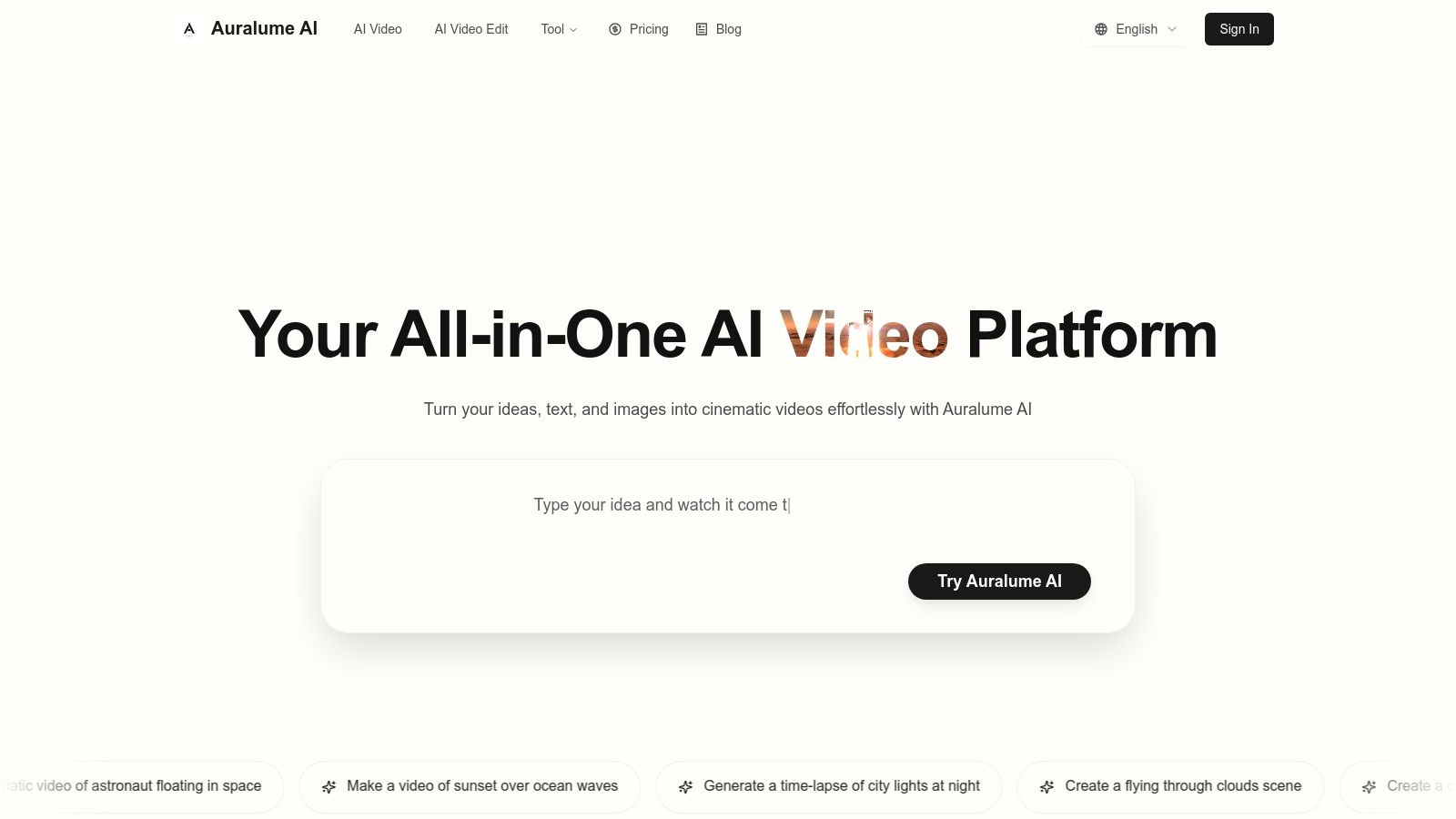
The platform is engineered to lower the barrier to entry for professional-quality video creation. Its built-in Prompt Wizard is a standout feature, automatically optimizing text inputs and coaching users on how to refine their ideas for superior results. This turns complex prompt engineering into a simple, guided process. Furthermore, its image-to-video capabilities and integrated upscalers allow filmmakers to transform static concept art or low-resolution clips into polished, dynamic sequences with realistic motion and depth.
Key Features & Use Cases
- Multi-Model Access: Seamlessly switch between leading AI video models (Sora, Veo, Pika, etc.) to match the stylistic needs of any project, from commercial ads to narrative short films.
- Prompt Wizard: An intelligent assistant that refines and enhances your text prompts, ensuring you get the best possible output from the chosen AI engine without deep technical knowledge.
- Image & Video Enhancement Suite: Animate still images with natural motion effects, and use the integrated upscalers to improve the resolution and clarity of both AI-generated and existing footage.
- Integrated Image Generation: Quickly create visual assets, storyboards, or concept art with the built-in "Nana Banana" image model, keeping the entire pre-visualization workflow within one platform.
Pricing Structure
Auralume AI offers a flexible pricing model designed for various usage levels. For occasional projects, a pay-as-you-go option provides 500 credits for $10, and these credits never expire. For more consistent use, subscription plans are available when billed annually:
- Starter: 2,300 credits/month for $31.20/month.
- Pro: 6,600 credits/month for $79.20/month, which includes priority support and a "Stealth Mode" to keep your work private.
Pros & Cons
| Pros | Cons |
|---|---|
| Access to Multiple Top-Tier Models in a single interface. | Generations are public by default on lower-tier plans. |
| Prompt Wizard dramatically simplifies getting professional results. | Credit costs can accumulate for high-volume or enterprise users. |
| Flexible Pricing with non-expiring credits and subscription tiers. | Output quality and style are dependent on the third-party model selected. |
| Integrated Tools for upscaling and image animation streamline workflows. |
Website: https://auralumeai.com
2. Runway
Runway has positioned itself as a comprehensive, browser-based creative suite, making it one of the most versatile AI tools for filmmakers available. It's an all-in-one platform for generating and editing video content, moving far beyond simple text-to-video prompts. For filmmakers, this means it’s a powerful tool for rapid ideation, creating animated storyboards, generating unique b-roll, or even producing finished short-form content directly in the browser.
Its strength lies in the integration of multiple AI models into a familiar, timeline-based editor. You can generate a clip with Gen-2, remove an object from it, change the background, and add AI-generated sound effects without ever leaving the platform. This seamless workflow makes it ideal for experimental projects and quick turnarounds.
Key Features and Use Cases
- Video Generation (Gen-2): Create video from text, images, or even existing video clips (video-to-video). Perfect for pre-visualization, abstract sequences, and conceptual animatics.
- AI Magic Tools: A suite of powerful editing features like Inpainting (remove objects), Frame Interpolation (slow-motion), and Super-Resolution (upscaling) are integrated directly.
- Team Collaboration: Pro and Enterprise tiers offer shared workspaces and assets, making it suitable for small teams and creative agencies coordinating on a project.
When to Choose Runway: Select Runway when you need a fast, iterative environment for visual development or when creating short, stylized video content. Its browser-based nature and collaborative features are excellent for remote teams needing to quickly prototype and share ideas.
Pricing and Access
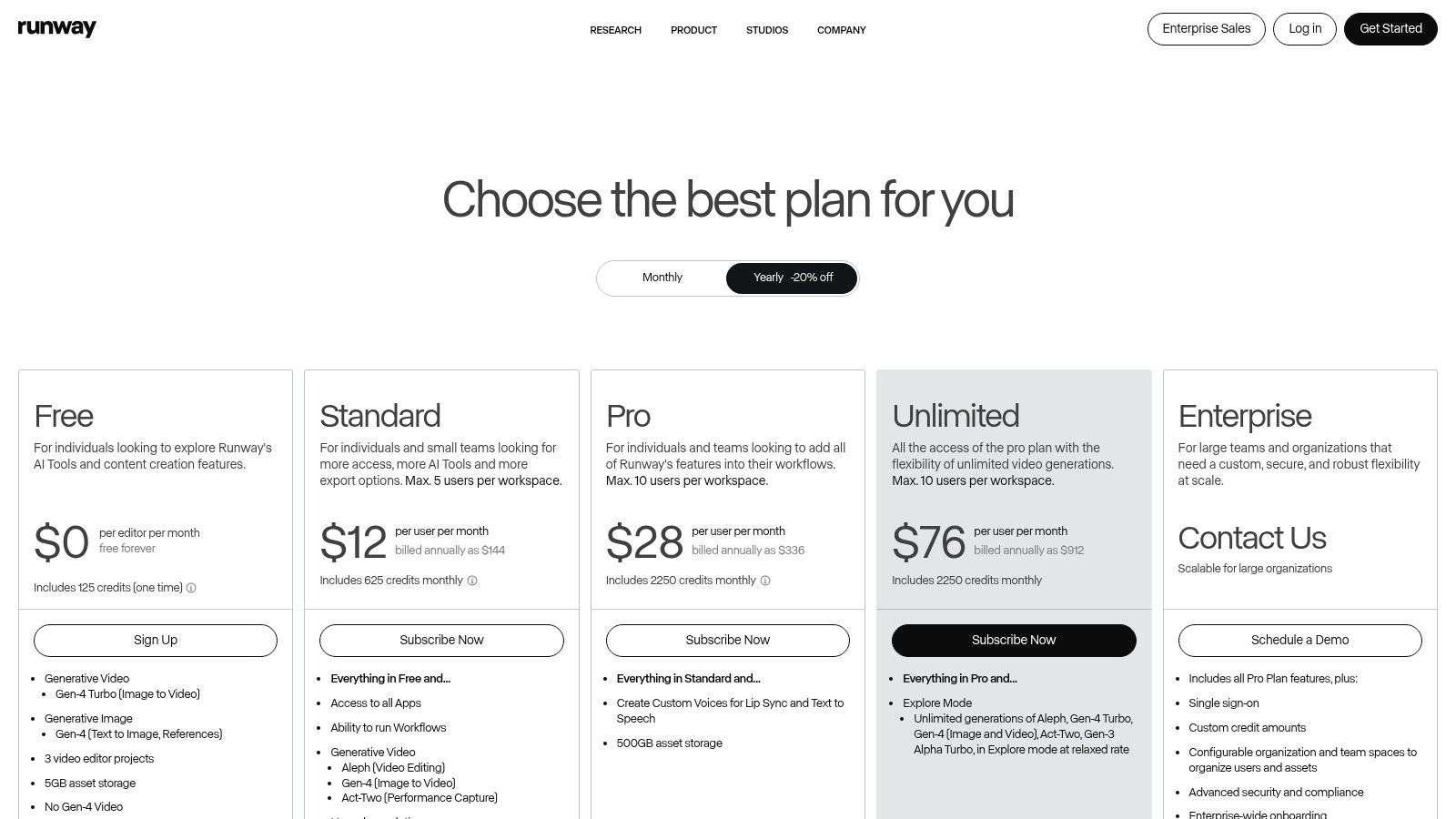
Runway operates on a credit-based subscription model. A free tier offers a limited number of credits to test the platform. Paid tiers (Standard, Pro, Unlimited) provide more credits, higher-resolution exports, and access to advanced features. Credits are used for generation and AI tool usage, refreshing monthly, with options to purchase more.
Website: https://runwayml.com/
3. Pika
Pika has rapidly emerged as a leading AI video generator, celebrated for its ability to produce cinematic motion and highly stylized shots from simple prompts. It's a go-to platform for filmmakers focused on look development, rapid shot experimentation, and creating compelling social media teasers. Pika's core strength is its suite of models and effects, which grant users significant control over motion, style, and camera movement, making it a fantastic digital sandbox for visual ideas.
Its interface is built for speed, allowing creators to generate clips from text, images, or even existing videos. This makes Pika an exceptional tool for animating concept art, storyboards, or simply exploring how a static idea might translate into a dynamic scene. For filmmakers, this is an invaluable asset in pre-production, offering a quick way to prototype shots without the cost and time of a traditional shoot.
Key Features and Use Cases
- Multi-Model Generation: Users can choose from different models (like Turbo or Pro) that accept text, image, or video inputs, each offering unique motion and quality characteristics. This is ideal for testing different visual treatments for a scene.
- Creative Control Tools: Features like Modify Region, Expand Canvas, and integrated sound effects provide granular control over the final output, moving beyond basic prompt-to-video generation.
- Lip Sync and Character Creation: Pika includes dedicated tools for creating talking characters and ensuring audio sync, a useful feature for pre-visualizing dialogue scenes or creating animated explainers.
When to Choose Pika: Use Pika when your primary goal is to quickly prototype cinematic shots and experiment with visual styles. It excels at creating short, impactful clips for mood boards, animated storyboards, or social media content where distinct visual flair is essential.
Pricing and Access
Pika uses a credit-based subscription model. A free tier is available, which typically includes a watermark and provides a limited number of credits to test the platform's capabilities. Paid plans (like the Standard and Pro tiers) offer more credits, remove the watermark, allow for commercial use of generated content, and provide access to the latest features. Credits are consumed based on video length, resolution, and the specific model used for generation.
Website: https://pika.art/
4. Adobe Creative Cloud
Adobe has woven AI deep into its industry-standard creative suite, transforming established tools like Premiere Pro and After Effects into powerful, modern platforms. Instead of being a standalone generator, Adobe integrates AI tools for filmmakers directly into the professional workflows they already use. This approach is less about creating content from scratch with a prompt and more about accelerating and enhancing the end-to-end post-production pipeline with intelligent, context-aware features.
Its strength is the seamless integration. Features powered by Adobe Sensei and Firefly, like Text-Based Editing, feel like natural extensions of the editor, not bolted-on novelties. This makes it an indispensable asset for professionals who need reliable, studio-ready tools that incorporate AI to solve real-world production challenges, from simplifying rough cuts to automating complex VFX tasks like rotoscoping. The massive ecosystem of tutorials, plugins, and talent ensures robust support for any project.
Key Features and Use Cases
- Text-Based Editing (Premiere Pro): Automatically transcribes footage and allows editors to create a rough cut simply by editing the text transcript. This is a game-changer for documentary and interview-based projects.
- Generative Extend (Premiere Pro): Intelligently adds frames to the beginning or end of a clip to extend its duration, perfect for fine-tuning edits and smoothing out pacing without disrupting the shot's core action.
- Content-Aware Fill (After Effects): Remove unwanted objects from video footage by analyzing surrounding frames to fill in the space, saving hours of manual cloning and patching work.
When to Choose Adobe Creative Cloud: Opt for Adobe when you need to integrate AI into a professional, high-fidelity post-production workflow. It’s the best choice for filmmakers who rely on the depth of Premiere Pro and After Effects but want to leverage AI to speed up editing, clean up shots, and automate tedious tasks.
Pricing and Access
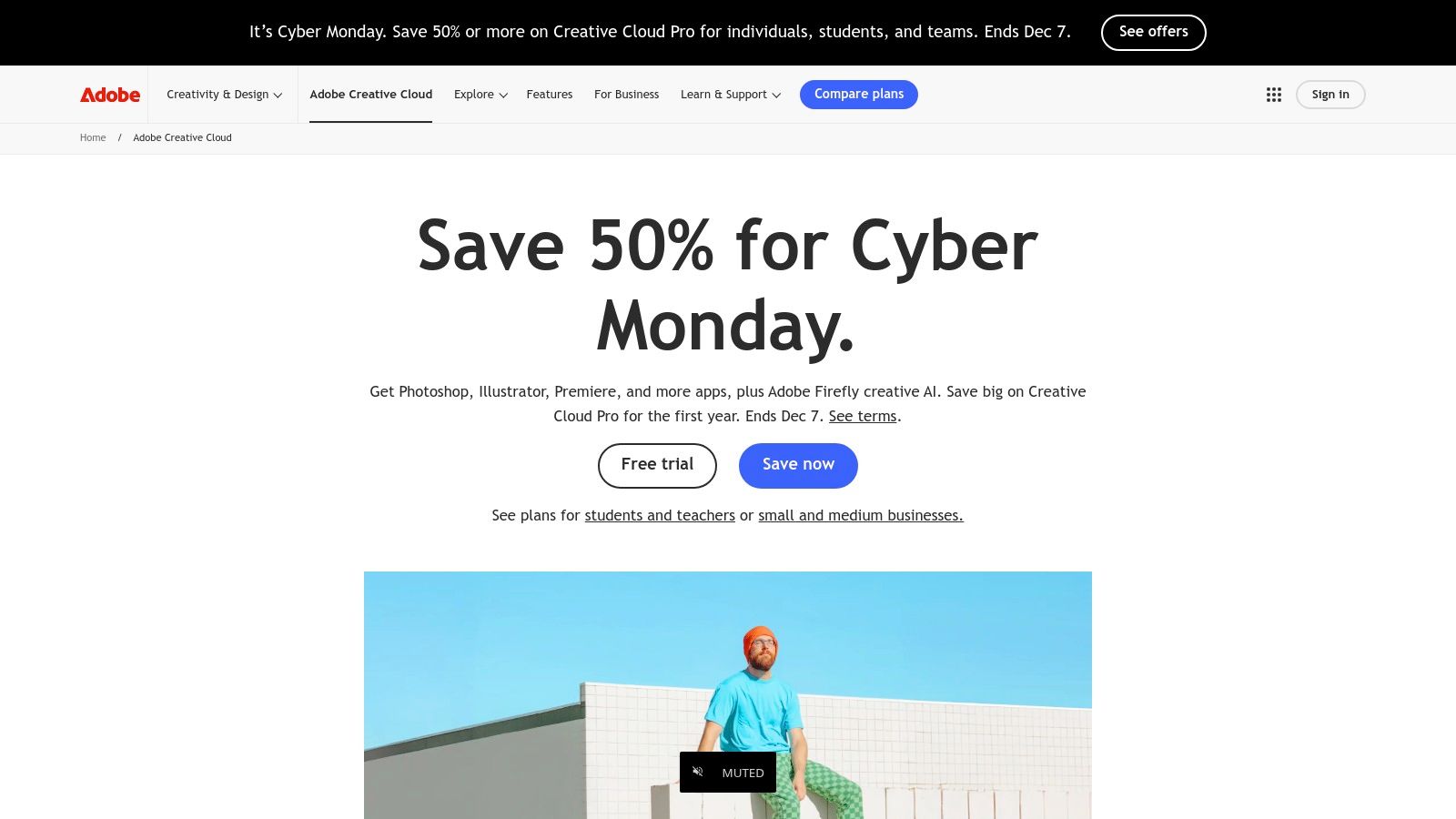
Adobe Creative Cloud is available through a monthly or annual subscription. Various plans exist, including single-app subscriptions (like Premiere Pro) or the full Creative Cloud All Apps plan. AI features are powered by "generative credits," which are included in most plans and are consumed when using Firefly-based tools. Credit allotments refresh monthly, with options to purchase more.
Website: https://www.adobe.com/creativecloud.html
5. Blackmagic Design – DaVinci Resolve Studio
DaVinci Resolve Studio integrates a powerful suite of AI-driven tools directly into a professional-grade post-production environment. Rather than being a standalone generator, it uses the DaVinci Neural Engine to accelerate and enhance traditional workflows in editing, color grading, audio, and visual effects. For serious filmmakers, this makes it one of the most practical and integrated AI tools for filmmakers, as it speeds up tedious tasks without leaving the primary finishing application.
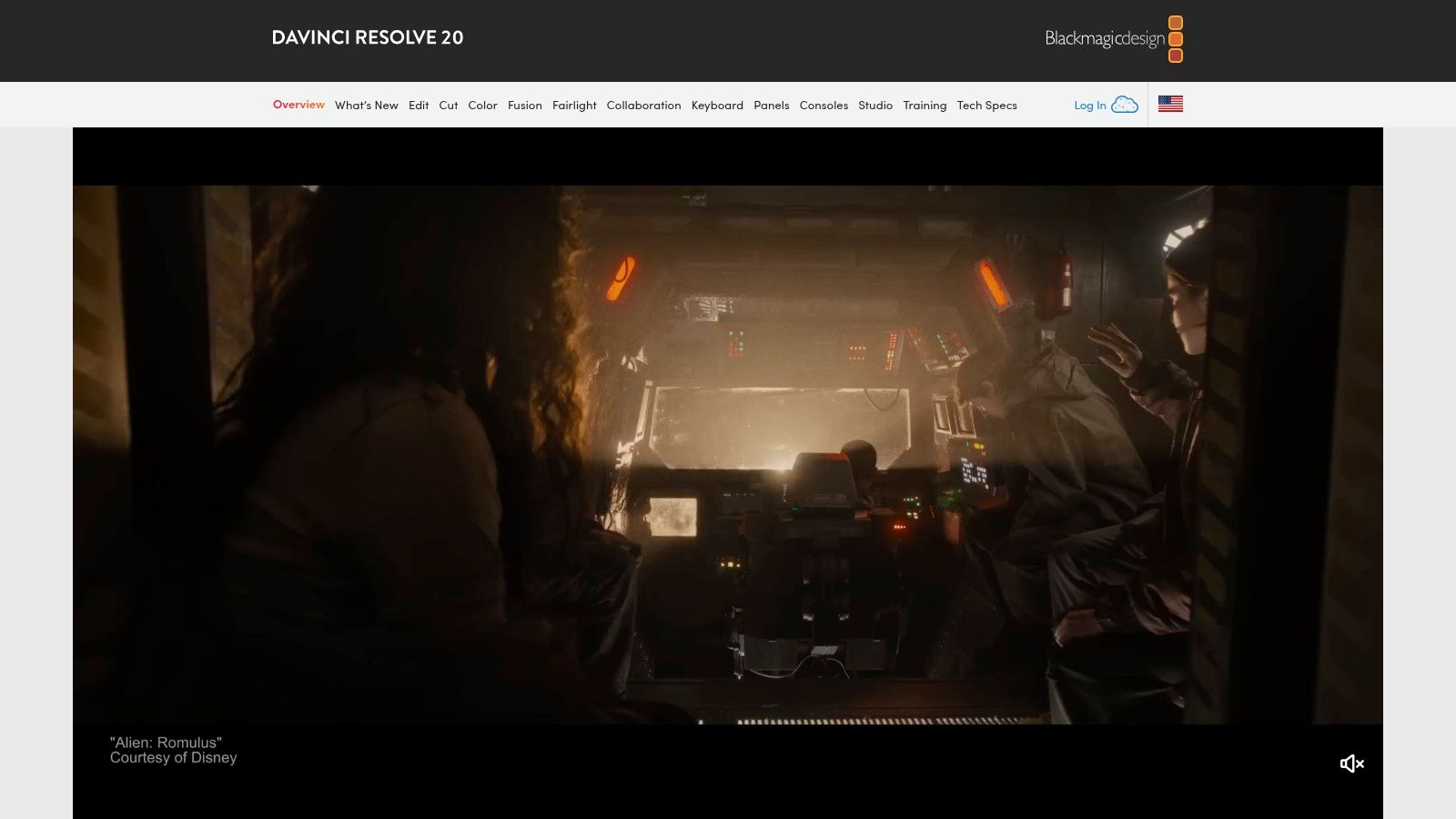
Its main advantage is embedding AI features where they are most needed. Tasks like rotoscoping a subject for color isolation, cleaning up noisy dialogue, or automatically re-framing footage for social media are reduced from hours of manual work to a few clicks. This efficiency is built into a system already renowned for its industry-leading color grading and finishing capabilities.
Key Features and Use Cases
- DaVinci Neural Engine: Powers a wide range of features, including Magic Mask for AI-based object selection and tracking, Face Refinement for subtle beauty work, and Smart Reframe for vertical video conversion.
- AI Audio Tools (Fairlight): Includes remarkable Voice Isolation to remove background noise from dialogue and a Dialogue Leveler to balance audio levels automatically.
- Color Grading Enhancements: AI tools assist with automatic color balancing and shot matching, providing a strong starting point for a creative grade.
When to Choose DaVinci Resolve Studio: Opt for DaVinci Resolve Studio when you need AI assistance embedded within a robust, all-in-one post-production workflow. It's ideal for filmmakers who want to enhance, not replace, their traditional editing and grading process, significantly boosting efficiency on complex tasks.
Pricing and Access
Blackmagic Design offers a surprisingly robust free version of DaVinci Resolve. The full DaVinci Resolve Studio, which unlocks the Neural Engine, higher resolutions, more effects, and higher frame rates, is available for a one-time perpetual license fee. It's recommended to purchase directly from Blackmagic Design or an authorized reseller to avoid limitations present in the Mac App Store version.
Website: https://www.blackmagicdesign.com/products/davinciresolve
6. Boris FX (Continuum, Mocha)
For filmmakers working within traditional post-production ecosystems, Boris FX offers a suite of industry-standard plugins that have integrated powerful machine learning capabilities. Continuum and Mocha Pro are not standalone platforms but high-end toolsets that operate directly within NLEs like Adobe Premiere Pro, Avid Media Composer, and DaVinci Resolve. This makes them indispensable AI tools for filmmakers who need to enhance existing workflows rather than starting from scratch in a new application.
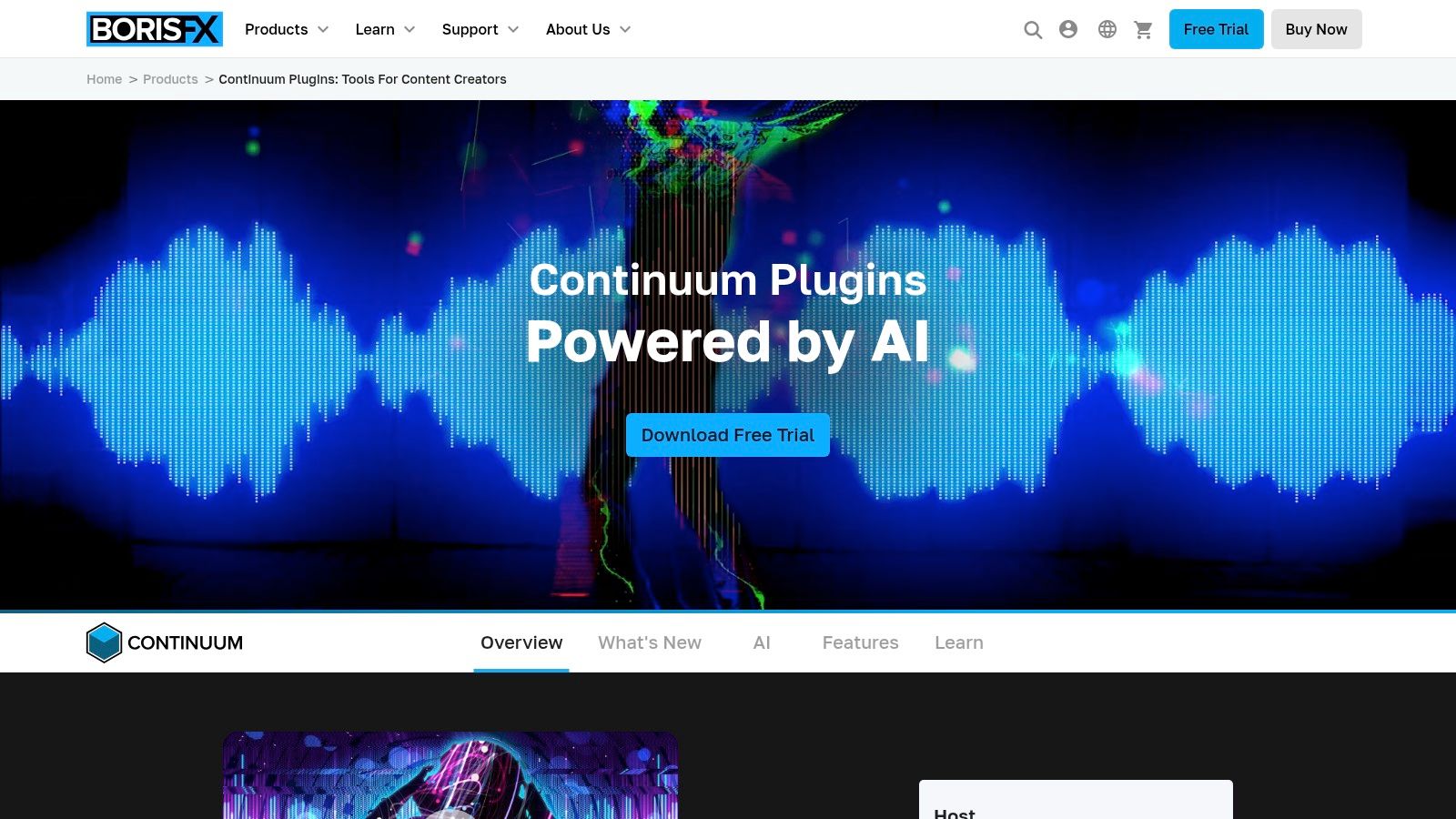
The key strength of Boris FX is its deep integration and production-proven reliability. Instead of generating content, its AI focuses on augmenting the editing and VFX process. Tools like Continuum’s ML-driven effects can intelligently identify and isolate elements like faces for automated blurring or beauty work, while Mocha’s award-winning planar tracking is supercharged with AI to handle complex rotoscoping and object removal tasks with incredible precision.
Key Features and Use Cases
- Mocha Pro Planar Tracking: World-class tracking and masking for screen replacements, object removal, and stabilization. AI-assisted features accelerate complex rotoscoping tasks.
- Continuum ML Effects: Includes tools like BCC+ Face Track for automated facial masking and effects, and Particle Illusion for creating complex, motion-aware particle systems.
- Deep Host Integration: Works as a native plugin suite inside major editing and compositing software, ensuring a seamless and efficient workflow without exporting or round-tripping footage.
When to Choose Boris FX: Opt for Boris FX when you require broadcast or film-grade visual effects and finishing tools within your existing editing software. It’s ideal for complex post-production tasks that demand precision, such as advanced rotoscoping, object removal, and motion tracking.
Pricing and Access
Boris FX offers flexible licensing. Users can choose between annual or monthly subscriptions for individual products or the complete Boris FX Suite. Perpetual licenses are also available for those who prefer to own the software outright. Pricing varies depending on the host application (Adobe, Avid, OFX) you need the plugins for.
Website: https://borisfx.com/products/continuum/
7. Autodesk Flow Studio (formerly Wonder Studio / Wonder Dynamics)
Autodesk Flow Studio streamlines one of the most complex visual effects tasks: inserting CG characters into live-action scenes. This cloud-based platform automates motion capture, camera tracking, and character retargeting, making it an indispensable AI tool for filmmakers working on character-driven stories without a Hollywood budget. It analyzes single-camera footage of an actor and automatically replaces them with a selected CG model, complete with lighting and composition integration.
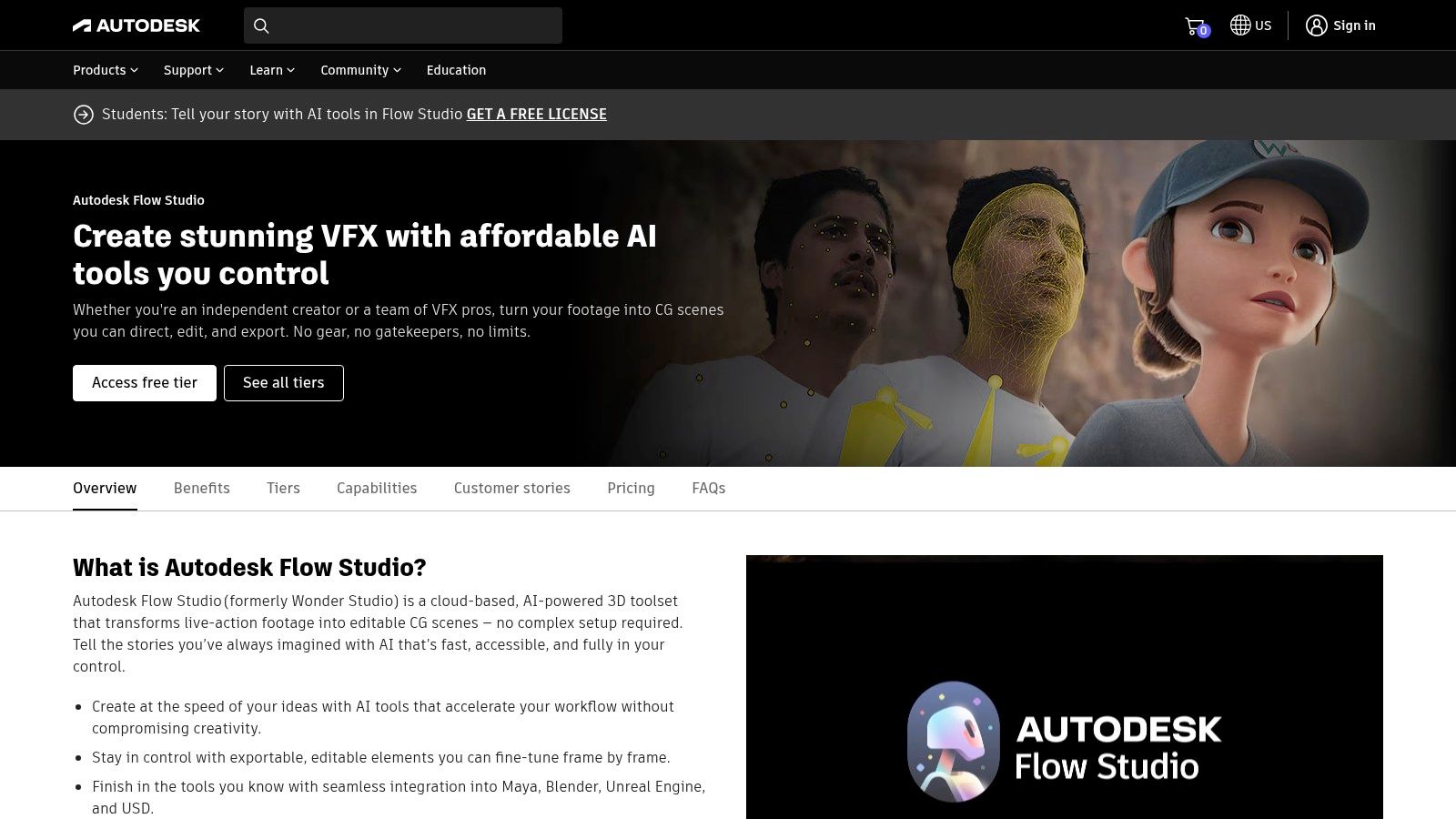
Its core strength is drastically reducing the manual labor traditionally required for rotoscoping, tracking, and mocap cleanup. For independent creators, this means achieving sophisticated character VFX that were previously out of reach. The platform processes shots in the cloud and provides artists with downloadable passes, including the final composite, character animation data, and clean plates for further refinement.
Key Features and Use Cases
- AI Mocap & Retargeting: Automatically captures an actor's performance from standard video and applies it to any custom CG character model you upload. This is ideal for pre-visualization and final shots in animated shorts or indie films.
- Automatic VFX Passes: Generates essential elements like camera tracks, clean plates, alpha masks, and character passes, which can be exported for compositing in other software like After Effects or Nuke.
- Cloud-Based Processing: Handles all the heavy computational work online, freeing up local machine resources. Users upload their footage and character, and the platform delivers the finished elements.
When to Choose Autodesk Flow Studio: Use Flow Studio when your project's primary VFX challenge is integrating CG characters into live footage. It's perfect for indie filmmakers, small studios, and pre-visualization artists who need to rapidly produce character composites without a dedicated motion capture stage or large VFX team.
Pricing and Access
The platform operates on a subscription and credit-based model. A "Lite" tier provides a set amount of processing minutes per month, suitable for individuals and small projects. The "Pro" tier offers more minutes, higher resolution exports (up to 4K), and additional features. Credits are consumed based on the final rendered minutes of video processed, with clear usage tracking.
Website: https://wonderdynamics.com/pricing/
8. Toolfarm
While not a direct AI tool itself, Toolfarm is an essential marketplace and authorized reseller where filmmakers can discover, trial, and purchase the industry's leading AI-powered plugins. It functions as a central hub for post-production software, consolidating countless AI-assisted tools from top developers like Boris FX, Maxon, and Red Giant into a single, searchable catalog. For filmmakers, this simplifies the often-daunting process of finding the right specialized AI plugin for their specific NLE or VFX software.
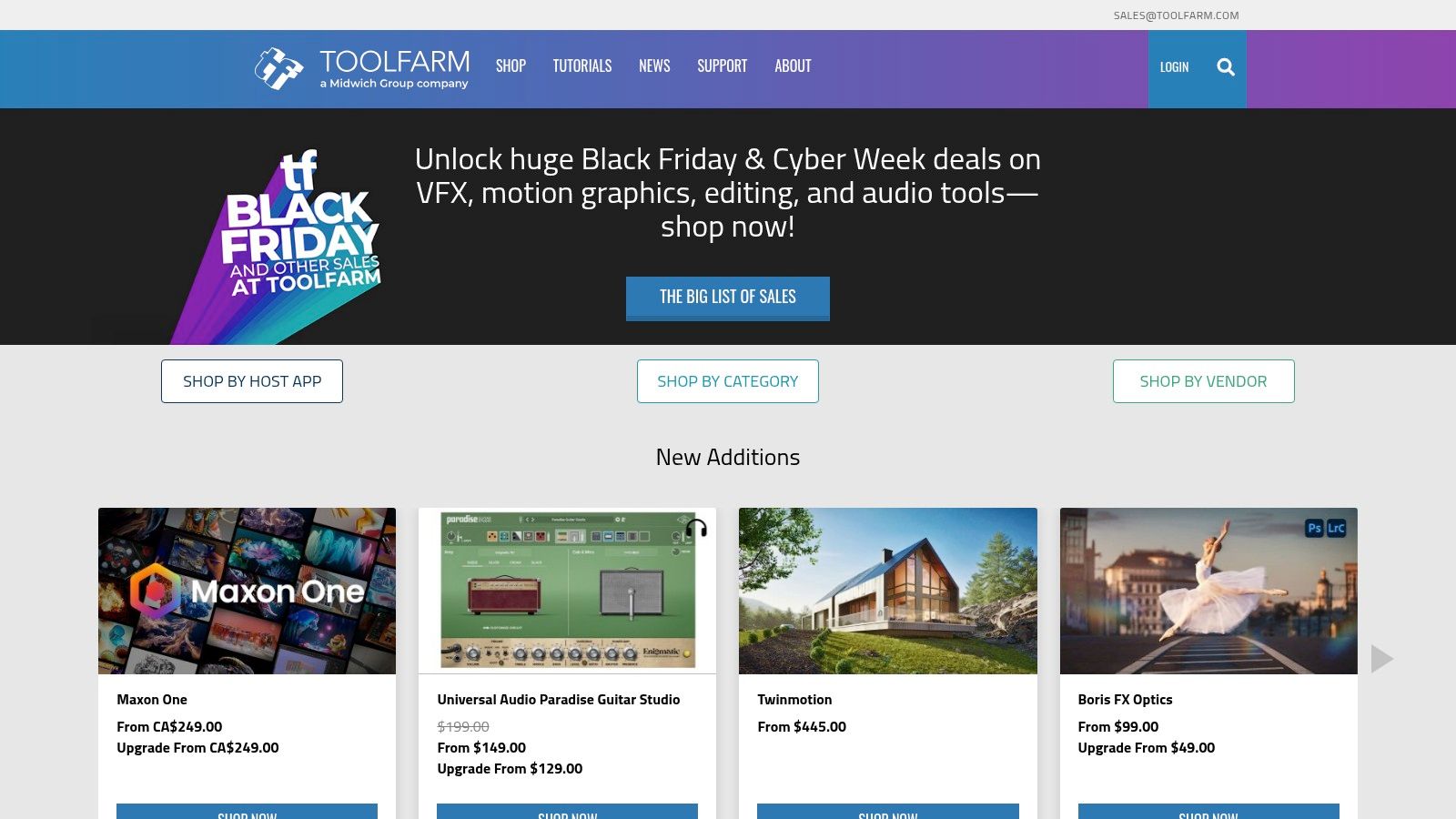
Its value lies in its breadth and expertise. Instead of navigating dozens of individual developer websites, you can compare tools, access free trials, and read user reviews in one place. Toolfarm's sales and support teams are knowledgeable about compatibility and licensing, providing a layer of service that is invaluable when investing in professional software.
Key Features and Use Cases
- Broad Catalog of Post/VFX Plugins: Find and purchase AI-driven tools for rotoscoping, noise reduction (like Neat Video), upscaling, and advanced effects that integrate directly with Adobe Premiere Pro, After Effects, DaVinci Resolve, and more.
- Centralized Free Trials and Demos: Easily access and manage trial versions for multiple plugins, allowing you to test how different AI tools for filmmakers perform within your specific workflow before committing.
- Authorized Reseller and Support: Offers legitimate licensing, frequent promotions, and U.S.-based support, ensuring secure purchases and help with installation or activation issues.
When to Choose Toolfarm: Use Toolfarm when you're looking to upgrade your post-production toolkit with specific AI-powered plugins for tasks like video restoration, advanced visual effects, or workflow automation. It's the ideal destination for professionals who need to compare and purchase specialized software for their existing editing suite.
Pricing and Access
Toolfarm is a marketplace, so pricing is determined by the individual software developers. It sells perpetual licenses, subscriptions, and upgrades for thousands of products. The platform is free to browse, and it frequently offers exclusive sales and bundle deals that may not be available directly from the developers.
Website: https://www.toolfarm.com/
9. aescripts + aeplugins
While not a singular tool, aescripts + aeplugins is an essential marketplace for anyone working within the Adobe ecosystem, particularly After Effects and Premiere Pro. It serves as a central hub for specialized scripts and plugins, many of which are now integrating machine learning to automate tedious post-production tasks. For filmmakers, this platform is a treasure trove of niche AI tools for filmmakers that can dramatically speed up complex workflows like rotoscoping, transcription, or video upscaling, directly inside their editing software.
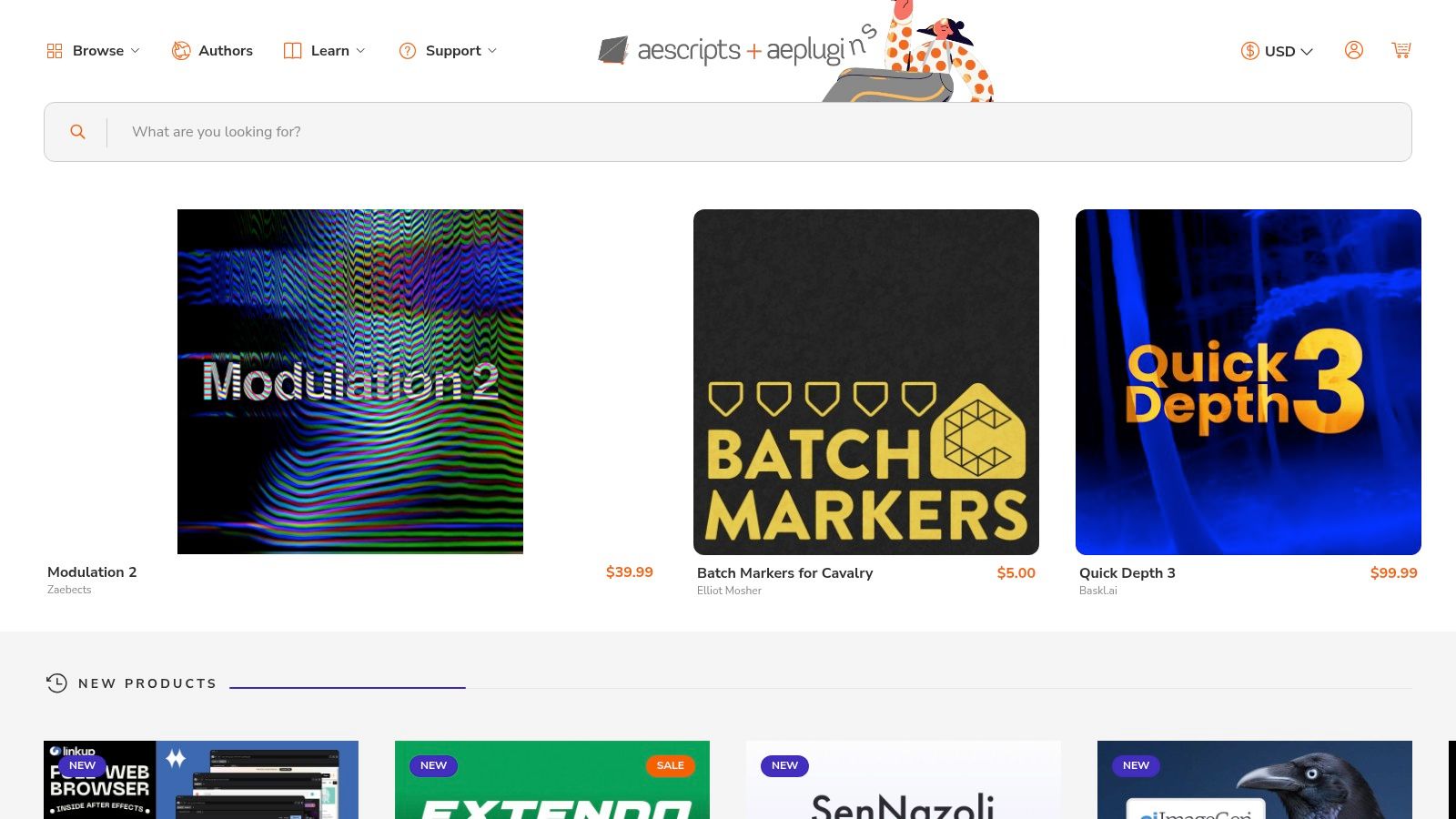
The value of aescripts is its vast, curated catalog from a global community of developers. Instead of a one-size-fits-all solution, you can find a purpose-built tool for your exact problem. Whether it's an AI-powered background remover or a smart script for organizing footage based on spoken content, the platform offers powerful, targeted enhancements to your existing software.
Key Features and Use Cases
- Vast Catalog of AI Utilities: Find specialized plugins for tasks like AI rotoscoping (Rotobrush on steroids), AI-powered transcription and captioning, intelligent upscaling, and advanced content-aware fill.
- Direct Integration: As plugins for Adobe software, these tools fit seamlessly into established post-production pipelines without requiring you to learn a new standalone application.
- Active Developer Community: Most products are actively maintained by their developers, who often provide direct support and frequent updates. Free trials are available for most plugins, allowing you to test before you buy.
When to Choose aescripts + aeplugins: Turn to this marketplace when you have a specific, recurring bottleneck in your Adobe workflow that could be solved with automation. It’s ideal for VFX artists, motion designers, and editors looking for targeted AI solutions to enhance their primary software, not replace it.
Pricing and Access
Pricing is set by individual developers, so costs vary widely from free scripts to plugins costing several hundred dollars. Most are a one-time purchase for a perpetual license, though some are moving to subscription models. The platform offers centralized license management through its own desktop application, simplifying installation and activation across multiple machines.
Website: https://aescripts.com/
10. ElevenLabs
ElevenLabs has become the industry benchmark for AI-generated voice and audio, establishing itself as an essential AI tool for filmmakers working on narration, dialogue, and localization. The platform specializes in creating incredibly realistic and emotive text-to-speech voices, cloning existing voices with remarkable accuracy, and providing a powerful studio for dubbing projects into multiple languages. For filmmakers, this opens up new possibilities for creating temp tracks, generating placeholder dialogue for animatics, or even producing final ADR and narration without booking studio time.
Its core strength is the unparalleled quality of its voice synthesis. The voices are not just clear but are imbued with inflection and emotion, making them suitable for character performances and compelling storytelling. The platform's Dubbing Studio simplifies the complex process of translating and re-voicing dialogue, aligning translated scripts to the original timing and allowing for precise edits.
Key Features and Use Cases
- High-Quality Text-to-Speech: Generate professional-grade voiceovers for narration, documentaries, or internal corporate videos using a vast library of pre-made, expressive voices.
- Voice Cloning (Instant & Professional): Create a digital replica of an actor's voice for ADR, pickups, or corrections. This requires explicit permission but is a game-changer for post-production flexibility.
- AI Dubbing & Localization: Translate and dub entire scenes or films into dozens of languages while preserving the original speaker's vocal characteristics. While ElevenLabs excels in voice synthesis, other AI audio translation tools can further enhance audio capabilities by effortlessly localizing film dialogue for international audiences.
When to Choose ElevenLabs: Use ElevenLabs when audio quality is paramount for your project. It is the ideal solution for generating pristine temporary or final voiceovers, creating cost-effective foreign language dubs, and cloning an actor's voice for seamless post-production fixes.
Pricing and Access
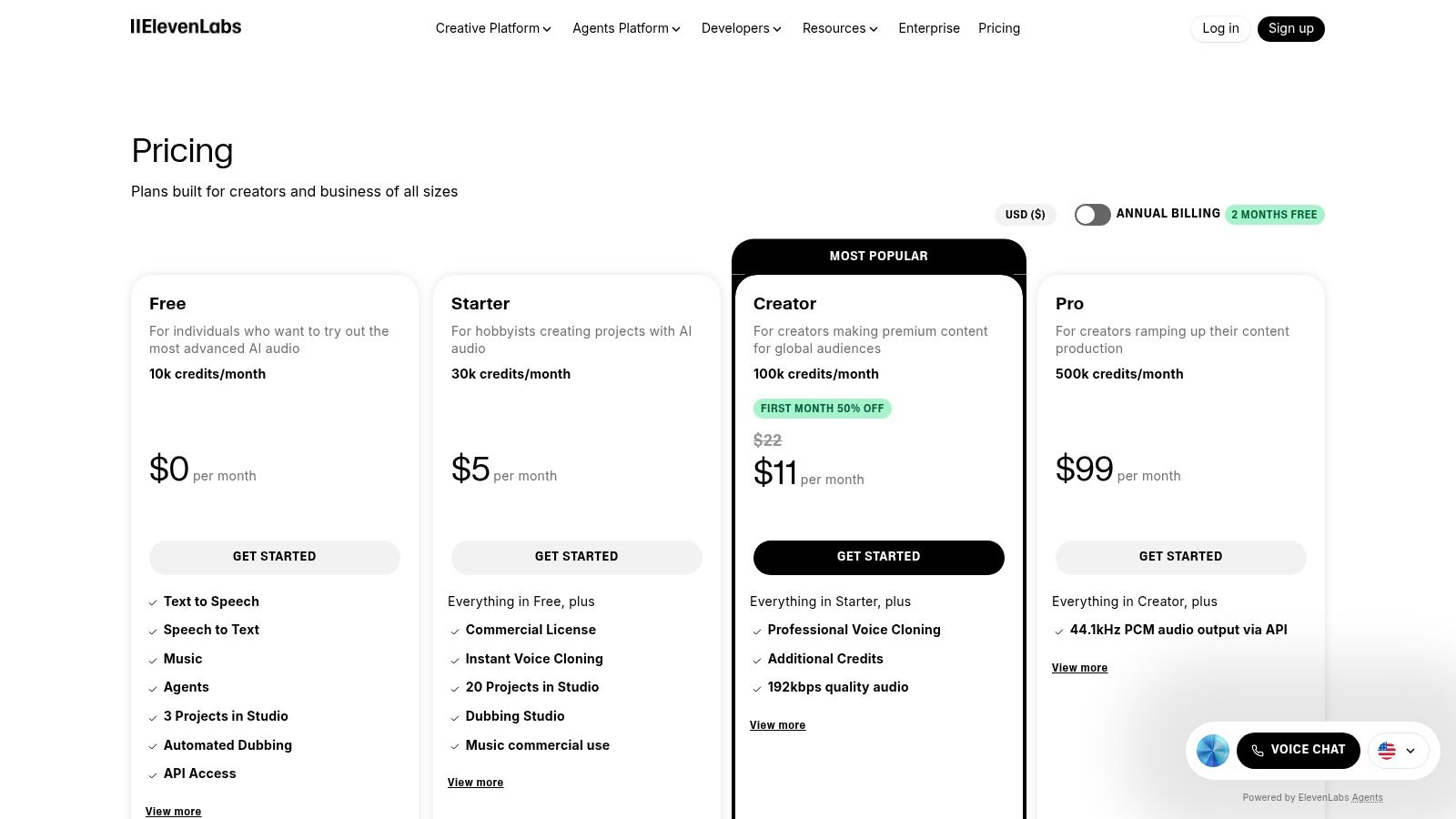
ElevenLabs uses a character-based subscription model. A free tier provides a limited number of characters per month for testing. Paid plans (Starter, Creator, Pro) offer increasing character quotas, commercial licensing, and access to features like Instant Voice Cloning. Custom Enterprise plans are available for larger teams needing API access and higher usage limits.
Website: https://elevenlabs.io/
11. NVIDIA Omniverse Audio2Face
NVIDIA’s Audio2Face is a specialized, free application within the Omniverse ecosystem that tackles a very specific but crucial task: generating realistic facial animation purely from an audio source. This makes it one of the most powerful and accessible AI tools for filmmakers working with 3D characters, whether for pre-visualization, virtual production, or final animated content. Instead of tedious manual lip-syncing, animators can feed dialogue or voice-over into the AI and get a detailed, expressive performance in minutes.
The platform excels at creating a natural-looking performance by not just matching lip shapes (visemes) but also by inferring emotional expression and secondary facial motion from the audio's tone and cadence. The output is highly controllable and designed to integrate directly into professional animation pipelines, making it a serious production tool rather than a simple gimmick.
Key Features and Use Cases
- Audio-Driven Animation: Automatically generates expressive facial animation, including accurate lip-sync and nuanced emotion, directly from a voice track. Ideal for animating digital doubles, previz characters, or game NPCs.
- Pipeline Integration: Offers direct export of animation data via blendshapes and supports Live Link connections to popular DCCs like Unreal Engine and Maya, allowing for real-time character puppeteering.
- Character Retargeting: Users can adapt the AI-generated animation to their own custom 3D character meshes, ensuring the performance fits their unique designs.
When to Choose Audio2Face: Use Audio2Face when you need to quickly generate high-quality facial animation for 3D characters without manual keyframing. It's perfect for indie animators, previz artists, and virtual production teams who need a fast, technically robust solution for dialogue-heavy scenes.
Pricing and Access
NVIDIA Omniverse Audio2Face is available for free. However, it requires a compatible NVIDIA RTX GPU and the installation of the Omniverse Launcher on a Windows or Linux system. While the software itself has no license fee, the hardware requirements are a key consideration for access.
Website: https://docs.omniverse.nvidia.com/audio2face/latest/overview_external.html
12. Topaz Labs – Topaz Video
Topaz Labs provides an AI-powered video enhancement suite designed for post-production finishing and restoration tasks. It's not a generative tool; instead, it focuses on improving existing footage, making it one of the most practical AI tools for filmmakers working with archival, low-resolution, or technically flawed material. For professionals, it’s a powerful solution for upscaling deliverables, cleaning up noisy shots, and creating high-quality slow-motion effects from standard frame-rate footage.

Its strength is in its specialized algorithms that produce results often superior to the built-in enhancement tools in standard NLEs. The desktop applications allow for local processing, giving users control over their files, while cloud processing options offer a way to handle intensive tasks without tying up a local machine. This flexibility makes it suitable for both independent creators and larger post-production houses.
Key Features and Use Cases
- Video Upscaling: Enhance footage to 4K or even 8K, ideal for integrating archival or lower-resolution source material into high-resolution projects.
- Frame Interpolation: Generate smooth, convincing slow-motion from standard footage, perfect for adding dramatic effect or emphasizing action without a high-speed camera.
- Denoise and Deblur: Intelligently remove digital noise and motion blur from challenging shots, rescuing footage that might otherwise be unusable.
- Stabilization: Correct shaky camera work with an AI-powered stabilizer that can be more effective than traditional warp stabilizers.
When to Choose Topaz Labs – Topaz Video: Use Topaz Video when you need to perform high-quality restoration, upscaling, or enhancement on existing footage. It is the go-to tool for final delivery cleanup, preparing archival clips for a modern documentary, or creating stylized slow-motion effects in post.
Pricing and Access
Topaz Labs moved to a subscription model, offering plans for individual apps or bundled collections like the Topaz Studio. Subscriptions provide access to desktop apps and include cloud video credits for heavy processing tasks. Be cautious of third-party resellers advertising "lifetime" licenses, as these are no longer offered; purchase directly from the official website to ensure support and legitimate access.
Website: https://www.topazlabs.com/
12 AI Filmmaking Tools — Feature Comparison
| Product | Core features ✨ | Quality ★ | Price/Value 💰 | Target 👥 | Unique selling points ✨ |
|---|---|---|---|---|---|
| Auralume AI 🏆 | Multi-model text/image→video, Prompt Wizard, image→video + upscalers | ★★★★☆ — cinematic, fast | 💰 Pay‑as‑you‑go credits (never expire), Starter & Pro subs | 👥 Creators, social marketers, agencies, illustrators | ✨ Multi‑model selector + auto‑prompt coaching; image animation; integrated upscalers |
| Runway | Gen‑4/4 Turbo, editor workflows, upscaling, voice & performance capture | ★★★★☆ — rapid iteration, browser-based | 💰 Credit system; monthly refresh & paid tiers | 👥 Teams, previz & concept artists | ✨ Strong editor + team workspaces; performance capture |
| Pika | Cinematic/stylized models, text/image/video inputs, effects toolset | ★★★☆☆ — stylized, cinematic results | 💰 Credit‑based; pricing behind login | 👥 Filmmakers, look‑dev artists, social creators | ✨ Rapid look‑dev, evolving models & effects |
| Adobe Creative Cloud | Premiere/After Effects + Firefly, generative extend & credits | ★★★★☆ — studio‑grade, deep integrations | 💰 Subscription (Creative Cloud / Pro), AI credits model | 👥 Professionals, studios, editors | ✨ End‑to‑end production tools + massive ecosystem |
| Blackmagic DaVinci Resolve Studio | Neural Engine for edit/color/Fairlight/Fusion; Magic Mask | ★★★★☆ — finishing & grading powerhouse | 💰 Free tier; one‑time Studio license for extras | 👥 Colorists, post studios, finishing artists | ✨ Perpetual license option; industry‑grade grading & finishing |
| Boris FX (Continuum, Mocha) | ML effects, Mocha planar tracking, host plugins | ★★★★☆ — production‑proven VFX tools | 💰 Subscription or perpetual per host (can be costly) | 👥 VFX artists, broadcast/post houses | ✨ Deep host integration; best‑in‑class planar tracking |
| Autodesk Flow Studio | AI mocap, auto retargeting, cloud processing & credits | ★★★☆☆ — speeds character insertion | 💰 Credit‑based cloud; tiered exports/resolutions | 👥 Indie VFX, character/previz teams | ✨ Automated character insertion & retargeting pipeline |
| Toolfarm | Marketplace for plugins, trials, demos, authorized reseller | ★★★☆☆ — wide catalog, helpful promos | 💰 Retail marketplace pricing; frequent promos | 👥 Post supervisors, editors, buyers | ✨ One‑stop reseller with authorized licensing & demos |
| aescripts + aeplugins | Marketplace for AE/Premiere scripts & plugins, license mgmt | ★★★☆☆ — quick discovery, variable quality | 💰 Direct purchase, trials; varied pricing | 👥 Motion designers, After Effects users | ✨ Large catalog of niche AI helpers & developer community |
| ElevenLabs | High‑quality TTS, voice cloning, dubbing studio, API | ★★★★☆ — expressive, low‑latency voices | 💰 Credit/minute plans; multi‑seat & enterprise | 👥 Voiceover, localization, ADR & dubbing teams | ✨ Industry‑leading TTS + cloning & multilingual dubbing |
| NVIDIA Omniverse Audio2Face | Audio→facial animation, lip‑sync, blendshape export, Live Link | ★★★☆☆ — pipeline‑friendly, free tool | 💰 Free (requires capable GPU) | 👥 CG animators, previz & character teams | ✨ Free high‑quality audio→facial workflows; Live Link exports |
| Topaz Labs – Topaz Video | Video upscaling, slow‑motion, denoise, restoration | ★★★★☆ — strong restoration & upscales | 💰 Subscription + cloud credits for heavy processing | 👥 Restoration specialists, finishers | ✨ Best‑in‑class upscaling/restoration for archival & delivery |
Final Thoughts
The landscape of filmmaking is undergoing a seismic shift, and as we've explored, artificial intelligence is the tectonic force driving this change. The days of viewing AI as a futuristic, inaccessible concept are over. Today, a powerful and diverse ecosystem of ai tools for filmmakers exists, offering unprecedented capabilities to creators at every level, from independent YouTubers to established creative agencies. This guide has journeyed through the entire production pipeline, showcasing how AI is no longer just a novelty but a fundamental part of the modern creative toolkit.
We've seen how platforms like Runway and Pika are democratizing complex visual effects, turning simple text prompts into compelling video sequences. We've also examined how industry giants like Adobe and Blackmagic Design are seamlessly integrating sophisticated AI features into the familiar workflows of Creative Cloud and DaVinci Resolve, enhancing everything from color grading to rotoscoping without requiring users to learn entirely new systems. This integration is key: the best tools augment, rather than replace, the artist's vision.
Key Takeaways for the Modern Filmmaker
Reflecting on the array of tools covered, several core themes emerge that are crucial for any creator looking to leverage AI effectively:
- Augmentation Over Automation: The most powerful use of AI in filmmaking isn't about letting the machine take over. It's about using it to handle the repetitive, time-consuming tasks (like masking with Mocha Pro or upscaling with Topaz Video AI), freeing you to focus on the storytelling, performance, and creative direction that truly matter.
- The Rise of the Specialist Tool: While all-in-one suites are invaluable, the growth of specialized tools like ElevenLabs for voice synthesis or Autodesk Flow for character animation highlights a new paradigm. Building a bespoke toolkit by combining the strengths of different platforms is now a viable and often superior strategy.
- Prompting is a Skill: The quality of your output, especially from generative models like Pika or Runway, is directly proportional to the quality of your input. Learning to craft descriptive, nuanced, and iterative prompts is becoming as essential a skill as cinematography or editing. Think of it as a new form of creative direction.
- Ethics and Authenticity Remain Paramount: As AI-generated content becomes more realistic, the responsibility of the filmmaker grows. Being transparent about the use of AI, especially in documentary or journalistic contexts, is critical for maintaining audience trust. The goal is to enhance reality, not to deceive.
How to Choose Your AI Toolkit
Navigating this expansive list of ai tools for filmmakers can feel overwhelming. Your "perfect" toolkit will be unique to your specific needs, budget, and workflow. To find your ideal starting point, consider these questions:
- What is my biggest bottleneck? Are you spending too much time on tedious post-production tasks like rotoscoping or audio cleanup? Tools like Boris FX or the AI features in DaVinci Resolve might be your answer. Is ideation and storyboarding slowing you down? Generative video tools could accelerate your pre-production.
- What is my budget? Your financial constraints will immediately narrow the field. Many tools offer free tiers or trials, which are excellent for experimentation. However, for professional-grade features, be prepared to invest in subscriptions from providers like Adobe or specialized plugins from aescripts + aeplugins.
- How steep is the learning curve? If you're already embedded in the Adobe ecosystem, leveraging Sensei is a natural next step. If you're looking for a quick, intuitive way to generate B-roll or animate a concept, a user-friendly platform like Auralume AI or Pika might be a better fit than a complex system like NVIDIA Omniverse.
The journey into AI-assisted filmmaking is one of continuous learning and experimentation. The tools are evolving at an astonishing pace, and the creative possibilities are expanding with them. Don't be afraid to try new platforms, to push their boundaries, and to integrate them in unconventional ways. The most exciting work will come from those who blend technical skill with artistic vision, using these powerful tools not as a crutch, but as a collaborator in the timeless art of telling stories.
Ready to bridge the gap between your creative vision and a finished cinematic video? If you're looking for a tool that prioritizes speed, ease of use, and stunning visual output without a steep learning curve, Auralume AI is designed for you. Transform your ideas into motion and start creating your next project in minutes by visiting Auralume AI.