
The 12 Best AI Image Upscaler Tools For Creators In 2026
In a world dominated by high-resolution screens and data-hungry algorithms, the quality of your visual assets can make or break a project. A low-resolution image, whether an old family photo, a compressed web graphic, or a still frame from a video, often looks unprofessional and fails to capture viewer attention. This is where AI image upscalers come in, transforming blurry, pixelated images into sharp, clean, and usable assets.
Unlike traditional resizing methods that simply stretch pixels and introduce artifacts, the best AI image upscaler tools use sophisticated machine learning models. These models intelligently add detail, remove noise, and reconstruct textures for a genuinely high-quality result. This technology is a game-changer for content creators, marketers, and designers who need to repurpose, restore, or enhance their visual media.
This guide cuts through the noise to provide an in-depth, hands-on review of the top 12 tools available today. We will analyze their features, test their outputs, and identify the perfect solution for specific use cases, from professional photographers preparing large prints to digital creators needing to enhance AI-generated art for cinematic video workflows. Beyond just image upscaling, AI is transforming many aspects of digital content. For a broader perspective on the impact of artificial intelligence, consider exploring the best AI tools for content creation available today.
Each entry in our list includes a detailed breakdown, performance samples, and direct links, helping you choose the right platform for your exact needs without guesswork.
1. Image Upscaler | Auralume AI
Auralume AI's Image Upscaler stands out as an exceptionally well-rounded and professional choice, securing its position as the best AI image upscaler for creators who value both quality and workflow integration. This browser-based tool is engineered to transform low-resolution images into sharp, high-fidelity assets suitable for demanding applications like print media and 4K displays. Its core strength lies in its intelligent, multi-faceted approach to enhancement.
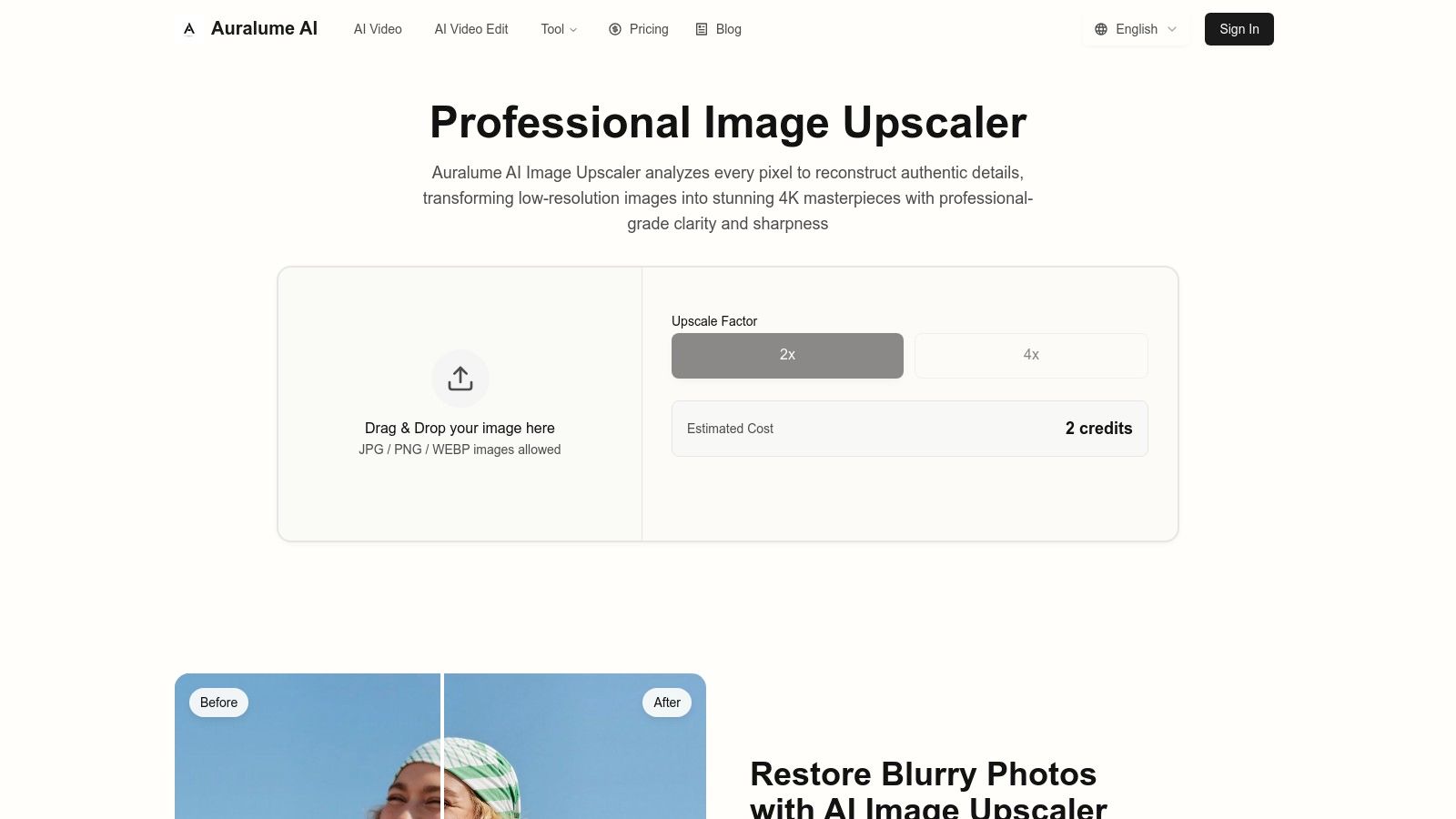
Unlike basic upscalers that simply increase pixel count, Auralume AI combines 2x to 4x scaling with a suite of sophisticated restoration algorithms. This process simultaneously removes compression artifacts, reduces digital noise, and sharpens edges, delivering a clean and polished final result. This makes it invaluable for rescuing compressed web graphics, restoring old family photos, or preparing digital art for high-resolution portfolios. The platform supports common formats like JPG, PNG, and WEBP, making it accessible for most day-to-day creative tasks without requiring software installation.
Key Features and Use Cases
The true advantage of this tool is its position within the broader Auralume AI ecosystem. A social media marketer can upscale a product photo and then immediately use it in an AI-powered promotional video, all within the same interface. This seamless transition between tools is a significant efficiency gain for multi-channel content production. To learn more about the full creative suite, you can explore the Auralume AI platform.
- Best For: Social media marketers, content creators, and designers needing a fast, high-quality upscaler that fits into a larger content creation workflow.
- Standout Feature: Integrated artifact removal and denoising that cleans images as it scales, saving a separate editing step.
- Pricing Model: Flexible options including pay-as-you-go credits for occasional use and subscriptions for regular users, ensuring you only pay for what you need.
- Limitation to Note: The output is capped at 4K resolution, and it does not support professional formats like RAW or TIFF.
This combination of powerful restoration, ease of use, and integration makes Auralume AI's Image Upscaler a top-tier solution for modern creative professionals.
2. Topaz Gigapixel (Topaz Labs)
Topaz Gigapixel is a powerhouse desktop application (Windows/macOS) designed for professionals who demand the highest fidelity in their upscaled images. Unlike many cloud-based tools, Gigapixel processes everything locally, giving users complete control over their files without privacy concerns. It has long been a go-to for photographers, graphic designers, and print specialists who need to enlarge images for high-resolution displays or physical prints without losing critical detail.
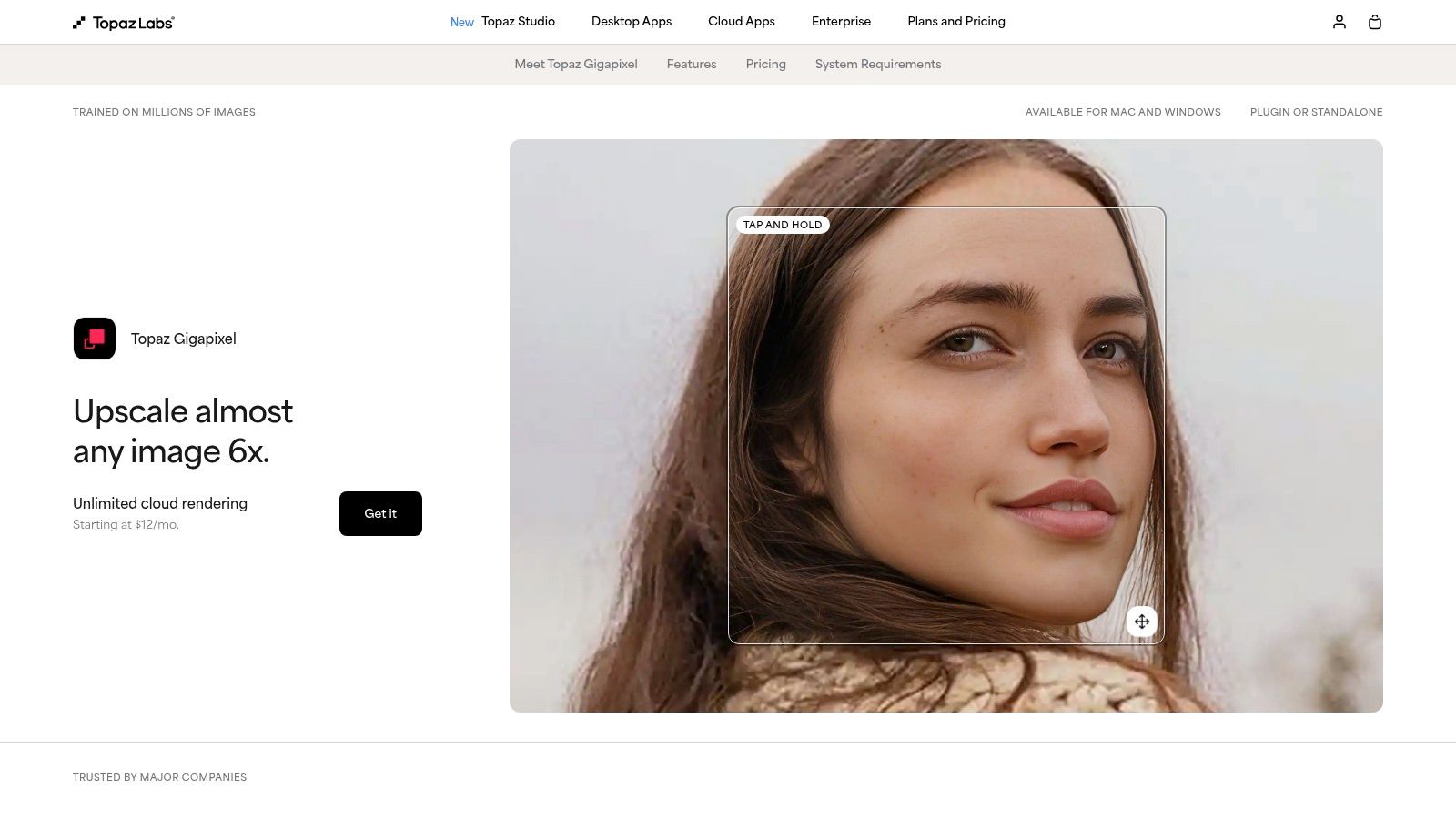
What makes Gigapixel a contender for the best AI image upscaler is its mature and highly trained AI model. It excels at realistically recreating textures and preserving fine details, which is crucial when working with portraits, landscapes, or intricate design elements. Its local processing is a major advantage for creators working with sensitive client files or those who prefer not to rely on an internet connection.
Core Features & Use Case
- Best For: Professional photographers, print designers, and digital artists who need uncompromising detail and texture preservation.
- Key Feature: Local processing ensures privacy and offline access, while the AI models are specifically tuned for photographic realism.
- Pricing: Topaz Labs offers a one-time purchase license for Gigapixel AI at $99.99, which includes one year of updates. Their licensing can be complex, as it's also bundled in larger software suites and subscription models.
- Limitation: The application and its AI models require a significant amount of local storage, and processing can be resource-intensive on older hardware.
Website: https://www.topazlabs.com/gigapixel
3. Adobe Photoshop (Super Resolution in Camera Raw/Lightroom)
For millions of creators already embedded in the Adobe ecosystem, the best upscaler is the one they already have. Adobe's Super Resolution feature, built directly into Adobe Camera Raw (ACR) and Lightroom, provides a seamless, one-click solution for enhancing image size. It uses an advanced AI model to intelligently double the linear resolution of an image, effectively quadrupling the total pixel count, making it ideal for photographers needing to crop heavily or prepare older photos for large-format printing.
What makes Adobe's tool a strong candidate for the best AI image upscaler is its non-destructive integration. When you apply the "Enhance" feature, it creates a new, high-resolution DNG (Digital Negative) file, leaving your original image completely untouched. This workflow is perfect for maintaining archival integrity and allows for further edits without compromising the source file. It’s a powerful, convenient tool that fits perfectly into established professional photo editing pipelines.
Core Features & Use Case
- Best For: Photographers and designers who are already Adobe Creative Cloud subscribers and need a reliable, integrated upscaling solution without leaving their workflow.
- Key Feature: Seamless integration into Lightroom and Photoshop via Adobe Camera Raw, with a non-destructive process that outputs a high-quality DNG file.
- Pricing: Included with an Adobe Creative Cloud Photography plan (starting at $9.99/month) or a full Creative Cloud subscription. It is not available as a standalone purchase.
- Limitation: Upscaling is strictly limited to a 2x linear (4x total pixel) enlargement per application. For larger scales, the process must be repeated on the new file, which can be cumbersome and may introduce artifacts.
Website: https://www.adobe.com/products/photoshop.html
4. ON1 Resize AI
ON1 Resize AI is a specialized photo enlargement tool that shines in professional print workflows. Available as both a standalone desktop application and a seamless plugin for Adobe Photoshop, Lightroom, and Capture One, it’s built for creators who need to prepare images for large-format physical prints, gallery wraps, or complex mosaics. Its core technology leverages deep machine learning to analyze and upscale photos, focusing on creating natural-looking textures and sharp, clean edges suitable for high-resolution output.
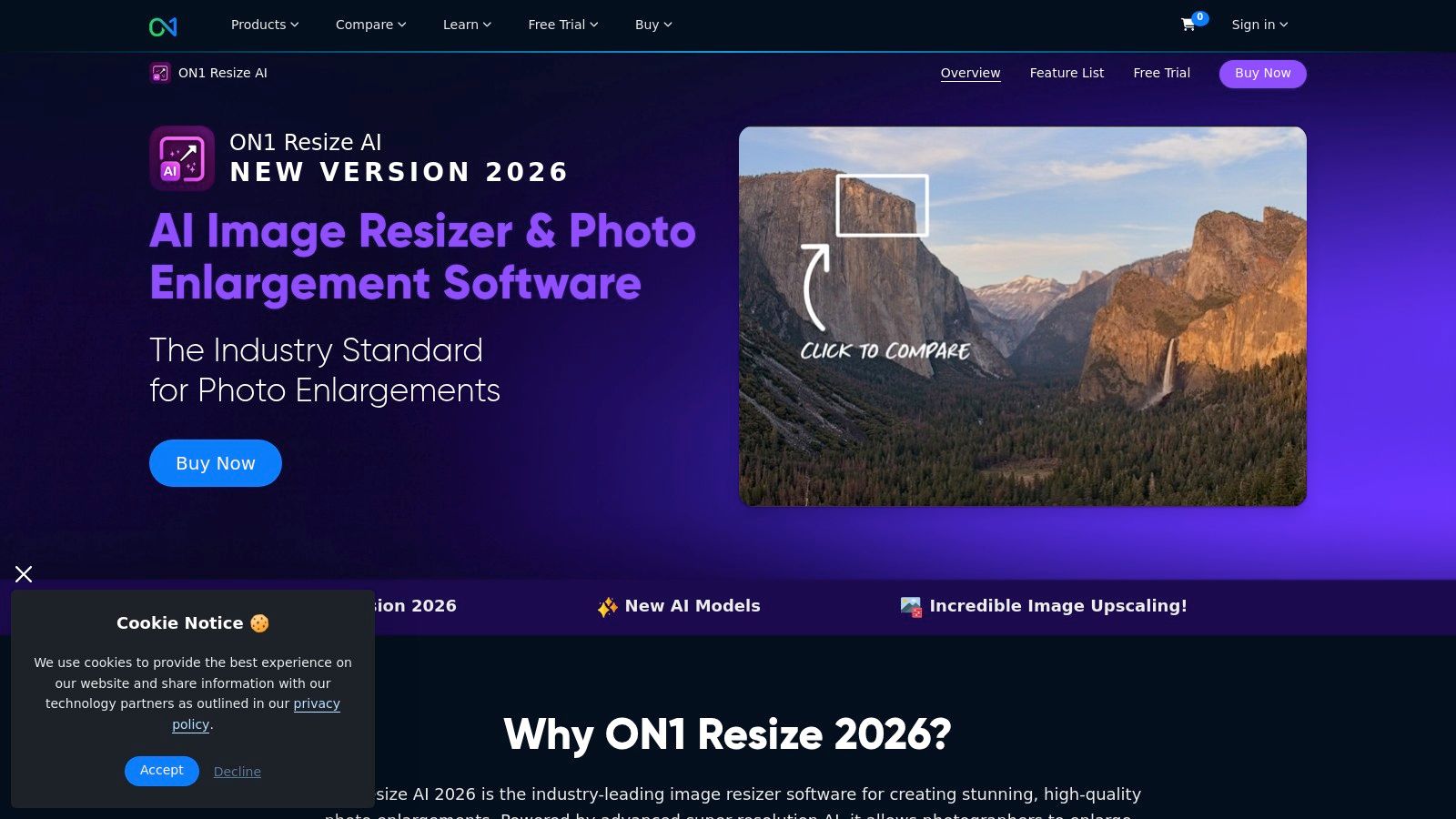
What makes ON1 Resize AI a unique contender for the best AI image upscaler is its powerful integration and output-focused features. The ability to work directly within established photo editing software saves significant time and effort. Furthermore, its batch processing capabilities and tiling feature, which splits a large image into smaller pieces for printing and reassembly, are invaluable for photographers and artists preparing work for exhibitions or large-scale installations.
Core Features & Use Case
- Best For: Professional photographers, print shops, and artists who need to upscale images specifically for high-quality, large-format printing.
- Key Feature: Direct plugin integration with major photo editors (Photoshop, Lightroom, etc.) and advanced print-preparation tools like gallery wrap and image tiling.
- Pricing: ON1 offers a perpetual license for Resize AI for $99.99, which is often discounted. It's also included in their subscription plans like ON1 Photo RAW and Everything subscriptions, which start at $7.99/month.
- Limitation: The software can be resource-intensive, particularly when batch processing large files. The multiple purchase options and bundles can also be confusing for new users.
Website: https://www.on1.com/products/resize-ai/
5. Let’s Enhance
Let’s Enhance is a versatile web-based AI upscaler designed for convenience and scalability, making it ideal for users who need quick enhancements without installing software. It operates on a straightforward credit system, simplifying the process for individuals and teams who process images in batches. Its browser-based platform allows for easy access from any device, streamlining workflows for social media managers, marketers, and e-commerce businesses needing to quickly improve product photos or campaign visuals.
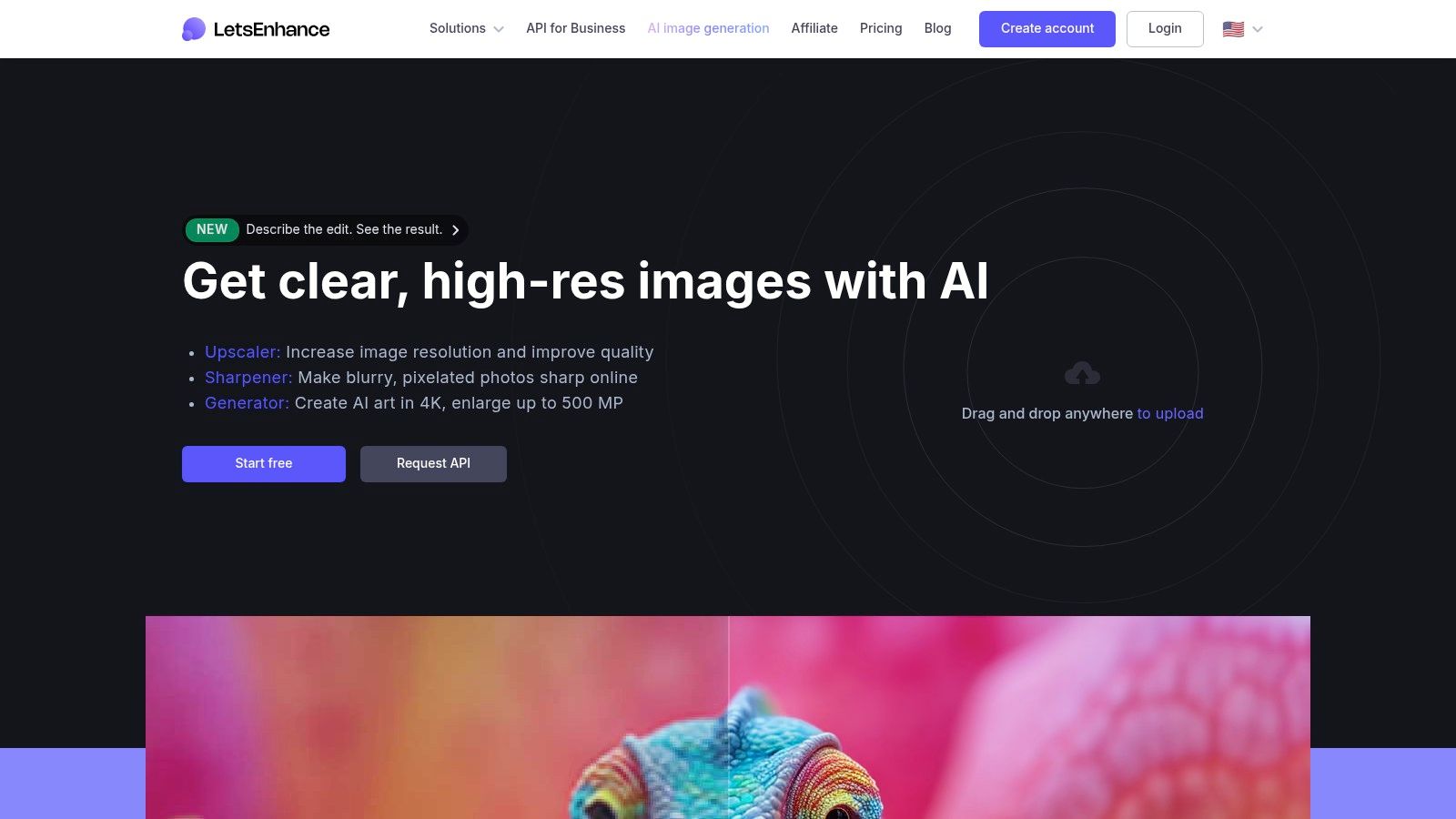
What solidifies Let's Enhance as a contender for the best AI image upscaler is its focus on high-volume, professional outputs directly from a browser. It supports exceptionally large images, with output caps reaching 256 MP on personal plans and up to 500 MP for business clients. This capability, combined with additional tools like sharpening and background removal, makes it a powerful all-in-one solution for preparing large-format print files or high-resolution digital assets without specialized desktop applications.
Core Features & Use Case
- Best For: Marketing teams, e-commerce businesses, and creators needing a fast, browser-based solution for high-volume or large-format image enhancement.
- Key Feature: High-resolution output (up to 500 MP) and a simple credit-based system make it scalable for business and API usage.
- Pricing: Plans are credit-based, starting from $9/month (billed annually) for 100 credits. Pricing details can sometimes vary based on region or current promotions.
- Limitation: As a cloud-only service, performance is entirely dependent on internet connection and server speeds, and there is no option for offline processing.
Website: https://letsenhance.io
6. Upscayl
Upscayl stands out in the AI upscaling space by offering a free, open-source, and privacy-focused desktop application (Linux/macOS/Windows). It processes images directly on your local machine, ensuring that your files never leave your computer, which is a significant advantage for users concerned with data privacy or those working with sensitive assets. This approach gives users complete control and removes reliance on internet connectivity for core processing.
What makes Upscayl a strong candidate for the best AI image upscaler is its unbeatable accessibility and flexibility. The free desktop app is perfect for individuals and hobbyists, while the optional paid Upscayl Cloud service caters to professionals who need faster, more powerful processing and batch capabilities without taxing their own hardware. This dual-model approach allows users to start for free and scale up only when necessary.
Core Features & Use Case
- Best For: Privacy-conscious users, developers, and creators who want a free, powerful local tool with the option to scale to cloud processing.
- Key Feature: Free and open-source desktop application with local processing. It supports custom AI models, batch upscaling, and offers a seamless transition to a paid cloud version for heavy-duty tasks.
- Pricing: The desktop application is completely free. Upscayl Cloud offers paid plans for hosted processing, providing faster speeds and advanced features for a recurring fee.
- Limitation: The performance and speed of the free desktop app are entirely dependent on the user's local hardware (specifically the GPU). Achieving optimal results may require some technical configuration or a powerful computer.
Website: https://upscayl.org
7. Icons8 Smart Upscaler
Icons8 Smart Upscaler is a highly versatile and accessible tool that caters to a wide range of users, from individuals needing a quick enhancement to development teams requiring automated workflows. As a primarily browser-based solution, it offers convenience and speed, supported by a powerful batch processing feature and an integrated system for denoising and sharpening images. Its ecosystem extends beyond the web with a dedicated Mac app (GoProd) and a comprehensive API for developers.
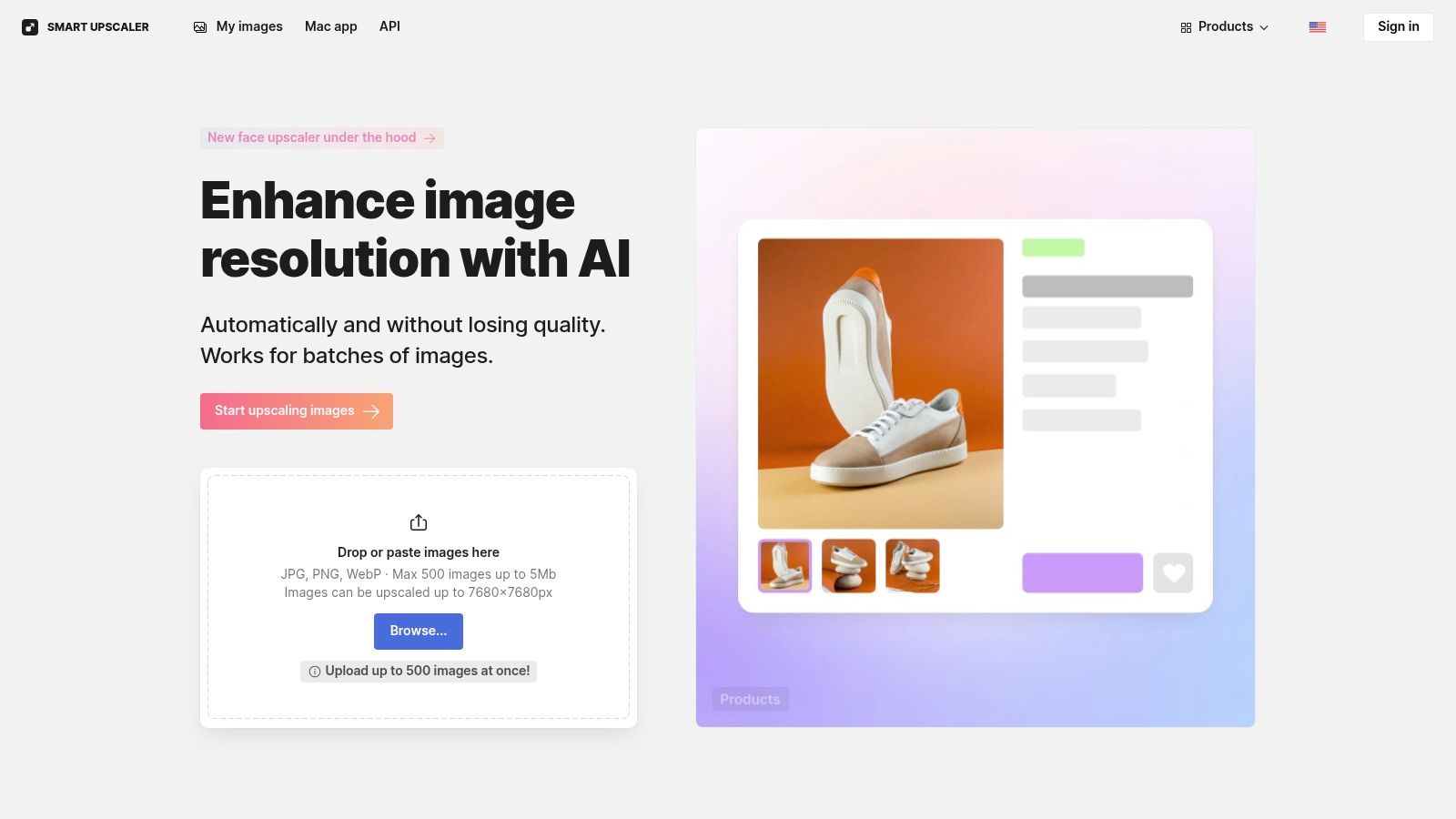
What makes Icons8 a unique contender for the best AI image upscaler is its remarkable flexibility in both functionality and pricing. The ability to upload up to 500 images in a single batch is a massive time-saver for creators managing large asset libraries. Furthermore, its developer-friendly API and multiple payment tiers make it a scalable solution that can grow with a user's needs, from casual use to enterprise-level integration.
Core Features & Use Case
- Best For: Social media managers, e-commerce businesses, and developers who need efficient batch processing and API integration.
- Key Feature: Robust batch processing (up to 500 images) and a well-documented developer API for automating upscaling tasks.
- Pricing: Offers flexible payment models, including prepaid packs starting at $9 for 50 images, a limited subscription for $9/month, or an unlimited subscription for $99/month.
- Limitation: The web tool imposes a 5 MB file size limit per image, and the unlimited plan can be costly for users who only need to upscale images occasionally.
Website: https://icons8.com/upscaler
8. Upscale.media (PixelBin)
Upscale.media, powered by the PixelBin.io asset transformation suite, is a versatile web-based tool tailored for ecommerce, marketing, and high-volume content workflows. Its strength lies in combining AI upscaling with other essential image editing features like background removal and face enhancement, making it a comprehensive solution for preparing product photos and promotional assets. This integrated approach streamlines the process of getting images ready for online platforms without needing multiple separate tools.
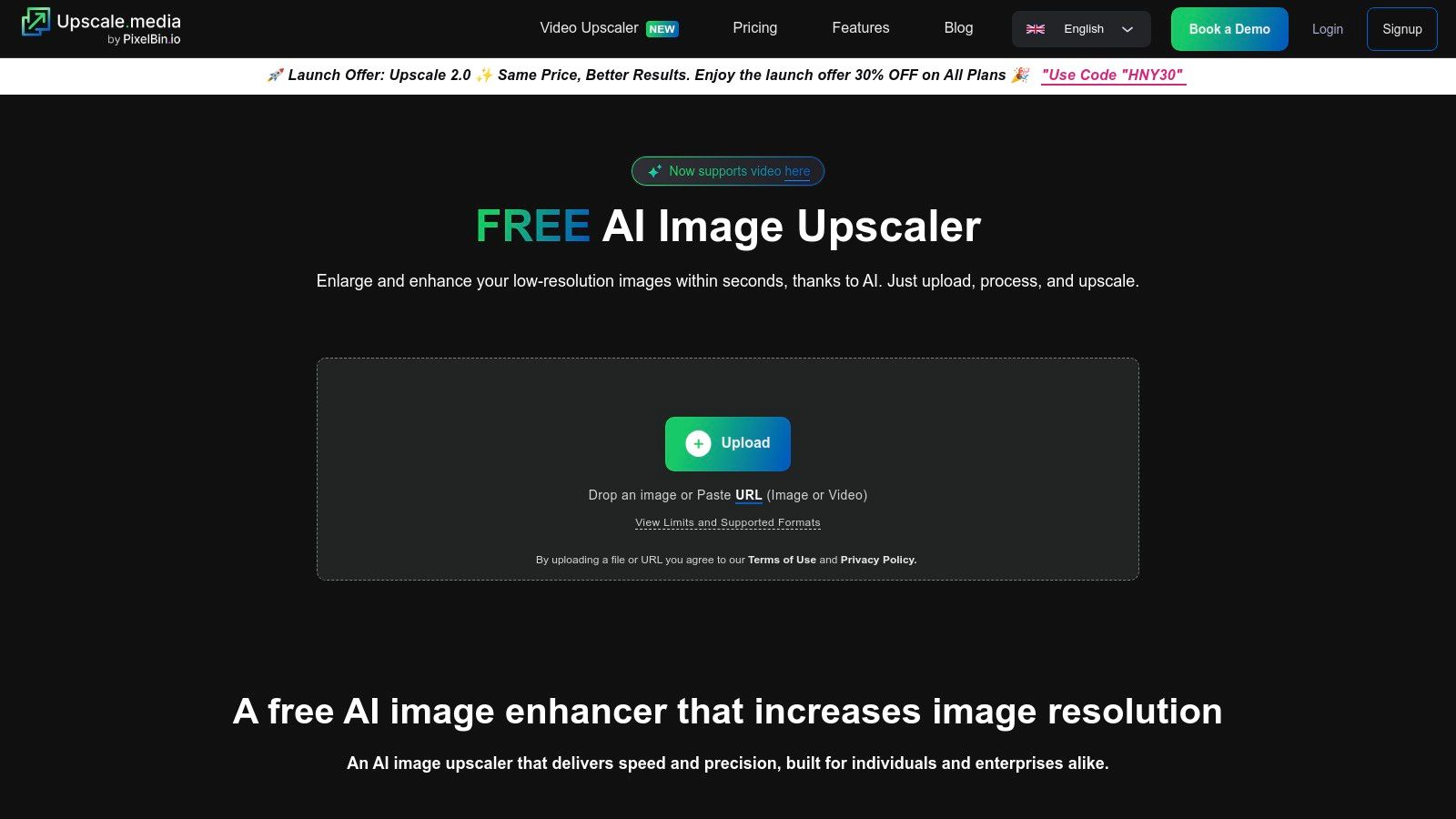
What makes Upscale.media a notable candidate for the best AI image upscaler is its focus on automation and scalability. The platform is built with an API-first mindset, allowing developers and businesses to integrate its powerful image processing capabilities directly into their own applications or content management systems. For individual users and small teams, the simple web interface and flexible credit system offer an accessible entry point to professional-grade image enhancement.
Core Features & Use Case
- Best For: Ecommerce businesses, social media marketers, and developers needing a scalable, API-driven solution for asset preparation.
- Key Feature: An all-in-one web platform that combines upscaling with background removal and face enhancement, optimized for high-volume workflows.
- Pricing: Offers a free tier with limited credits. Paid plans include one-time credit packs (e.g., 50 credits for $29) and monthly subscriptions (e.g., 100 credits/month for $9). Credits are consumed based on the features used.
- Limitation: The credit system can be complex as different features consume different amounts, and monthly subscription credits expire if unused. Advanced features require a user account.
Website: https://www.upscale.media
9. VanceAI Image Upscaler
VanceAI positions itself as an all-in-one AI photo enhancement suite, with its Image Upscaler being a core component. This web-based platform offers a broad collection of tools, including a denoiser, sharpener, and specialized anime upscaler, making it a versatile choice for users who need more than just simple enlargement. It operates on a flexible credit-based system, allowing users to choose between subscriptions and pay-as-you-go options.
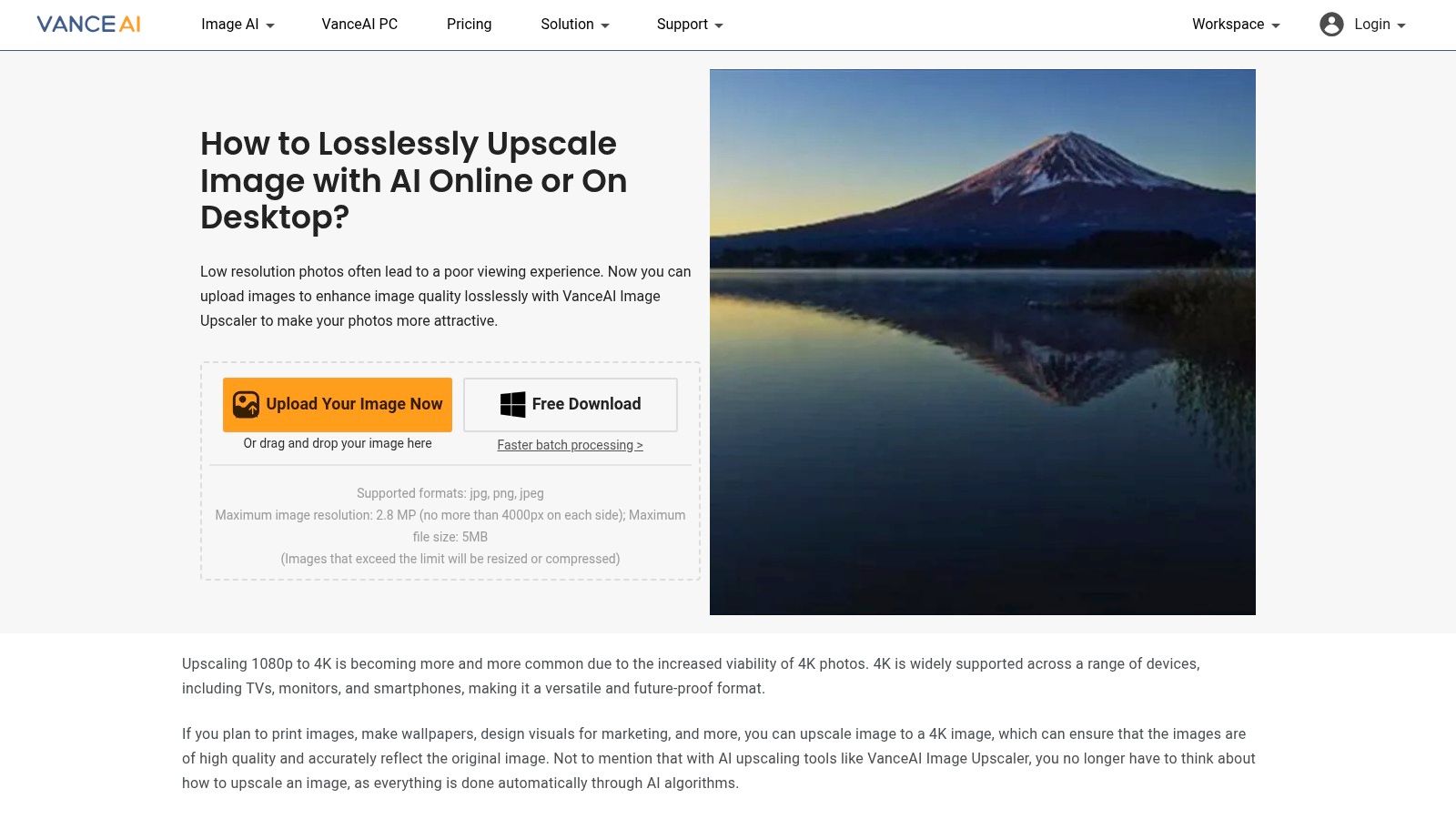
What makes VanceAI a notable contender for the best AI image upscaler is its accessibility and the sheer breadth of its toolkit. For content creators juggling different enhancement needs, from upscaling social media graphics to restoring old photos, VanceAI provides a centralized hub. The platform also offers a downloadable Windows application for users who prefer a desktop workflow or need to process images in batches, blending the convenience of a web tool with the power of a local app.
Core Features & Use Case
- Best For: Social media managers, bloggers, and casual users who need a comprehensive suite of photo enhancement tools beyond just upscaling.
- Key Feature: An extensive set of AI tools (denoise, sharpen, restoration, etc.) integrated into a single platform with a flexible, credit-based pricing model.
- Pricing: Offers free trials with limited credits. Paid plans include a $4.95 plan for 100 credits, a $6.95/month subscription for 100 credits, and various other tiers. Pay-as-you-go credit packs are also available.
- Limitation: The credit system can be confusing, as different tools consume credits at different rates, and the credits for API usage versus website usage may not be interchangeable.
Website: https://vanceai.com/image-upscaler
10. HitPaw Online Photo Enhancer
HitPaw Online Photo Enhancer is a convenient, web-based tool that is part of a larger suite of online media editors for photos, videos, and audio. It's designed for users who need a quick and accessible upscaling solution without downloading software. This all-in-one approach is its main differentiator, allowing creators to enhance an image, edit a video clip, and convert an audio file using a single account and a unified credit system.
What makes HitPaw a noteworthy option for the best AI image upscaler is its versatility. While some tools specialize solely in image enhancement, HitPaw caters to the multi-format needs of content creators. This is ideal for social media managers or small business owners who frequently switch between creating image assets and video content, streamlining their workflow by keeping all their basic enhancement tools under one subscription.
Core Features & Use Case
- Best For: Casual users and multi-platform content creators who need a variety of media enhancement tools (image, video, audio) in one place.
- Key Feature: The unified credit system allows a single subscription to be used across its entire suite of online tools, offering excellent value for diverse creative needs.
- Pricing: Offers free processing with watermarks. Paid plans start at $19.99/month for a Pro plan, which provides a set number of credits to use across all online tools. Annual plans offer a significant discount.
- Limitation: The AI models may not produce results as consistently refined as dedicated desktop software, with quality varying depending on the source image, especially with complex textures or faces.
Website: https://online.hitpaw.com
11. Fotor AI Image Enlarger
Fotor is a comprehensive online photo editor and design platform that integrates an AI-powered image enlarger into its suite of tools. Rather than being a standalone upscaler, Fotor positions its AI enlarger as a feature within a broader ecosystem designed for marketing professionals, social media managers, and content creators. This all-in-one approach allows users to upscale an image and immediately use it in a design template, apply edits, or remove the background without switching platforms.
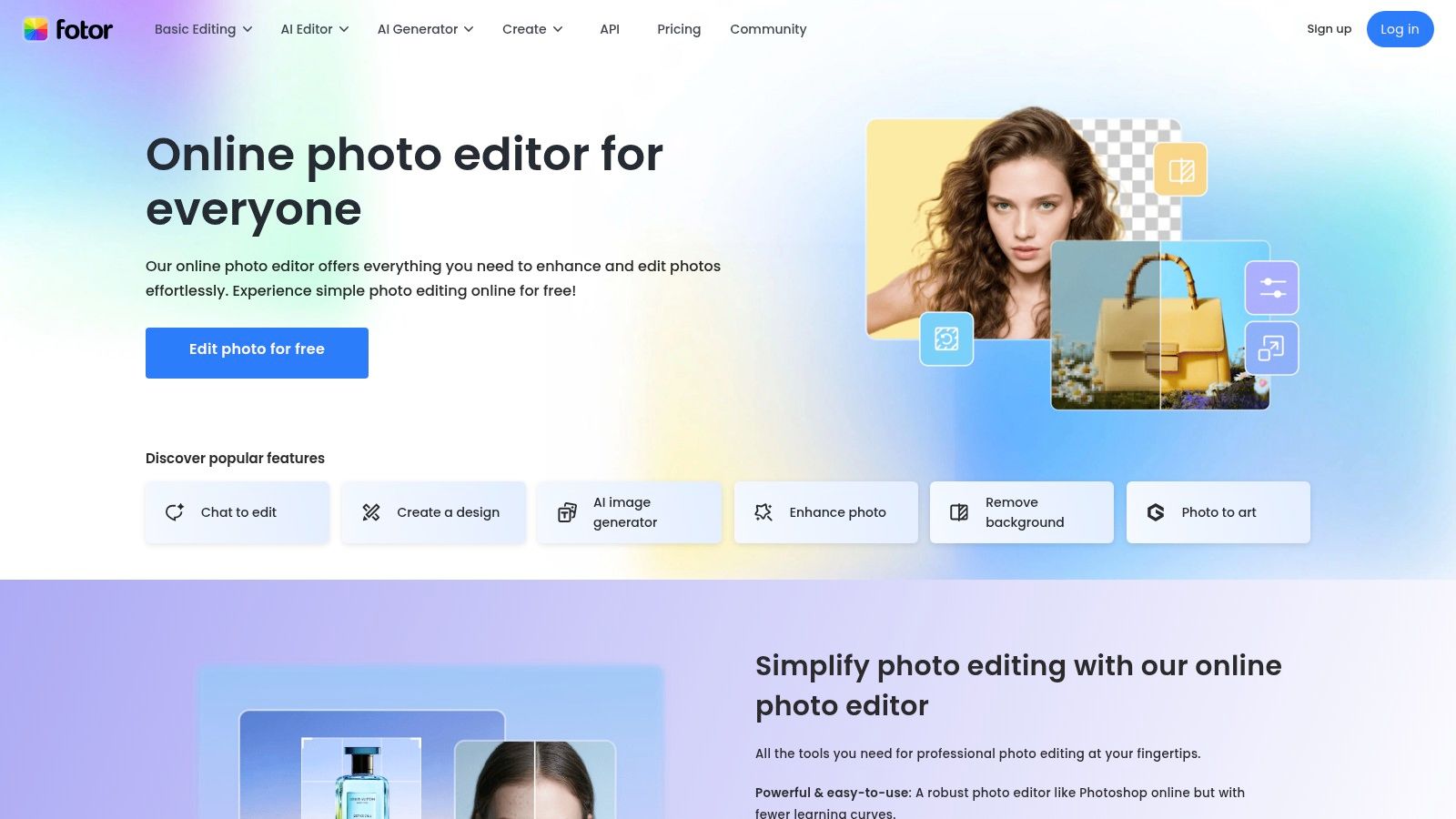
What makes Fotor a practical choice for the best AI image upscaler is its workflow convenience. For teams that need to quickly prepare assets for web and social media, the ability to enhance, edit, and design in one place is a significant time-saver. The tool is geared towards improving image quality for digital marketing materials, product photos, and online content where speed and integration are more critical than achieving archival-level print fidelity.
Core Features & Use Case
- Best For: Social media managers, marketers, and bloggers who need an integrated tool to upscale and then immediately use images in designs.
- Key Feature: The upscaler is part of a full-featured online editor that includes background removal, batch processing, and design templates.
- Pricing: The AI Enlarger is available in Fotor's paid plans. Fotor Pro is $8.99/month, and Fotor Pro+ is $19.99/month. Plans include a monthly allotment of credits used across various AI tools.
- Limitation: The output quality is optimized for digital use cases like web and social media; it may not be the top choice for high-resolution professional print work. Credit usage across different tools can be complex to track.
Website: https://www.fotor.com
12. BigJPG (AI Upscaler)
BigJPG is a web-based upscaler that has carved out a niche by specializing in illustrations, line art, and anime alongside standard photographs. Its straightforward interface allows creators to quickly upload and process images, making it an accessible tool for artists who need to enlarge stylized work without introducing artifacts or unwanted textures. The platform offers a generous range of enlargement options, from 2x up to 16x, catering to various needs from digital display to print preparation.
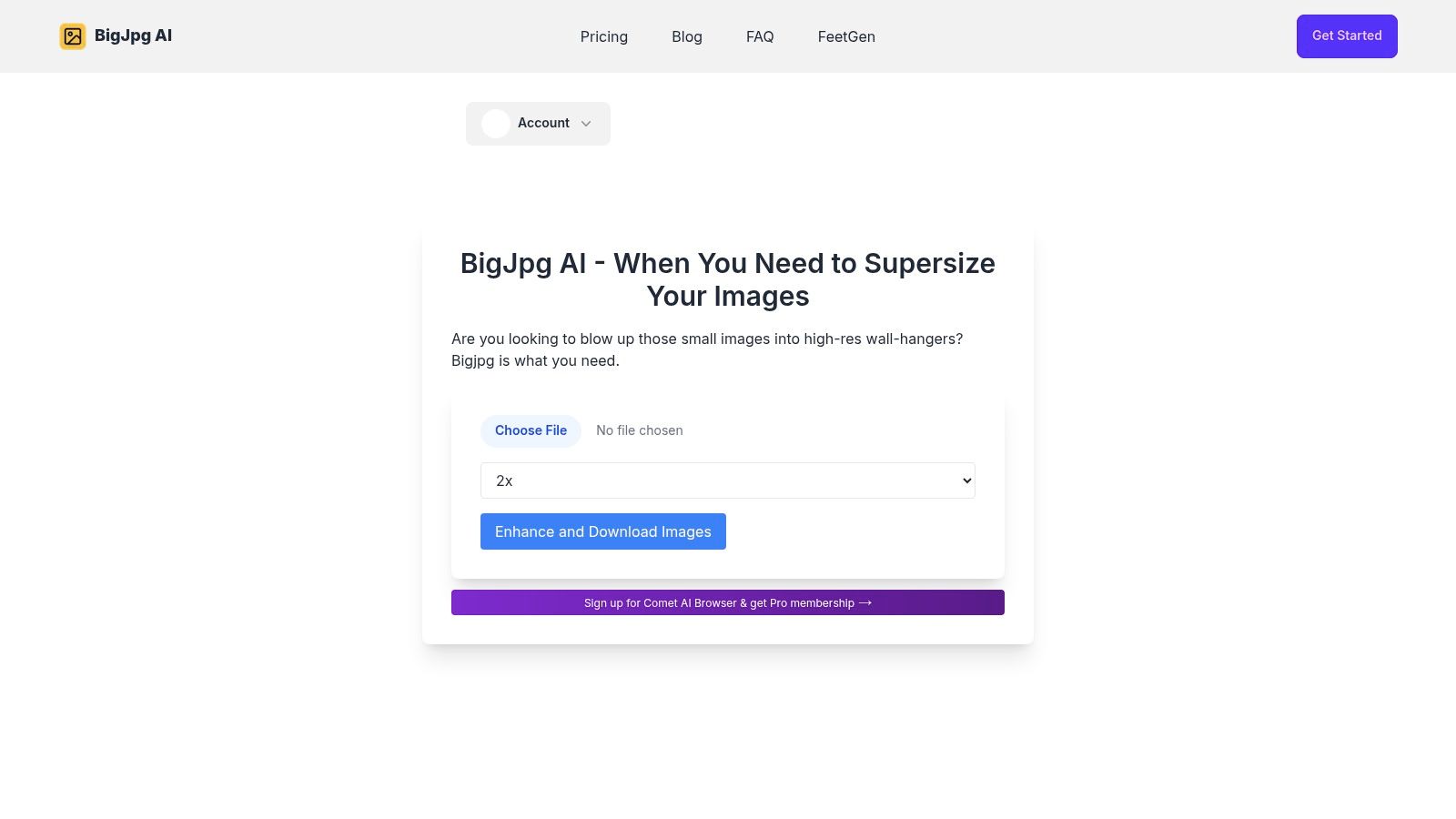
What makes BigJPG a unique contender for the best AI image upscaler is its dedicated processing model for artistic content. This model is trained to recognize and preserve the clean lines, sharp edges, and flat color regions common in anime and illustrations, preventing the blotchy results that generalist photo enhancers can sometimes produce. Its simple workflow is a major advantage for creators who prioritize speed and specialized results over complex editing suites.
Core Features & Use Case
- Best For: Digital artists, illustrators, and anime fans who need to upscale stylized artwork while preserving crisp lines and details.
- Key Feature: Specialized AI models for both photographic and illustrative content, with support for up to 16x enlargement and batch processing on paid plans.
- Pricing: A free tier is available with limitations on size and speed. Paid plans start at $6 for 2 months and increase based on usage, removing watermarks and providing faster, priority processing.
- Limitation: The platform focuses primarily on upscaling and lacks the auxiliary tools like sharpening or noise reduction found in more comprehensive software suites.
Website: https://bigjpg.ai
Top 12 AI Image Upscalers — Quick Comparison
| Product | Core features | Quality (★) | Price / Value (💰) | Unique selling points (✨ / 🏆) | Best for (👥) |
|---|---|---|---|---|---|
| **Image Upscaler | Auralume AI 🏆** | 2–4× to 4K, artifact removal, denoise, edge sharpen; browser-based; integrated with Auralume suite | ★★★★★ | ✨ Aggregates top video/image models; Prompt Wizard for pro prompts; seamless move to video | 👥 Creators & teams needing fast, end-to-end web→video workflows |
| Topaz Gigapixel (Topaz Labs) | Local desktop AI, preserves texture/detail, integrates with Topaz Studio | ★★★★★ | 💰 One‑time license or subscription; large local model downloads | ✨ Industry‑trusted offline quality for photographers | 👥 Photographers & print professionals |
| Adobe Photoshop (Super Resolution) | 2× linear / 4× pixels via Camera Raw/Lightroom; RAW/TIFF support; batch enhance | ★★★★☆ | 💰 Included with Adobe Creative Cloud subscription | ✨ Non‑destructive DNG output; seamless pro pipeline integration | 👥 Adobe users, retouchers & studios |
| ON1 Resize AI | Print-grade enlargement, tiling/mosaics, plugins for PS/Lightroom/Capture One | ★★★★☆ | 💰 Perpetual or subscription options | ✨ Strong tiling/batch tools for large-format prints | 👥 Print studios & large-format specialists |
| Let’s Enhance | Browser upscaler, sharpener, restoration, background removal; high MP outputs | ★★★★☆ | 💰 Credit-based; high output caps (personal→biz tiers) | ✨ Very high MP output (up to 500MP biz) for large deliverables | 👥 Teams & ecommerce needing big assets |
| Upscayl | Open-source desktop app; multiple models; up to ~16× (model-dependent); optional Cloud | ★★★★☆ | 💰 Free local app; paid Cloud for speed/scale | ✨ Privacy-friendly local processing; custom model support | 👥 Hobbyists, privacy-conscious users & tinkerers |
| Icons8 Smart Upscaler | Web + Mac app + API; batch up to 500; up to 7680×7680 px; denoise/sharpen | ★★★★☆ | 💰 Prepaid packs, subscriptions, or unlimited plan | ✨ Developer API + app ecosystem for automation | 👥 Teams & developers automating workflows |
| Upscale.media (PixelBin) | Web upscaler with face enhance & bg removal; API & presets; bulk processing | ★★★★☆ | 💰 Free tier + credit packs/subs (one‑time packs available) | ✨ Ecommerce presets and competitive per-image pricing at scale | 👥 Ecommerce & marketing teams |
| VanceAI Image Upscaler | Suite: upscaler, denoise, anime upscaler, restoration; batch & Windows app | ★★★★☆ | 💰 Credit-based + subs; subscriber credit rollover on some plans | ✨ Multiple specialized upscalers (anime, restoration) | 👥 Mixed-media creators and marketers |
| HitPaw Online Photo Enhancer | Online photo enhancer/upscaler; unified credits across photo/video/audio tools | ★★★☆☆ | 💰 Unified credit packs & subscriptions; frequent promos | ✨ Single account for multi‑media enhancement needs | 👥 Occasional users who want all-in-one media tools |
| Fotor AI Image Enlarger | Editor + upscaler, templates, batch in Pro tiers; design asset library | ★★★☆☆ | 💰 Pro / Pro+ monthly credits and cloud storage | ✨ All‑in‑one editor + design templates for social | 👥 Social marketers & designers |
| BigJPG (AI Upscaler) | Web upscaler for photos & illustrations; 2×–16× scaling; batch support | ★★★★☆ | 💰 Paid tiers remove watermarks & increase limits | ✨ Optimized for anime/line art and stylized illustrations | 👥 Illustrators, anime artists & stylized art creators |
Final Verdict: Selecting the Right Upscaler for Your Workflow
Navigating the landscape of AI-powered enhancement tools can feel overwhelming, but as we've explored, the search for the best AI image upscaler is less about finding a single "perfect" tool and more about identifying the right fit for your unique creative process. The ideal solution hinges on your specific projects, technical requirements, and workflow integration needs.
After an in-depth analysis of a dozen leading platforms, several key takeaways emerge. It's clear that the technology has matured significantly, moving beyond simple pixel doubling to sophisticated, context-aware image reconstruction. The distinction between tools often comes down to their core philosophy: control versus convenience.
The Spectrum of Control: Desktop vs. Cloud
On one end, you have powerful, dedicated desktop applications. Tools like Topaz Gigapixel AI and ON1 Resize AI offer granular control over sharpening, noise reduction, and artifact suppression. They are the top choice for professionals like photographers, print designers, and digital artists who demand the highest possible fidelity and work extensively with RAW files. Their processing power is unmatched for creating gallery-quality prints or restoring delicate archival photos.
Similarly, if your workflow is already anchored within the Adobe Creative Cloud, the Super Resolution feature in Photoshop and Lightroom is a remarkably effective and seamlessly integrated option. It provides a no-cost, high-quality solution without ever leaving the ecosystem you know, making it a pragmatic choice for many designers and editors.
The Creator's Edge: Speed, Flexibility, and Integration
On the other end of the spectrum are the cloud-based, browser-accessible tools. Platforms like Let's Enhance, Upscayl, and Icons8 Smart Upscaler deliver impressive results with minimal friction. They democratize high-quality upscaling, making it accessible to anyone with an internet connection, regardless of their computer's processing power. This is where convenience, speed, and ease of use are the primary drivers.
For the modern content creator, social media manager, or video producer, this cloud-based approach is often the most practical. Your needs are dynamic; one day you might be upscaling a low-resolution product photo for an ad, and the next you're enhancing a video frame for a YouTube thumbnail. This is precisely where a unified, multi-tool platform shines.
Our analysis points to Auralume AI as a standout choice for this creator-centric workflow. It strikes an exceptional balance between high-quality output and unparalleled workflow integration. The ability to upscale an image to crisp 4K quality directly in your browser and then immediately pivot to generating a cinematic video from it, all within the same interface, is a game-changer. It eliminates the clunky process of downloading, switching apps, and re-uploading, saving invaluable time.
Making Your Decision
To choose the best AI image upscaler for you, consider these final factors:
- Primary Use Case: Are you making large-format prints (desktop tools) or creating digital content for screens (cloud-based tools)?
- Workflow Integration: Do you live in a specific ecosystem like Adobe, or do you need a flexible tool that complements various tasks like video creation?
- Budget and Pricing Model: Do you prefer a one-time software purchase, a monthly subscription, or a pay-as-you-go credit system?
- Technical Skill: Do you want deep, manual controls, or a simple "upload and enhance" experience?
While specialized tools certainly have their place for niche professional needs, the future of creative work is integrated and efficient. For creators who value speed, versatility, and the power of a connected suite of AI tools, Auralume AI offers a compelling and comprehensive solution that goes beyond simple upscaling to empower your entire content creation process.
Ready to see how a seamlessly integrated upscaler can transform your creative workflow? Experience the difference with Auralume AI, where you can enhance your images to stunning 4K and immediately bring them to life as cinematic videos, all in one place. Try it for free today and elevate your content at Auralume AI.