

The 12 Best AI Video Creator Platforms of 2025 (Ranked)
Video creation has fundamentally changed. What once demanded expensive gear, complex software, and years of skill can now be achieved in minutes with a simple text prompt or a still image. The rise of AI-powered tools has democratized video production, opening doors for marketers, artists, educators, and storytellers to bring their visions to life faster than ever. But with a rapidly expanding market of platforms, each with unique strengths and weaknesses, choosing the best AI video creator for your specific needs is critical.
This guide cuts through the noise. We've meticulously reviewed, ranked, and analyzed the 12 leading AI video creator platforms available today, from established names like Runway to innovative newcomers like Auralume AI. We'll dive deep into their core features, ideal use cases, and the practical realities of pricing and output quality. Each entry includes direct links and screenshots to give you a clear view of the user experience.
Whether you're animating a piece of art, prototyping a film scene, or scaling your content marketing, this resource will help you find the perfect AI partner for your next project. As you navigate the exciting world of AI video creation, it's helpful to understand the broader landscape of the best AI content generation tools that are reshaping content strategy. This comprehensive listicle provides a clear, side-by-side comparison to help you make an informed decision and start creating immediately.
1. Auralume AI
Auralume AI secures its position as the best AI video creator by functioning as a powerful, all-in-one studio that demystifies generative video. Instead of locking users into a single proprietary model, it aggregates the industry's leading engines, including Google's Veo, Sora, Pika, and Kling, into one streamlined interface. This multi-model approach is its defining strength, allowing creators to select the ideal engine for their specific project, whether they need photorealistic renders, stylized animation, or fast, iterative concepts. It effectively removes the need to juggle multiple subscriptions and platforms.
The platform is engineered for both rapid prototyping and polished final outputs. Its standout Prompt Wizard is a game-changer for newcomers, automatically optimizing simple text inputs into detailed, effective prompts. This feature significantly lowers the barrier to entry, enabling users without deep prompt engineering skills to achieve professional-level results from day one. You can generate entire video clips from a sentence or breathe life into static images by uploading a photo to add natural depth and cinematic motion.
Standout Features & Use Cases
Auralume’s versatility makes it an indispensable tool across various creative and professional domains.
- Multi-Model Access: The core advantage is choosing your engine. If one model struggles with a specific concept, you can instantly pivot to another without leaving the platform. This flexibility is invaluable for matching the right aesthetic and technical fidelity to your vision.
- Prompt Wizard: This built-in coach is more than a simple enhancer. It guides users toward crafting better inputs, which is critical for anyone new to AI video generation. It essentially teaches you how to get better results while simultaneously improving your prompts.
- Image-to-Video and Upscaling: The ability to animate still images opens a vast creative lane for artists, designers, and marketers. The integrated Image and Video Upscalers are practical, necessary tools that refine low-resolution generations into content suitable for professional distribution on platforms like YouTube and Instagram.
Pricing and Access
Auralume offers a uniquely flexible pricing structure that accommodates different usage levels. You can start with pay-as-you-go credits that never expire ($10 for 500 credits), which is ideal for occasional projects. For more consistent users, monthly subscriptions billed annually provide significant value.
- Starter Plan: $31.20/month (billed yearly) for 2,300 credits and standard generation speed.
- Pro Plan: $79.20/month (billed yearly) for 6,600 credits, priority speed, priority support, and a crucial Stealth Mode that makes your generations private.
Key Considerations
While Auralume excels in accessibility and power, users should note that generations are public by default on the Starter and pay-as-you-go plans. For confidential or commercial projects, the Pro plan's Stealth Mode is essential. Additionally, as with any generative AI, achieving the perfect shot may require some iteration and credit expenditure, so planning for experimentation is wise.
Website: https://auralumeai.com
2. Runway
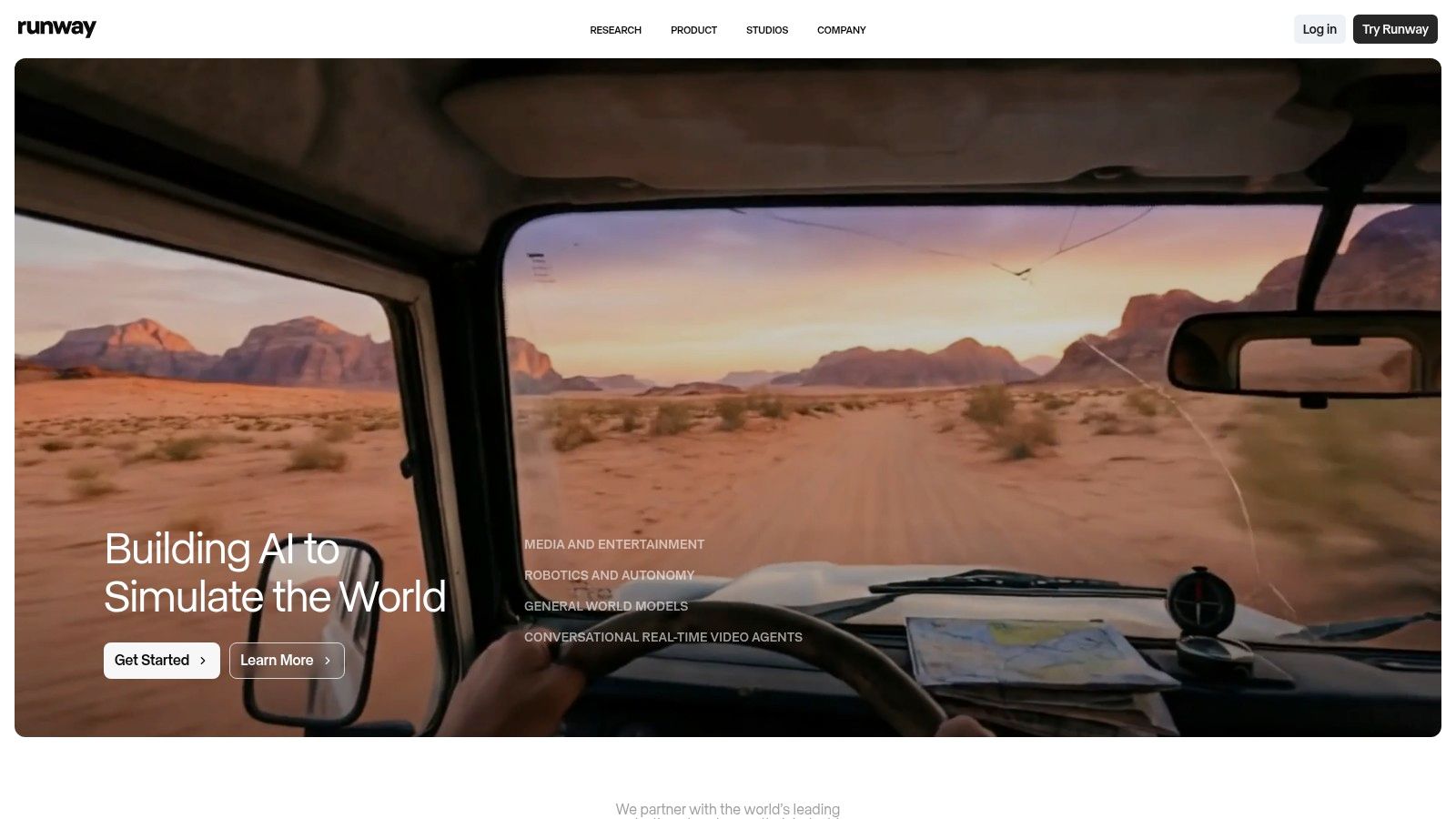
Runway positions itself as a professional-grade generative video suite, a claim backed by its powerful text-to-video model, Gen‑4/4.5. This platform is a top contender for the title of best AI video creator, particularly for users who prioritize cinematic quality and advanced control over their outputs. Unlike simpler tools, Runway offers a comprehensive in-browser editor, allowing you to fine-tune generated clips, add effects, and manage entire projects without leaving the platform.
Key Features & Use Cases
Runway’s ecosystem is built for creators, marketers, and studios who need more than just basic video clips. Its feature set is robust, blending generation with practical post-production tools.
- Cinematic Text-to-Video: Utilize Gen‑4/4.5 for high-fidelity video generation from text or images.
- In-Browser Video Editor: A multi-track editor with tools for upscaling to 4K, lip-syncing, and text-to-speech dubbing.
- Team Collaboration: Offers team workspaces, shared storage, and SSO options for professional workflows.
- Performance Capture: Features like Act‑Two allow for advanced character motion and performance replication.
Pricing and Credit System
Runway operates on a credit-based system, which provides predictability but can be complex for new users. Generating a one-second clip with Gen‑4.5 costs 5 credits. Plans start with a free tier providing 125 credits, while paid plans like Standard ($15/month) offer 625 credits and access to more advanced features. The transparent credit tables help you estimate project costs before you generate.
Pro Tip: Start with short, 1-2 second generations to test your prompts. Once you have a style and composition you like, extend the generation length to save credits on iterations.
Website: https://runwayml.com
3. Pika
Pika has rapidly emerged as a leading AI video creator, celebrated for its speed, accessibility, and creative flair. Built around its Pika 2.0/2.5 model, the platform excels at generating imaginative short clips from text or images, making it a favorite among social media creators and artists. Its interface, available on both web and mobile, is designed for quick iterations and playful experimentation, distinguishing it from more technically complex, cinema-focused tools.
Key Features & Use Cases
Pika's feature set is geared towards enhancing creativity with intuitive tools rather than overwhelming users with professional editing timelines. It's ideal for bringing static ideas to life with dynamic motion and effects.
- Text & Image-to-Video: Generate 3-second clips with options to extend, modify, or upscale.
- Creative Editing Tools: Modify specific regions of a video, change aspect ratios, or add elements like clothing or characters.
- Speed Modes: Choose between a fast “Turbo” mode for rapid prototyping and a higher-quality “Pro” mode for finished outputs.
- In-Video Camera Control: Add camera movements like pan, tilt, or zoom to create more dynamic scenes.
Pricing and Credit System
Pika uses a credit-based subscription model. A free tier is available, offering initial credits to test the platform. Paid plans, like the Standard plan at $10/month, provide a larger monthly credit allotment and unlock features like upscaling and removing the Pika watermark. Unlike some competitors, detailed public pricing is not available without creating an account first.
Pro Tip: Use the "Modify Region" feature to selectively animate parts of your video. This gives you more control and can produce unique results without regenerating the entire clip, saving you valuable credits.
Website: https://pika.art
4. Synthesia
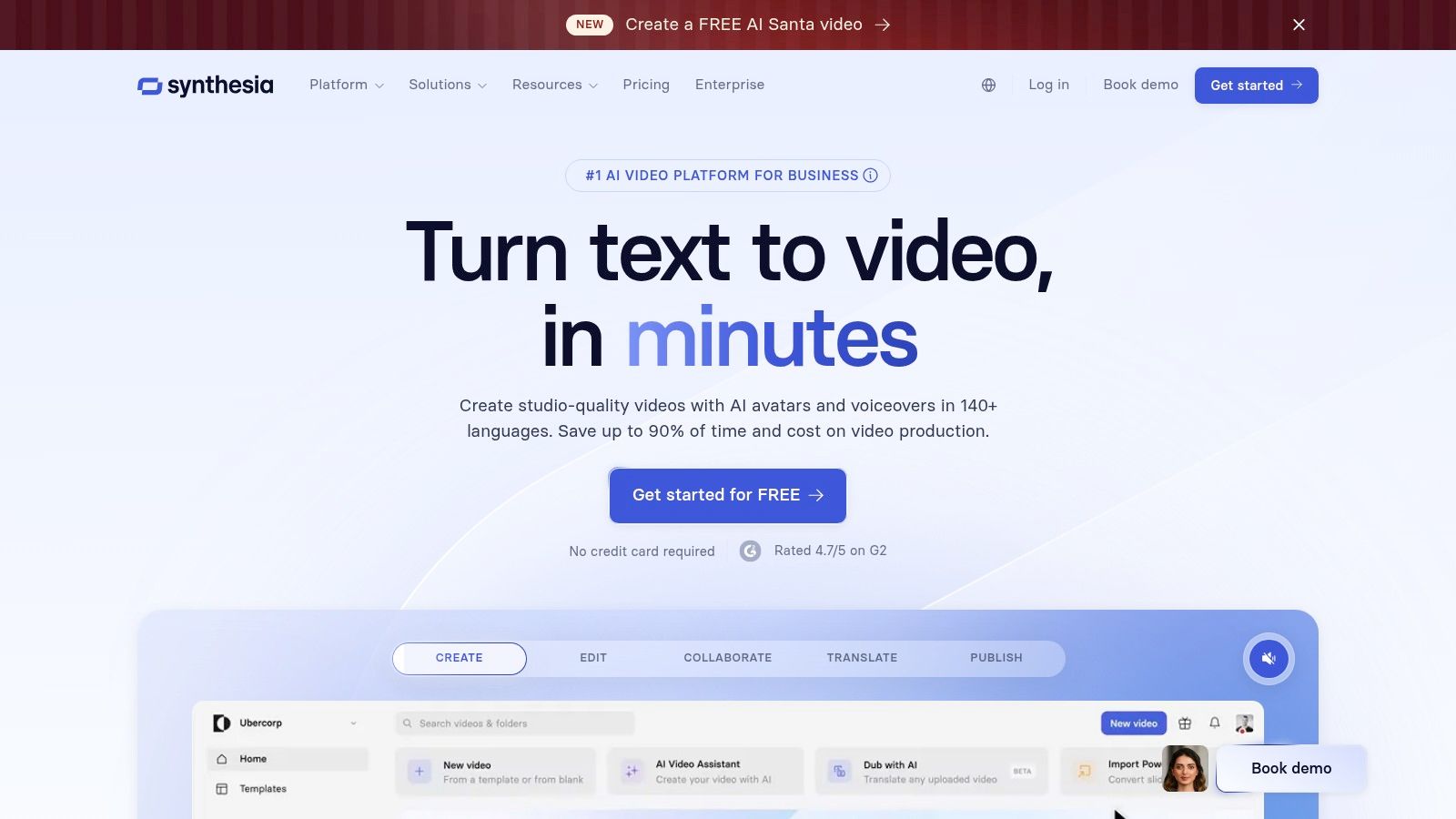
Synthesia has established itself as the go-to AI video creator for corporate communications, training, and explainer videos. Instead of generating cinematic scenes, it focuses on creating polished, studio-quality videos featuring AI avatars. Users simply type a script, choose from a vast library of stock avatars and voices, and the platform generates a professional video, making it ideal for businesses needing to produce content at scale without cameras or microphones.
Key Features & Use Cases
Synthesia’s strength lies in its enterprise-ready features and avatar-centric workflow, tailored for learning and development, sales enablement, and corporate messaging. Its platform is designed for scalable, consistent video production.
- AI Avatars: Choose from a library of over 200 diverse stock avatars or create a custom digital twin of a real person.
- Multi-Language Support: Localize videos instantly with AI-powered voice cloning and dubbing in over 80 languages.
- Enterprise-Grade Tools: Features include team collaboration, brand asset management, SSO, and SCORM/API integrations for L&D platforms.
- Templates and Media: Access a library of pre-designed video templates, stock imagery, and screen recording capabilities.
Pricing and Credit System
Synthesia's pricing is based on video minutes. The Personal plan costs $30 per month for 10 minutes of video generation. For businesses needing more advanced features like custom avatars and branding, the Enterprise plan offers custom pricing and minute allowances. This model is straightforward for teams budgeting for specific training or marketing campaigns.
Pro Tip: Use the "Preview" function extensively to check your avatar’s delivery and pronunciation before using your video minutes to generate the final clip. Small script tweaks can make a big difference.
Website: https://www.synthesia.io
5. HeyGen
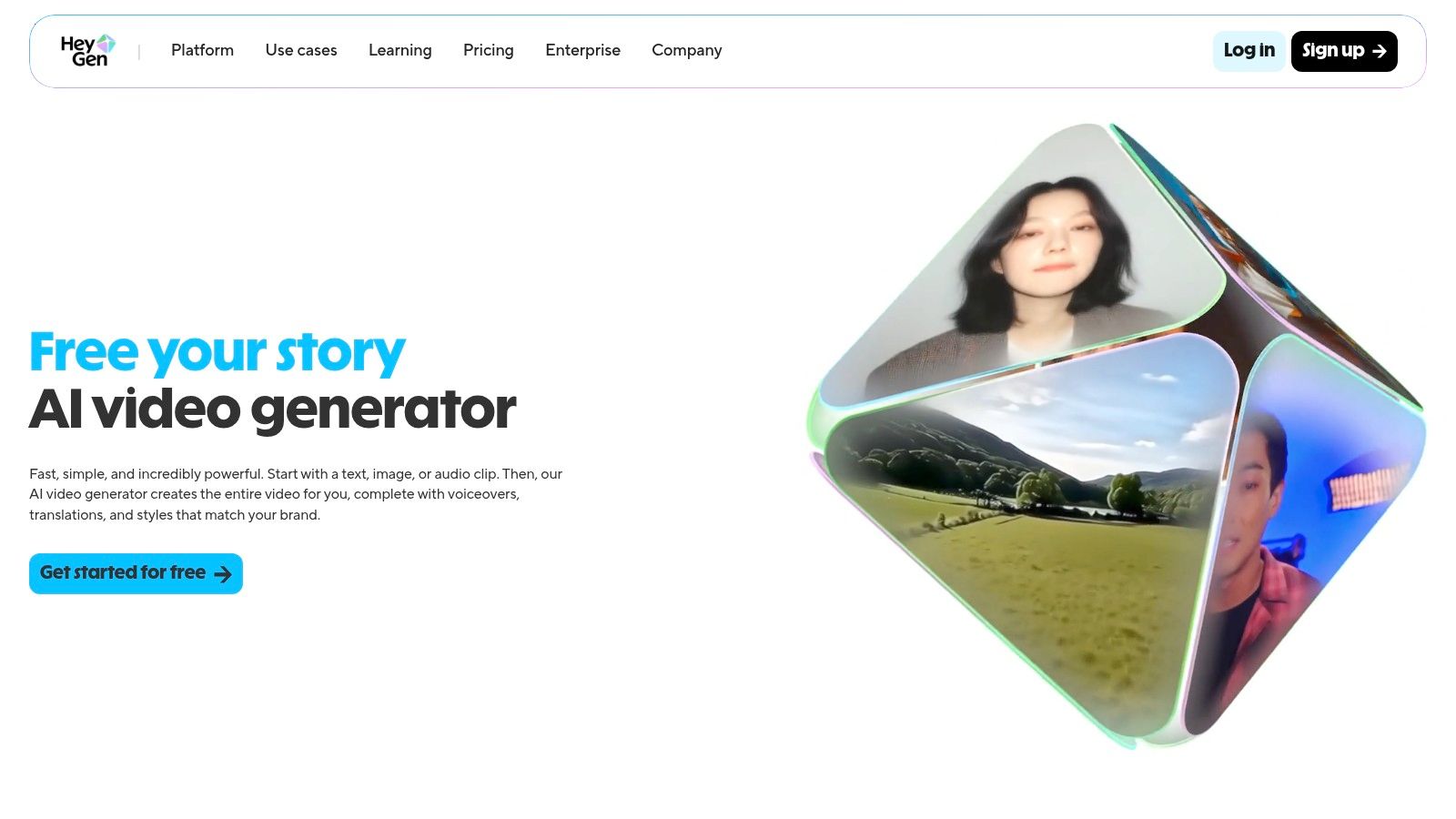
HeyGen carves out a specific niche as a powerful AI video creator focused on avatar-led presentations. It’s an ideal solution for creating polished marketing, training, and sales videos at scale without cameras or microphones. The platform shines with its massive library of stock avatars and advanced voice cloning capabilities, making it easy to produce professional-looking content for a global audience with impressive localization features.
Key Features & Use Cases
HeyGen is built for efficiency, especially for corporate and educational content where a human presenter is key. Its feature set is geared toward scalable, template-driven video production.
- AI Avatars: Choose from over 500 diverse stock avatars or create a custom one for brand consistency.
- Voice Cloning & Translation: Upload a script and generate natural-sounding voiceovers in multiple languages, with options to clone your own voice.
- Multi-Platform Access: Available as a web app, mobile app, and a developer API for custom integrations.
- Enterprise-Ready: Offers robust compliance and security features, including SOC 2, GDPR, and CCPA adherence.
Pricing and Credit System
HeyGen uses a credit-based subscription model. Credits are consumed for each minute of generated video, with costs varying based on the avatar type (stock vs. custom). A free plan allows for testing with 1 free credit. Paid plans start at $29/month for 15 credits, with add-on credit packs available for users with fluctuating production needs. This model provides flexibility but requires careful management, as custom avatars and instant processing can consume credits quickly.
Pro Tip: Use the "Preview" function extensively before clicking "Submit." This lets you check the avatar's lip-sync and timing without spending any of your valuable credits, ensuring the final output is perfect.
Website: https://www.heygen.com
6. Colossyan
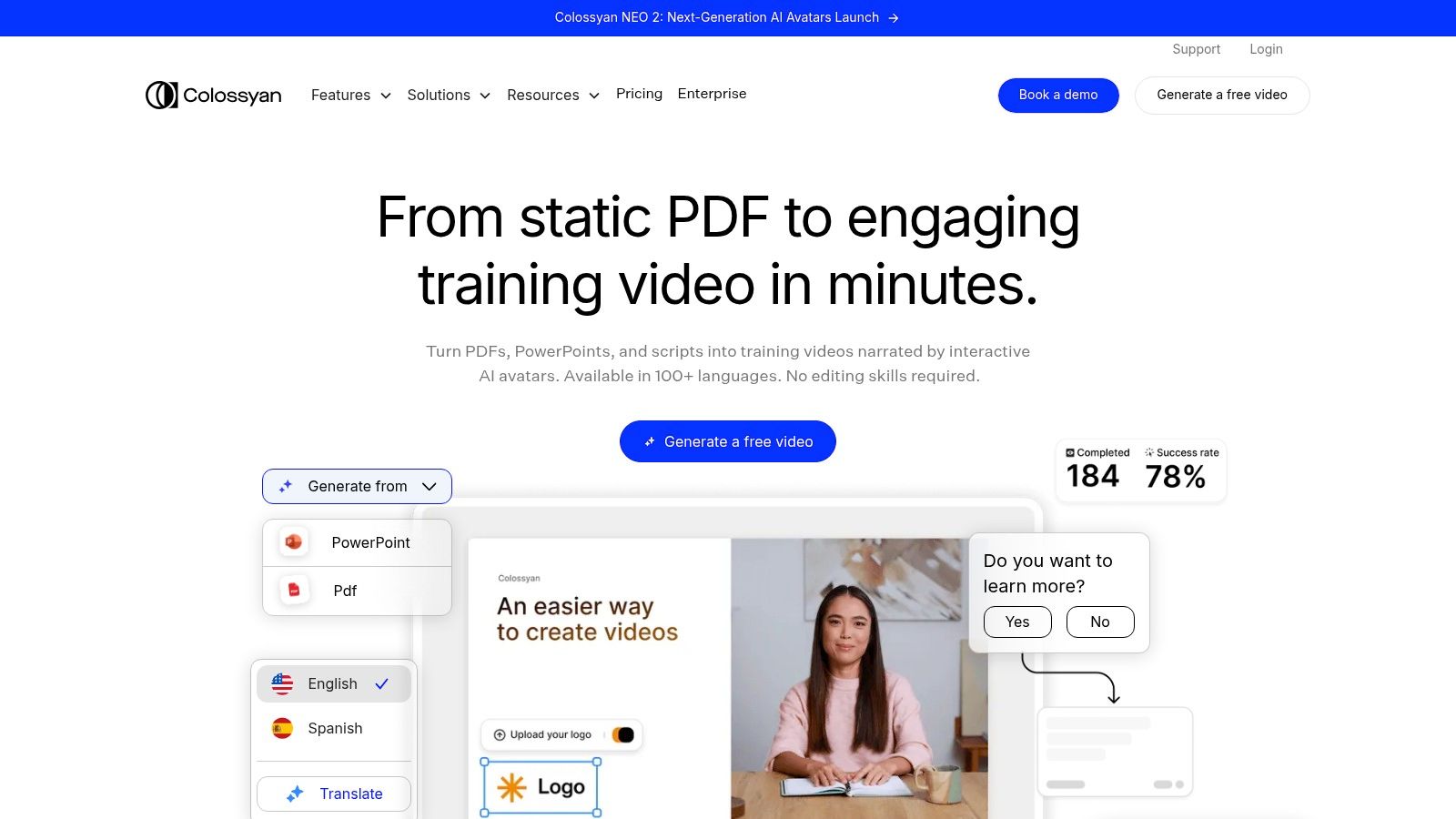
Colossyan carves out a specific niche as a powerful AI video creator for learning and development (L&D) and corporate communications. Instead of general-purpose generative video, it focuses on creating professional training content featuring AI avatars. This specialized approach allows it to offer features like course branching, quizzes, and SCORM exports that are essential for instructional design but absent in most other AI video tools.
Key Features & Use Cases
Colossyan is engineered for teams creating scalable training materials, internal announcements, or client onboarding videos. Its feature set is tailored to streamline the creation and localization of educational content.
- AI Avatars & Voice Cloning: Choose from over 70 diverse, high-quality avatars or create a custom one. You can also clone your own voice for a personalized touch.
- Auto-Translation: Instantly translate video scripts and voice-overs into more than 70 languages to localize training content efficiently.
- Interactive Learning: Add quizzes and conversation-style branching to videos, creating engaging learning paths that can be exported in SCORM format for any LMS.
- Brand Consistency: Use Brand Kits to maintain consistent colors, fonts, and logos across all your video content.
Pricing and Plan Structure
Colossyan’s pricing is based on video minutes per month, with different tiers unlocking more advanced features. The Starter plan ($35/month) provides 10 minutes of video generation. The Pro plan ($120/month) offers more minutes, premium avatars, and collaboration features. Enterprise plans provide custom avatars, advanced integrations, and SSO for larger teams. Be sure to check plan details, as features like interactive elements and translation capabilities vary.
Pro Tip: Use the PPT import feature to quickly convert existing training presentations into an initial video draft. From there, you can easily add an avatar narrator and refine the scenes, saving significant setup time.
Website: https://www.colossyan.com
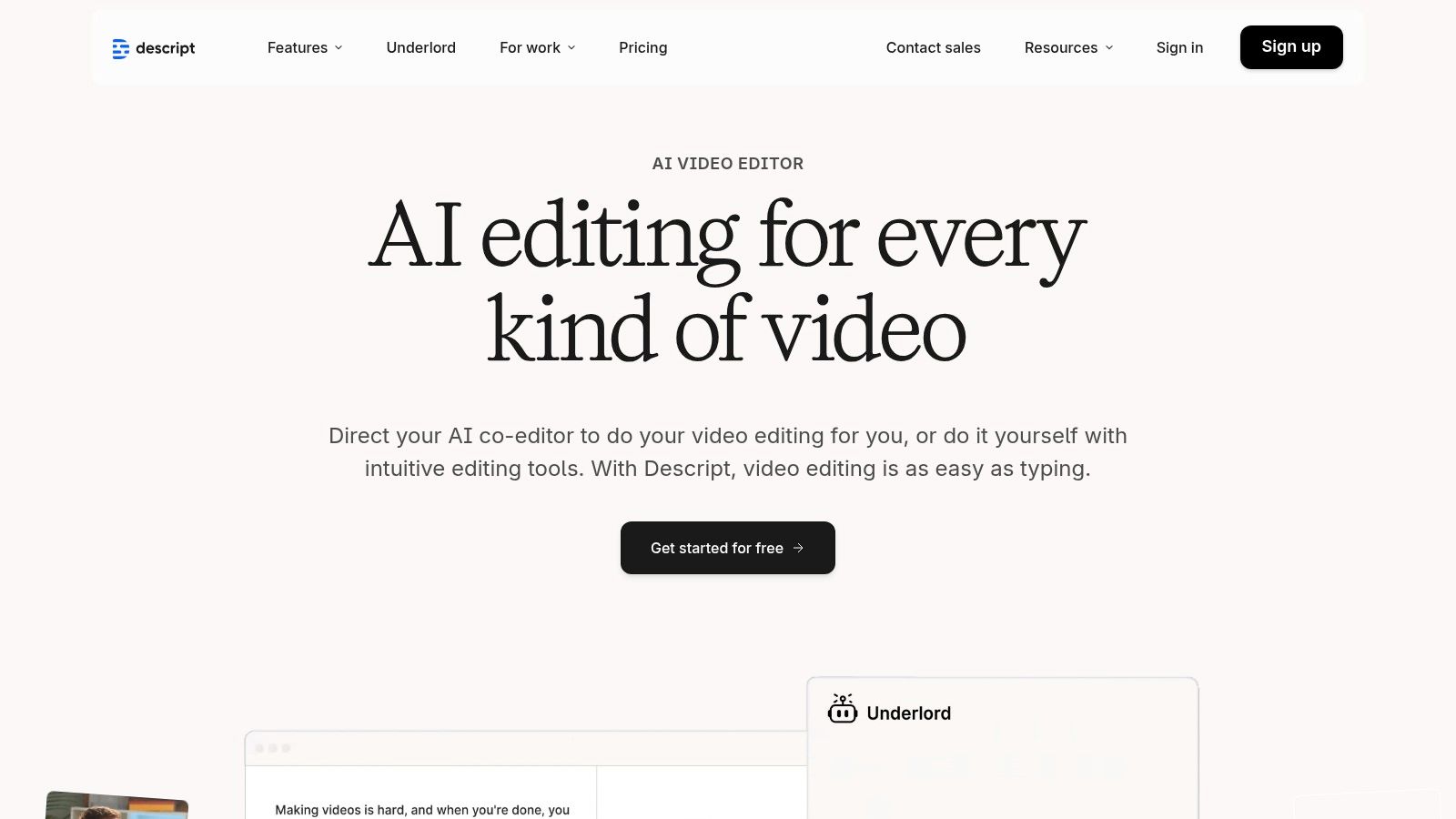
7. Descript
Descript offers a fundamentally different approach, positioning itself as an AI-powered, all-in-one editor that makes video creation as easy as editing a document. Instead of focusing solely on generative video from scratch, it excels at transforming existing recordings or scripts into polished content. This makes it a strong contender for the best AI video creator for podcasters, educators, and marketers who prioritize workflow efficiency over purely generative art.
Key Features & Use Cases
Descript’s magic lies in its text-based editing and AI assistance tools, designed to streamline the post-production process for content creators who work with audio and video recordings.
- Text-Based Video Editing: Edit video by simply editing the auto-generated transcript. Deleting a word or sentence in the text automatically removes the corresponding video clip.
- AI Audio & Voice Tools: Features like Studio Sound remove background noise, Overdub clones your voice for easy corrections, and AI voices provide narration.
- AI Co-Editor (Underlord): An assistant that can find the best takes, create social clips, and remove filler words like "um" and "uh" automatically.
- Screen Recording & Stock Library: A built-in screen recorder and access to a vast stock media library make it a comprehensive tool for tutorials and explainers. For more insights on how Descript can enhance your projects, check out what we have to say about Descript.
Pricing and Credit System
Descript’s pricing is straightforward and value-oriented. It offers a free tier with one hour of transcription per month. Paid plans start with the Creator tier at $15 per month, which includes 10 hours of transcription and watermark-free 4K video exports. The Pro plan ($30/month) offers 30 hours of transcription and unlocks advanced features like Overdub and filler word removal, making it ideal for frequent creators.
Pro Tip: Use the "Find good clips" feature powered by Underlord AI to quickly identify the most compelling soundbites from a long recording. This instantly gives you highlights for social media clips or trailers.
Website: https://www.descript.com
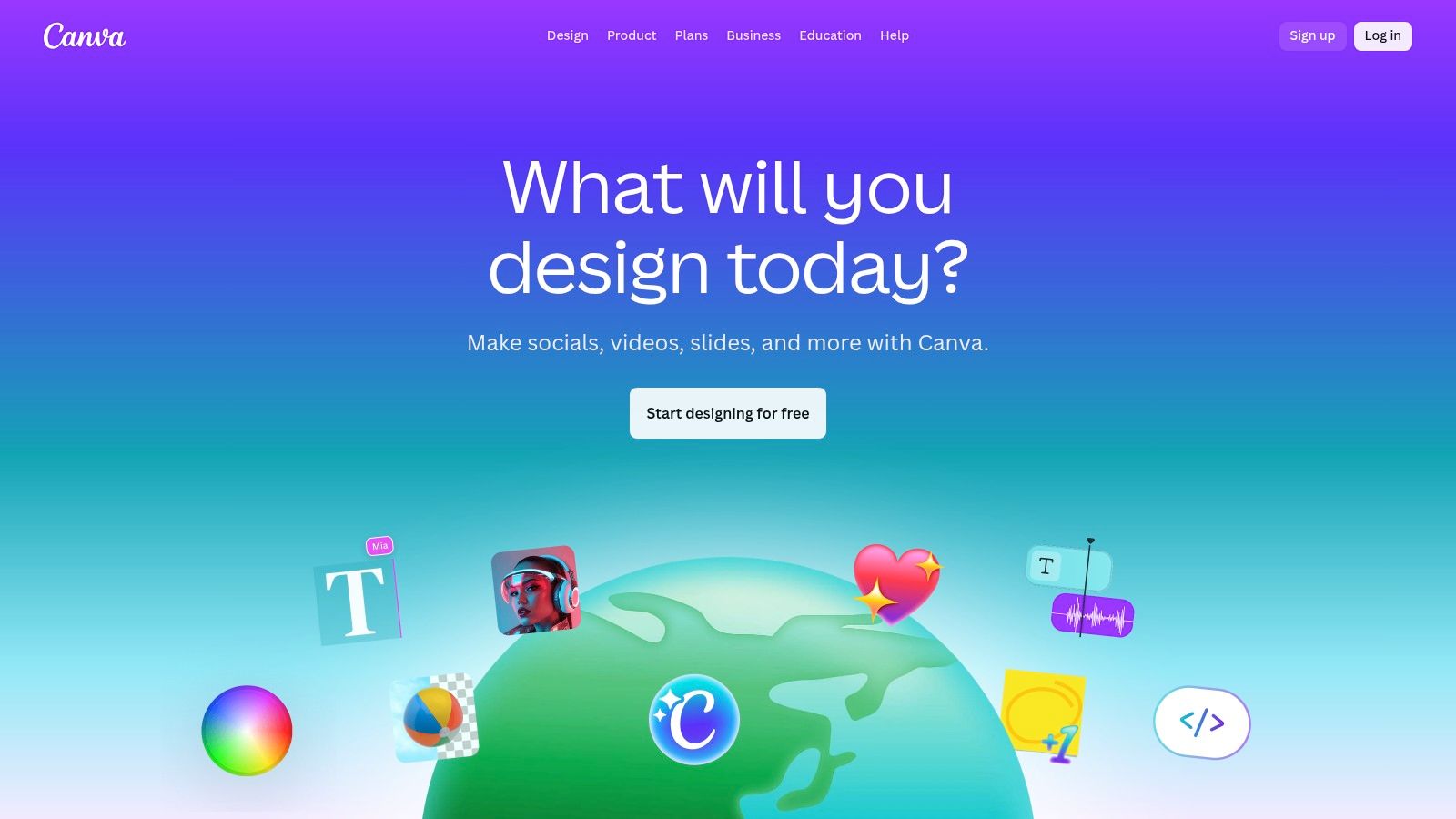
8. Canva
Canva has established itself as the go-to design platform for non-designers, and its expansion into AI-powered video makes it a formidable tool for social media and marketing teams. Rather than focusing on cinematic generation, Canva integrates AI to simplify and accelerate the entire video creation workflow. Its template-driven approach, combined with AI features like Magic Media for generating clips from text, makes it one of the most accessible AI video creator options available.
Key Features & Use Cases
Canva excels at producing branded, professional-looking videos quickly, without a steep learning curve. The platform is ideal for teams needing to maintain brand consistency across various marketing channels. For a deeper dive into how platforms like this are changing the game, explore how Canva compares with other tools on auralumeai.com.
- Template & Asset Library: Access a vast library of video templates, stock footage, audio, and graphics.
- Magic Media: Generate short video clips and images directly from text prompts within the editor.
- Brand Kit: Maintain brand consistency with preset logos, fonts, and color palettes for all video projects.
- Team Collaboration: Real-time collaboration features allow multiple users to edit and comment on video projects simultaneously.
Pricing and Access
Canva offers a robust free plan that includes basic access to its video editor and some AI tools. For more advanced features like the Brand Kit, premium stock assets, and expanded AI credit usage, you'll need a Canva Pro ($14.99/month) or Canva for Teams plan. The pricing structure is straightforward and provides significant value for users who leverage its full suite of design tools beyond just video.
Pro Tip: Use Canva's "Magic Switch" feature to instantly resize a finished video for different social media platforms like TikTok, Instagram Reels, and YouTube Shorts, saving hours of manual reformatting.
Website: https://www.canva.com
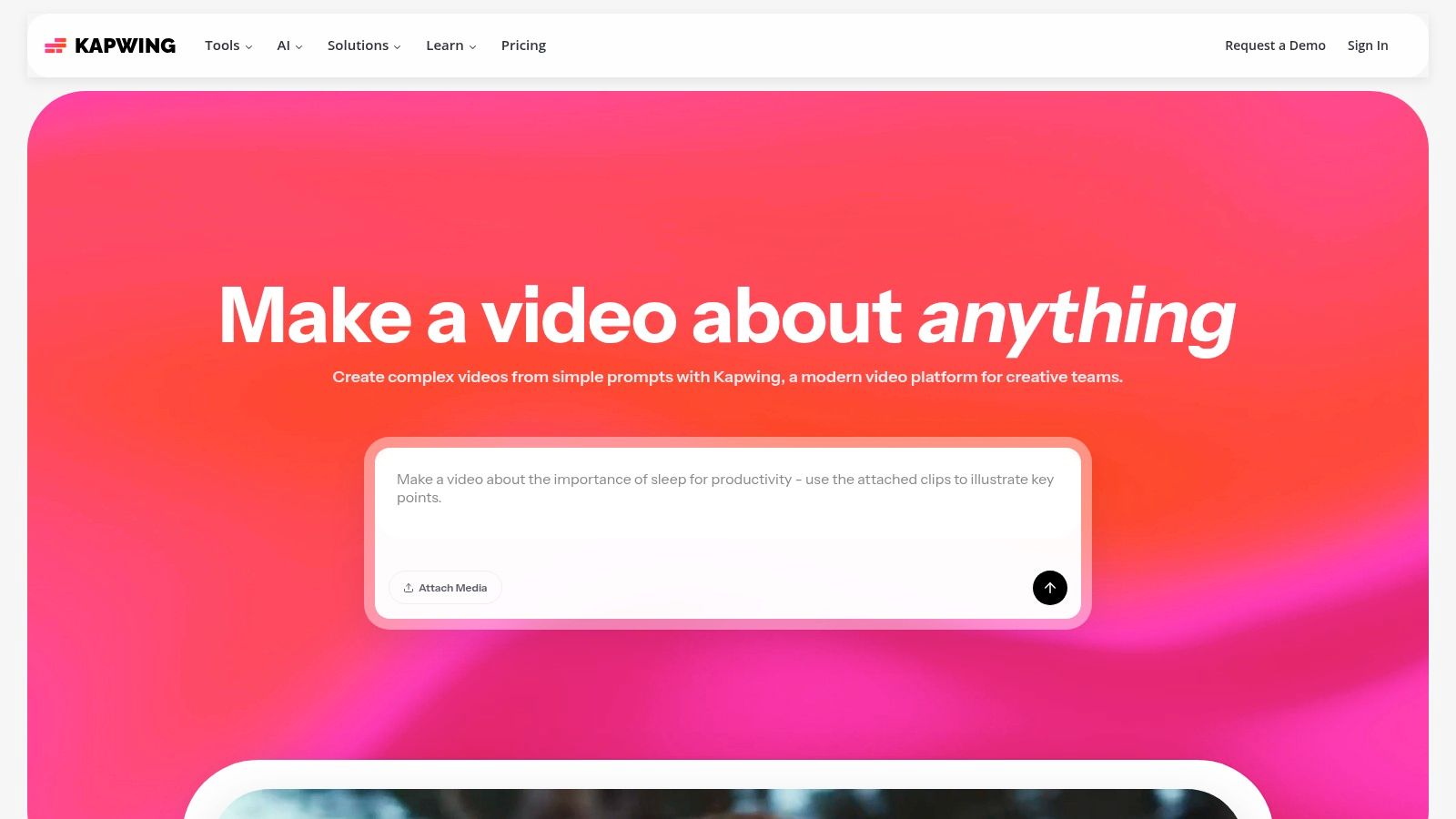
9. Kapwing
Kapwing stands out as an online collaborative video editor supercharged with a practical AI toolkit. It is designed less for cinematic generation and more for the rapid-fire demands of social media teams and content creators. Its strength lies in combining a user-friendly, browser-based editor with powerful AI features that streamline common tasks like subtitling, resizing, and creating clips from longer videos, making it a strong candidate for the best AI video creator for workflow efficiency.
Key Features & Use Cases
Kapwing’s AI tools are built to accelerate editing rather than replace it entirely. This makes it ideal for teams who need to repurpose content quickly and maintain brand consistency across different platforms.
- AI-Powered Editing Tools: Features like Smart Cut automatically remove silences, while AI-generated scripts and video clips can create a foundation for your project.
- Repurpose Studio: Instantly resize and reframe videos for different social media formats (e.g., from a YouTube video to a TikTok clip) with AI assistance.
- Automated Subtitling & Dubbing: Generate accurate subtitles in seconds and translate your video’s audio into multiple languages with AI dubbing.
- Team Collaboration: Offers team workspaces, shared brand kits with logos and fonts, and collaborative editing features for seamless workflows.
Pricing and Credit System
Kapwing offers a straightforward pricing model with clear limits. The free tier is great for quick, one-off projects with a watermark. The Pro plan ($24/month per user) removes the watermark, unlocks 4K export, and includes 300 AI credits per month for features like auto-subtitling and AI generation. Credits are used for specific AI tasks, and the transparent system makes it easy to manage usage.
Pro Tip: Use the "Repurpose Studio" to create multiple social media assets from a single long-form video. This maximizes your content output while minimizing the manual editing time required for each platform.
Website: https://www.kapwing.com
10. InVideo AI
InVideo AI establishes itself as an accessible, workflow-driven platform designed for marketers and social media creators. Its core strength lies in its ability to translate a single text prompt into a fully scripted, voiced, and edited video using stock footage, music, and transitions. This makes it an excellent AI video creator for users who need to produce marketing content like ads, promos, or social clips with maximum speed and minimal manual effort.
Key Features & Use Cases
InVideo AI is built for rapid production, especially for content formatted for platforms like YouTube Shorts and TikTok. Its feature set is geared toward simplifying the entire creation process, from script to final render.
- AI-Powered Workflow: Generate complete videos from a single prompt, including script, voiceover, media, and text.
- Extensive Stock Library: Access a massive library of stock photos and video clips to populate generated content.
- AI Avatars & Scripting: Create presenter-style videos with AI avatars and use the built-in AI scriptwriter to draft content.
- Mobile Apps: Available on both iOS and Android, allowing for content creation and editing on the go.
Pricing and Access
InVideo AI’s pricing is straightforward but primarily geared toward teams. It offers a generous free plan that includes 10 minutes of AI generation per week, four exports without a watermark, and 10GB of storage. Beyond the free tier, the primary option is an Enterprise plan with custom pricing. Paid self-serve tiers for individuals or smaller teams may be available within the app after signing up.
Pro Tip: When using the main AI workflow, be very specific in your initial prompt. Include details about the target audience, platform (e.g., "a 30-second TikTok video"), and desired tone to get a more accurate first draft and reduce editing time.
Website: https://invideo.io
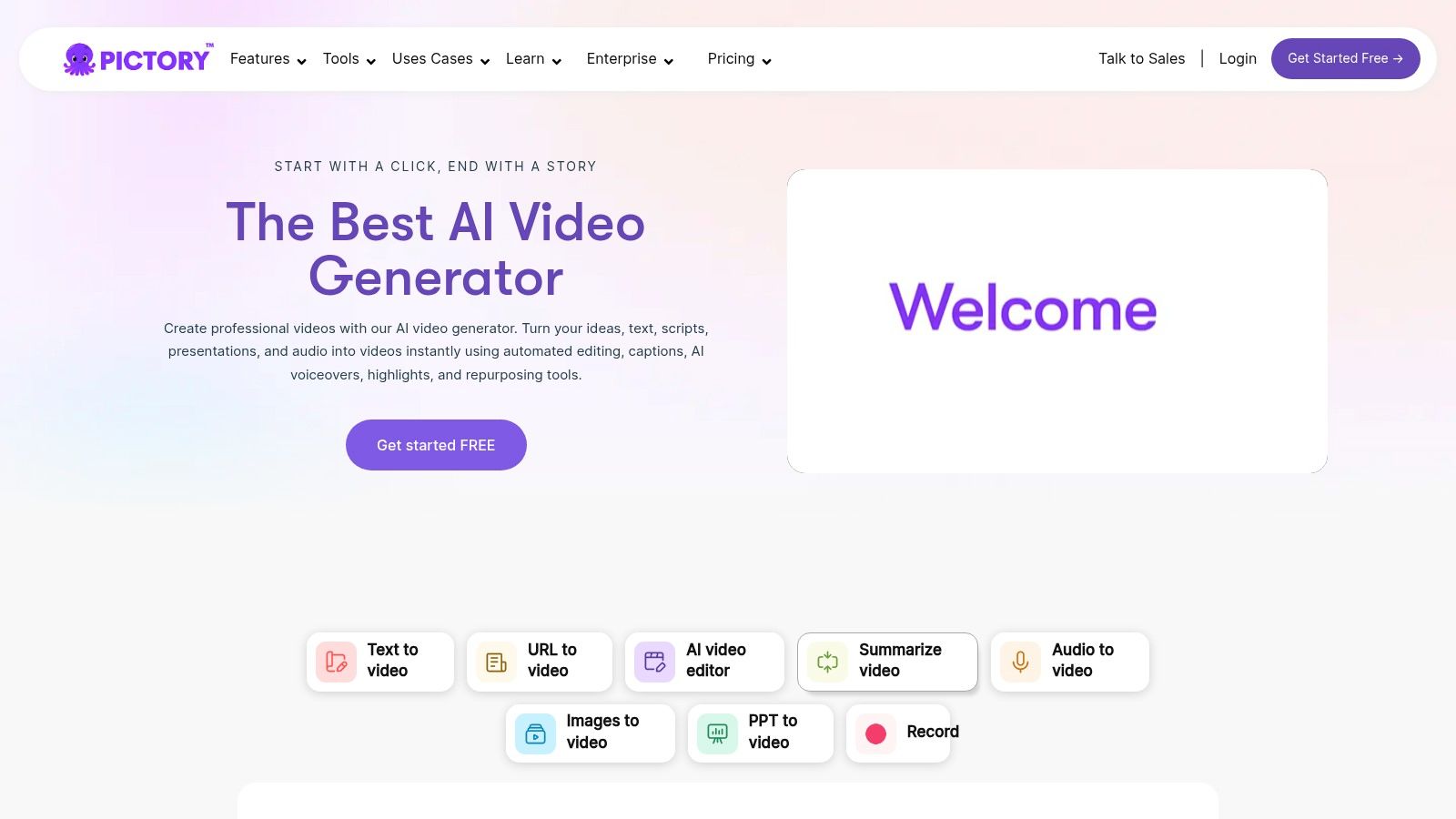
11. Pictory
Pictory excels at a specific, high-demand task: transforming long-form text content into engaging, shareable videos. It's designed for content marketers, bloggers, and businesses who want to repurpose articles, scripts, or webinars into summary videos for social media. Instead of focusing on generative text-to-video from scratch, Pictory’s AI analyzes your source material, pulls out the key highlights, and pairs them with relevant stock footage, music, and text overlays.
Key Features & Use Cases
Pictory is the ideal AI video creator for content repurposing and rapid production, allowing teams to multiply their output without filming new footage. Its workflow is streamlined for speed and efficiency.
- Article-to-Video Conversion: Paste a URL or script, and Pictory’s AI creates a video storyboard with summarized text and suggested visuals.
- Stock Media Integration: Access a vast library of royalty-free video clips and images from Storyblocks and Getty Images to enrich your content.
- AI Voiceovers & Branding: Add realistic AI-generated voiceovers from partners like ElevenLabs and apply your brand kit (logos, fonts, colors) consistently.
- Team Collaboration: Higher-tier plans include team workspaces, making it easy to manage projects and brand assets across an organization.
Pricing and Credit System
Pictory's pricing is straightforward and based on the number of videos you can create per month. The Standard plan starts at $23/month and allows for 30 videos, each up to 10 minutes long. The Professional plan ($47/month) increases this to 60 videos and unlocks premium stock assets and ElevenLabs voices. An enterprise-level plan is also available for larger teams.
Pro Tip: Before generating the full video, spend time in the storyboard editor. You can easily swap out stock clips or tweak the AI-selected text to ensure the final output perfectly matches your message.
Website: https://pictory.ai
12. Lumen5
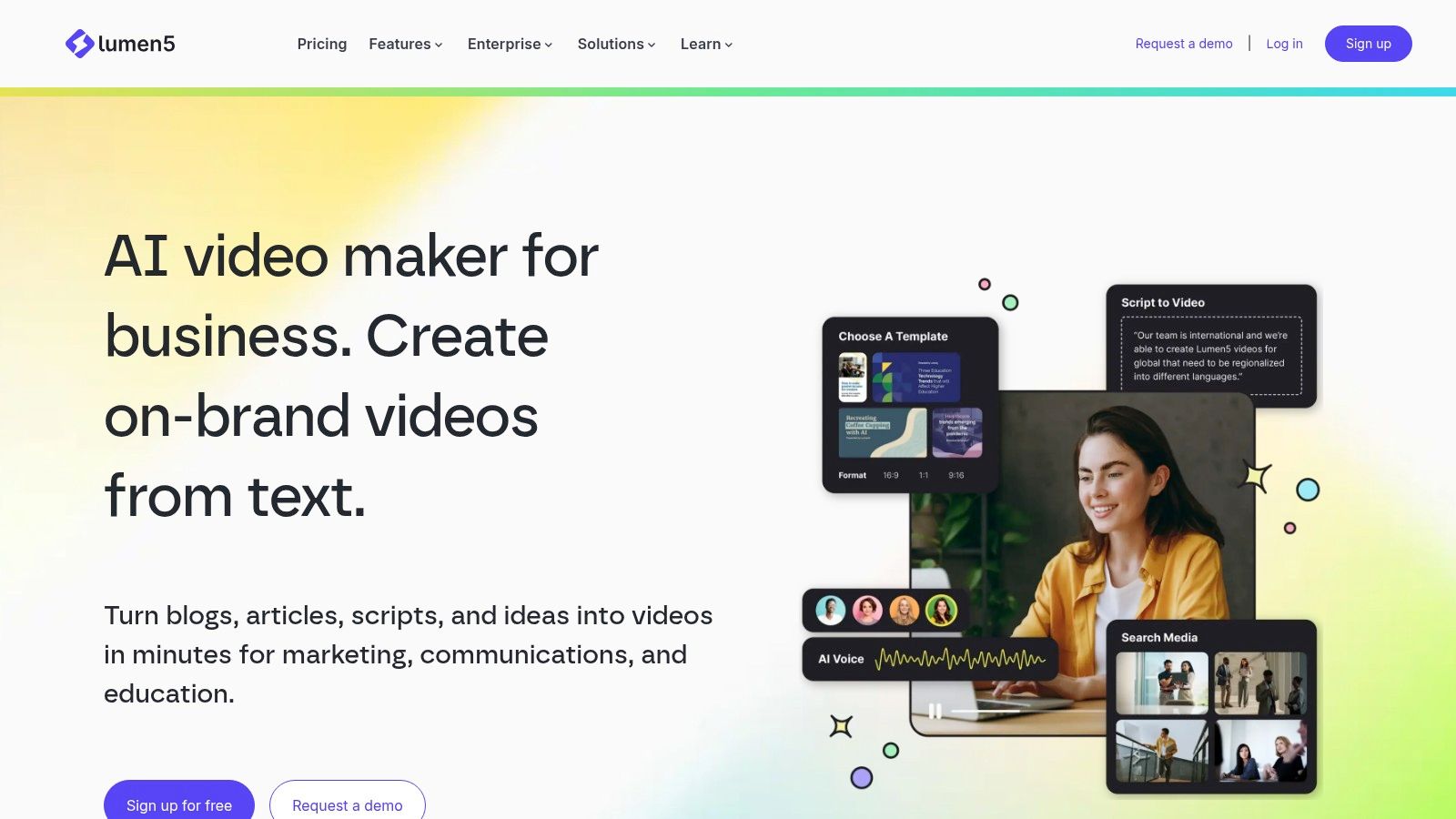
Lumen5 is a long-standing text-to-video platform designed specifically for content marketers and brands needing to create polished social media videos quickly. Instead of focusing on generative cinematic clips, it excels at transforming articles, blog posts, or raw text into engaging, template-based videos. This makes it an ideal AI video creator for teams looking to repurpose written content into a consistent stream of branded video assets for various channels.
Key Features & Use Cases
Lumen5’s feature set is built around efficiency and brand consistency, making it a powerful tool for marketing departments. Its core strength lies in its AI-powered workflow that streamlines video production from start to finish.
- AI Script Composer: Automatically summarizes text from a link or document to create a video storyboard.
- Brand Kit Support: Upload logos, fonts, and color palettes to ensure all videos align with your brand identity.
- Extensive Stock Libraries: Access a vast collection of stock photos and videos from providers like Getty Images to enrich your content.
- AI Voiceovers: Paid plans include monthly minute allotments for generating AI-powered voiceovers for your videos.
Pricing and Credit System
Lumen5 offers a free plan with watermarked 720p videos for casual users. Paid plans like the Basic tier (starting at $29/month) remove the watermark and provide access to more stock assets. Higher-tier plans, such as Professional ($79/month), unlock 1080p resolution, custom branding features, and significantly larger stock library access. Be sure to verify pricing details on their site, as features can be spread across different pages.
Pro Tip: Use the AI script composer as a starting point. Manually adjust the scene lengths and replace generic stock media with more relevant clips to significantly improve the final video's impact and storytelling flow.
Website: https://lumen5.com
Top 12 AI Video Creators: Feature Comparison
| Product | Core features | UX / Quality (★) | Value / Pricing (💰) | Target audience (👥) | Unique selling points (✨ / 🏆) |
|---|---|---|---|---|---|
| Auralume AI 🏆 | Text & image → cinematic video; multi-model selector; Prompt Wizard; upscalers | ★★★★☆ model-dependent; Prompt Wizard speeds pro results | 💰Pay‑as‑you‑go (500 credits/$10) + Starter $31.20/mo, Pro $79.20/mo (annual) | Creators, marketers, designers, filmmakers, educators | ✨Aggregates top T2V models (Google Veo, Sora, Pika…); Prompt Wizard; Image→video motion; Upscalers; Stealth Mode 🏆 |
| Runway | Gen‑4/4.5 text→video; Act‑Two capture; in‑browser editor; upscaling | ★★★★★ cinematic, high‑fidelity | 💰Credit‑based per‑second; transparent cost tables | Studios, filmmakers, pro creators, agencies | ✨Pro‑grade cinematic models; in‑browser NLE; performance capture |
| Pika | Text/image→video; Pikascenes & effects; Turbo/Pro modes; web+mobile | ★★★★☆ very fast, creative-first | 💰Lower entry cost; pricing behind login | Social creators, short‑form editors | ✨Speed‑focused modes; lots of creative effects |
| Synthesia | Avatar videos; 80+ languages; templates; enterprise governance | ★★★★☆ studio‑style avatars, reliable | 💰Enterprise/seat pricing; minutes caps on lower tiers | Enterprise L&D, training, localization teams | ✨Large avatar library; broad localization & governance |
| HeyGen | 500+ stock avatars; custom avatars; voice cloning; API | ★★★★☆ good UX; enterprise compliance | 💰Free tier + credit packs; add‑ons for speed/features | Marketers, trainers, developers, enterprises | ✨Extensive avatars; voice cloning; SOC2/GDPR compliance notes |
| Colossyan | Avatars & cloned voices; auto‑translation; interactive video; SCORM | ★★★☆☆ focused on L&D workflows | 💰Tiered plans; advanced features on Business tiers | L&D teams, internal comms, e‑learning | ✨SCORM & interactive branching; PPT import; brand kits |
| Descript | Text‑based editing; Overdub voice cloning; AI co‑editor; screen recorder | ★★★★☆ editor‑first; strong podcast/video tools | 💰Fair pricing; 4K export & generous transcribe on paid plans | Podcasters, creators, educators, editors | ✨Text‑based edit + Overdub + Studio Sound; collaborative tools |
| Canva | Templates, Magic Media, stock assets, brand kits | ★★★☆☆ very easy; fast for non‑designers | 💰Freemium; Pro/team plans for brand control | Marketers, teams, non‑designers | ✨Huge template/media library; brand controls & resizing |
| Kapwing | AI video generator; auto‑subtitles/dubbing; Repurpose Studio; 4K export | ★★★☆☆ fast social workflows | 💰Clear plans & AI minutes; paid unlocks 4K/export limits | Social teams, creators, quick editors | ✨Repurpose Studio; Smart Cut; easy subtitling & resizing |
| InVideo AI | AI generation, avatars, script tools; iOS/Android apps; studio editor | ★★★☆☆ beginner‑friendly; social/ad focused | 💰Free & Enterprise; paid self‑serve tiers via app/sales | Marketers, social creators, advertisers | ✨Quick social/ad templates; mobile workflow |
| Pictory | Script/URL/PPT → video; stock integrations; voiceovers; team workspace | ★★★☆☆ strong for repurposing long content | 💰Clear monthly “video minutes” quotas by plan | Content repurposers, marketers, social teams | ✨Auto‑highlights/summaries; Storyblocks/Getty + voice options |
| Lumen5 | AI script composer; brand kit; stock libraries; voiceover minutes | ★★★☆☆ marketer‑friendly; brand‑centric | 💰Tiered plans; voice minutes & resolution vary | Marketers, social teams, small businesses | ✨Script composer + brand controls; steady social output quality |
Choosing Your Creative Co-Pilot: Final Thoughts on AI Video
The journey through the world of AI video creation reveals a landscape buzzing with innovation and potential. We've explored a dozen powerful platforms, each with its unique strengths, from the cinematic prowess of Runway and Pika to the streamlined corporate communication offered by Synthesia and HeyGen. What's clear is that the title of "best AI video creator" isn't a one-size-fits-all award; it's a title you bestow based on your specific project, workflow, and creative ambition.
The selection process can feel overwhelming, but it boils down to matching the tool to the task. The right choice for an artist animating a still image will differ vastly from what a marketing team needs to produce scalable, branded social media content. Your final decision should be a strategic one, balancing creative control with ease of use and production speed.
Key Takeaways for Selecting Your Tool
To distill our comprehensive review into actionable insights, consider these core factors before you commit to a platform:
- Define Your Primary Use Case: Are you animating existing images, generating entirely new video from text, creating avatar-led presentations, or editing existing footage with AI assistance? Your primary goal is the most important filter. For instance, Pictory excels at turning long-form text into video, while Colossyan is a powerhouse for localized L&D modules.
- Assess Your Technical Comfort: Platforms like Canva and Kapwing offer intuitive, template-driven experiences perfect for beginners. In contrast, tools like Runway provide a deeper, more granular level of control that will appeal to experienced editors and artists willing to navigate a steeper learning curve.
- Evaluate the Output Style: Each model has a distinct aesthetic fingerprint. Pika is known for its dynamic, often fantastical outputs, whereas a tool like Lumen5 is geared towards a clean, professional, and data-driven visual style. Reviewing each platform's gallery or community showcase is essential.
- Consider the Ecosystem: Are you looking for a single, specialized tool, or a more integrated solution? A platform like Descript combines transcription, editing, and screen recording into a unified workflow. Meanwhile, an aggregator like Auralume AI offers access to multiple top-tier models, preventing you from being locked into a single generative engine and simplifying prompt engineering.
Your Next Steps in AI Video Creation
The most effective way to find the best AI video creator for your needs is through hands-on experimentation. Nearly every tool on our list provides a free trial, freemium plan, or a starter set of credits. Use this opportunity to test the same prompt or concept across two or three top contenders. This direct comparison will reveal crucial differences in output quality, user interface, and rendering speed that a feature list alone cannot convey.
As you create, remember that the tool is just one part of the equation. Your prompting skills, editing choices, and distribution strategy are what will truly elevate your content. Once you've harnessed the power of AI to create compelling video clips, understanding how to maximize their impact is the next critical step. For those targeting short-form video platforms, learning the platform-specific nuances is key. You can find proven strategies to go viral on TikTok in this comprehensive guide, which can help turn your AI-generated masterpiece into a viral sensation.
The era of the AI creative co-pilot is here, and it's democratizing video production in an unprecedented way. Whether you're a solo creator, a marketer, or part of a large enterprise, these tools are ready to remove friction, accelerate your workflow, and unlock new avenues for storytelling. The future of video isn't about replacing human creativity; it's about augmenting it. Embrace the iteration, start creating, and discover the AI partner that will help you bring your vision to life.
Ready to simplify your creative process and access multiple best-in-class AI models from a single, intuitive interface? Explore Auralume AI and see how our advanced Prompt Wizard can help you craft stunning visuals without the steep learning curve. Start creating with your AI co-pilot today at Auralume AI.