
12 Best AI Video Generator for YouTube Tools in 2025 (Ranked)
The landscape of YouTube is shifting. Gone are the days when high-quality video production was gated behind expensive equipment and complex editing software. Today, the best AI video generator for YouTube can transform a simple text prompt or a static image into compelling, cinematic content in mere seconds. This guide is your ultimate resource for navigating this new frontier. We will move beyond generic feature lists to provide a practical, hands-on analysis of the top tools available right now.
This is more than just a list; it's a strategic guide to help you make an informed decision. Before diving into specific platforms, it's helpful to understand the underlying concept of what synthetic media is and how it's powering this creative revolution.
Our goal is to equip you with the insights needed to choose the right tool for your specific needs, whether you're creating viral Shorts, managing a faceless channel, or generating stunning B-roll. We'll break down which platforms excel where, how to use them, and what their real limitations are. Each review includes screenshots and direct links, helping you elevate your YouTube channel's production value, regardless of your technical skill level.
1. Auralume AI
Auralume AI positions itself as an all-in-one creative studio, making it a powerful contender for the best AI video generator for YouTube. Instead of developing a single proprietary model, it smartly aggregates the world's leading text-to-video and image-to-video engines like Google Veo, OpenAI Sora, Pika, and more. This gives creators unparalleled flexibility to select the ideal model for any specific scene or artistic style directly within one unified interface.
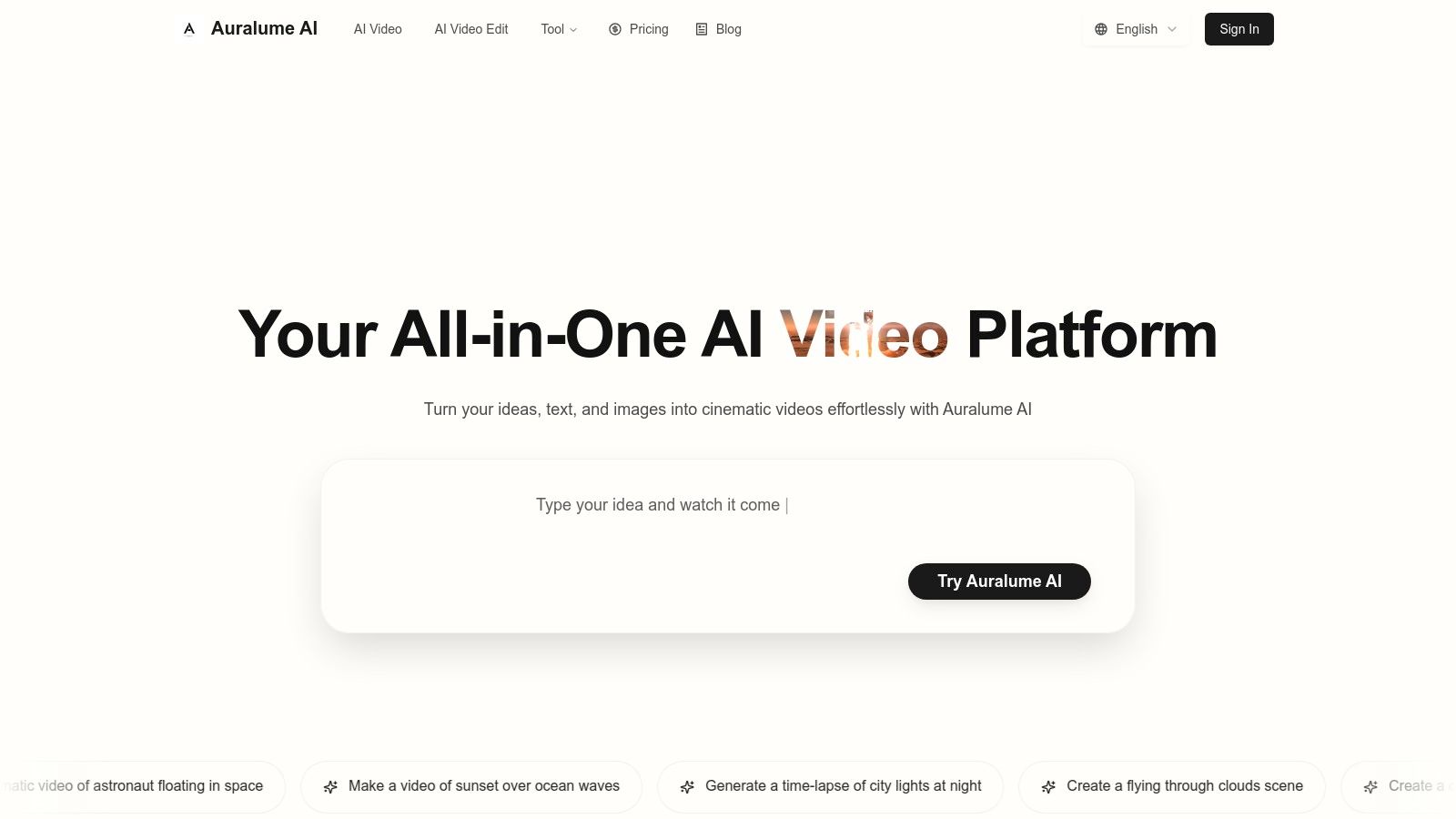
The platform’s standout feature is its built-in Prompt Wizard, which auto-optimizes user inputs. This tool effectively coaches you toward crafting professional-grade prompts, democratizing access to high-quality video generation without a steep learning curve. The workflow is streamlined: you can generate cinematic clips from a simple text description or animate a still image with natural motion and depth.
Key Features & Use Cases
- Multi-Model Access: Access top-tier models like Sora and Veo in one place. Ideal for YouTubers needing diverse visual styles for different video segments, from cinematic B-roll to dynamic explainer animations.
- Prompt Wizard: Lowers the barrier to entry for beginners. Perfect for social media marketers who need to produce high-quality ad creatives quickly without mastering complex prompt engineering.
- Image-to-Video Animation: Animate photos, logos, or illustrations. A valuable tool for artists and designers looking to bring their static portfolios to life for YouTube shorts or promotional content.
- Integrated Upscalers: Refine and enhance both images and videos. This is crucial for ensuring your final output meets YouTube's HD standards.
Pricing and Access
Auralume AI offers a flexible pricing structure that caters to various usage levels. You can start with a pay-as-you-go option ($10 for 500 credits) where credits never expire, which is great for occasional projects. For more consistent needs, the Starter plan ($31.20/month, billed annually) provides 2,300 credits monthly. High-volume creators should consider the Pro plan ($79.20/month, billed annually), which includes 6,600 credits, priority processing speed, and a crucial "Stealth Mode" to keep generations private. Note that pay-as-you-go and Starter plan creations are visible in the public gallery.
Pros:
- Aggregates the industry’s best video models in a single platform
- Prompt Wizard makes pro-level results accessible to non-experts
- Flexible pay-as-you-go and subscription pricing
- Built-in upscalers help polish final video quality
- Pro plan offers privacy with "Stealth Mode"
Cons:
- Generations are public by default on lower-tier plans
- Costs can accumulate for heavy users on pay-as-you-go
Website: https://auralumeai.com
2. Runway
Runway is a powerhouse in the AI video space, evolving from a research tool into a full-fledged creative suite used by both independent creators and professional studios. It’s recognized as one of the best AI video generators for YouTube because it pairs high-quality video generation with a practical, integrated editing environment. This combination allows you to not only create clips from text, images, or existing videos but also to refine, upscale, and prepare them for final delivery without leaving the platform.

What sets Runway apart is its focus on a complete workflow. Its Gen-3/Gen-4 models are excellent for generating stylized B-roll, concept animations, and dynamic YouTube Shorts. The platform’s dual-generation model is a key feature: a credits-based system for fast, high-priority renders and an "Unlimited" mode that allows for extensive experimentation at a lower, rate-limited speed. This flexibility supports both rapid production and creative exploration.
Key Features & User Experience
Runway’s user interface is polished and robust, feeling more like a traditional video editor than a simple prompt-based tool. Key features include:
- Generation Models: Access to text-to-video, image-to-video, and video-to-video (Gen-3/Gen-4).
- Integrated Editor: A timeline-based editor with tools for keying, object removal, and motion tracking.
- Upscaling: Paid tiers offer upscaling to 4K, crucial for maintaining quality on YouTube.
- Team Workspaces: Small studios can collaborate, sharing credits and managing projects centrally.
Pricing and Access
Runway operates on a freemium model with a tiered subscription system. The free plan provides limited credits for testing. Paid plans (starting around $12/editor/month) unlock more credits, faster generation, 4K export, and remove watermarks. The credit system and multiple model options can be a bit complex to navigate initially, but provide granular control over costs.
| Pros | Cons |
|---|---|
| Extremely fast iteration with Turbo modes | Credit math can be confusing for new users |
| Integrated editor and 4K upscale for YouTube | Unlimited mode can be slow under heavy server load |
| Team features are great for small studios | High-quality generations consume credits quickly |
Website: https://runwayml.com
3. Luma AI (Dream Machine)
Luma AI, with its Dream Machine model, has quickly emerged as a major player by focusing on high-fidelity motion and realistic physics. It excels at turning text and image prompts into fluid, cinematic short clips, making it one of the best AI video generators for YouTube when your goal is to produce breathtaking B-roll, dynamic intros, or eye-catching YouTube Shorts. The platform is accessible via web and iOS, prioritizing ease of use without sacrificing output quality.

What sets Dream Machine apart is its impressive grasp of character consistency and object interaction within a scene. This results in videos that feel more grounded and less "floaty" than some competitors. Its straightforward credit system and clear commercial usage rights on paid tiers make it a practical choice for YouTubers who need high-quality, monetizable assets without a steep learning curve or complex subscription math.
Key Features & User Experience
Luma AI’s interface is clean and prompt-focused, designed for rapid generation and iteration. Key features include:
- High-Fidelity Motion: Produces exceptionally smooth and physically plausible video from text or images.
- Generation Controls: Offers options to extend, reframe, or modify existing video clips (video-to-video).
- 4K Upscaling: Paid plans provide the ability to upscale generations for crisp playback on high-resolution displays.
- Commercial Rights: The Plus plan and higher tiers explicitly grant commercial rights, essential for monetized YouTube channels.
Pricing and Access
Luma AI uses a freemium model with a simple credit-based system. The free plan is generous for experimentation but includes a watermark and is for non-commercial use only. Paid plans (starting at $29.99/month) provide more credits, remove the watermark, offer faster generation queues, and unlock commercial licensing. The transparent pricing makes it easy to calculate costs per video.
| Pros | Cons |
|---|---|
| Strong motion and physics realism for short clips | Best output lengths are short (5–10s); longer edits require stitching |
| Clear plan matrix with commercial rights on Plus plan and above | Free plan produces watermarked, non-commercial drafts |
| Simple, user-friendly interface | Can be slower than competitors during peak usage times |
Website: https://lumalabs.ai
4. Adobe Firefly (Video) + Premiere Pro integration
Adobe's entry into generative video, Adobe Firefly, is designed for creators already invested in the Creative Cloud ecosystem. Rather than being a standalone generator, it’s a powerful feature set integrated directly into flagship apps like Premiere Pro and After Effects. This makes it one of the best AI video generators for YouTube for professionals who need generative capabilities to enhance, not just create, their footage from scratch. Its strength lies in its seamless workflow integration for polished, high-quality production.
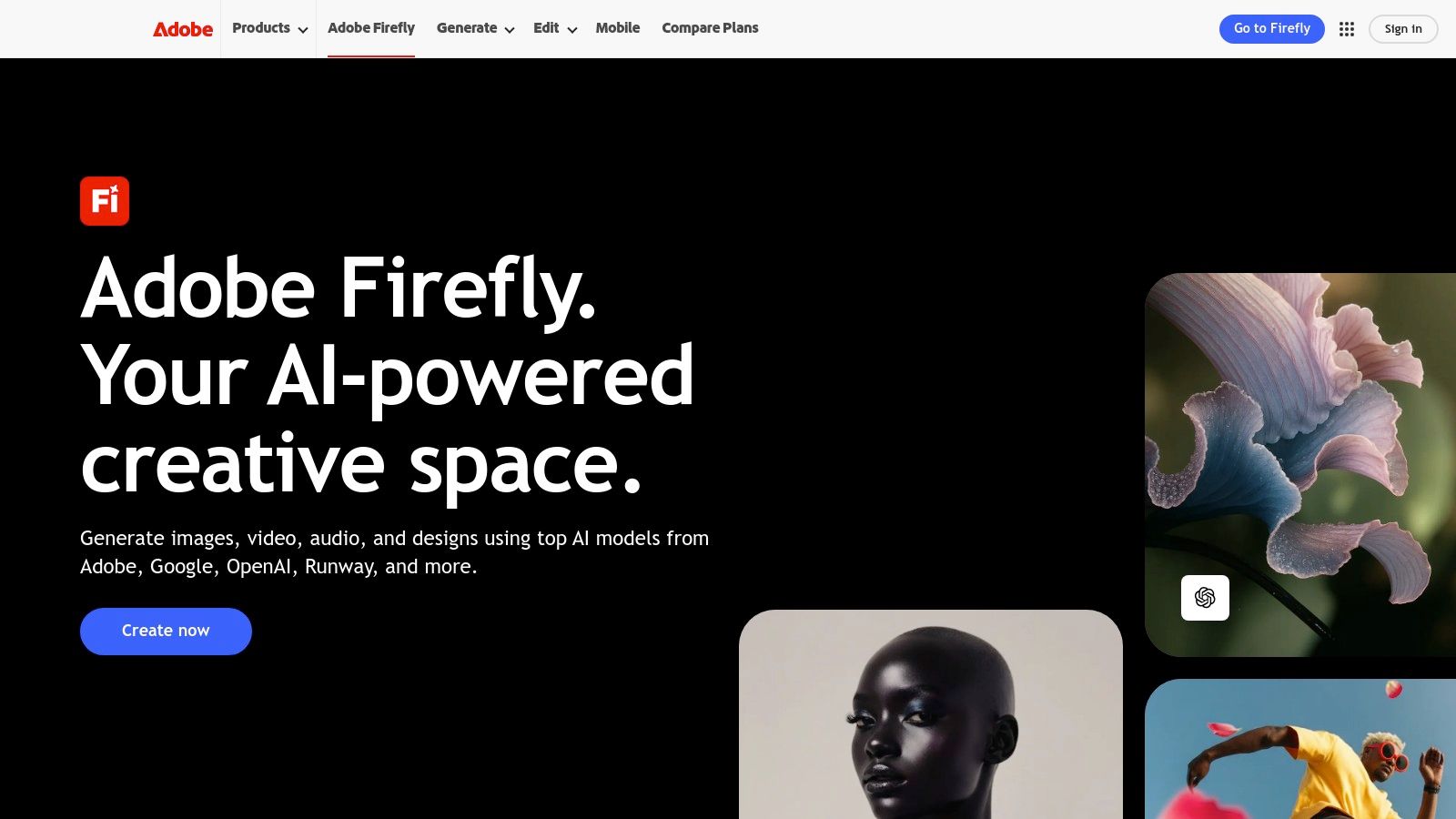
What sets Firefly apart is its focus on commercial safety and production polish. The models are trained on licensed Adobe Stock content, providing clear licensing and indemnification for commercial use. Instead of just generating clips, Firefly excels at tasks like Generative Extend to change aspect ratios or Generative Fill to remove unwanted objects, all within a familiar editing timeline. This makes it less of a pure generator and more of an AI-assisted production tool.
Key Features & User Experience
For existing Adobe users, the experience is intuitive, with Firefly tools appearing as new options within their current software. Key features include:
- Generative Extend/Fill: AI-powered tools to seamlessly alter or add to existing video footage.
- Text-to-Video Generation: Create short, five-second clips from text prompts for B-roll or concept art.
- Creative Cloud Integration: Firefly credits are usable across all Adobe apps, from Photoshop to Premiere Pro.
- Commercial Safety: All generated content is designed to be commercially safe, a crucial factor for monetized YouTube channels.
Pricing and Access
Firefly's features are accessed through a Creative Cloud subscription, which includes a monthly allotment of "generative credits." Free plans offer a small number of credits to start. Paid plans (like the full Creative Cloud suite) provide a larger monthly credit pool, with options to purchase additional credits as needed. This model is straightforward for existing subscribers.
| Pros | Cons |
|---|---|
| Tight workflow to Premiere/After Effects for final polish | Generative clip lengths are short and require editing |
| Clear credit accounting and enterprise-grade support | Heavier learning curve compared with template-first tools |
| Designed for safe commercial use on YouTube | Premium video features consume credits quickly |
Website: https://www.adobe.com/products/firefly
5. Synthesia
Synthesia is a leader in AI avatar-led video, making it an excellent choice for faceless YouTube channels, corporate training, and educational content. It’s one of the best AI video generators for YouTube specifically for talk-to-camera formats, allowing you to create polished, professional presenter videos without a camera or microphone. The platform excels at transforming scripts into engaging explainers, tutorials, and localized content for a global audience.
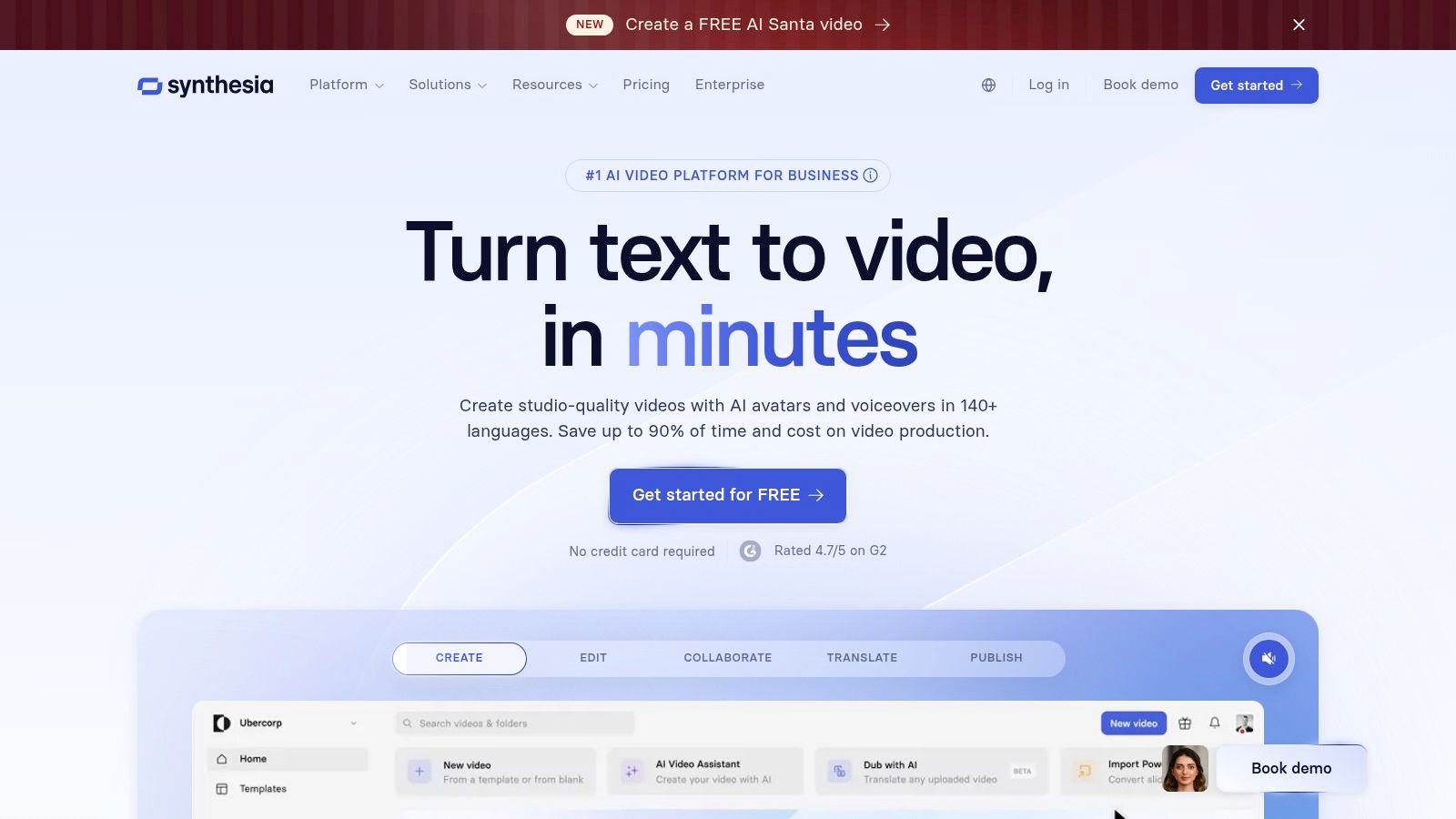
What sets Synthesia apart is its scalability and localization power. Its extensive library of stock avatars and support for over 140 languages, complete with automatic lip-sync, makes it invaluable for creators aiming to expand their reach. Instead of reshooting videos for different markets, you can generate multiple language versions from a single script. This workflow efficiency is ideal for producing video series or updating content regularly. For creators interested in how this compares to other AI video tools, you can learn more about Synthesia on AuralumeAI.com.
Key Features & User Experience
Synthesia offers a streamlined, user-friendly interface focused on script-to-video production. Key features include:
- AI Avatars: A large library of high-quality stock avatars, with options to create custom personal or studio avatars.
- Multi-Language Support: Generate videos in over 140 languages with accurate AI-powered dubbing and lip-sync.
- AI Video Assistant: An automated tool that helps script, structure, and generate video drafts from a simple prompt.
- Templates & Branding: Pre-made templates and tools to upload brand assets for consistent channel branding.
Pricing and Access
Synthesia offers several subscription tiers. The Personal plan (starting around $22/month) provides a set number of video minutes per month. The Creator and Enterprise plans offer more minutes, custom avatars, and collaboration features. While it is not a credit-based system, usage is metered by video duration, so high-volume producers will need a higher-tier plan.
| Pros | Cons |
|---|---|
| High-quality, realistic avatars and voices | Best suited for presenter-style content, not cinematic scenes |
| Scales well for series production and localization | Creator plan costs can add up for high-volume usage |
| Excellent for tutorials and corporate training | Limited creative flexibility compared to generative video tools |
Website: https://www.synthesia.io
6. HeyGen
HeyGen specializes in avatar-driven content, positioning itself as the best AI video generator for YouTube creators focused on presenter-style videos. Instead of generating cinematic scenes, HeyGen allows you to produce high-quality talking head videos from just a script. It excels at creating educational content, product tutorials, and corporate communications without needing a camera, microphone, or on-screen talent.
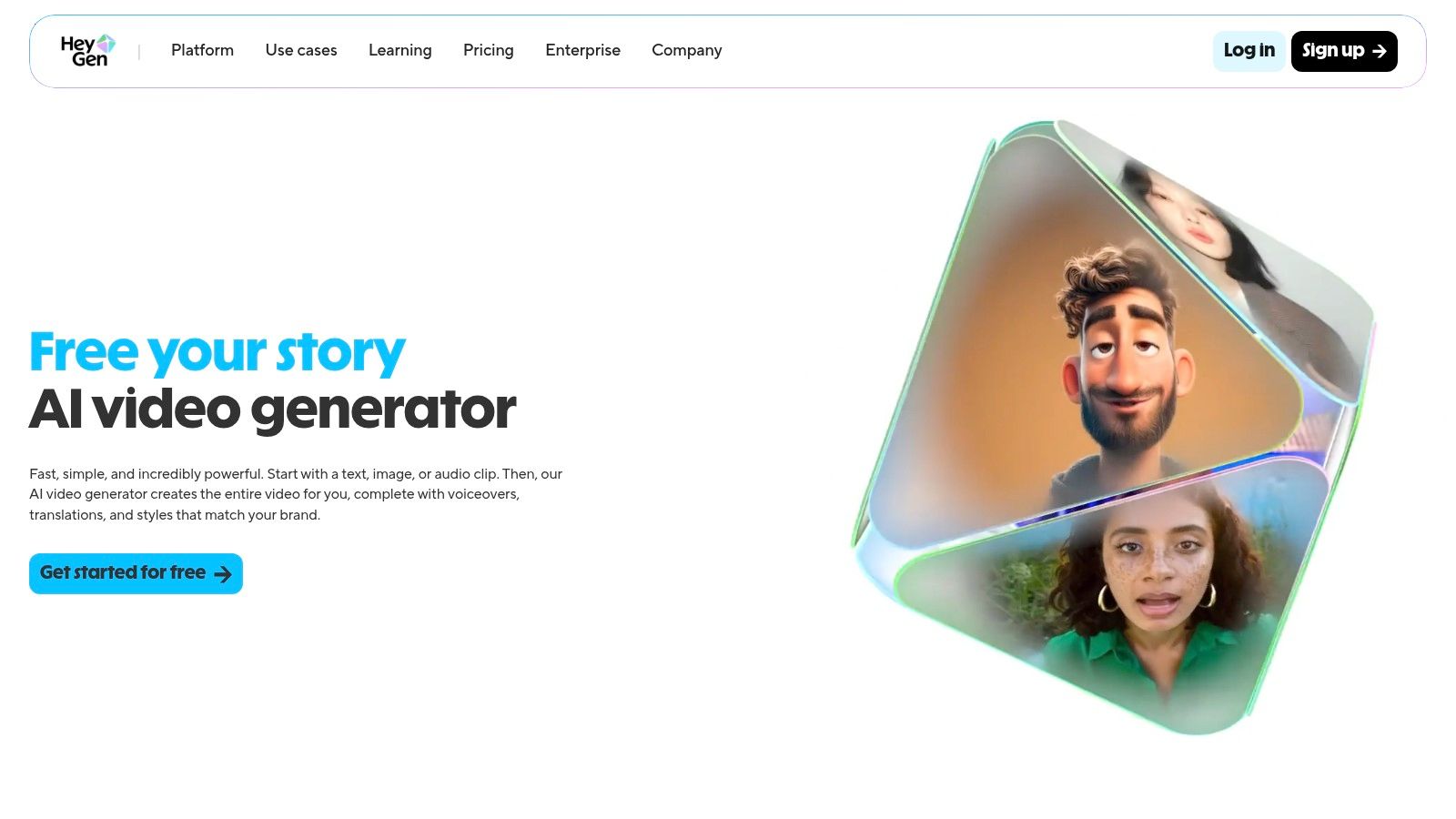
What makes HeyGen stand out is its library of over 500 stock avatars and the ability to create custom photo-realistic avatars. Its AI-powered lip-syncing and voice cloning are remarkably realistic, supporting over 30 languages to help YouTubers reach a global audience. This streamlined workflow is ideal for creators who need to produce consistent, branded video content quickly and at scale.
Key Features & User Experience
HeyGen’s interface is clean and straightforward, guiding users from script to final video with minimal friction. Key features include:
- Avatar Library: A massive selection of stock avatars and the option to create a custom avatar from a photo.
- AI Script & Voiceover: Generate scripts and pair them with realistic AI voices and precise lip-sync.
- Multi-Language Support: Easily translate and dub videos into more than 30 different languages.
- Canva Integration: A notable feature is its app within Canva, allowing direct creation inside a familiar design workflow.
Pricing and Access
HeyGen uses a freemium model. The free plan provides a small number of credits to test the platform but includes a watermark. Paid plans (starting around $24/month for the Creator tier) offer more credits, remove the watermark, and provide access to premium voices and HD exports, which are essential for YouTube.
| Pros | Cons |
|---|---|
| Very low effort to produce presenter videos quickly | Focus is on avatars, not open-ended cinematic scenes |
| Free plan is great for testing concepts | Free exports include a watermark |
| Excellent lip-sync and a large library of avatars | HD quality and branding controls require a paid subscription |
Website: https://www.heygen.com
7. InVideo AI
InVideo AI excels at rapid, workflow-driven video creation, making it a strong contender as the best AI video generator for YouTube for users who prioritize speed and efficiency. Instead of focusing on cinematic clip generation, it automates the entire script-to-video process. You provide a prompt, and the platform generates a script, selects relevant stock footage, adds voiceovers, and assembles a full video draft within minutes, making it ideal for tutorials, listicles, and promotional content.
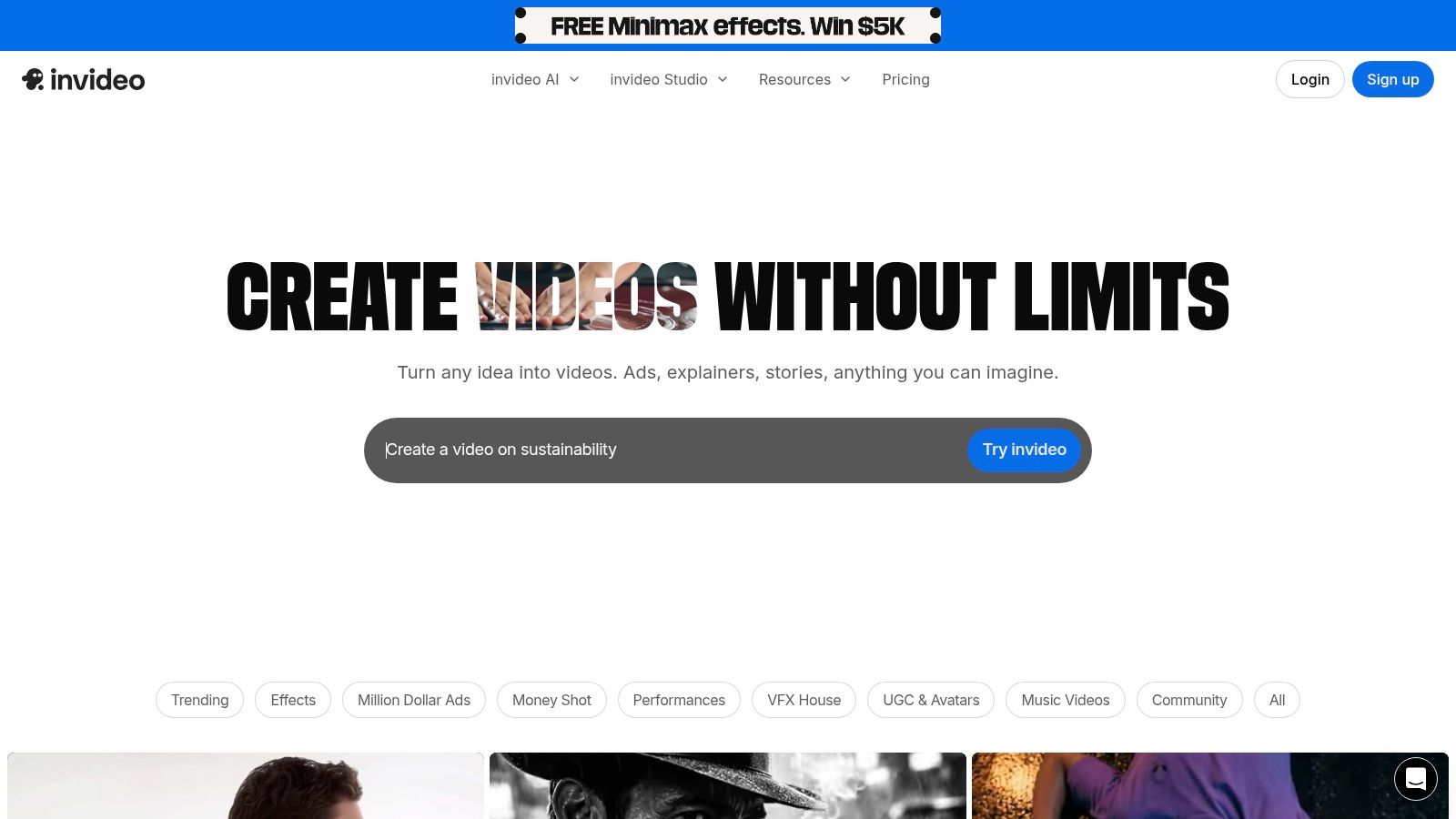
What sets InVideo AI apart is its focus on assembly over pure generation. It acts as an AI-powered production assistant, pulling from a massive library of templates and stock media to construct videos based on your instructions. This template-based approach significantly lowers the barrier to entry for non-editors, allowing them to produce polished, ready-to-publish videos with minimal effort.
Key Features & User Experience
The user experience is designed for simplicity and speed, guiding you from a single prompt to a fully edited video. Key features include:
- AI Script & Voiceover: Automatically generates scripts and adds a synthetic voiceover based on your initial topic.
- Extensive Template Library: Offers thousands of pre-made templates for various YouTube formats like intros, outros, and listicles.
- Stock Media Integration: Includes a vast library of stock video, images, and music to quickly add B-roll and scoring.
- AI Avatars: Allows you to add a talking head presenter to your videos without filming.
Pricing and Access
InVideo AI offers a free plan that provides limited generative features and may include watermarks on exports. Paid plans (starting around $20/month when billed annually) unlock more AI generations, remove watermarks, and provide access to premium stock media and features, making them essential for serious YouTube creators.
| Pros | Cons |
|---|---|
| Extremely easy for non-editors to create complete videos | Visual output can feel generic without customization |
| Fast workflow from prompt to a finished draft | Free plan is quite limited for regular use |
| Robust template and stock media library | Lacks the advanced cinematic quality of other generators |
Website: https://invideo.io
8. Pictory
Pictory excels at transforming long-form text into engaging videos, making it a top contender as the best AI video generator for YouTube for content creators focused on faceless channels, listicles, and tutorials. Instead of generating novel footage from a prompt, it intelligently analyzes your script or blog post, finds relevant stock video clips, and assembles them into a cohesive narrative complete with AI voiceovers and automatic captions. This streamlined process is ideal for turning written content into video formats quickly.

What makes Pictory stand out is its efficiency for specific YouTube niches. If your channel relies on explaining concepts, summarizing articles, or presenting "Top 10" style videos, its script-to-video pipeline automates the most time-consuming parts of production. The integration with vast stock libraries and high-quality AI voices means you can produce a polished video in minutes, not hours, a workflow many content creators can appreciate. To learn more about how Pictory fits into different content strategies, explore our resources at AuralumeAI.
Key Features & User Experience
Pictory’s interface is designed for speed and simplicity. The workflow guides you from script to final video without a steep learning curve. Key features include:
- Text-to-Video Pipelines: Automatically create videos from scripts or by simply pasting a blog post URL.
- Vast Stock Libraries: Access to millions of clips from Storyblocks and Getty Images to illustrate your points.
- AI Voices & Auto-Captions: Choose from a wide range of realistic AI narrators and get burned-in captions instantly.
- Branding Kits: Easily apply your channel's logo, fonts, and colors across all your videos for consistency.
Pricing and Access
Pictory offers a free trial to test its core features, which produces watermarked videos. Paid plans are subscription-based (starting around $19/user/month) and are structured around the number of video minutes you can export. Higher tiers unlock more premium stock assets, higher-quality AI voices, and brand kit customization. The pricing is transparent and tied directly to output volume.
| Pros | Cons |
|---|---|
| Extremely fast workflow for listicles and explainers | Limited control over cinematic or complex visuals |
| Excellent integration of stock footage and AI voice | Videos can look generic without custom asset uploads |
| Clear pricing based on video minutes produced | Not designed for generative (text-to-video) creation |
Website: https://pictory.ai
9. Descript
Descript approaches AI video from a completely different angle, positioning itself as an AI-first editor rather than just a generator. It's one of the best AI video generators for YouTube for creators whose workflow revolves around recorded footage, like podcasts, tutorials, and talking-head videos. Its core innovation is text-based video editing, where you edit your video simply by editing the auto-generated transcript.
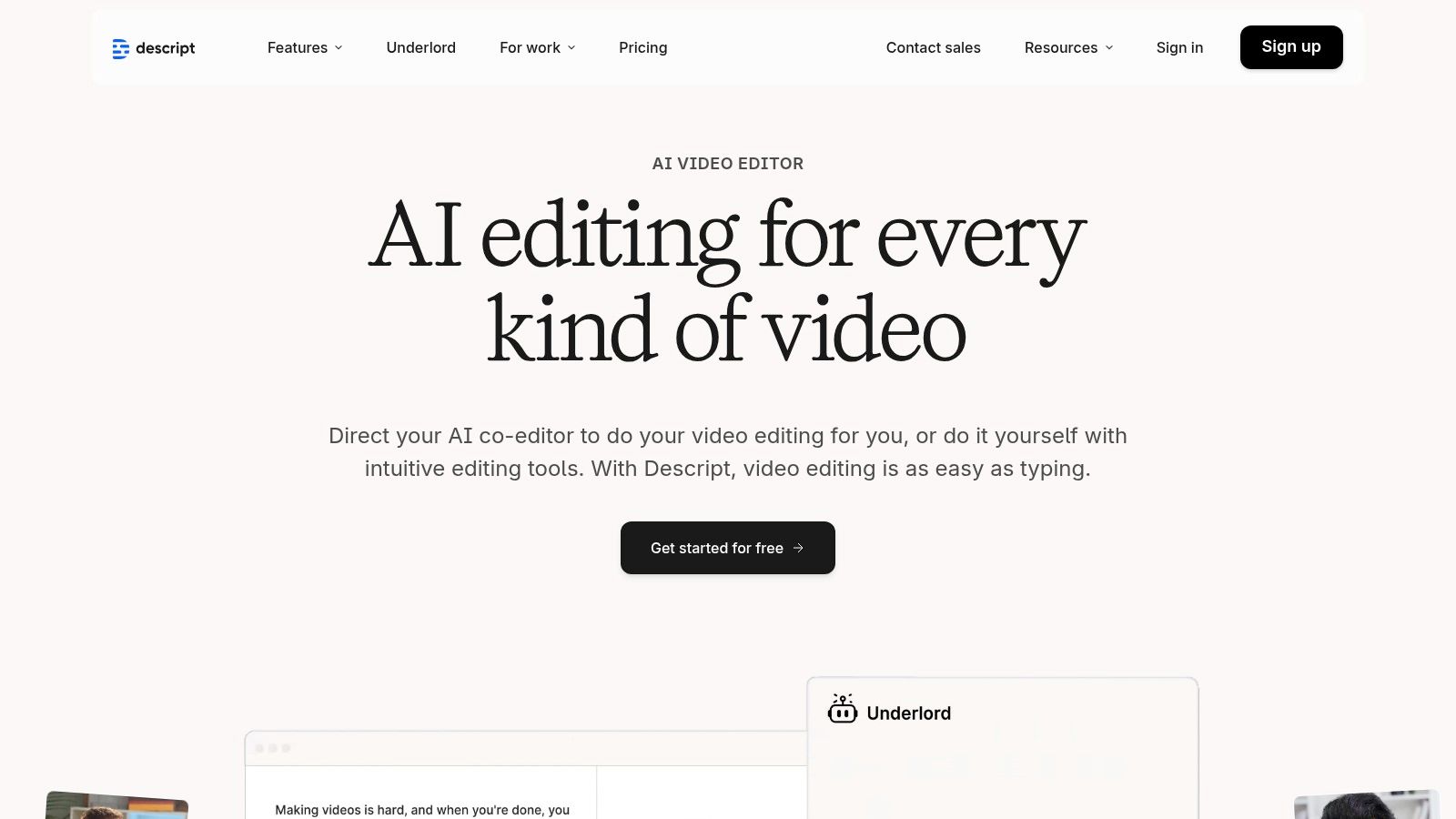
What makes Descript unique is its end-to-end workflow consolidation. You can record your screen and camera, instantly remove filler words like "um" and "uh," clean up audio with its impressive Studio Sound feature, and then use its AI tools to generate visuals, create animated captions, or even clone your voice for corrections. This all-in-one approach saves immense time, especially when repurposing a long video into multiple YouTube Shorts. For more insights on how these tools fit into a modern workflow, check out the resources from platforms like Auralume AI.
Key Features & User Experience
Descript’s interface is clean and intuitive, blending a word processor with a video timeline. Its primary features are built for efficiency:
- Text-Based Editing: Edit video by deleting text from the transcript.
- Studio Sound: One-click audio enhancement that removes background noise and echo.
- AI Green Screen: Automatically removes the background from your video without a physical green screen.
- Overdub & Avatars: Create an AI clone of your voice for easy audio corrections and generate AI avatars.
Pricing and Access
Descript offers a free plan with limited transcription and one watermark-free export per month. Paid plans start at around $12/editor/month and unlock more features, higher export quality (including 4K), and remove watermarks. AI features like Overdub and Studio Sound are often tied to credit-based usage limits within each tier.
| Pros | Cons |
|---|---|
| End-to-end workflow from recording to publishing | AI features operate on a credit/quota system |
| Text-based editing is incredibly fast for dialogue | Less focused on pure text-to-video cinematic generation |
| Powerful audio cleanup and filler word removal tools | Advanced features are locked behind paid tiers |
Website: https://www.descript.com
10. Kapwing
Kapwing positions itself as an accessible, collaborative online video editor supercharged with AI. It’s an excellent choice for creators who need more than just a generator, offering a full suite of tools for producing and repurposing content. For YouTubers, Kapwing stands out as one of the best AI video generators for YouTube when the goal is speed, teamwork, and preparing videos for multiple platforms, especially Shorts.

What makes Kapwing so practical is its integration of AI tools directly into a familiar editing timeline. You can generate a video from a script, find B-roll, auto-generate subtitles, and even translate and dub audio all within one browser tab. This streamlined workflow is ideal for teams managing a channel or creators who need to quickly transform a long-form video into engaging, accessible short-form content with accurate captions.
Key Features & User Experience
Kapwing’s user interface is clean, intuitive, and built for collaboration, resembling a simplified version of traditional desktop editors. Its standout features for YouTube creators include:
- AI-Powered Tools: Includes an AI video generator, script tools, B-roll finder, and auto-subtitling.
- Accessibility Features: Strong auto-subtitling, translation, and text-to-speech with lip-sync capabilities on higher tiers.
- High-Quality Export: Paid plans offer up to 4K export, ensuring your videos look crisp on YouTube.
- Team Collaboration: Features like shared workspaces, comments, and brand kits make it perfect for teams.
Pricing and Access
Kapwing uses a freemium model. The free plan is great for testing but includes a watermark and has resolution and time limits. The Pro plan (around $16/user/month billed annually) removes watermarks, unlocks 4K export, and provides more storage and access to AI features. AI tools operate on a credit system, which you must monitor as you use them.
| Pros | Cons |
|---|---|
| All-in-one editor and AI generator simplifies workflow | Free plan is limited by watermarks and resolution caps |
| Excellent subtitling and translation tools for accessibility | AI features consume credits that must be managed |
| Strong collaboration features for YouTube teams | AI generation quality may not match specialized tools |
Website: https://www.kapwing.com
11. Wondershare Filmora (AI features)
Wondershare Filmora takes a different approach by integrating AI tools directly into a traditional, desktop-based video editor. Instead of being a pure generation platform, it uses AI to augment and speed up a familiar workflow. This makes it one of the best AI video generators for YouTube for creators who want the granular control of a timeline editor while benefiting from AI-powered assists like text-to-video, auto re-framing, and object removal.

What sets Filmora apart is its hybrid model. You aren't just prompting clips; you're using AI to create assets, generate scripts, or automate tedious editing tasks within a full-featured NLE (non-linear editor). This is ideal for YouTubers who need to combine AI-generated content with screen recordings, camera footage, and branded graphics, maintaining complete control over the final product.
Key Features & User Experience
Filmora’s interface will be immediately familiar to anyone who has used a standard video editor. The AI tools are integrated as accessible functions within this environment.
- Integrated AI Tools: Over 20 AI features, including text-to-video, AI voiceovers, and an AI music generator.
- Filmstock Library: Access to a vast library of stock footage, effects, and music to supplement AI creations.
- Cross-Platform Licensing: Use the software on both Windows and macOS with a single license.
- Full Editing Suite: Retain total control over cuts, color grading, audio mixing, and effects.
Pricing and Access
Filmora offers both subscription and perpetual (one-time purchase) licenses, providing flexibility. Subscriptions start around $29.99 quarterly. While many features are included, some of the more advanced AI functions operate on a separate credit system, which requires an additional purchase or is bundled with higher-tier plans.
| Pros | Cons |
|---|---|
| Familiar timeline editor gives full control | Desktop install is required vs. web-only convenience |
| One-time perpetual license option is available | Some AI features require extra credits or add-ons |
| Combines AI generation with traditional editing tools | AI generation quality may not match dedicated platforms |
Website: https://filmora.wondershare.com
12. Google One AI Plans (Gemini Advanced/AI Ultra)
For users deeply invested in the Google ecosystem, the Google One AI plans offer a convenient, all-in-one subscription to access cutting-edge tools. While not a standalone video platform, it’s one of the best AI video generators for YouTube if your goal is ecosystem integration. The service bundles Google's powerful Gemini Advanced and Veo-based video generation with cloud storage and Workspace features, making it ideal for creating short clips and B-roll directly within your existing workflow.

What sets this apart is the bundled value. A single subscription unlocks multiple AI capabilities beyond just video, from advanced text generation in Docs to AI features in Meet. The upcoming Flow (filmmaking) and Whisk (image-to-video) tools on the AI Ultra tier promise to bring more specialized, creative control, positioning Google as a serious contender for creators who prioritize convenience and integration over a dedicated, standalone video tool.
Key Features & User Experience
Accessing video generation is streamlined through the existing Google interface, making it familiar for current users. Key features are tied to the subscription tier:
- Veo 3.x Access: High-quality text-to-video generation is available through the Gemini Advanced and Ultra tiers.
- Creative Tools: The forthcoming Flow and Whisk tools on the Ultra plan will offer more advanced filmmaking and animation controls.
- Ecosystem Integration: Seamlessly ties into Google Workspace, Drive, and Photos for a unified content creation process.
- Bundled Services: Includes 2TB to 30TB of cloud storage and premium access to other Google One benefits.
Pricing and Access
Google One AI plans are subscription-based, starting with the AI Premium plan which bundles Gemini Advanced and 2TB of storage. Access to the most powerful video tools like Flow and Whisk will require the higher-priced AI Ultra plan. Carrier promotions and bundles can sometimes reduce the cost, making it an attractive package deal for those already using Google services heavily.
| Pros | Cons |
|---|---|
| Convenient single subscription for many Google AI tools | Generated clips are short and subject to limits |
| Strong integration with Workspace and Google Drive | Best video tools are locked behind the expensive Ultra plan |
| Promotions can lower the overall cost of access | Still in development compared to dedicated video tools |
Website: https://one.google.com/intl/en/about/google-ai-plans/
Top 12 AI Video Generators for YouTube — Feature Comparison
| Platform | Core features | UX / Quality (★) | Pricing / Value (💰) | Target audience (👥) | Unique selling points (✨) |
|---|---|---|---|---|---|
| Auralume AI 🏆 | Aggregates top text→video & image→video models; Prompt Wizard; Image/Video Upscalers | ★★★★☆ — pro-level clips, model choice | 💰 Pay-as-you-go 500/$10; Starter $31.20/mo (yr); Pro $79.20/mo (yr); credits never expire | 👥 Creators, marketers, filmmakers, designers | ✨ Prompt Wizard, multi‑model marketplace, upscalers, Stealth Mode |
| Runway | Gen‑3/Gen‑4 text/image/video + editor, team workspaces | ★★★★ — very fast iteration & practical editor | 💰 Credits + Unlimited "Explore" tier options | 👥 Creators & small studios | ✨ Fast Gen models + integrated editing & upscaling |
| Luma AI (Dream Machine) | Ray models, draft/final modes, 4K/HDR upscaling, reframe/modify | ★★★★ — realistic motion & physics for short clips | 💰 Free (watermarked); Plus+/paid remove watermark & commercial rights | 👥 YouTubers & filmmakers for short cinematic clips | ✨ Strong motion realism; 4K/HDR outputs |
| Adobe Firefly + Premiere | Short generative clips, fills/extend, Premiere/AE integration | ★★★★ — polished pipeline for finishing | 💰 Firefly credits; included in CC subscriptions | 👥 Professional editors & agencies using Adobe CC | ✨ Seamless Premiere/AE workflow + licensing clarity |
| Synthesia | AI avatars, 140+ languages, lip-sync, templates & API | ★★★★ — high-quality presenter-style output | 💰 Tiered subscriptions for scale & localization | 👥 Explain ers, course creators, localization teams | ✨ Large avatar library + extensive language support |
| HeyGen | 500+ avatars, script→video, realistic lip-sync, integrations | ★★★★ — quick presenter videos with good lip-sync | 💰 Free tier (watermark); Creator paid tiers | 👥 Marketers & creators needing fast presenter content | ✨ Canva app integration; easy custom photo avatars |
| InVideo AI | Script→video, templates, stock media, rapid exports | ★★★ — fast drafts & templated assembly | 💰 Free limited; paid for HD exports & templates | 👥 Non-editors, social creators & small teams | ✨ Extensive templates + fast turnarounds |
| Pictory | Article/script→video, stock b-roll, auto-captions, brand kits | ★★★ — efficient long-form repurposing | 💰 Minutes quotas; paid plans remove watermarks | 👥 Faceless channels, bloggers, educators | ✨ Blog-to-video pipeline + large stock libraries |
| Descript | Text-based editing, Studio Sound, avatars, dubbing & publishing | ★★★★ — end-to-end for talking-head workflows | 💰 Tiered plans with AI minutes; 4K on Creator tier | 👥 Podcasters & creators recording talking-heads | ✨ Text-based video/audio editing + superior audio cleanup |
| Kapwing | Browser editor, AI video, subtitling, dubbing, collaboration | ★★★ — easy UI & strong subtitling/dubbing | 💰 Free (watermark); Business for 4K/TTS & team features | 👥 Teams & social creators repurposing content | ✨ Collaboration + auto-subtitling & translation |
| Wondershare Filmora | Timeline editor + 20+ AI features, Filmstock library | ★★★ — familiar timeline control with AI assists | 💰 Perpetual or subscription licenses; add-on credits | 👥 Traditional editors wanting AI assists | ✨ Perpetual licensing option + large asset ecosystem |
| Google One AI Plans (Gemini) | Access to Veo/Flow/Whisk; image→video tools; storage bundles | ★★★ — short prompt-to-clip within Google ecosystem | 💰 Google One tiers (2TB–30TB); Ultra unlocks premium tools | 👥 Google ecosystem users & filmmakers experimenting | ✨ Bundled storage + Gemini tools; Flow/Whisk on Ultra |
Choosing Your Creative Partner: Making the Final Cut
Navigating the expansive landscape of AI video generation can feel overwhelming, but as we've explored, the "best" tool is rarely a one-size-fits-all solution. The key takeaway is that your specific YouTube channel goals should dictate your choice. This isn't just about picking a generator; it's about selecting a creative partner that aligns with your content strategy, workflow, and aesthetic vision.
From our deep dive into over a dozen platforms, a clear pattern emerges. Tools like Synthesia and HeyGen have mastered the art of AI avatars and presenter-led videos, making them ideal for corporate training, educational content, or faceless channels. On the other end, established editors like Adobe Premiere Pro and Wondershare Filmora are brilliantly integrating AI features, offering a hybrid approach for creators who want AI-powered assistance within a traditional editing environment.
Matching the Tool to Your YouTube Channel
Making the right decision requires a clear understanding of your primary use case. Before you commit, ask yourself these critical questions:
- What is my main content type? Are you creating cinematic B-roll for travel vlogs, animating still images for historical documentaries, or producing quick, engaging YouTube Shorts from text prompts?
- What is my technical skill level? Do you prefer a simple, template-driven interface like Pictory or a more advanced, multi-model platform that offers granular control?
- What is my budget? Are you looking for a predictable subscription or a flexible, pay-as-you-go credit system that scales with your production needs?
For creators aiming for the highest cinematic quality and creative flexibility, a multi-model aggregator like Auralume AI presents a compelling advantage. By providing access to top-tier models like Google Veo and OpenAI Sora and simplifying the creative process with its Prompt Wizard, it empowers you to produce breathtaking visuals without deep technical expertise. This makes it an exceptional choice for generating high-end B-roll, concept art, and unique animations that make a channel stand out.
Ultimately, the best AI video generator for YouTube is the one that you will actually use-the one that seamlessly integrates into your workflow and empowers your creative expression. Don't be afraid to experiment. Nearly every tool on this list offers a free trial or a starter plan, providing a risk-free way to test their capabilities. As you finalize your creative toolkit, consider exploring a wider array of essential tools for content creators that can complement AI video generators and further enhance your production capabilities.
The AI video revolution is here, and it's putting the power of a Hollywood studio into the hands of individual creators. By choosing wisely, you can unlock new levels of creativity, accelerate your production schedule, and captivate your audience like never before. The perfect partner for your YouTube journey is waiting.
Ready to create stunning, cinematic video content that sets your YouTube channel apart? Auralume AI gives you access to the world's most advanced video generation models in one simple, flexible platform. Start creating with Auralume AI today and bring your most ambitious creative visions to life.