
Best AI Video Generators: Top Picks for 2025
AI video generation has moved from a futuristic concept to a practical tool for creators, marketers, and businesses. With models like Google's Veo setting new standards for quality, the market is now filled with powerful platforms that can turn a simple text prompt, image, or script into compelling video content. But with so many options, each with unique strengths, pricing models, and ideal use cases, choosing the right one can be overwhelming.
This guide cuts through the noise. We've conducted a deep-dive analysis of the 12 best AI video generators available today, evaluating them not just on features but on practical application and real-world results. We'll explore who each tool is for, from social media managers needing quick, engaging clips to cinematic artists pushing the boundaries of generative art.
You will find a detailed breakdown of each platform, complete with sample outputs, screenshots, pros, cons, and direct links to get started. We cover everything from pure text-to-video synthesis and image animation to AI avatar creation and automated video editing from existing content. While this guide focuses specifically on video, a broader creative workflow often involves other tools. To explore a wider range of AI applications for content creation, including those beyond video, consider these 12 best AI tools for content creators.
By the end of this comprehensive review, you'll have a clear framework for selecting the perfect AI partner for your next video project, ensuring you invest your time and budget wisely. Let's get started.
1. Auralume AI
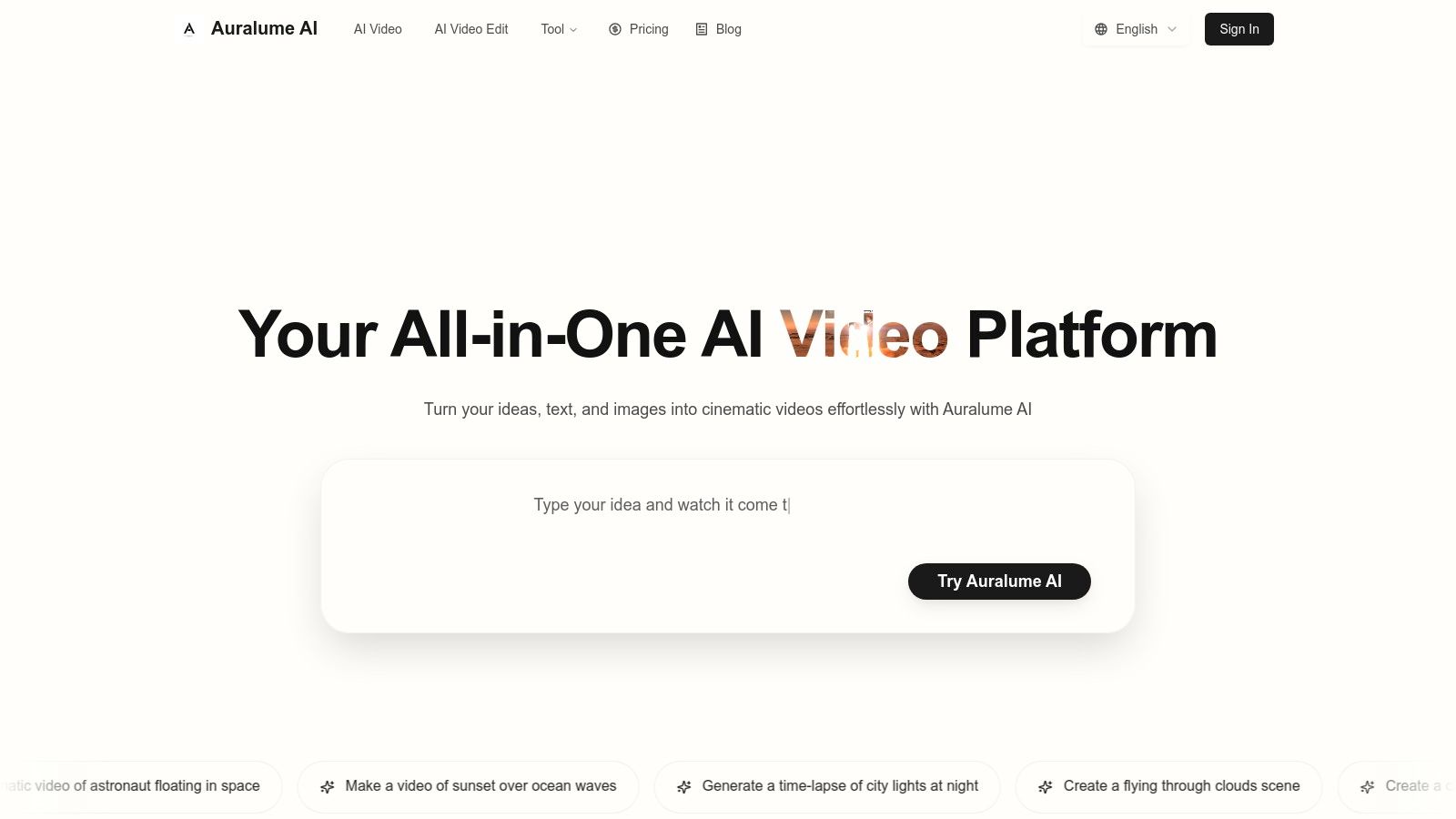
Auralume AI positions itself as a powerful, all-in-one AI video generation platform, consolidating the industry’s top-tier models into a single, streamlined workspace. It stands out by removing the need for creators to juggle multiple subscriptions and interfaces. Instead, users can access leading engines like Google Veo, Sora, Pika, and Kling from one dashboard, selecting the optimal model for each specific project, whether it's a cinematic short or a vibrant social media clip.
This multi-model approach is a significant advantage, but Auralume's true strength lies in its accessibility. The built-in Prompt Wizard acts as an intelligent co-pilot, automatically optimizing and refining user inputs to achieve professional-grade results. This feature effectively lowers the barrier to entry, empowering marketers, designers, and educators to create stunning visuals without deep technical expertise. It’s a key reason why Auralume is one of the best AI video generators for teams that need to produce high-quality content quickly.
Key Features and Use Cases
Beyond core text-to-video generation, Auralume provides a suite of tools designed to enhance creative workflows. The Image→Video feature animates still images, adding natural motion and depth, which is ideal for artists and photographers looking to bring their static work to life. Integrated Image and Video Upscalers further refine final outputs, ensuring visual fidelity meets professional standards.
Practical Applications:
- Marketing & Ads: Quickly generate product clips, promotional content, and social media ads.
- Creative Prototyping: Visualize concepts for films, animations, or campaigns with rapid iteration.
- Digital Art: Transform static illustrations or photos into dynamic, animated pieces.
- Education: Create engaging explainer videos and educational visuals for online courses.
Pricing and Plans
Auralume offers a flexible pricing structure that caters to different usage levels. The pay-as-you-go option is excellent for sporadic projects, with credits that never expire. For consistent users, subscription plans provide a larger monthly credit allotment and faster generation speeds. The Pro plan includes a crucial "Stealth Mode" feature, preventing generations from appearing in the public gallery, a must-have for agencies and brands handling sensitive client work.
| Plan | Price (Billed Yearly) | Monthly Credits | Key Feature |
|---|---|---|---|
| Pay-as-you-go | $10 | 500 (one-time) | Credits don't expire |
| Starter | $31.20/month | 2,300/month | Standard response speed |
| Pro | $79.20/month | 6,600/month | Priority speed & Stealth Mode |
- Pros:
- Aggregates the best video models (Google Veo, Sora, etc.) in a single platform.
- Prompt Wizard lowers the learning curve and improves output quality.
- Flexible billing with non-expiring pay-as-you-go credits.
- Built-in upscalers and image-to-video tools add significant value.
- Cons:
- Generations on the Starter plan are public by default.
- Learning which model works best for specific styles can take time and credits.
Website: https://auralumeai.com
2. Google Vertex AI – Veo
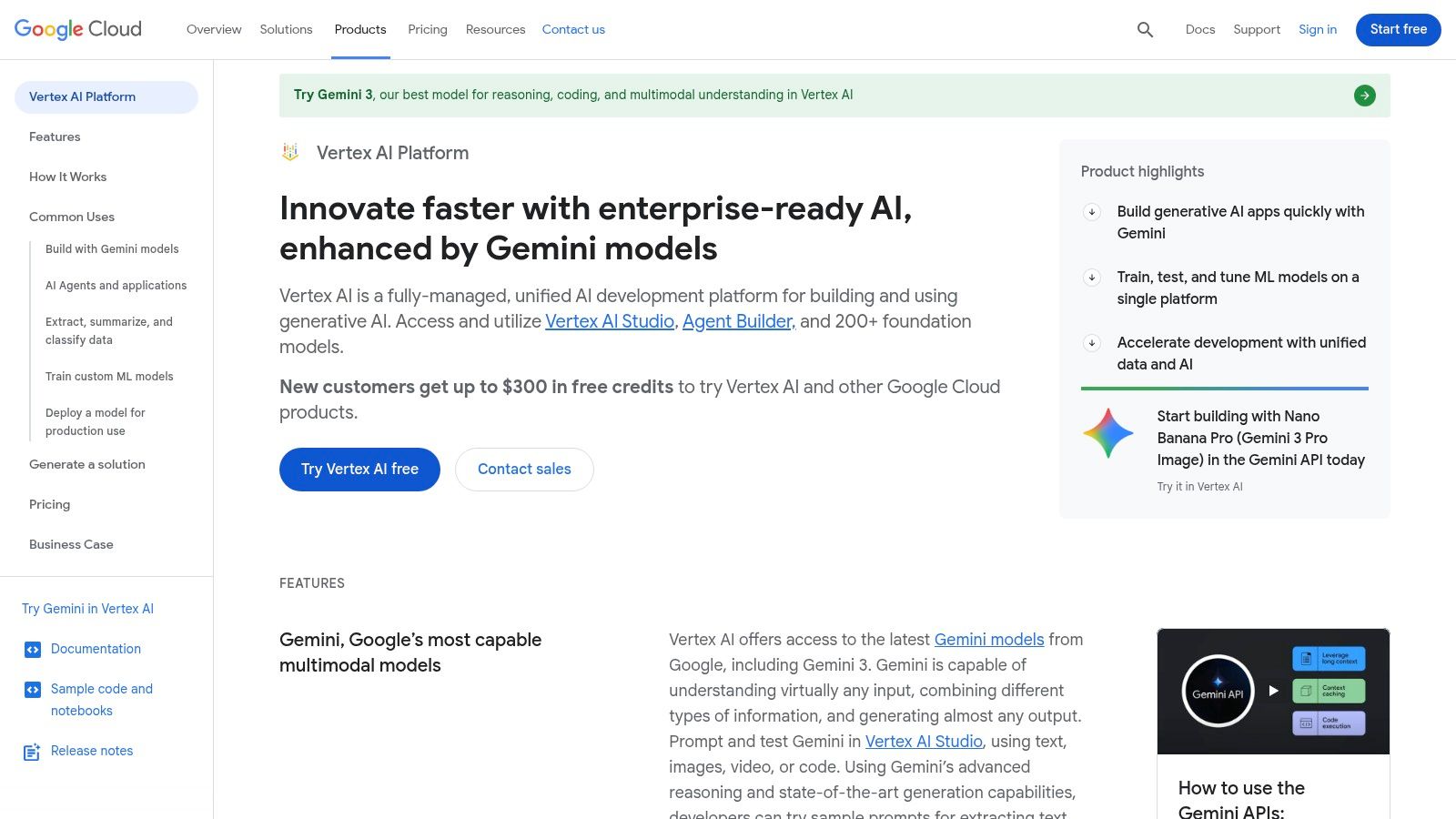
Google's entry into the high-end AI video space, Veo, is tailored for developers and businesses needing production-grade video generation integrated directly into their applications. Accessed via the Vertex AI platform and Gemini API, Veo is less a consumer-facing tool and more a powerful engine for building custom video workflows. It excels at creating high-fidelity, 1080p clips from text or image prompts, with sophisticated controls over stylistic elements and scene dynamics.
Unlike self-contained web apps, Veo is an API-first service. This makes it one of the best AI video generators for teams wanting to automate video production at scale, integrate AI video into existing software, or build new products on top of Google’s infrastructure. The platform supports both landscape and vertical (9:16) formats, making it versatile for everything from cinematic prototypes to social media content.
Key Features & Use Cases
- API-First Integration: Built for developers to programmatically generate video, enabling automation and custom application development.
- High-Fidelity Output: Capable of generating consistent and detailed 1080p video clips with nuanced understanding of visual concepts.
- Enterprise-Ready: Comes with Google Cloud’s security, SLAs, and support, making it suitable for business-critical applications.
- Pay-Per-Use Pricing: The usage-based model is cost-effective for experimentation but can become expensive for high-volume projects.
The platform's true power is unlocked through precise commands. To get the most out of it, consider mastering prompts with a Veo3 Prompt Guide to refine your video generation capabilities.
Ideal For: Development teams, SaaS companies, and large enterprises that need a scalable, API-driven solution for programmatic video creation.
- Website: https://cloud.google.com/vertex-ai
- Pricing: Pay-per-second of generated video via Google Cloud API billing.
- Pros: Production-grade API, frequent model updates, and usage-based pricing.
- Cons: Requires Google Cloud setup and developer expertise; not for casual creators.
3. Luma AI – Dream Machine
Luma AI’s Dream Machine has rapidly become a creator-favorite for its blend of high-quality output and user-friendly web interface. Positioned as a direct competitor to top-tier models, it excels at generating fluid, imaginative, and physically plausible video from simple text prompts or still images. Its ability to produce cinematic scenes with consistent character and object motion makes it a standout choice for creators who need polished results without a steep learning curve or API integration.
What makes Dream Machine one of the best AI video generators is its accessibility combined with powerful features. It offers a tiered system from a generous free plan to enterprise solutions, allowing users to start experimenting immediately. With options for extending clips, upscaling to 4K, and choosing between fast drafts or high-fidelity final renders, the platform provides a flexible workflow for social media content, artistic animations, and professional prototyping.
Key Features & Use Cases
- Text & Image to Video: Generates 5-second video clips from either descriptive text prompts or by animating a source image.
- Extend & Upscale: Paid plans allow users to extend video clips for longer narratives and upscale the final output to a crisp 4K resolution.
- Draft vs. High-Fidelity Modes: Users can generate quick "draft" videos to test ideas or use more credits for higher-quality, more detailed results.
- Commercial Use Tiers: The Plus, Pro, and Premier plans grant commercial usage rights and remove the Luma AI watermark, making it suitable for business projects.
The platform is designed for rapid iteration. For best results, use the draft mode to refine your prompt and camera motion ideas before committing credits to a full, high-quality generation.
Ideal For: Social media creators, artists, and small businesses needing a fast, web-based tool for creating high-quality cinematic clips and animations without coding.
- Website: https://lumalabs.ai/dream-machine
- Pricing: Free plan with 30 monthly generations (draft-only); paid plans start at $29.99/month for more credits and features like 4K upscaling.
- Pros: Excellent video quality and motion physics, intuitive web interface, and clear plans with commercial-use options.
- Cons: Free tier is draft-only with a watermark and no commercial rights; credit system can be confusing at first.
4. Runway (Gen-3 / Gen-4)
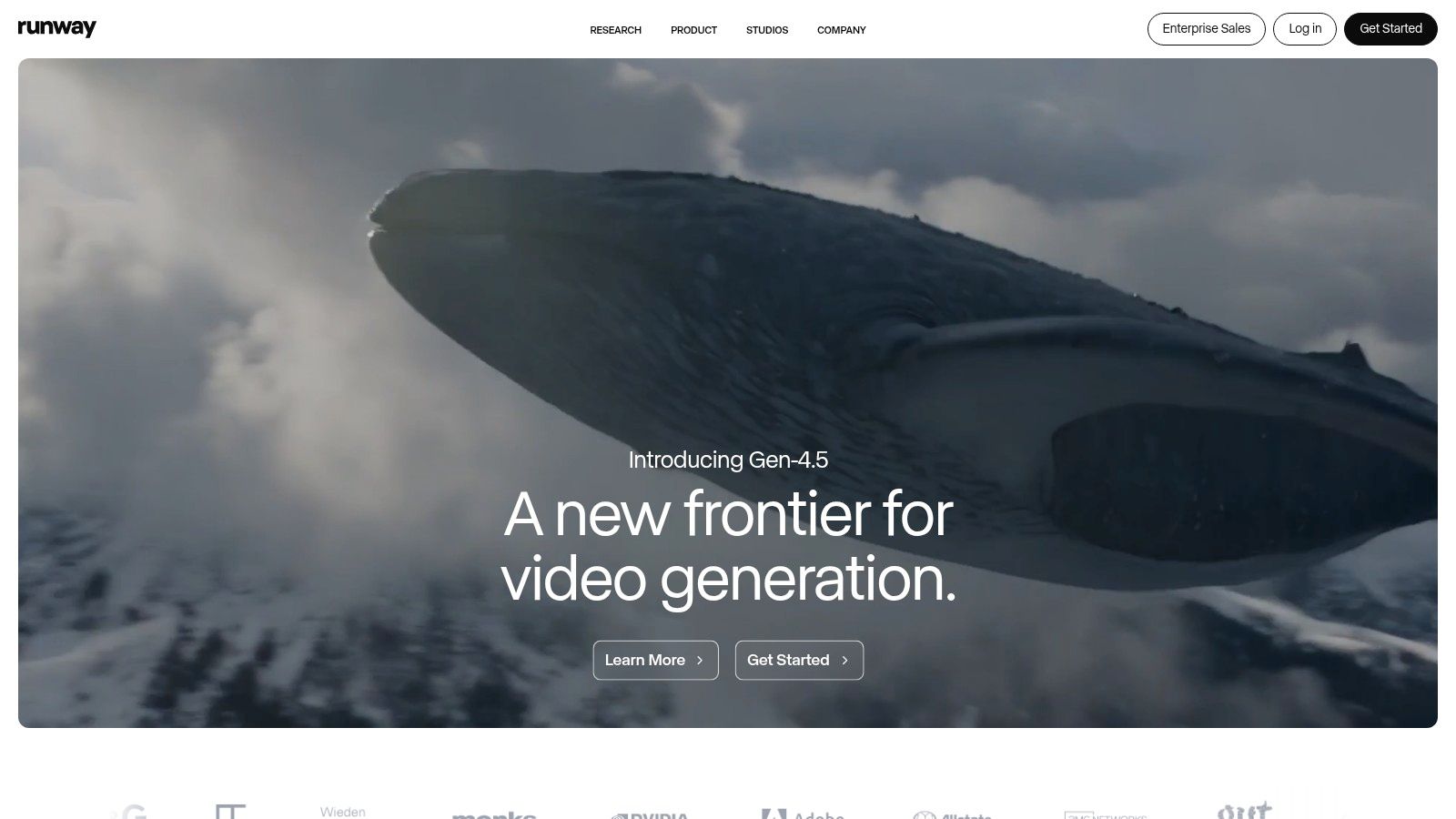
Runway is a comprehensive creative suite built for artists and filmmakers, with its Gen-3 and Gen-4 models at the core. It positions itself as an end-to-end video production tool, combining text, image, and video-to-video generation with a full-featured online editor. This integrated workflow makes it one of the best AI video generators for creators who need more than just a generation engine; they need a platform to refine, edit, and finalize their projects.
The platform offers a unique blend of high-fidelity generation and practical editing tools, allowing users to upscale clips to 4K, add lip-sync audio, and collaborate with team members in a shared workspace. Its credit-based system is supplemented by an “Explore Mode,” which offers relaxed, unlimited generations for experimentation, making it accessible for both focused production and creative discovery.
Key Features & Use Cases
- Integrated Creative Suite: Combines AI generation (text/image/video-to-video) with a built-in editor, removing the need for separate software.
- Multiple Generation Models: Users can choose between different models like Alpha and Turbo to balance visual quality with generation speed.
- Advanced Export Options: Supports upscaling to 4K and exporting in professional formats like ProRes and PNG sequences on higher-tier plans.
- Team Collaboration: Provides shared workspaces and asset storage, ideal for creative agencies and production teams.
Ideal For: Filmmakers, artists, and creative agencies needing an all-in-one platform for generating, editing, and finalizing high-quality AI video content.
- Website: https://runwayml.com
- Pricing: Free tier available; paid plans start from $12/user/month with a credit-based system.
- Pros: Strong creative workflows and robust upscaling/export options; multiple models to balance speed and quality.
- Cons: Plan and credit rules are nuanced and require attention; high-resolution exports require higher-tier plans.
5. Pika
Pika has rapidly emerged as a favorite among creators for its speed, accessibility, and powerful suite of creative tools. It excels at transforming simple text prompts or static images into dynamic, short-form videos with a distinct artistic flair. The platform is designed for fast iteration, allowing users to quickly generate and refine ideas without a steep learning curve, making it one of the best AI video generators for social media content and rapid prototyping.
The user interface is intuitive, balancing simplicity with advanced controls like camera motion and aspect ratio adjustments. Pika’s standout features, such as PikAdditions for modifying elements within a video and PikaSwaps for changing specific objects, offer a level of creative control that goes beyond basic generation. This makes it a versatile tool for both beginners looking to animate an image and professionals needing to produce unique visual assets quickly.
Key Features & Use Cases
- Fast Text-to-Video & Image-to-Video: Generates clips quickly from prompts, ideal for social media marketers, artists, and creators needing a fast turnaround.
- Creative Editing Suite: Tools like PikAdditions and PikaSwaps allow for in-video modifications, such as changing a character's outfit or adding objects to a scene.
- Commercial Use Rights: Paid plans grant the necessary licenses to use generated content in commercial projects, which is critical for brands and agencies.
- Watermark-Free Options: Upgrading to a paid tier removes the Pika watermark, providing a professional finish for client work or public-facing content.
To get the most out of the platform, experiment with combining image prompts with detailed text descriptions to guide the animation and style.
Ideal For: Social media managers, artists animating their work, and marketers creating eye-catching promotional content who need a fast, user-friendly tool with powerful editing features.
- Website: https://pika.art
- Pricing: Offers a free tier with watermarks and limited credits. Paid plans start with monthly or annual subscriptions that provide more credits and commercial rights.
- Pros: Fast iteration and an accessible user interface; paid plans include commercial use allowances.
- Cons: The free tier includes a watermark and has restrictions; credit system and pricing can change.
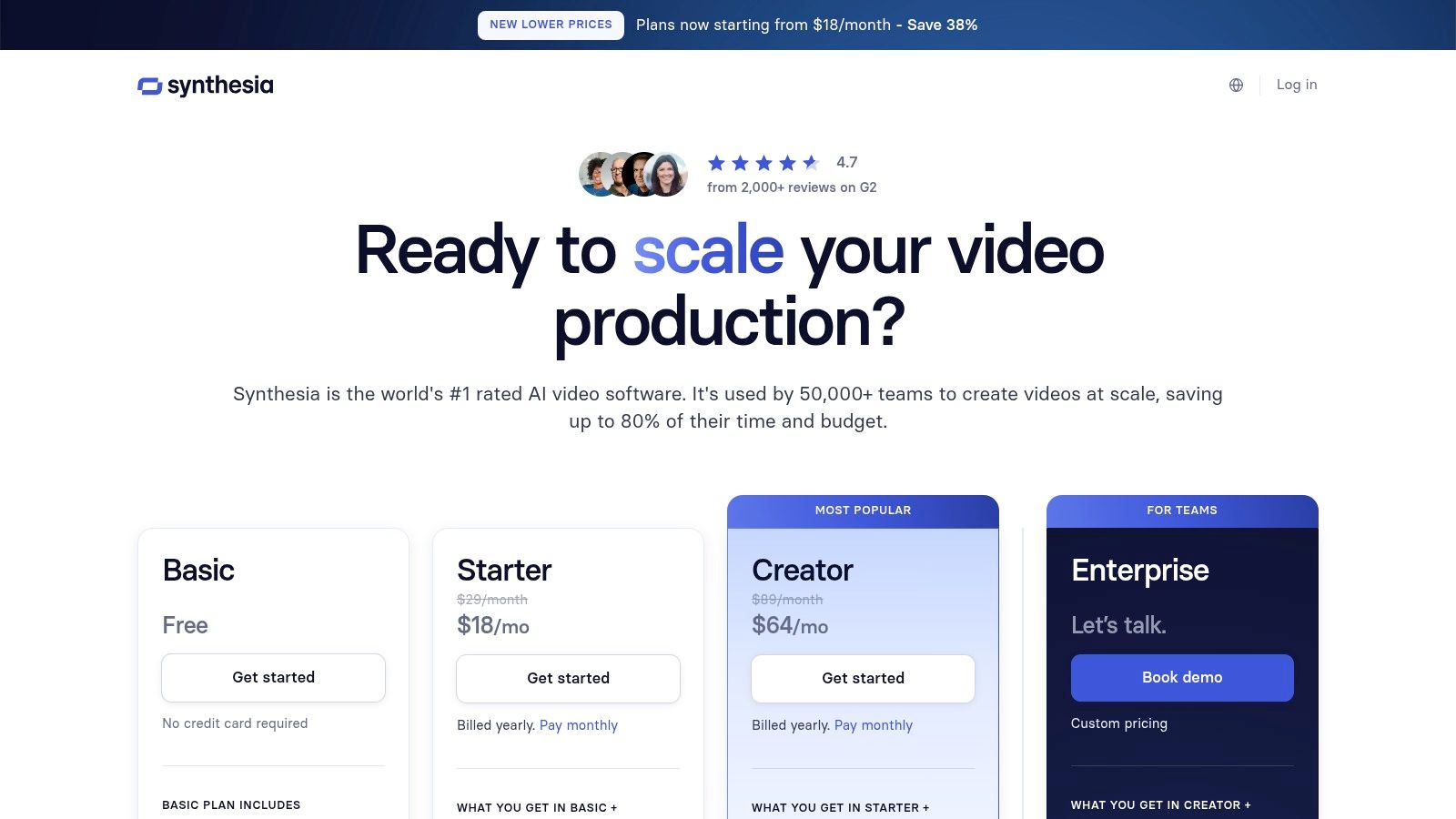
6. Synthesia
Synthesia is a leader in the AI avatar video space, designed for businesses needing to create professional, script-based video content for training, marketing, and internal communications. Instead of generating cinematic scenes from scratch, it focuses on turning text into polished presentations led by hyper-realistic AI avatars. The platform streamlines the creation of corporate videos, reducing the need for cameras, actors, and studios. It's one of the best AI video generators for enterprise-level deployment where consistency and scalability are paramount.
The platform's strength lies in its comprehensive, business-ready toolset. Users can choose from over 240 stock avatars or create a custom digital twin of themselves, ensuring brand alignment. With support for over 140 languages and AI-powered dubbing, Synthesia makes content localization incredibly efficient, allowing a single video to be adapted for global audiences with just a few clicks. It is an ideal solution for teams that produce a high volume of instructional or informational content.
Key Features & Use Cases
- AI Avatars & Voices: Access a vast library of 240+ stock avatars and 140+ languages, or create a custom avatar for a personalized touch.
- Text-to-Video Engine: Quickly convert scripts, documents, or even web links into engaging avatar-led video presentations.
- Enterprise-Grade Features: Includes collaboration tools, templates, API access, and robust security protocols for business use.
- Localization at Scale: AI dubbing and translation features allow for rapid adaptation of video content for different regions.
Ideal For: Corporate training teams, L&D departments, and marketing agencies creating instructional videos, product demos, and internal communications at scale.
- Website: https://www.synthesia.io/pricing
- Pricing: Starts with a "Starter" plan at $22/month (billed yearly) for 10 minutes of video. Enterprise plans offer custom pricing.
- Pros: Excellent for scalable corporate content, custom avatar creation, and robust localization features.
- Cons: Limited to avatar-based videos, not for general-purpose scene generation; minute-based plans can be restrictive.
7. HeyGen
HeyGen has established itself as a leader in avatar-driven AI video generation, focusing on creating professional-quality, scalable videos for marketing, sales, and learning and development. Instead of generating entire scenes from text, its strength lies in producing hyper-realistic talking head videos using a vast library of stock avatars or custom-created ones. This makes it one of the best AI video generators for businesses needing consistent, branded communication without the cost of a live-action shoot.
The platform's standout feature is its powerful localization and dubbing engine, which allows users to translate videos into different languages while maintaining the original speaker's voice and lip sync. Combined with features like brand kits, team collaboration workspaces, and API access, HeyGen is built for corporate and enterprise use cases where personalization and global reach are critical.

Key Features & Use Cases
- Extensive Avatar Library: Choose from over 100 stock avatars or create a custom digital twin for a unique brand identity.
- AI Translation & Dubbing: Automatically translate videos into 40+ languages with accurate voice cloning and lip-syncing for global marketing campaigns.
- Team Collaboration: Business plans offer shared workspaces, brand asset management, and 4K video export for professional team workflows.
- API for Developers: Integrate HeyGen’s avatar and video generation capabilities into custom applications or automated workflows.
For teams looking to automate video creation pipelines, leveraging HeyGen's API can be a game-changer. It's a key reason it is popular for scalable video-based sales and training solutions.
Ideal For: Marketing and sales teams, corporate trainers, and L&D professionals creating personalized, scalable video content for training and outreach.
- Website: https://www.heygen.com
- Pricing: Free plan available (3 videos/mo). Paid plans start at $24/month for 180 credits/year. Team and Enterprise plans offer more features and API access.
- Pros: Excellent localization and dubbing features, large avatar catalog, and robust team collaboration tools.
- Cons: Primarily focused on avatar-style videos, free plan is very limited, and the credit-based pricing can be complex.
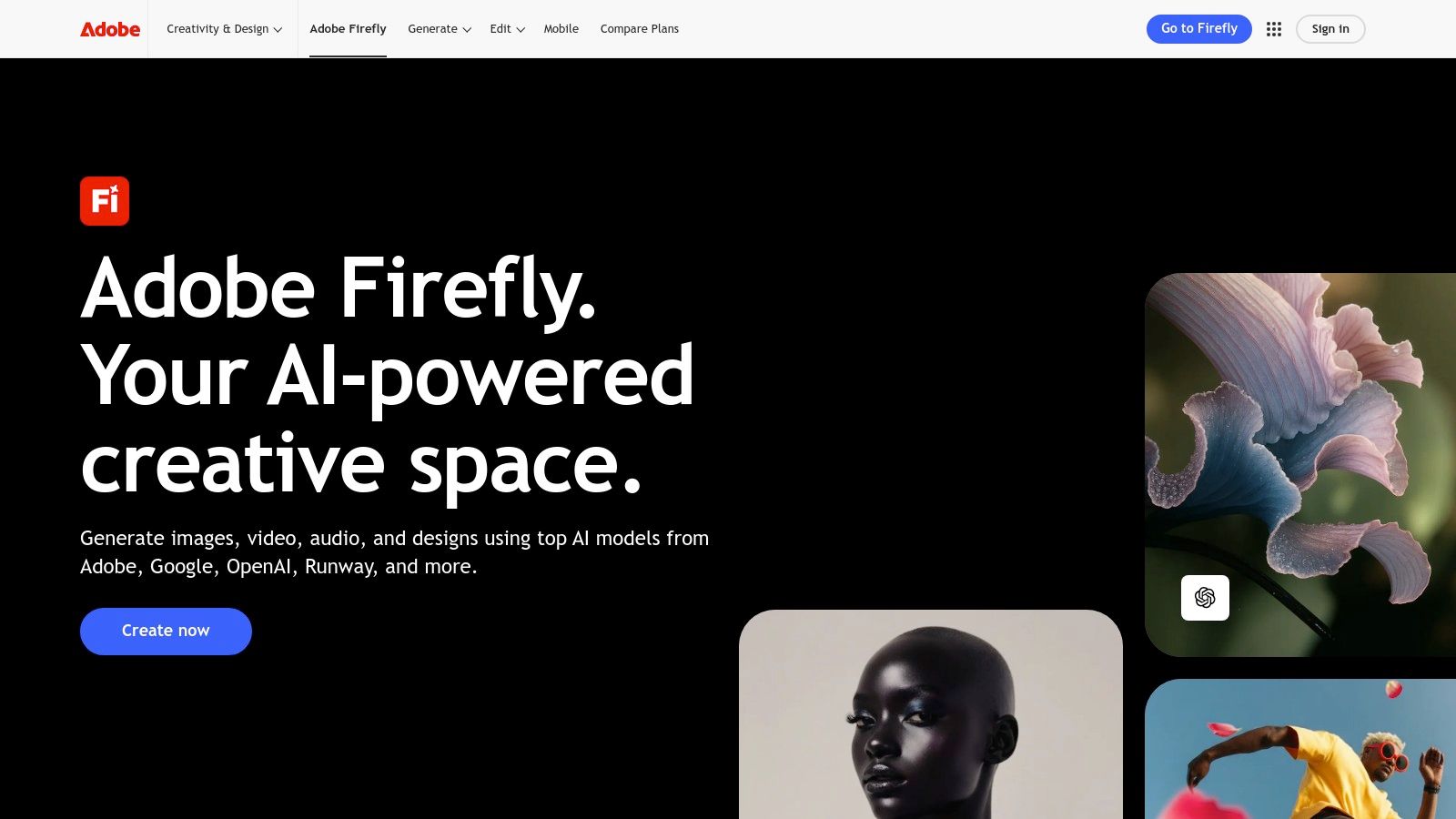
8. Adobe Firefly – Generate Video
Adobe's foray into generative video, Firefly’s "Generate Video" feature, is built directly into its Creative Cloud ecosystem, making it a natural choice for professionals already invested in Adobe's suite. It excels at creating short, high-quality 1080p clips from text or image prompts, designed to seamlessly integrate into existing workflows in Premiere Pro, Photoshop, and other Adobe applications. This integration is its primary strength, positioning it as one of the best AI video generators for creators who need to quickly produce assets for larger projects.
Rather than a standalone tool, Firefly’s video generation is a powerful component governed by Adobe's generative credit system. This makes it ideal for designers, editors, and marketers who need to produce commercially-safe content without leaving their familiar creative environment. The focus is on producing polished, short-form clips that serve as building blocks for animations, social media posts, or concept storyboards.
Key Features & Use Cases
- Seamless Creative Cloud Integration: Natively generate video clips and immediately bring them into Premiere Pro or Photoshop for further editing and compositing.
- Commercially-Safe Content: Trained on Adobe Stock and openly licensed content, Firefly generates video that is designed to be safe for commercial use.
- Generative Credit System: Operates on a unified credit system across all Firefly features, making it easy to manage usage for subscribers.
- Text-to-Video & Image-to-Video: Creates high-quality clips from both descriptive text prompts and existing still images, adding motion to static designs.
A key advantage is the ability to maintain a consistent aesthetic across different media types, from generated images to video clips, all within one trusted platform.
Ideal For: Creative professionals, marketing teams, and content creators deeply embedded in the Adobe Creative Cloud ecosystem who need a fast, integrated video asset generator.
- Website: https://www.adobe.com/products/firefly
- Pricing: Included with various Creative Cloud plans, using a generative credit system. Free plans offer a limited number of credits.
- Pros: Tight integration with Creative Cloud, commercially-safe outputs, and a clear credit-based system.
- Cons: Clip length is currently short (~5 seconds); credit system and feature availability can be confusing.
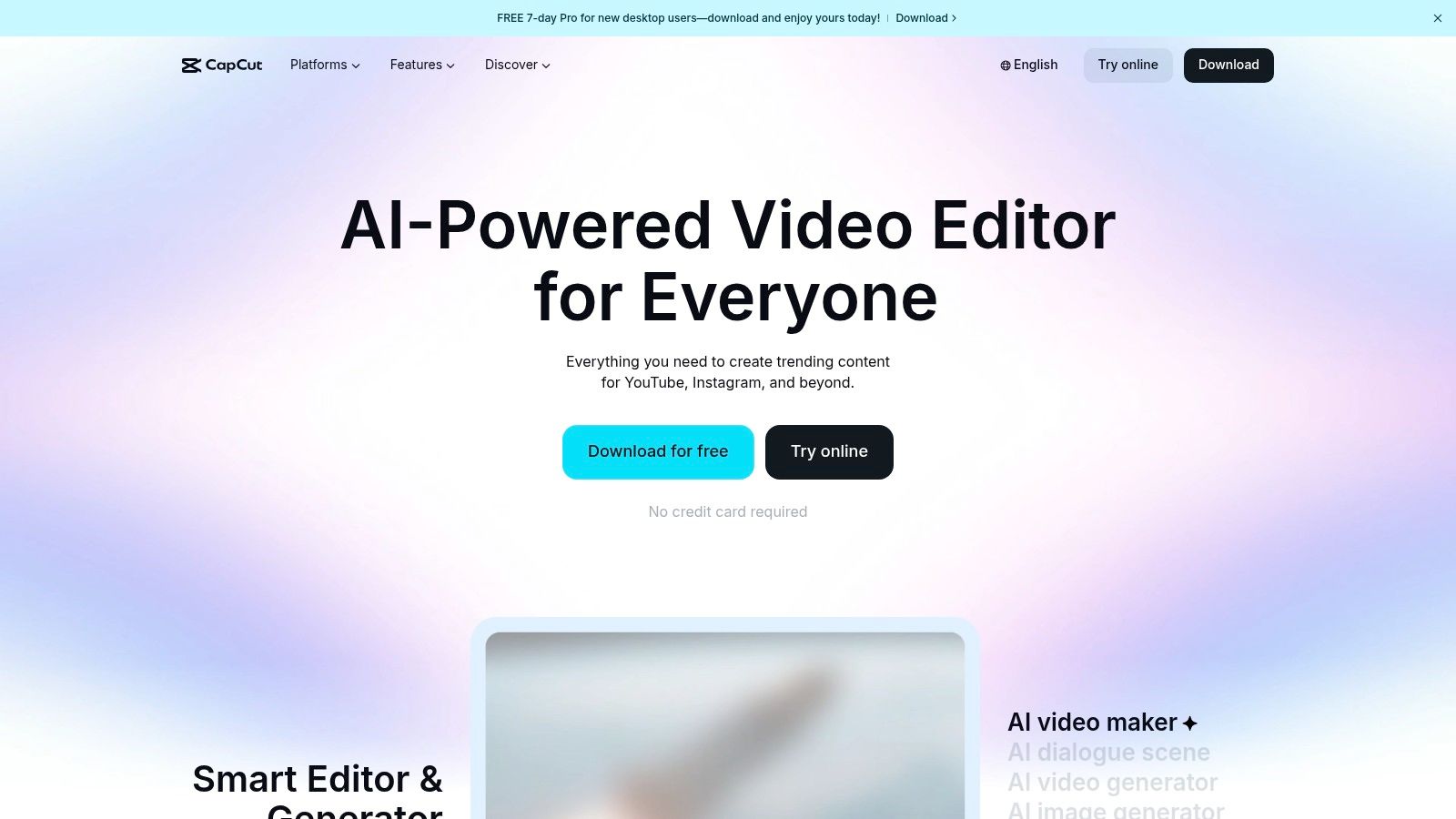
9. CapCut AI Video Maker
From ByteDance, the parent company of TikTok, CapCut has evolved from a simple mobile editor into a comprehensive, AI-powered creation suite. It’s designed for speed and social media fluency, making it one of the best AI video generators for creators focused on platforms like TikTok, Instagram Reels, and YouTube Shorts. The platform excels at automating tedious editing tasks and turning simple ideas into engaging short-form content with minimal effort.
CapCut's strength lies in its accessibility and tight integration with social trends. Its AI features, like script-to-video and auto-captioning, are built directly into a user-friendly interface that’s consistent across mobile, web, and desktop. This allows creators to quickly generate content with AI-matched visuals, trending audio, and dynamic text, then export it in the correct format for their chosen platform.
Key Features & Use Cases
- Script-to-Video: Automatically generates a video complete with stock footage, music, and voiceover from a simple text script.
- One-Click Social Workflows: Features like auto-captioning, background removal, and auto-reframing are optimized for fast-paced social content.
- AI Avatars & Characters: Create presenter-style videos without being on camera using customizable AI avatars that can read your script.
- Cross-Platform Parity: Seamlessly switch between the mobile app, desktop software, and web editor with your projects synced.
While its core features are free, a Pro subscription unlocks premium effects, templates, and cloud storage. To get started, try using its AI script generator to see how quickly it can build a video foundation for you.
Ideal For: Social media managers, TikTok/Reels creators, and small businesses needing a fast, easy, and often free tool for producing trendy short-form videos.
- Website: https://www.capcut.com
- Pricing: Free version available; Pro plans start at $7.99/month.
- Pros: Generous free tier, rich template library, and optimized for social content repurposing.
- Cons: Terms of service can be a concern for commercial use; advanced controls are less robust than professional editors.
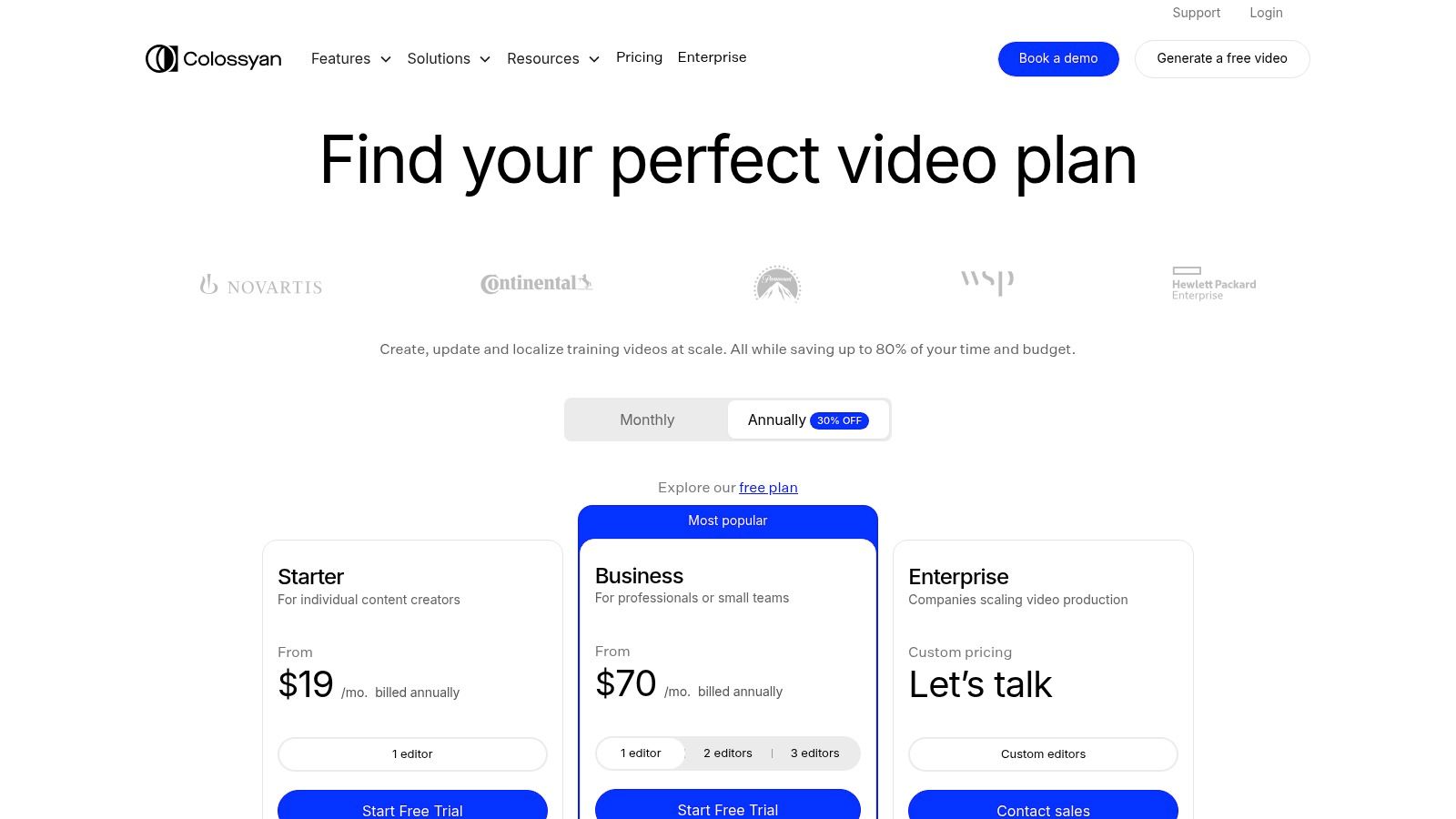
10. Colossyan
Colossyan is a specialized AI video generator built for corporate training, learning and development (L&D), and internal communications. Instead of focusing on cinematic text-to-video, it excels at creating professional, avatar-led presentations from simple text scripts. This makes it an ideal tool for businesses looking to convert static documents like PowerPoints or PDFs into engaging video content without hiring actors or studio equipment.
The platform's strength lies in its business-centric features, such as multi-avatar scenes for creating conversational dialogues, and automatic translation to localize training materials across different languages. For organizations that need to scale video production for educational purposes, Colossyan offers a streamlined and efficient workflow that is accessible to non-technical users, positioning it as one of the best AI video generators for corporate learning.
Key Features & Use Cases
- Professional AI Avatars: Choose from a library of 170-200+ stock avatars or create a custom one for consistent brand representation.
- Interactive Video Elements: Enhance training materials by adding interactive quizzes and branching scenarios directly into the video.
- Auto-Translation & Localization: Automatically translate video scripts and generate voiceovers in dozens of languages to reach a global workforce.
- API for Scalability: Enterprise-level plans include API access to integrate video creation into existing learning management systems (LMS) or other platforms.
Ideal For: Corporate trainers, L&D professionals, and HR departments needing to rapidly create and scale multilingual training videos and internal communications.
- Website: https://www.colossyan.com/pricing
- Pricing: Starts at $28 per month for the Starter plan; Business and Enterprise plans offer advanced features and custom pricing.
- Pros: Designed specifically for training and localization at scale; some plans offer unlimited video minutes.
- Cons: Primarily avatar-centric, which may not suit creative or marketing use cases; advanced features are gated to higher-tier plans.
11. Pictory
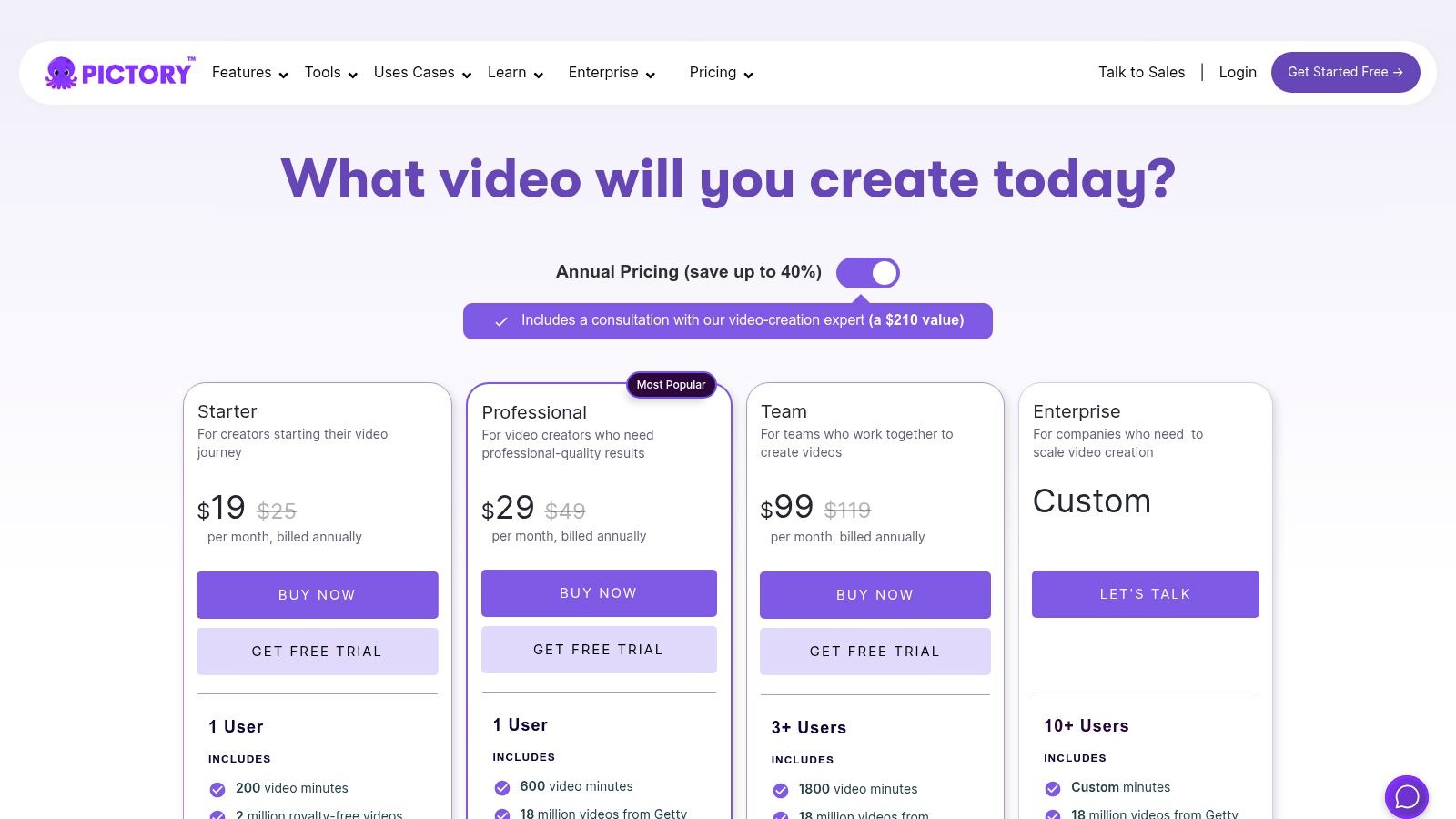
Pictory is an AI video generator designed specifically for content repurposing, making it an indispensable tool for marketers and creators looking to transform long-form content into engaging short-form videos. Instead of generating scenes from scratch, its AI analyzes text from a blog post, a script, or webinar transcriptions and automatically assembles a video using a vast library of stock footage, images, and music. This approach dramatically speeds up the creation of social media clips, video summaries, and educational content.
Its strength lies in automation and efficiency. The platform automatically adds captions, suggests relevant visuals from its integrated Storyblocks and Getty Images libraries, and can generate realistic AI voiceovers, even offering premium ElevenLabs voices on higher-tier plans. While it doesn't offer the same text-to-video generative power as model-centric tools, it is one of the best AI video generators for teams focused on scaling their content marketing efforts without needing video editing expertise.
Key Features & Use Cases
- Article/Script-to-Video: Instantly convert blog posts, press releases, or scripts into fully edited videos.
- Massive Stock Libraries: Access to millions of licensed video clips and images from Getty Images and Storyblocks to match your content.
- Automated Voiceovers & Captions: Generate AI narrations in various voices and automatically burn in subtitles for social media.
- Team Collaboration: Professional and Teams plans include shared workspaces, brand kits, and collaborative editing features.
Ideal For: Content marketers, bloggers, and social media managers who need to repurpose existing written or audio content into video format quickly and at scale.
- Website: https://pictory.ai/pricing
- Pricing: Starts at $19/month (billed annually) for the Standard plan.
- Pros: Excellent for automating content repurposing, generous monthly video output, and simple, intuitive interface.
- Cons: Relies on stock media rather than generative AI, and video resolution is capped at 1080p.
12. Canva – Magic Studio (Create a Video Clip)
Canva’s Magic Studio brings AI video generation to the masses by integrating a powerful text-to-video feature directly into its widely used design ecosystem. Powered by Google's Veo model, "Create a Video Clip" allows users to generate short video clips with AI audio from a simple text prompt. Its true advantage lies in its seamless integration with Canva's existing suite of tools, including the comprehensive video editor, templates, and brand kits.
This makes Canva one of the best AI video generators for teams and individuals already using the platform for their creative workflows. Instead of generating a clip in one tool and importing it elsewhere, you can create, edit, and finalize your video in a single, unified environment. This streamlined process is perfect for adding quick, custom B-roll to social media posts, presentations, or marketing materials without needing technical video production skills.
Key Features & Use Cases
- Integrated Workflow: Generate clips and immediately drop them into the Canva Video Editor to add text, music, and other brand elements from your kit.
- AI-Generated Audio: Videos are created with accompanying ambient audio, providing a more complete starting point for edits.
- Template Compatibility: Seamlessly incorporate generated clips into thousands of pre-designed video templates for social media, ads, and more.
- Part of Magic Studio: The video feature is one component of Canva’s broader AI suite, which includes tools for image generation, design, and translation.
Ideal For: Marketers, social media managers, and small business owners who need a fast, all-in-one solution for creating and editing video content with AI.
- Website: https://www.canva.com
- Pricing: Available in Canva Pro and Canva for Teams plans; credit usage and feature availability may vary.
- Pros: Extremely accessible for non-technical users and integrates perfectly with existing brand assets and templates.
- Cons: Generated clip length is limited, and usage caps can be restrictive depending on your subscription plan.
Top 12 AI Video Generators — Feature & Performance Comparison
| Product | Core Features ✨ | Quality ★ | Pricing 💰 | Target Audience 👥 | Standout / USP 🏆 |
|---|---|---|---|---|---|
| Auralume AI 🏆 | Multi-model generation, Prompt Wizard, Image→Video, Upscalers | ★★★★★ | Pay‑as‑you‑go + Starter $31.20/mo, Pro $79.20/mo (credits don’t expire) | Creators, marketers, agencies, educators | Aggregates top models + auto‑optimizing Prompt Wizard; flexible non‑expiring credits |
| Google Vertex AI – Veo | Production API, 9:16 & 1080p, synchronized audio | ★★★★★ | Usage‑based API (pay‑per‑sec) | Developers, enterprises, scale deployments | Enterprise SLAs, Cloud integration, high-fidelity API |
| Luma AI – Dream Machine | Text/image→video, draft/high‑fidelity, 4K up‑res, HDR | ★★★★☆ | Credit tiers; 4K & HDR on paid plans | Creators wanting high‑fidelity renders | Simple consumer app with 4K/HDR upscaling |
| Runway (Gen‑3 / Gen‑4) | Text/image/video→video, editor, lip‑sync, 4K upscaling | ★★★★★ | Credit-based; higher tiers for 4K/ProRes | Creative teams, editors, studios | Robust editor + collaborative workflows for pro output |
| Pika | Text/image→video, effects suite (PikAdditions/Swaps), fast iter | ★★★★☆ | Credits & paid plans remove watermark | Rapid prototyping creators | Fast iteration + style/effects toolkit |
| Synthesia | Script→avatar video, 240+ avatars, multi‑language dubbing | ★★★★ | Enterprise/minutes-based pricing | Training, localization, enterprise comms | Scalable avatar-led video with governance & templates |
| HeyGen | Large avatar catalog, dubbing (175+ langs), brand kits | ★★★★ | Free limited + team/API credits | Marketing, L&D, sales enablement | Strong localization + rich avatar library |
| Adobe Firefly – Generate Video | Short 1080p clips, Creative Cloud integration, credit system | ★★★★ | Adobe generative credits; CC subscription applies | Creative Cloud users, producers | Seamless handoff to Photoshop/Premiere, enterprise tooling |
| CapCut AI Video Maker | Script→video, templates, auto-captions, cross‑platform | ★★★★ | Free start; subscription/features paid | Social creators, short‑form editors | Optimized social workflows & wide template ecosystem |
| Colossyan | Multi‑avatar scenes, interactive quizzes/branching, auto‑translate | ★★★ | Business plans (minutes/unlimited on some tiers) | L&D, training teams | Interactive/branching training videos at scale |
| Pictory | Script/URL→edited videos, stock libraries, AI voiceovers | ★★★★ | Subscription tiers with high monthly minutes | Marketers repurposing long‑form content | Automates long‑form→short‑form repurposing with stock assets |
| Canva – Magic Studio | Text→video clips (~8s), AI audio, integrates with editor & templates | ★★★★ | Included in Canva Pro / caps vary by plan | Non‑technical teams, brand teams | Seamless brand kit + editor integration for fast assets |
From Prompt to Production: Choosing Your AI Video Partner
Navigating the landscape of the best AI video generators can feel like exploring a new frontier. We've journeyed through a dozen powerful platforms, from cinematic powerhouses like Runway and Luma AI to specialized avatar creators like Synthesia and integrated ecosystem tools like Adobe Firefly. The sheer pace of innovation is staggering, with new models and features emerging constantly. What was once the domain of specialized VFX studios is now accessible from a web browser, fundamentally changing how we approach visual storytelling.
The primary takeaway from this comprehensive review is that there is no single "best" tool for everyone. The ideal choice is deeply personal and hinges entirely on your specific objectives, technical comfort level, and creative workflow. The market has diversified to serve distinct needs, creating a spectrum of solutions tailored for different creators and businesses.
Synthesizing Your Decision: Key Factors to Consider
As you move from evaluation to implementation, distill your needs by focusing on these core considerations. This will help you filter the options and identify the tool that aligns perfectly with your goals.
-
Primary Use Case: What is the main job you need the tool to do? If you're creating corporate training videos with consistent presenters, avatar-focused platforms like Synthesia or HeyGen are purpose-built for that task. If your goal is to generate short, artistic, or surreal cinematic clips from text prompts, then a generative model like Runway or Pika is your creative playground. For animating existing images, tools like Pika and Runway also excel.
-
Control vs. Simplicity: How much creative control do you need? Platforms like Runway offer granular controls over camera motion, style, and character consistency, which is ideal for filmmakers and artists. In contrast, tools like Canva or Pictory prioritize simplicity and speed, making them perfect for marketers who need to produce social media content quickly without a steep learning curve.
-
Workflow Integration: Where does this tool fit into your existing process? If you are heavily invested in the Adobe ecosystem, Adobe Firefly offers a seamless integration that simplifies your workflow. Similarly, marketers and designers using Canva will find its Magic Studio features to be an intuitive extension of their current creative environment.
-
Budget and Scalability: Your financial commitment is a crucial factor. Many of the best AI video generators offer free tiers or trial credits, which are invaluable for experimentation. However, for consistent, high-volume production, you must evaluate the subscription costs of platforms like Colossyan or the credit-based models of Pika and Runway. For enterprises needing robust, scalable solutions, Google's Vertex AI provides an API-driven infrastructure, though it requires more technical expertise.
Your Next Steps in the AI Video Revolution
The most effective way to choose your AI video partner is to get hands-on. Theory and feature lists are helpful, but the true test is in the act of creation.
- Identify Your Top 3: Based on the reviews and your needs, select three platforms that seem most promising.
- Utilize Free Tiers: Sign up for the free trials or freemium versions of your top choices. This is a risk-free way to test the user interface, prompt interpretation, and output quality.
- Run the Same Prompt: To create a fair comparison, use the exact same text prompt across all three platforms. Pay close attention to how each tool interprets your vision, the coherence of the motion, and the overall aesthetic quality.
- Evaluate the Experience: Beyond the final video, consider the entire process. Was the platform intuitive? Was rendering fast? Did you have the controls you needed to refine your output?
The world of AI-powered video is not just about replacing old methods; it's about unlocking entirely new creative possibilities. It empowers solo creators to produce cinematic visuals, enables small businesses to craft professional marketing campaigns, and allows artists to bring static images to life in ways we could only imagine a few years ago. By choosing the right tool, you are not just selecting software; you are selecting a creative partner that will help you tell your stories more vividly and efficiently than ever before.
Ready to skip the complexity of juggling multiple AI models and get straight to creating? Auralume AI simplifies the entire process by bringing the best text-to-video, image-to-video, and avatar technologies into one unified platform. Experiment with top-tier models and streamline your workflow by visiting Auralume AI to start your free trial today.