

The 12 Best Social Media Content Creation Tools for 2025
Keeping your social media feeds fresh with high-quality, engaging content is a relentless task. The demand for video, stunning visuals, and consistent posting can quickly overwhelm even the most dedicated creators, influencers, and marketing teams. The right software doesn't just make content creation easier; it unlocks new creative possibilities and automates tedious tasks, freeing you up to focus on strategy and community engagement.
This guide cuts through the noise to bring you the definitive list of the best social media content creation tools for 2025. We've categorized them based on their core strengths, from groundbreaking AI video generators that turn text into cinematic clips to intuitive editors for viral short-form content and all-in-one platforms that streamline your entire workflow.
Inside, you'll find a comprehensive breakdown of each tool, complete with screenshots and direct links. We'll dive deep into practical use cases, honest limitations, and pricing so you can build the perfect tech stack for your brand's unique needs and budget. Whether you're a YouTuber aiming for faster production, a social media manager producing ads, or a designer animating still images, this resource will help you find the ideal platforms.
We'll cover everything from video and image creation to asset libraries and scheduling. For moments when you need to quickly craft text for a specific platform, a dedicated Facebook Post Generator can help produce engaging updates efficiently, complementing the visual tools discussed here. Our goal is simple: to provide a clear, actionable roadmap to the best software, helping you work smarter, not harder.
1. Auralume AI
Auralume AI solidifies its position as a premier all-in-one platform among social media content creation tools, distinguishing itself by consolidating access to the world’s leading AI video generation models. Instead of forcing creators to choose a single engine, it aggregates top-tier models like Google’s Veo, OpenAI’s Sora, Pika, and Kling into one unified interface. This multi-model approach allows social media managers, marketers, and agencies to select the ideal engine for any specific task, from rapid prototyping to producing cinematic, high-fidelity promotional content. The platform is engineered to transform simple text prompts, ideas, or even static images into production-ready video clips in seconds.

One of its most significant advantages is the built-in Prompt Wizard. This intelligent tool guides users through prompt creation, auto-optimizing inputs to yield professional-grade results without requiring deep technical expertise. This feature dramatically lowers the barrier to entry, enabling teams to visualize concepts and produce polished content efficiently. For a deeper dive into its capabilities, you can explore the Auralume AI website.
Key Features & Use Cases
- Multi-Model Access: Users can strategically switch between different AI engines (e.g., use a fast model for quick drafts and a high-quality model like Sora for final renders) to optimize for speed, cost, and creative style.
- Image-to-Video Animation: An invaluable tool for designers and brands looking to animate logos, product shots, or illustrations, adding dynamic motion and depth to static assets.
- Prompt Wizard & Guidance: Ideal for teams new to generative AI, this feature ensures prompts are structured for optimal output, reducing trial-and-error and accelerating the creative workflow.
- Video Upscaler: Enhances the resolution and clarity of generated clips, preparing them for high-definition displays on platforms like Instagram, TikTok, and YouTube.
Pricing & Plans
Auralume AI offers a flexible pricing structure to accommodate various needs, from casual creators to high-volume agencies.
- Pay-As-You-Go: $10 for 500 credits that never expire, perfect for occasional projects.
- Starter: $31.20/month (billed annually) for 2,300 monthly credits and faster response speeds.
- Pro: $79.20/month (billed annually) for 6,600 monthly credits, priority support, and Stealth Mode, which hides generations from the public gallery for privacy-sensitive work.
Pros & Cons
| Pros | Cons |
|---|---|
| Access to multiple top-tier video models (Sora, Veo, Pika) in a single, streamlined platform. | Output quality varies by model and prompt, requiring some experimentation to find the best combination for a specific goal. |
| User-friendly Prompt Wizard makes professional-quality generation accessible to non-experts. | Generations are public by default; Stealth Mode for privacy is only available on the Pro plan. |
| Flexible pricing with non-expiring credits and scalable subscriptions to fit different budget and usage levels. | The site lacks explicit customer testimonials or industry awards, relying on its public gallery for social proof. |
| Integrated upscaling and image-to-video tools provide a comprehensive content creation workflow without external apps. |
Website: https://auralumeai.com
2. Canva
Canva is an indispensable, browser-based design suite that has become the go-to for millions of creators needing to produce high-quality social media content without a steep learning curve. It excels at empowering non-designers to create everything from static Instagram posts and YouTube thumbnails to animated Reels and presentations, making it a cornerstone among social media content creation tools. Its core strength lies in its massive template library, which provides a professional starting point for nearly any project imaginable.
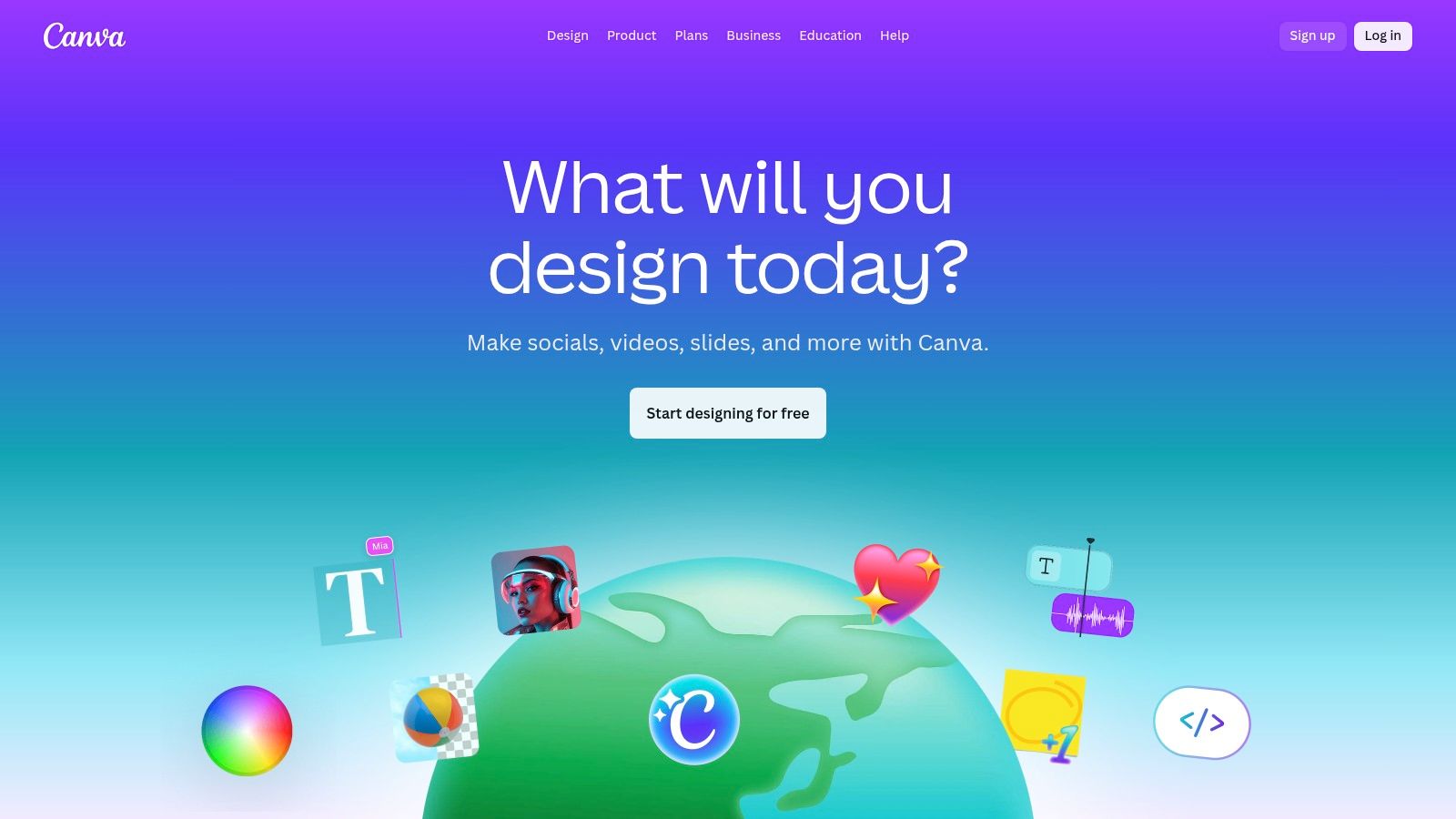
The platform has significantly expanded its feature set with AI tools like Magic Write for generating post captions and Magic Media for creating images from text prompts. For teams, the Brand Kit is a game-changer, allowing you to store logos, fonts, and color palettes for consistent branding across all designs.
Use Cases and Pricing
| Feature | Best For | Pricing (Annual) |
|---|---|---|
| Free Tier | Individuals starting out with basic design needs. | $0 |
| Canva Pro | Solo creators and freelancers needing premium assets and advanced tools. | Starts at $119.99/year |
| Canva for Teams | Agencies and marketing teams requiring collaboration and brand management. | Starts at $300/year for 5 people |
Key differentiators: Canva’s user experience is its biggest asset; the drag-and-drop interface is incredibly intuitive. The ability to instantly resize a single design for multiple social channels (e.g., an Instagram Post to a Story and a Facebook banner) saves an enormous amount of time. While its video editor is not a replacement for professional software, it’s perfect for quick, template-driven video content for TikTok and Reels.
Website: https://www.canva.com
3. Adobe Express
Adobe Express is the creative giant’s answer to streamlined, all-in-one design, positioning itself as a powerful alternative among social media content creation tools. It integrates the professional quality of Adobe’s ecosystem into an accessible, template-driven platform. Creators can produce everything from branded Instagram Stories to promotional videos, leveraging a vast library of Adobe Stock assets and fonts for a polished, professional look.
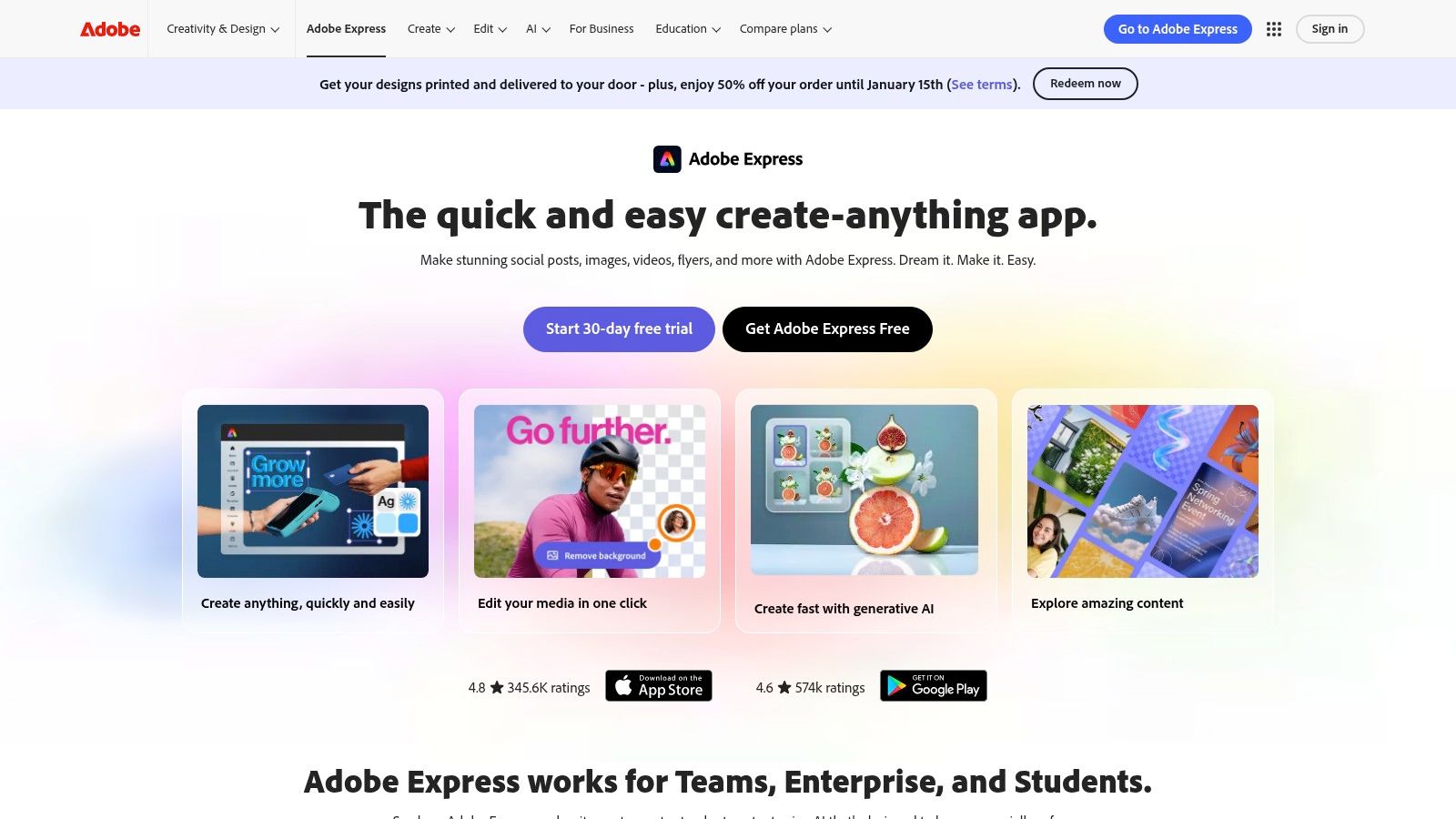
The platform’s major advantage is its tight integration with Adobe Firefly generative AI, allowing users to create unique, commercially safe images and text effects directly within their projects. For businesses, the brand management features and seamless connection to other Creative Cloud apps provide a cohesive workflow, while the built-in content scheduler allows for direct publishing to major social channels.
Use Cases and Pricing
| Feature | Best For | Pricing (Annual) |
|---|---|---|
| Free Plan | Individuals and small teams needing basic editing and design tools. | $0 |
| Premium Plan | Content creators and solo marketers who need full access to premium assets and brand kits. | Starts at $99.99/year |
| Creative Cloud All Apps | Professionals and agencies already using the full Adobe suite. | Starts at $599.88/year |
Key differentiators: Adobe Express stands out with its clear licensing for all assets, including AI-generated content from Firefly, giving brands peace of mind. The "Quick Actions" menu is incredibly efficient for one-off tasks like removing a background, converting a video to a GIF, or resizing an image without starting a full project. While the interface can feel heavier than some web-first competitors, its reliability and professional-grade asset library make it a top-tier choice for creating on-brand content.
Website: https://www.adobe.com/express
4. CapCut
CapCut is a powerful and free AI-assisted video editor that has become the default tool for creators on TikTok, Instagram Reels, and YouTube Shorts. Originally a mobile-first app, it now offers robust web and desktop versions, making it a versatile choice for quick, trend-driven video production. Its primary strength is simplifying complex editing tasks, allowing users to produce high-engagement vertical videos with minimal effort, cementing its place among essential social media content creation tools.
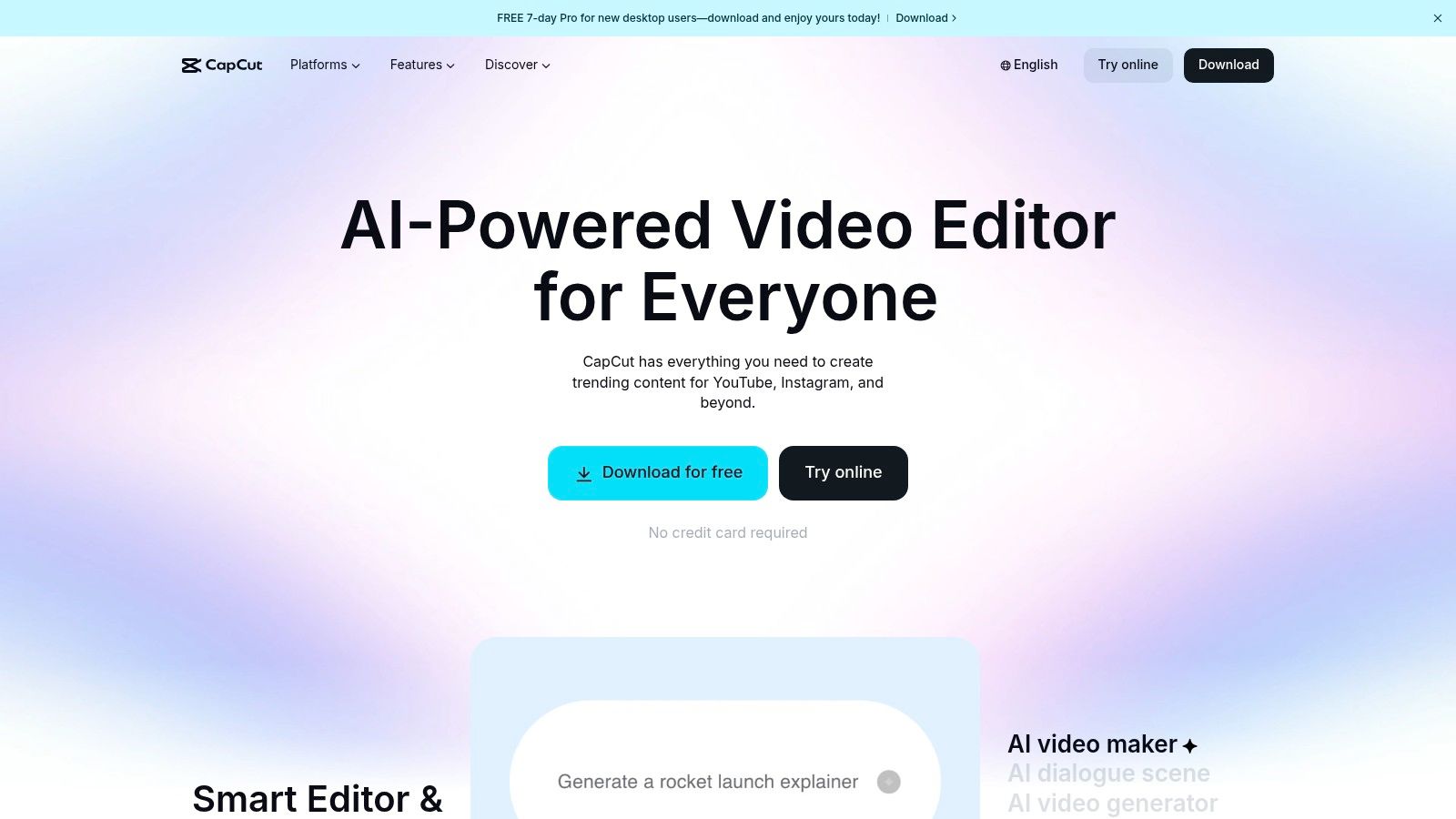
The platform is packed with AI-powered features designed for speed. Its Auto Captions tool generates synchronized subtitles in one click, a crucial feature for modern social video. Other standout functions include AI highlight detection for repurposing long-form content into vertical clips, text-to-speech with various voices, and a massive library of trending templates, effects, and royalty-free music that keeps content fresh and relevant.
Use Cases and Pricing
| Feature | Best For | Pricing (Annual) |
|---|---|---|
| Free Tier | Individuals and creators making trend-based short-form videos. | $0 |
| CapCut Pro | Power users needing cloud storage, more effects, and advanced AI tools. | Starts at $74.99/year |
| CapCut for Business | Teams requiring collaborative workspaces and brand asset management. | Starts at $599.88/year for 3 seats |
Key differentiators: CapCut’s biggest advantage is its near-zero learning curve combined with its cross-platform availability. You can start a project on your phone and finish it on your desktop seamlessly. Features like automatic reframing and beat-sync tools make editing feel intuitive and fast, which is perfect for creators who need to capitalize on trends quickly. While it lacks the depth of professional editors, it excels as a specialized tool for producing viral-style short-form content.
Website: https://www.capcut.com
5. Descript
Descript revolutionizes video and audio editing by turning media into a text document, making it one of the most innovative social media content creation tools available. Instead of scrubbing through a timeline, you edit the auto-generated transcript; deleting a word or sentence in the text automatically cuts it from the video or audio file. This text-based workflow is a massive time-saver for anyone creating dialogue-heavy content like tutorials, interviews, podcasts, or talking-head videos for platforms like YouTube and LinkedIn.
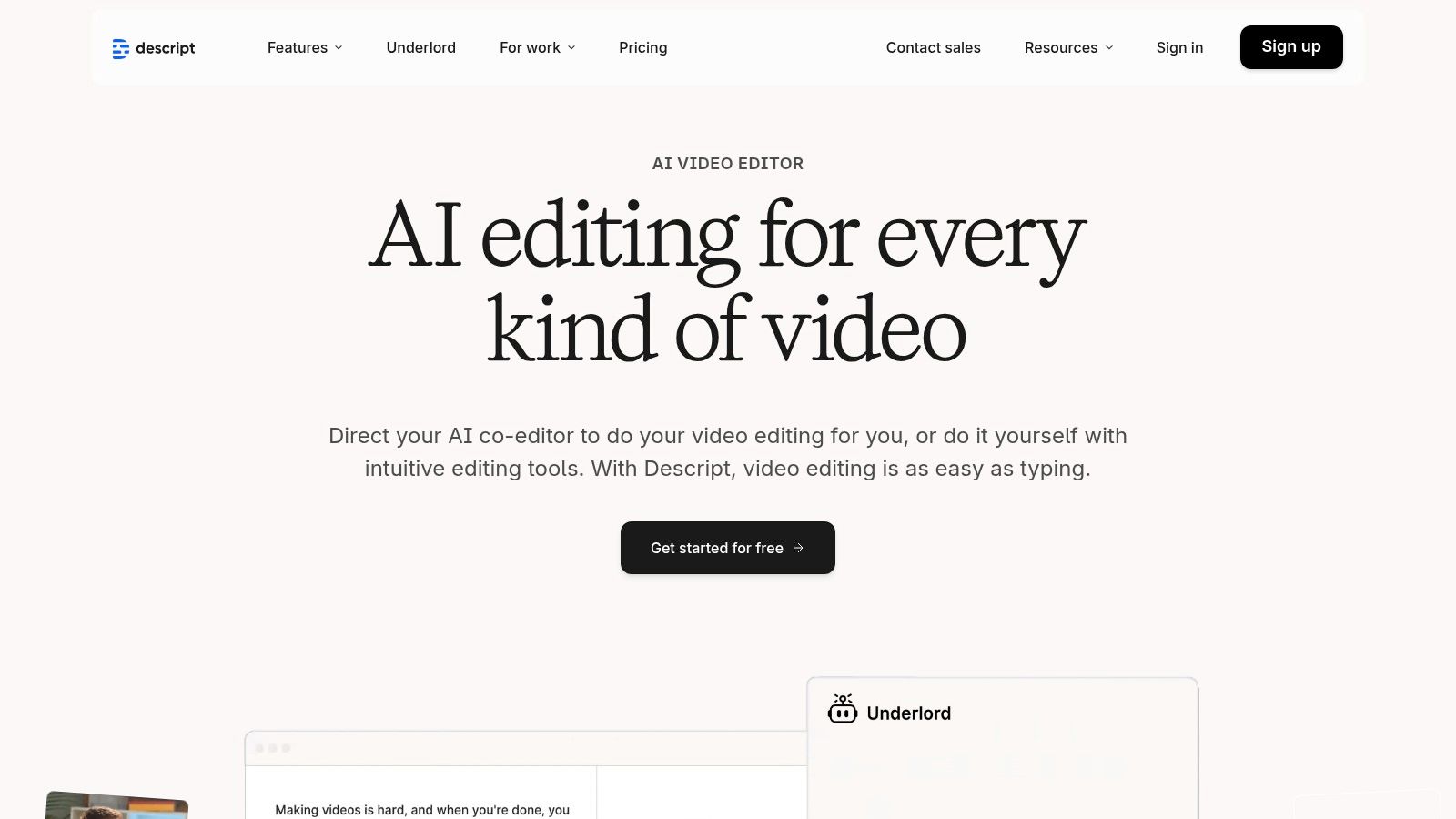
The platform is packed with powerful AI features that streamline post-production. Studio Sound removes background noise and enhances voice quality with a single click, while the Filler Word Removal tool can instantly delete all instances of "um" and "uh." It also includes a screen recorder, multitrack editing, and an AI eye-contact correction feature, making it a comprehensive solution for producing polished, professional-sounding clips for social media.
Use Cases and Pricing
| Feature | Best For | Pricing (Annual) |
|---|---|---|
| Free Tier | Individuals exploring the platform with 1 hour of transcription per month. | $0 |
| Creator | Podcasters and solo creators needing more transcription hours and watermark-free exports. | Starts at $144/year |
| Pro | Professionals and teams requiring unlimited transcription and advanced AI features. | Starts at $288/year |
Key differentiators: Descript’s core advantage is its transcript-based editing engine, which is unmatched for speed when working with spoken content. The ability to find key moments by searching text, then instantly creating social media clips from those highlights, is incredibly efficient. While it isn't designed for complex color grading or visual effects, it excels at making the most difficult part of editing dialogue-driven video feel as easy as editing a Word doc.
Website: https://www.descript.com
6. Envato Elements
Envato Elements is an "all-you-can-eat" subscription service that provides unlimited downloads of millions of creative assets. For social media managers and agencies producing a high volume of content, it is an invaluable resource, offering everything from video templates and stock footage to royalty-free music, sound effects, graphics, and fonts. It eliminates the friction of purchasing individual assets, making it one of the most cost-effective social media content creation tools for sourcing professional materials.
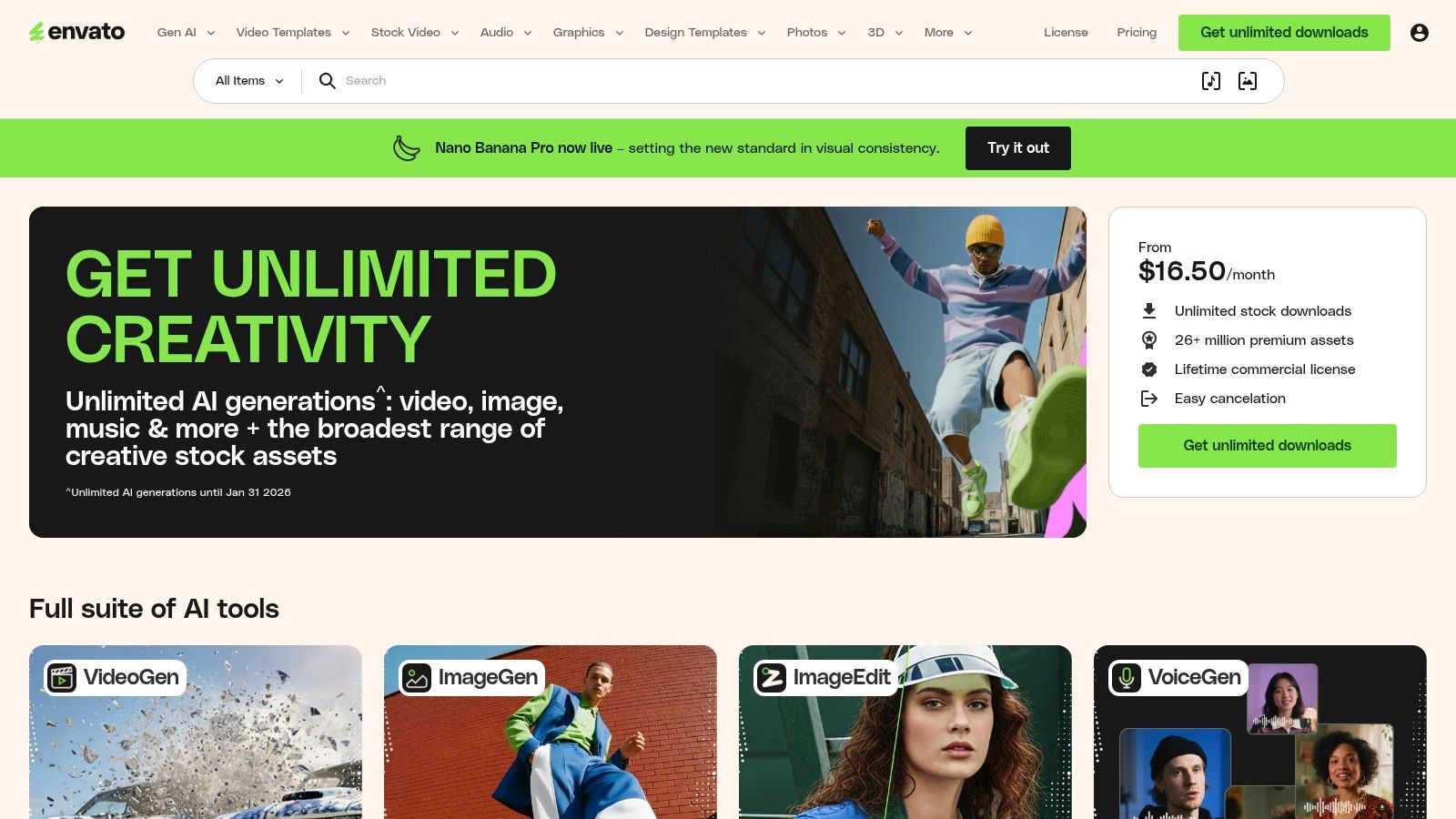
The platform's strength lies in its sheer volume and variety, with over 26 million assets available under a simple, broad commercial license. This means creators can confidently use downloaded items for everything from YouTube monetization to paid social ads without worrying about complex licensing terms. The library includes templates for popular video editors like After Effects and Premiere Pro, which can significantly speed up production for Reels and TikToks.
Use Cases and Pricing
| Feature | Best For | Pricing (Annual) |
|---|---|---|
| Individual Plan | Freelancers and creators needing a constant supply of diverse assets. | Starts at $198/year |
| Teams Plan | Agencies and marketing teams requiring scalable access and easy license management. | Starts at $129/user/year |
| Enterprise Plan | Large organizations needing custom solutions and dedicated support. | Custom Pricing |
Key differentiators: The unlimited download model is Envato Elements' biggest advantage, offering incredible value compared to pay-per-asset stock sites. Its simple commercial license covers nearly all social media and commercial use cases, removing a major headache for content producers. While the quality can vary, the best assets are excellent, but effective use requires a good eye for curation to avoid a generic "stock" feel.
Website: https://elements.envato.com
7. Motion Array
Motion Array is an all-in-one digital asset platform built for video creators, providing a massive library of templates, stock footage, royalty-free music, and powerful plugins. It serves as a comprehensive resource for social media managers and video editors who need a constant supply of high-quality assets to elevate their projects. The platform is particularly powerful for users of Adobe Premiere Pro and After Effects, offering direct integration that streamlines the creative workflow significantly.
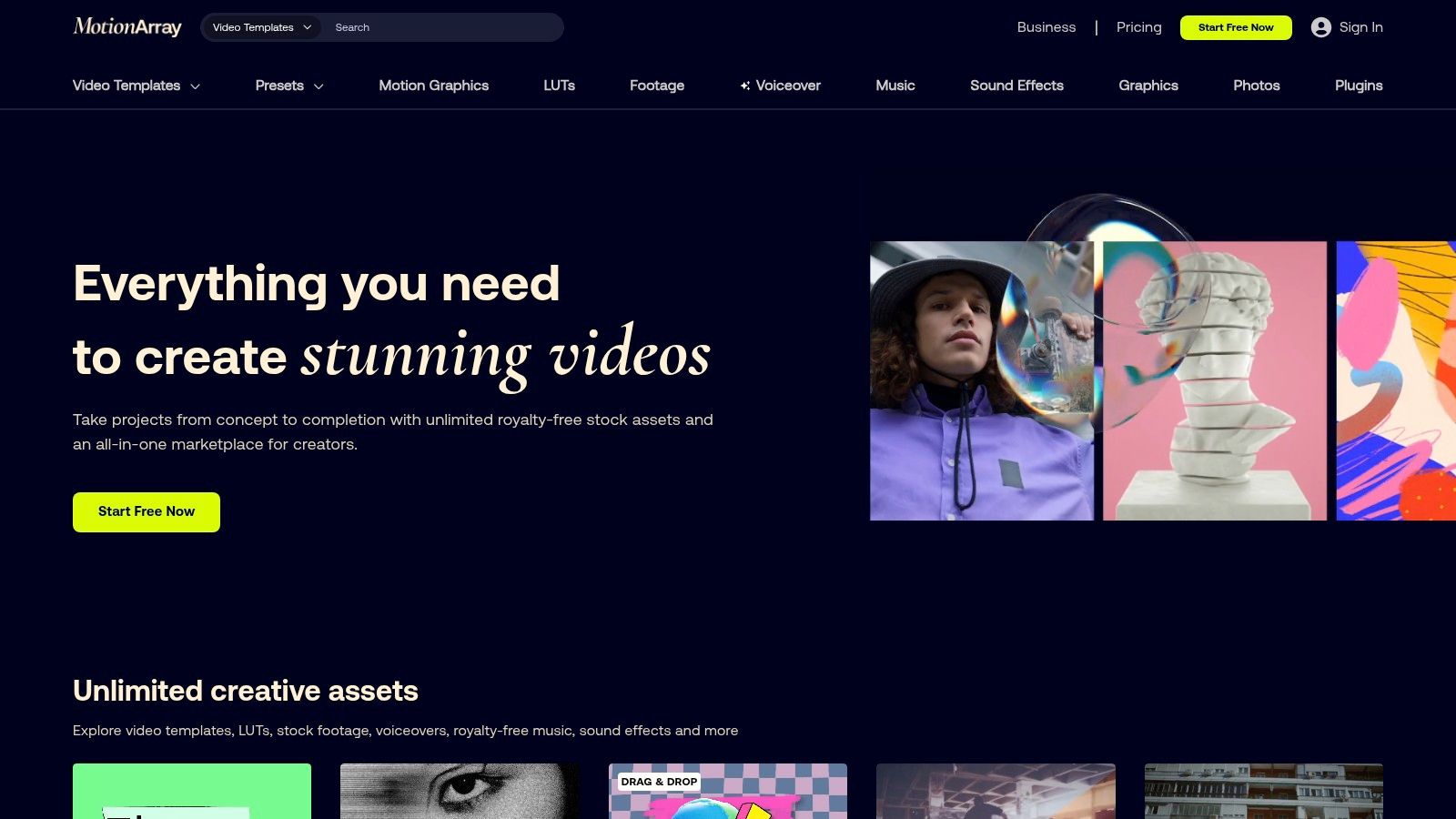
Its subscription model provides unlimited downloads, making it a cost-effective solution for high-volume content production. Beyond its core asset library, Motion Array has expanded its suite of social media content creation tools to include an AI voice generator, a video collaboration tool, and a portfolio website builder. These additions make it a more holistic ecosystem for modern video professionals.
Use Cases and Pricing
| Feature | Best For | Pricing (Annual) |
|---|---|---|
| Monthly Plan | Freelancers or small teams with short-term project needs. | Starts at $359.88/year ($29.99/month) |
| Annual Plan | Serious video creators and agencies needing constant asset access. | Starts at $239.88/year ($19.99/month) |
| Team Plan | Collaborative teams requiring multi-user access and shared assets. | Starts at $419.88/year for 2 members |
Key differentiators: Motion Array's biggest advantage is its tight integration with professional video editing software like Premiere Pro and After Effects via its dedicated extension. This allows creators to browse, import, and use assets directly within their editor, saving critical time. While competitors may offer individual asset types, Motion Array bundles everything (templates, plugins, SFX, music) into a single, affordable subscription, making it a powerhouse for producing polished social media video content.
Website: https://motionarray.com
8. Storyblocks
Storyblocks is a subscription-based stock media library that provides creators with unlimited access to high-quality video footage, After Effects templates, audio tracks, and images. It is an essential tool for social media managers and video editors who constantly need fresh B-roll, background music, or sound effects to enhance their content. The platform's straightforward licensing model removes the guesswork from commercial use, making it ideal for brand campaigns and monetized channels.
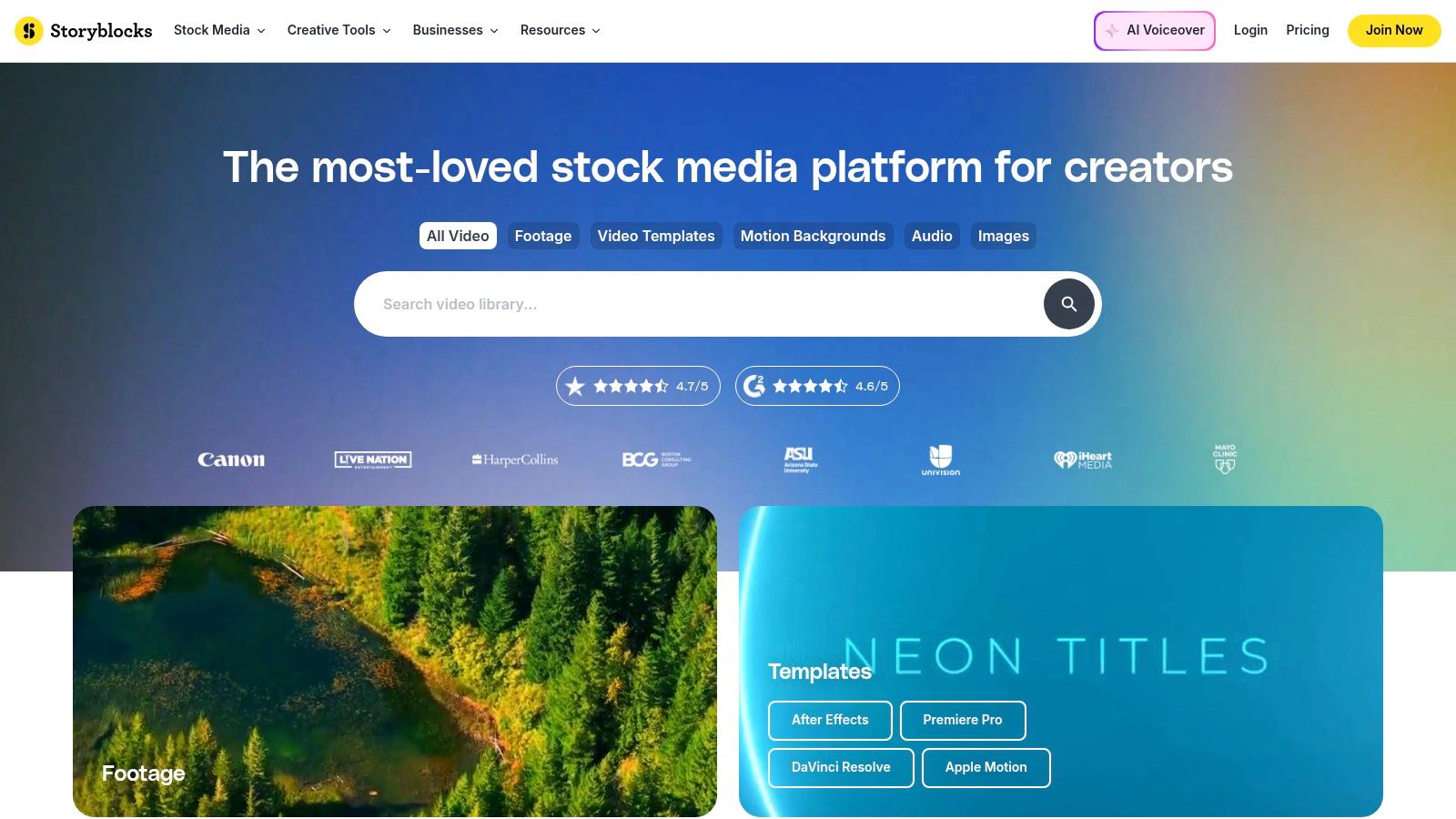
Unlike pay-per-asset sites, the unlimited download model encourages experimentation, allowing creators to grab multiple clips for a single project without budget constraints. Storyblocks also offers an Adobe Creative Cloud plugin, which lets editors access the entire library directly within Premiere Pro and After Effects, dramatically speeding up the production workflow. Its growing AI Toolkit provides credits for generating voiceovers and other editing aids, adding another layer of utility.
Use Cases and Pricing
| Feature | Best For | Pricing (Annual) |
|---|---|---|
| Starter | Creators needing a limited number of HD clips and music tracks monthly. | Starts at $14.99/month |
| Unlimited All Access | Video editors and social media teams requiring unlimited 4K footage, music, and templates. | Starts at $30/month |
| Pro (Teams) | Agencies and businesses needing advanced licensing and team collaboration features. | Custom Pricing |
Key differentiators: The core appeal of Storyblocks is its "all-you-can-eat" subscription model for a massive library of 4K/HD footage and audio. This makes it one of the most cost-effective social media content creation tools for high-volume producers. The simple, broad commercial license is a major benefit, providing peace of mind for creators publishing content across multiple platforms, including YouTube, TikTok, and Instagram.
Website: https://www.storyblocks.com
9. Buffer
Buffer is a streamlined and intuitive social media management platform designed to simplify the process of scheduling, publishing, and analyzing content. While not a creation tool itself, it serves as the critical final step in the content workflow, moving assets from creation platforms like Canva or Auralume AI to live audiences. Its strength lies in its simplicity and focus on core publishing features, making it an excellent choice for small businesses and creators who need efficiency without overwhelming complexity.
The platform includes a helpful AI Assistant for generating post ideas, rewriting copy, and brainstorming content angles directly within the composer. Features like first-comment scheduling for Instagram and a clean, visual calendar help users organize their content strategy effectively. The predictable, per-channel pricing model is a significant advantage for teams managing a focused set of social profiles.
Use Cases and Pricing
| Feature | Best For | Pricing (Annual) |
|---|---|---|
| Free Tier | Individuals managing up to 3 channels with basic scheduling needs. | $0 |
| Essentials | Professionals and small teams needing analytics, engagement tools, and planning. | Starts at $60/year per channel |
| Team | Growing teams and agencies requiring collaboration, draft approvals, and custom access. | Starts at $120/year per channel |
Key differentiators: Buffer's biggest asset is its user-friendly interface and transparent pricing. Unlike complex enterprise suites, it provides a clean, focused experience that makes scheduling content quick and painless. It is one of the best social media content creation tools for distribution, specifically designed to be paired with dedicated creative software, ensuring a specialized and efficient workflow from asset creation to final publication.
Website: https://buffer.com
10. Fiverr
Fiverr isn't a tool in itself, but rather a vast marketplace of human talent that acts as a powerful extension for any content team. It’s an essential resource for outsourcing specific creative tasks, connecting you with freelance editors, motion graphic designers, user-generated content (UGC) creators, and social media specialists for one-off projects or overflow work. Instead of buying software, you’re buying a specific outcome, making it one of the most flexible social media content creation tools for scaling production.
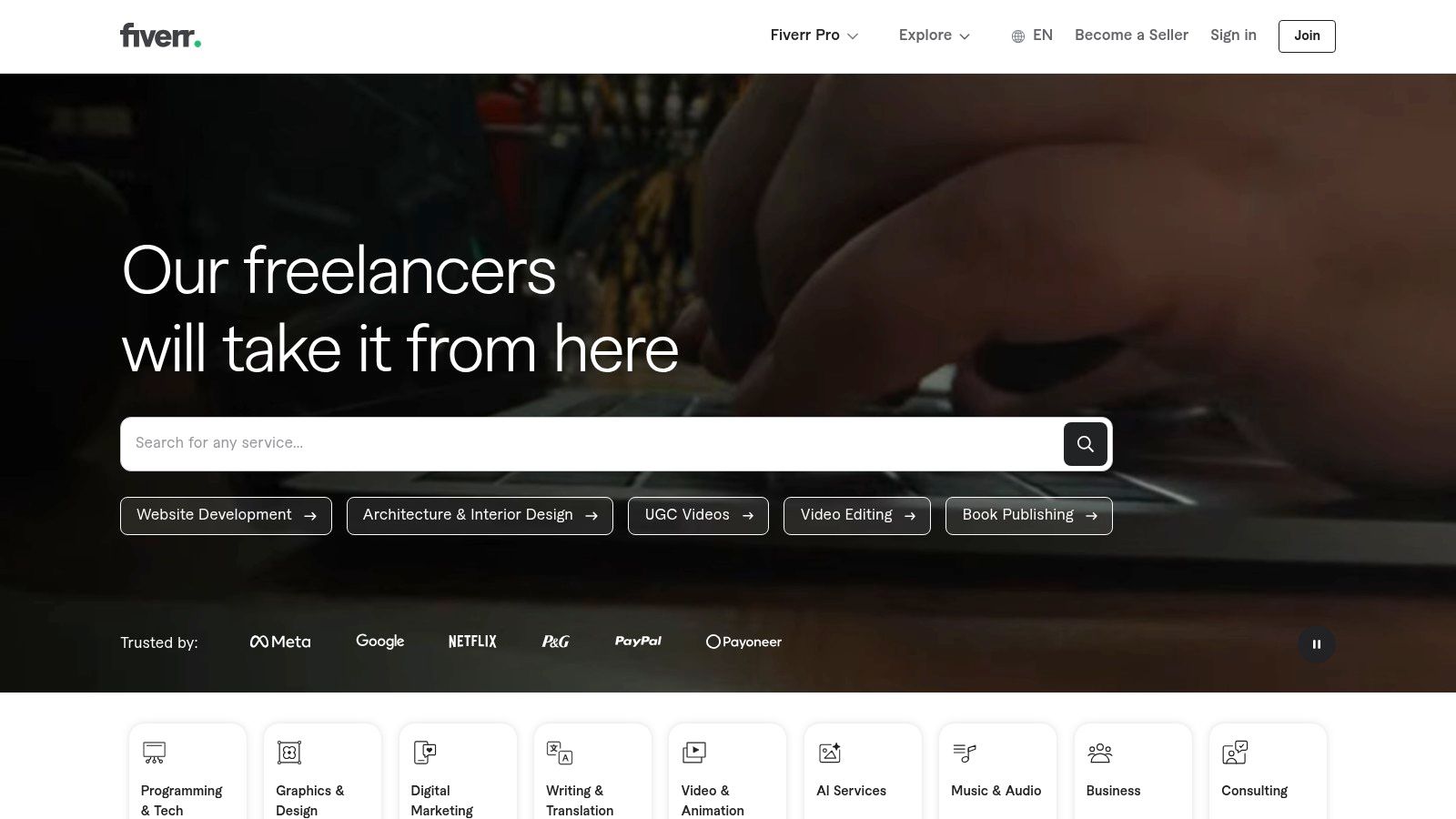
The platform allows you to find specialists for virtually any social media need, from designing a YouTube thumbnail that pops to editing a batch of TikToks or creating a branded Instagram filter. Its user-friendly interface, seller ratings, and clear package tiers make it easy to find reliable talent within your budget. For brands needing authentic content, the UGC creator category is particularly valuable.
Use Cases and Pricing
| Feature | Best For | Pricing (Annual) |
|---|---|---|
| Basic Gig | One-off tasks like a single video edit or thumbnail design. | Project-based (Starts at $5) |
| Standard/Premium Gigs | More complex projects with multiple revisions or faster delivery. | Project-based (Varies widely) |
| Fiverr Pro | High-stakes projects requiring top-tier, vetted professional talent. | Project-based (Premium pricing) |
Key differentiators: Fiverr’s primary strength is its on-demand nature. You can hire a specialist for a few hours to solve a specific problem without the overhead of a long-term contract. The sheer variety of services is unmatched, offering skills that software alone can't replicate. However, quality can vary significantly, so it’s crucial to carefully vet seller portfolios, read reviews, and provide an extremely detailed creative brief to get the best results.
Website: https://www.fiverr.com
11. Apple App Store (iOS/iPadOS/macOS)
While not a creation tool itself, the Apple App Store is an essential, secure gateway for discovering the mobile-first applications that power modern social media workflows. For creators in the Apple ecosystem, it’s the primary destination for downloading and managing powerful apps like CapCut, LumaFusion, and Procreate. It serves as a trusted storefront where users can find everything from sophisticated video editors to niche graphic design tools, making it a critical resource for building a versatile creative toolkit.

The App Store's value lies in its centralized and secure ecosystem. It simplifies subscription management, allowing creators to track all their recurring app payments in one place and cancel them easily. Editorial collections and curated lists often highlight new and effective social media content creation tools, helping users discover apps they might otherwise miss.
Use Cases and Pricing
| Feature | Best For | Pricing (Annual) |
|---|---|---|
| Free Apps | Creators looking for powerful, no-cost tools like CapCut or VN Video Editor. | $0 |
| One-Time Purchases | Users who prefer to own software outright (e.g., LumaFusion, Procreate). | Varies by app |
| In-App Subscriptions | Accessing premium features in apps like Adobe Express or InShot. | Varies by app |
Key differentiators: The App Store's biggest advantage is its secure, integrated environment. The clear labeling of in-app purchases and privacy details on each product page provides transparency before downloading. Furthermore, the centralized subscription management system in iOS and macOS settings prevents unwanted recurring charges and makes financial tracking much simpler for freelancers and small businesses.
Website: https://apps.apple.com
12. Amazon
While not a software tool itself, Amazon is an essential, often overlooked resource in the social media content creation tools ecosystem. It serves as the go-to marketplace for sourcing the physical hardware that makes high-quality content possible, from microphones and ring lights to tripods, phone rigs, and green screens. For creators and teams, its value lies in the vast selection and unparalleled delivery speed, which is critical when gear breaks or a last-minute shoot requires new equipment.
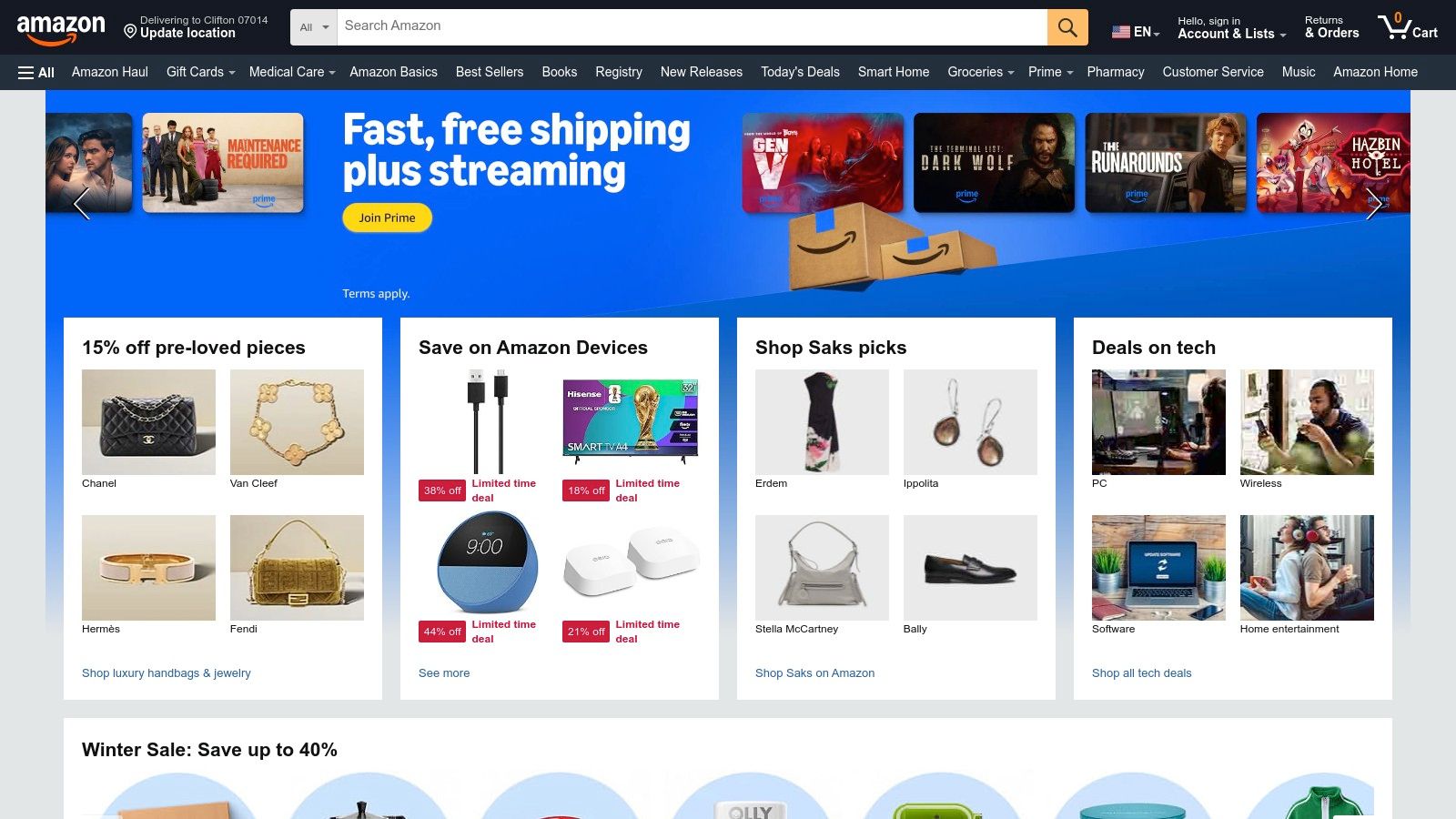
The platform streamlines the process of building or upgrading a home studio with creator-focused product kits and brand storefronts from names like Elgato, Rode, and Lume Cube. For agencies and businesses, an Amazon Business account simplifies bulk purchasing and provides better control over procurement, making it easy to outfit an entire content team.
Use Cases and Pricing
| Feature | Best For | Pricing (Annual) |
|---|---|---|
| Standard Account | Individual creators and freelancers needing immediate access to hardware. | $0 (plus cost of goods) |
| Amazon Prime | Creators who require fast, reliable shipping for urgent gear replacements. | Starts at $139/year |
| Amazon Business | Agencies and marketing teams managing equipment budgets and bulk orders. | $0 (Free to create) |
Key differentiators: Amazon’s primary advantage is its logistical power. The ability to get a replacement microphone or key light delivered the same or next day is a game-changer for maintaining content schedules. However, creators must be diligent; product quality varies immensely across third-party sellers. Always vet reviews and check compatibility specifications carefully before purchasing to avoid workflow interruptions.
Website: https://www.amazon.com
Top 12 Social Media Content Creation Tools — Comparison
| Product | Core features | UX / Quality (★) | Value & Pricing (💰) | Target audience (👥) | Unique selling points (✨) |
|---|---|---|---|---|---|
| Auralume AI 🏆 | Text→video & image→video; multi-model hub; Prompt Wizard; Upscalers | ★★★★☆ — pro results with guidance; model variance | 💰 Pay-as-you-go (500c=$10); Starter $31.20/mo (yr); Pro $79.20/mo (yr) | 👥 Creators, marketers, agencies, filmmakers, educators | ✨ Aggregates top engines; auto‑optimize prompts; Stealth Mode; image‑to‑video |
| Canva | Templates, Magic Write/Media, Brand Kit, collaboration | ★★★★ — fast, easy for social | 💰 Free + Pro/Teams tiers (varies by seat) | 👥 Social creators, small teams, marketers | ✨ Massive template & asset library; one‑click resize |
| Adobe Express | Templates, Adobe Stock, Firefly AI, scheduler | ★★★★ — polished workflows, brand-safe | 💰 Free + paid plan w/ stock & AI credits | 👥 Brand teams, SMBs, social managers | ✨ Adobe Stock licensing; scheduler & brand controls |
| CapCut | Auto-captions, TTS, reframing, beat-sync, templates | ★★★★☆ — optimized for shorts | 💰 Free core; Pro/Teams vary by region | 👥 TikTok/Reels creators, short-form editors | ✨ Short-form workflow automation; cloud portability |
| Descript | Transcript-based editing, Studio Sound, overdub, screen record | ★★★★ — fast for talking-heads & podcasts | 💰 Paid plans with media hours/credits | 👥 Podcasters, educators, tutorial creators | ✨ Edit by text; overdub voices; AI audio cleanup |
| Envato Elements | Unlimited assets: templates, music, LUTs, graphics | ★★★★ — high-volume asset access | 💰 Unlimited-download subscription (flat fee) | 👥 Agencies, high-volume creators | ✨ Simple commercial license; vast asset pool |
| Motion Array | Templates, plugins, presets, music, Adobe extension | ★★★★ — strong Premiere/AE integration | 💰 Subscription — best if used often | 👥 Editors using Premiere/After Effects, agencies | ✨ Editor plugins + in‑editor browsing; AI voice |
| Storyblocks | Stock footage, templates, music, AI Toolkit, plugin | ★★★ — reliable stock & simple licensing | 💰 Tiered subs; unlimited on higher plans | 👥 Teams needing regular B-roll & music | ✨ Unlimited downloads (higher tiers); Adobe plugin |
| Buffer | Scheduling, AI caption assistant, analytics, calendar | ★★★★ — simple, predictable UX | 💰 Affordable per-channel pricing plans | 👥 SMBs, social managers | ✨ Easy scheduling + AI captions; approvals |
| Fiverr | Freelancer marketplace for editing, motion, UGC | ★★★ — fast access to talent; variable quality | 💰 Pay-per-gig; transparent packages & ratings | 👥 Teams needing overflow or one-off specialists | ✨ On-demand vetted freelancers; fast scaling |
| Apple App Store | App discovery, subscriptions, editorial collections | ★★★★ — trusted storefront & management | 💰 App purchases / in-app subs; centralized billing | 👥 iOS/mac creators, mobile-first teams | ✨ Curated editorial collections; secure billing |
| Amazon | Hardware & studio gear marketplace, fast shipping | ★★★★ — wide selection & delivery speed | 💰 Wide price range; Prime/Business options | 👥 Production teams, buyers sourcing gear | ✨ Fast fulfillment; Amazon Business purchasing |
| Amazon | Hardware & studio gear marketplace, fast shipping | ★★★★ — wide selection & delivery speed | 💰 Wide price range; Prime/Business options | 👥 Production teams, buyers sourcing gear | ✨ Fast fulfillment; Amazon Business purchasing |
Building Your Ultimate Content Creation Stack
Navigating the vast landscape of social media content creation tools can feel overwhelming, but the journey to building your perfect workflow is a strategic process of selection and integration. As we've explored, there is no single "magic bullet" application that solves every creative challenge. Instead, the most effective content creators and marketers assemble a personalized toolkit, or "stack," that aligns with their specific goals, team size, skills, and budget.
The core takeaway is this: your tool stack should eliminate friction, not create it. The goal is to move from a raw idea to a published, high-performing piece of content as efficiently as possible without sacrificing quality. This means identifying the bottlenecks in your current process. Are you spending too much time searching for stock assets? A subscription to Envato Elements or Storyblocks could be a game-changer. Is video editing slowing you down? A streamlined mobile editor like CapCut or an AI-powered transcription editor like Descript could be the solution.
Crafting Your Personalized Workflow
Think of building your stack like assembling a specialized team. Each tool has a distinct role to play in your content production line. For many modern creators, this workflow starts with ideation and asset generation.
A powerful AI video generator like Auralume AI can serve as the foundation, allowing you to produce unique, cinematic video clips from simple text prompts in minutes. This solves the initial "blank canvas" problem and provides a stream of original visual assets that are impossible to find in traditional stock libraries.
From there, you can layer on other essential tools:
- Design & Graphics: Use Canva or Adobe Express to create stunning thumbnails, quote cards, and social media banners that maintain brand consistency. These platforms are designed for speed and offer vast template libraries to get you started.
- Editing & Assembly: Take your AI-generated clips from Auralume AI, your stock footage, and your graphics into a user-friendly editor. CapCut is perfect for short-form vertical video, while a more robust tool might be necessary for longer-form content.
- Scheduling & Analytics: Once your content is polished, a platform like Buffer is essential for automating your publishing schedule. This ensures your content is delivered at optimal times for maximum engagement and provides the analytics you need to refine your strategy.
Factors to Consider When Choosing Your Tools
As you experiment with the options on this list, keep several key factors in mind to ensure you're making a sustainable choice:
- Integration and Compatibility: How well do your chosen tools work together? Can you easily export assets from one platform and import them into another? A seamless workflow is paramount.
- Scalability: Will this tool grow with you? Consider your needs six months or a year from now. A tool with flexible pricing tiers and advanced features you can grow into is often a smarter long-term investment.
- Learning Curve: Be realistic about the time you and your team can dedicate to learning new software. Prioritize tools with intuitive interfaces and strong community support or tutorials.
- Budgetary Impact: Don't just look at the monthly price. Calculate the return on investment. If a paid tool saves you ten hours of work each month, it's likely paying for itself many times over in saved labor and increased output.
Ultimately, the most powerful collection of social media content creation tools is the one that empowers you to be more creative and consistent. The right stack acts as a force multiplier, transforming your ideas into compelling content that captivates your audience and drives results. For an even broader perspective on assembling your content creation arsenal, refer to this comprehensive guide on the 12 best tools for content creators to further enhance your stack.
Your ideal workflow is out there. Start by taking advantage of the free trials and freemium plans offered by the tools we've discussed. Experiment, iterate, and build the content creation engine that will fuel your brand's growth in the dynamic digital world.
Ready to eliminate the biggest bottleneck in video creation and generate stunning, original footage on demand? Discover how Auralume AI can serve as the creative engine in your social media toolkit, transforming your text ideas into cinematic-quality videos in seconds. Start creating unique content that stops the scroll by visiting Auralume AI today.