
What is MiniMax H3 Image?
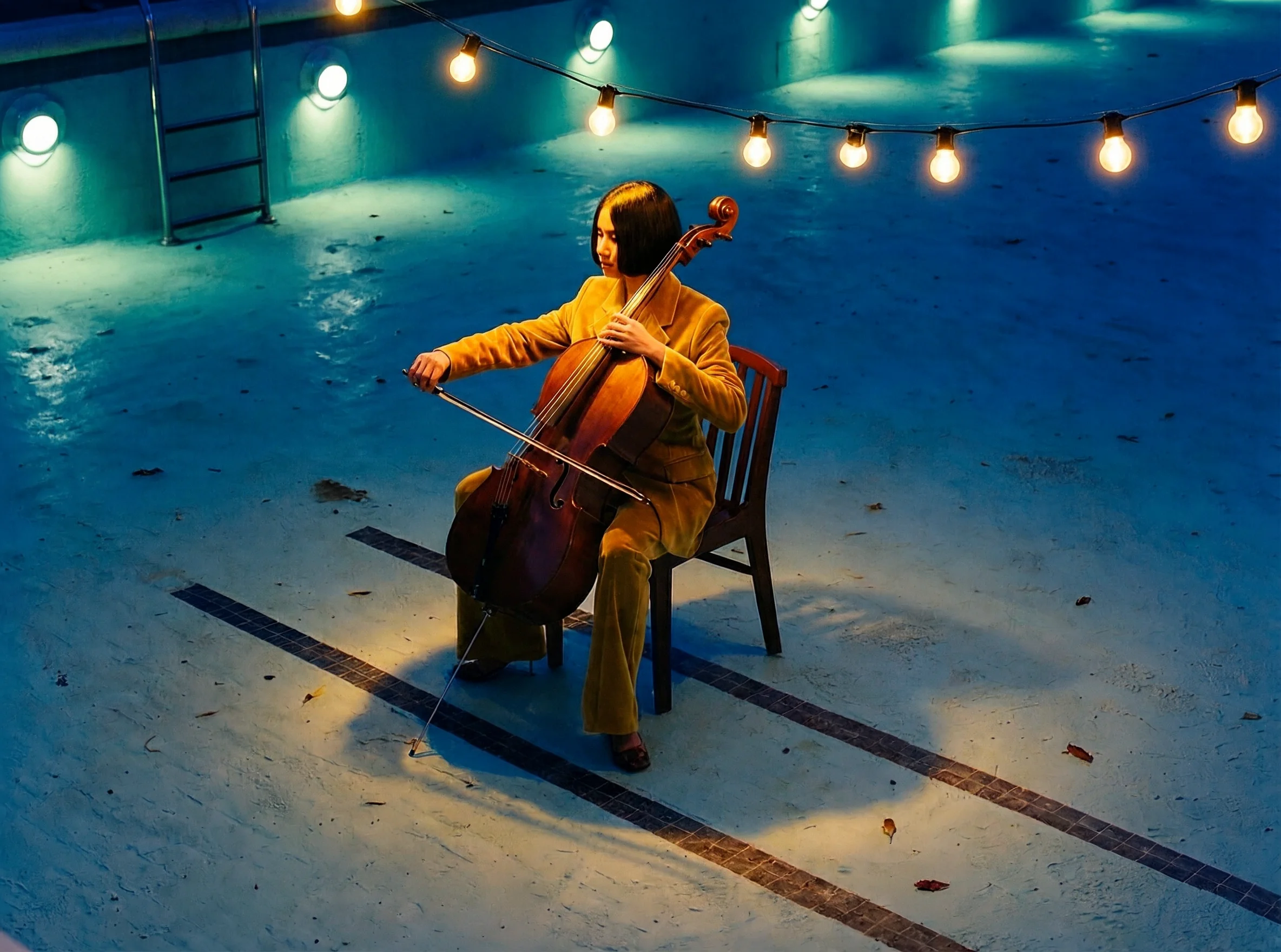
MiniMax H3 Image is the image model in the MiniMax H3 family, announced by MiniMax on November 10, 2026. A single MiniMax H3 Image checkpoint handles both text-to-image generation and reference-based editing, and it is built to produce large images natively instead of upscaling a small render afterward.
MiniMax reports that the model can return a 4K image in under 10 seconds on its own servers. That figure is the vendor's claim. On Auralume, MiniMax H3 Image runs on the Highspeed variant, and generation time depends on the resolution you choose and how busy the queue is.
Native 2K and 4K output
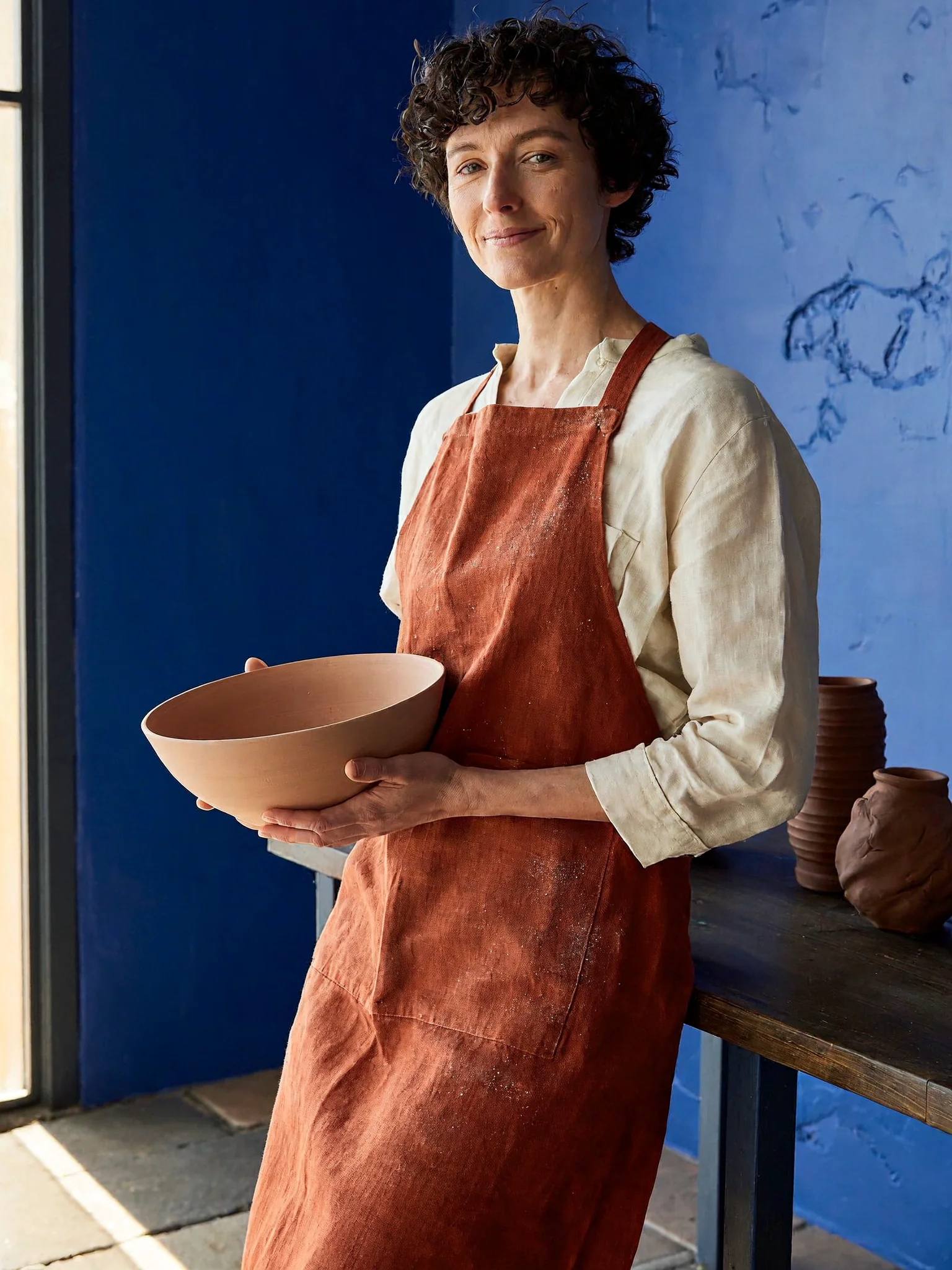
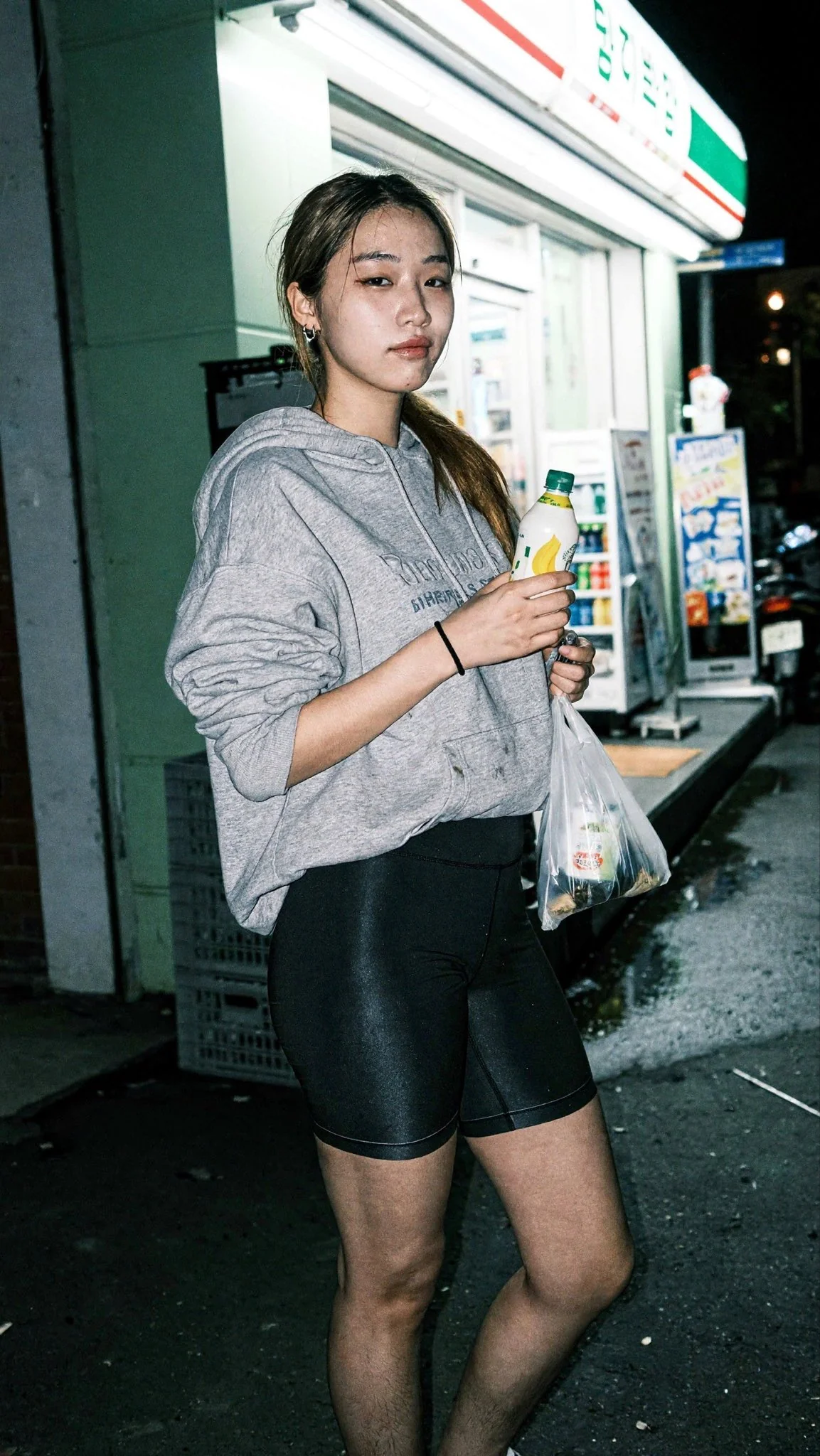
Many image generators render around one megapixel. MiniMax H3 Image renders 2K images at about 4 megapixels and 4K images at roughly 16 megapixels, so fine texture such as skin, fabric, and foliage holds up when you crop, zoom, or print.
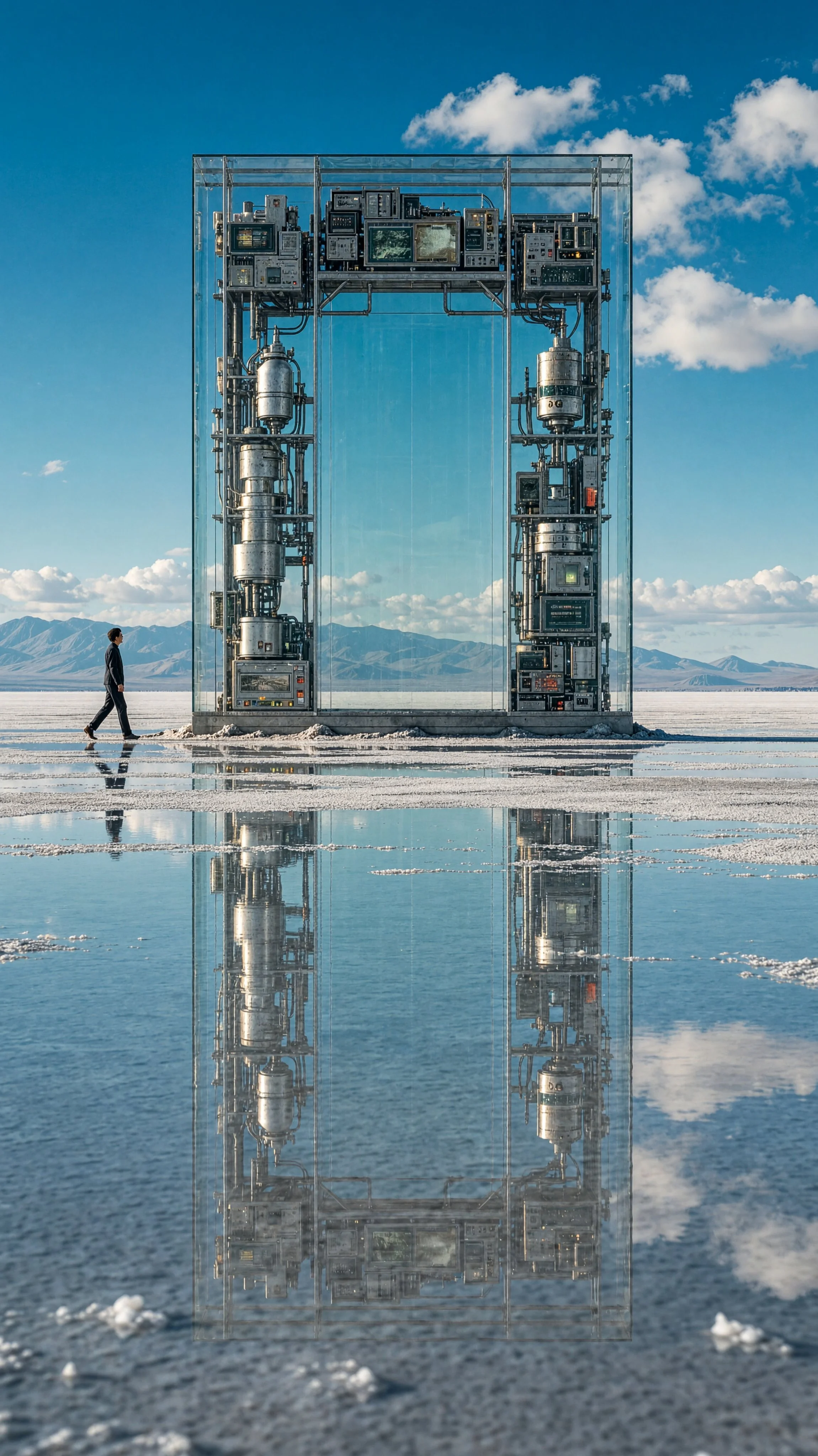
On Auralume you pick 2K or 4K and one of five aspect ratios: 1:1, 4:3, 3:4, 16:9, or 9:16. Use 2K for drafts and social posts. Use 4K for prints, wallpapers, and product shots where every detail counts.
Edit and combine reference images
Add one to four photos and MiniMax H3 Image switches to editing. Refer to them as Image 1, Image 2, and so on: "Put the jacket from Image 2 on the person in Image 1" or "Turn Image 1 into a snowy evening." The model accepts up to 16 references, but Auralume limits each edit to 4 to keep results focused and costs low.
MiniMax H3 Image does not support masks, inpainting brushes, transparent backgrounds, or negative prompts. Describe the change you want in plain words instead, and keep the parts you want to preserve out of the instruction.
MiniMax H3 Image pricing
MiniMax H3 Image is one of the lowest-cost ways to get high-resolution images on Auralume. A 2K image uses fewer credits than most 1K images from other models.
| Model | Output | Credits per image |
|---|---|---|
| MiniMax H3 Image | 2K, about 4 MP | 8 |
| MiniMax H3 Image | 4K, about 16 MP | 20 |
| MiniMax H3 Image edit | 2K / 4K | 10 / 24 |
| Nano Banana 2 Fast | 2K | 12 |
| GPT Image 2 | 1K | 12 |
| Flux 2 Pro | 1K | 6 |
Credits are deducted only when an image is delivered. Credits come in one-time packages and never expire.
Prompt tips for MiniMax H3 Image
MiniMax H3 Image follows long, specific prompts closely, so write the way you would brief a photographer. Name the subject first, then the place, the time of day, and the kind of light. Add the camera framing, such as a close-up portrait or a wide establishing shot, and the mood you are after.
Prompt expansion is on by default, so a short idea still works: MiniMax H3 Image fills in plausible detail. When you need control, spell out the colors, materials, and composition yourself rather than relying on the model to guess.
How to use MiniMax H3 Image
- Write a prompt that names the subject, the setting, the light, and the framing.
- Optionally add up to 4 reference images to edit or combine them.
- Choose an aspect ratio and 2K or 4K, then press Generate and download your image.